BitLocker Policy Association & Deployment
Associate a BitLocker policy with a target group, deploy it, and confirm devices actually encrypt.
Overview
Associating a policy with targets
A policy has to be linked to a target group before it can deploy.
How association works
A policy created in the BitLocker module (see policy creation) has to be associated with a target before it deploys anywhere.
BitLocker policies can be deployed to:
- Static computer groups
- Static unique computer groups
- Dynamic computer groups
Any new system that joins a dynamic group and matches its criteria gets encrypted automatically under the deployed policy, with no manual step required. More on configuring custom groups.
Unlike Software Deployment, BitLocker policies do NOT support selecting Remote Offices as a direct deployment target. To deploy BitLocker to machines in a specific remote office:
- Create a Custom Computer Group containing the remote office's machines (Admin > Custom Group > Create New Computer Group)
- If you need to identify remote office machines, create a Custom Report (Reports > Create Report) with filters for the Remote Office field
- Export the machine list from the report and use it to build the custom group - In Policy Deployment, select the custom group as the target
- Deploy the policy to the custom group
Deployment
Deploying the policy
Pick a target group, attach one policy to it, and deploy.
Associate and deploy a policy
- Go to Policy Deployment under the BitLocker Management module in the Endpoint Central web console.
- Click Associate Policy.
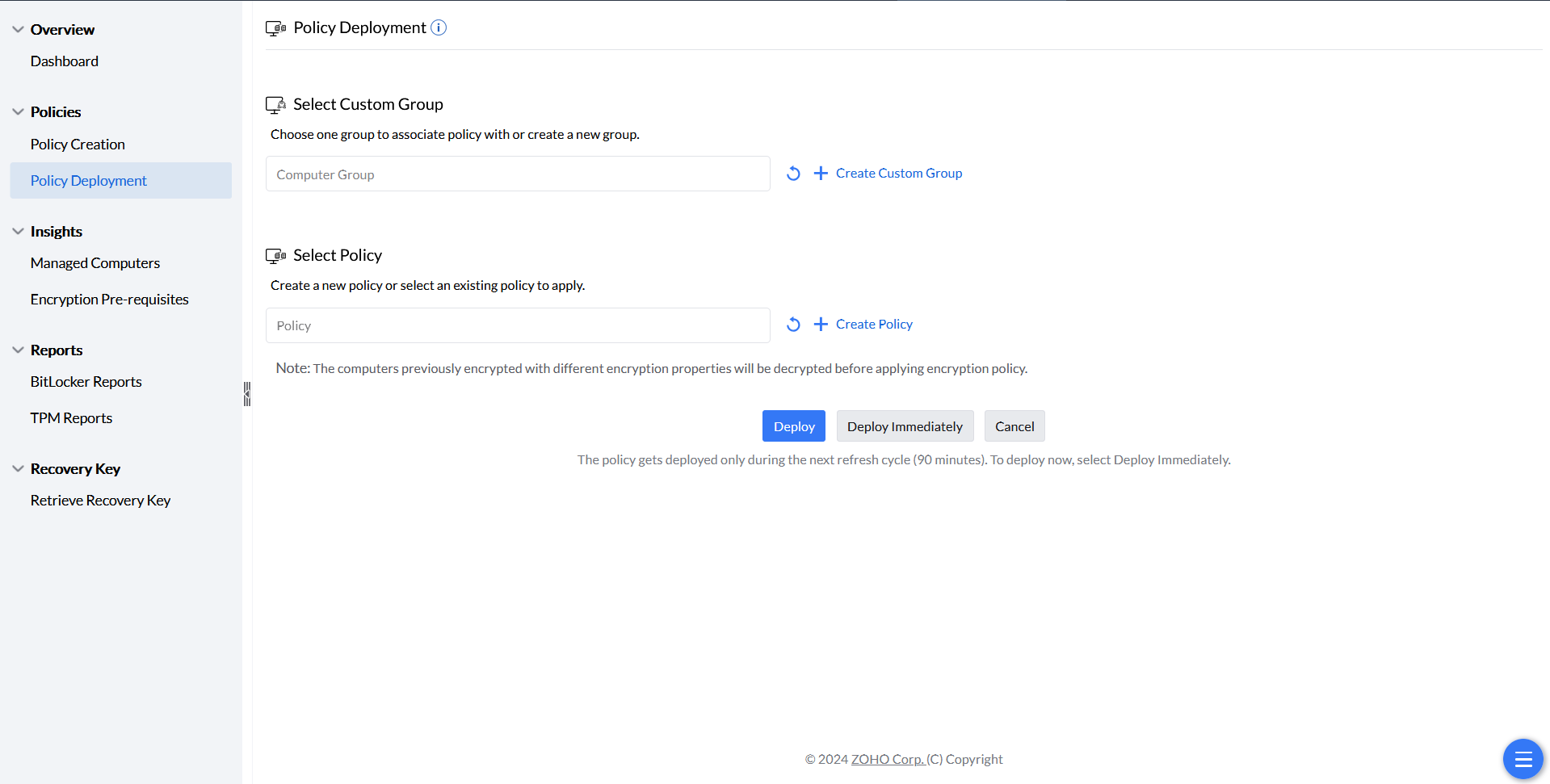
Starting policy association. - Select the custom group to deploy the policy to. To automate deployment for every new device, select All Computers Group — new computers join this group automatically, so they're encrypted automatically too.
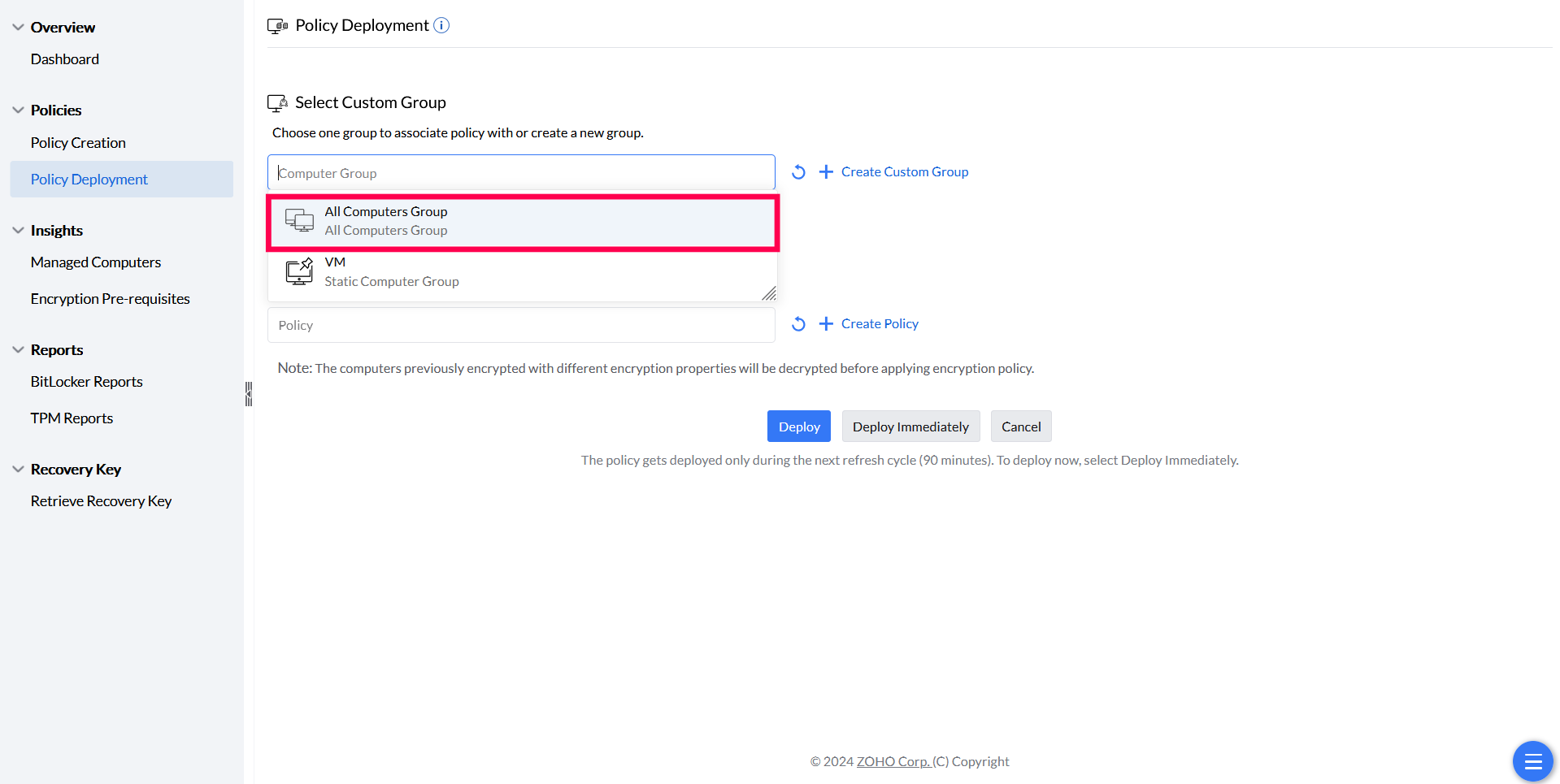
Selecting a target group for automatic deployment. - Choose the BitLocker policy to associate with the group (only one policy per group is allowed).
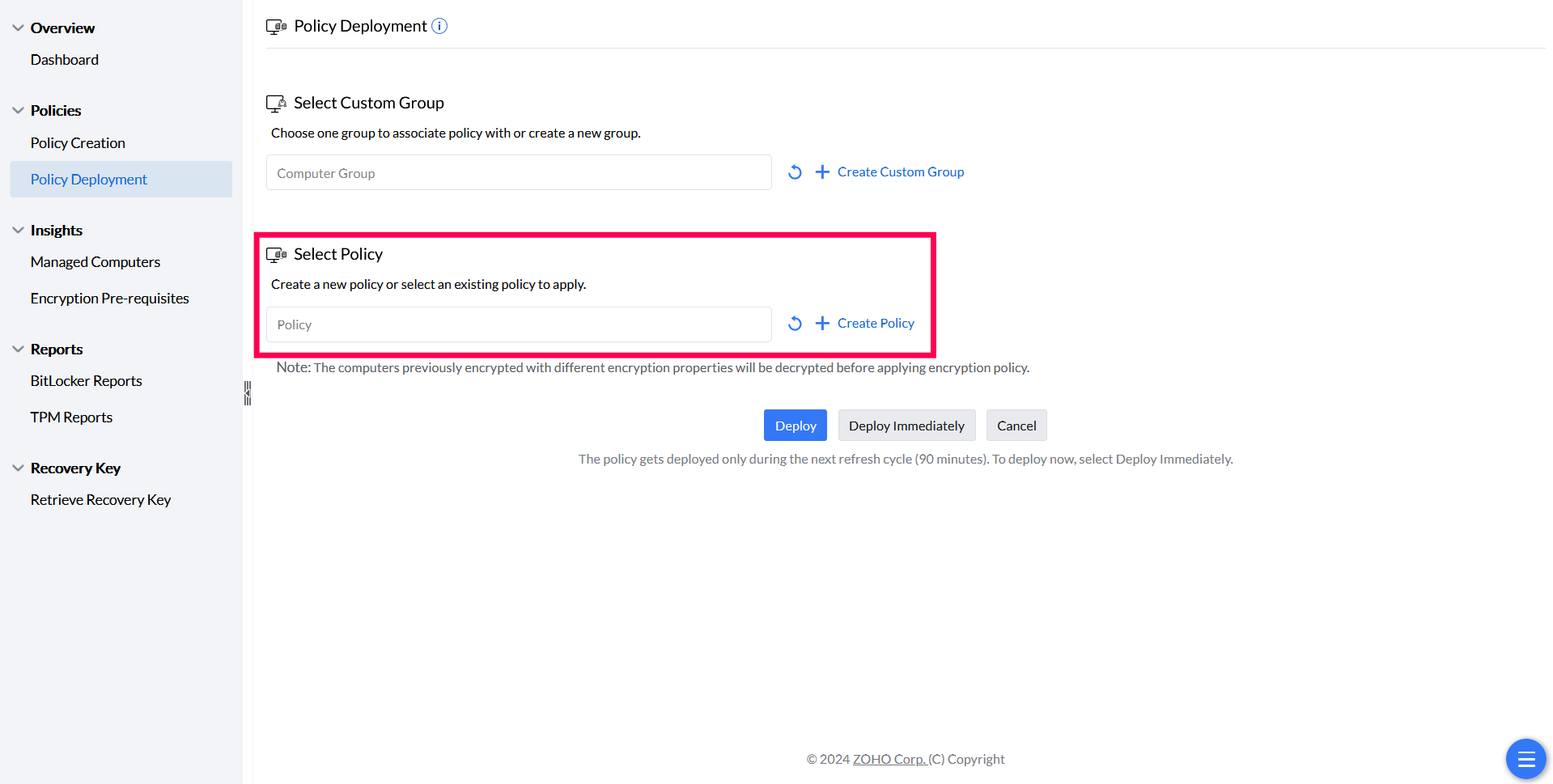
Selecting the policy to associate. - Click Deploy.
Monitoring
Confirming devices actually encrypted
Deployment status and encryption status are two different things to check.
Checking deployment and encryption status
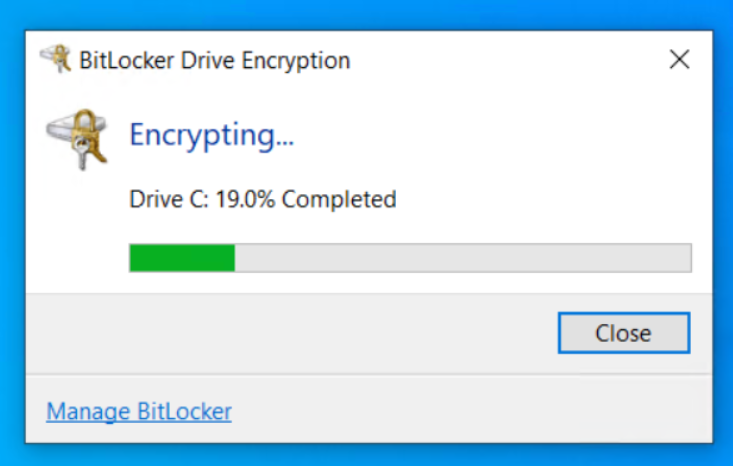
After deployment, the associated-computers list under Managed Computers shows each device's policy deployment status, along with remarks or reasons for any failures. Confirm encryption is either in progress or complete — a successful deployment doesn't by itself guarantee a device is encrypted.
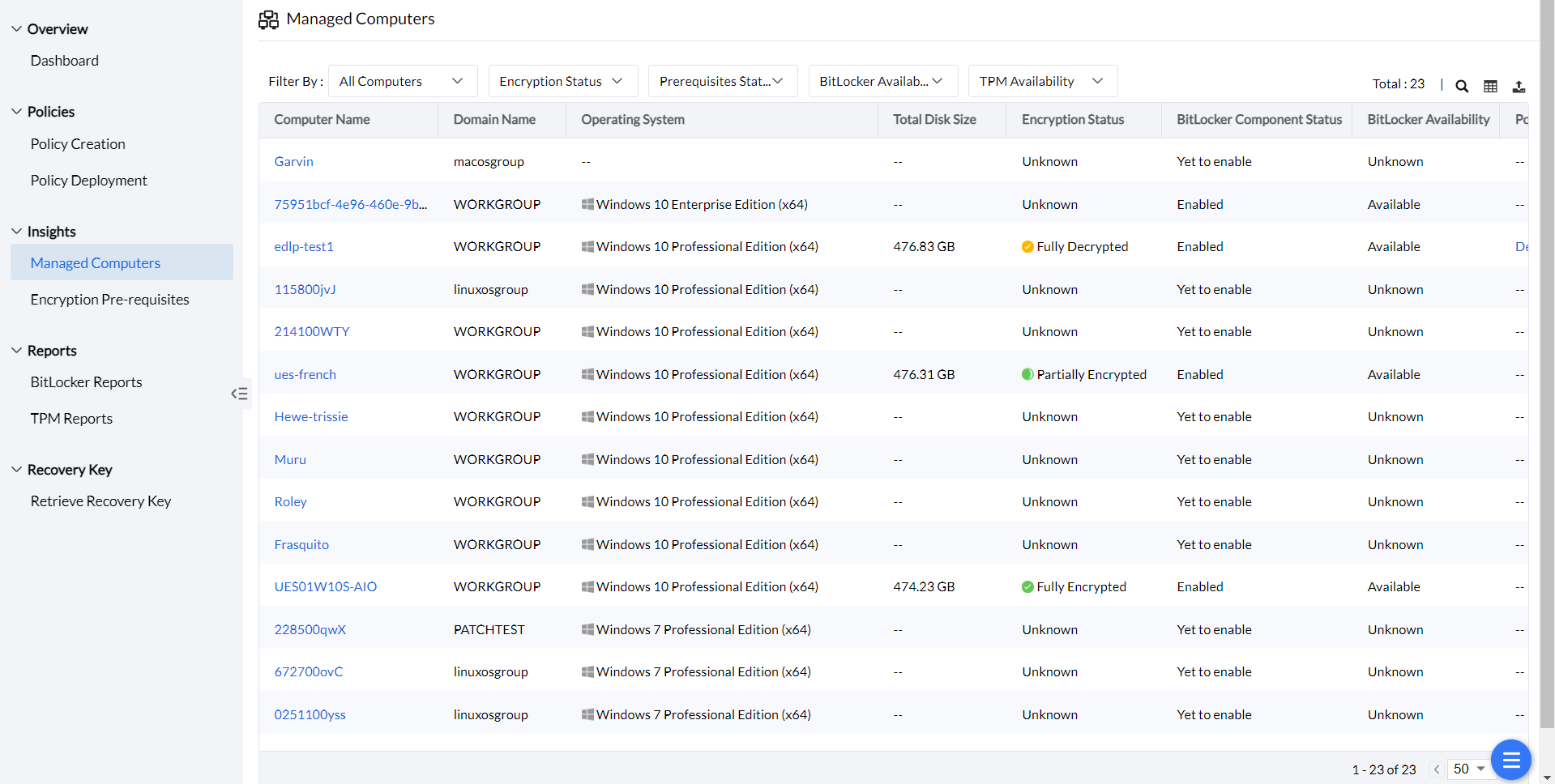
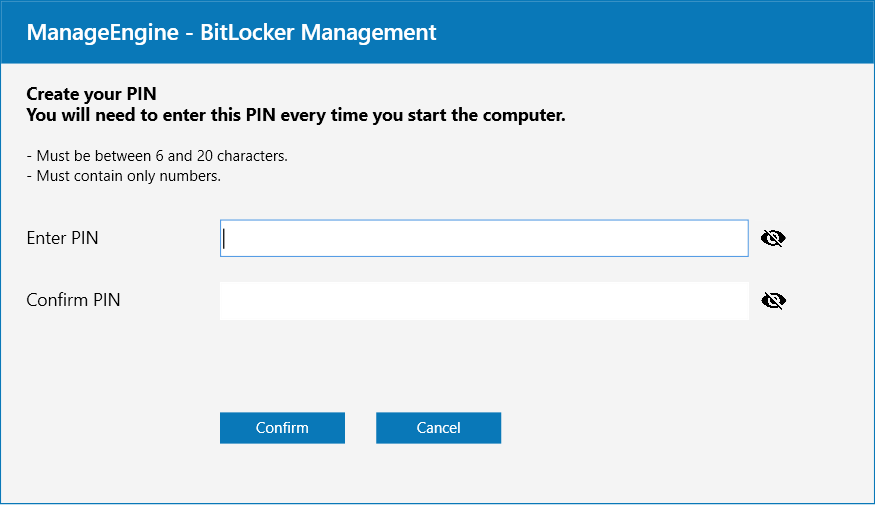
A machine can stay fully decrypted even after a successful deployment for two common reasons: the policy needs a user-entered PIN or passphrase, or it's a non-TPM machine where a passphrase is mandatory. Environmental issues can also cause failures — check encryption prerequisites for machines blocked by BIOS mode incompatibility, WMI failures, or TPM ownership issues, each documented with remediation steps.
Passwords
Password requirements before encryption starts
Encryption only begins once a compliant password has been set — the rules differ by authentication type.
Password criteria by authentication type

Troubleshooting
Troubleshooting Encryption Failures
For comprehensive troubleshooting of encryption failures, see BitLocker Encryption Troubleshooting.