×![]()
×
×![]()
×
×
Remote Control Prerequisites for Endpoint Central
Ensure that the following prerequisites are met before you access computers remotely:
Environment setup
Check port availability
Environment setup
Endpoint Central supports two types of viewers, HTML5 and Active X. Based on the viewer, set up the environment from where a remote connection is being established.
HTML5 Viewer
Ensure the version of browser in viewer machine meets the following criteria:
- Edge all versions
- Firefox 38 and above
- Google Chrome 31 and above
- Safari 8 and above
Active X
- This viewer is supported to access Windows devices only.
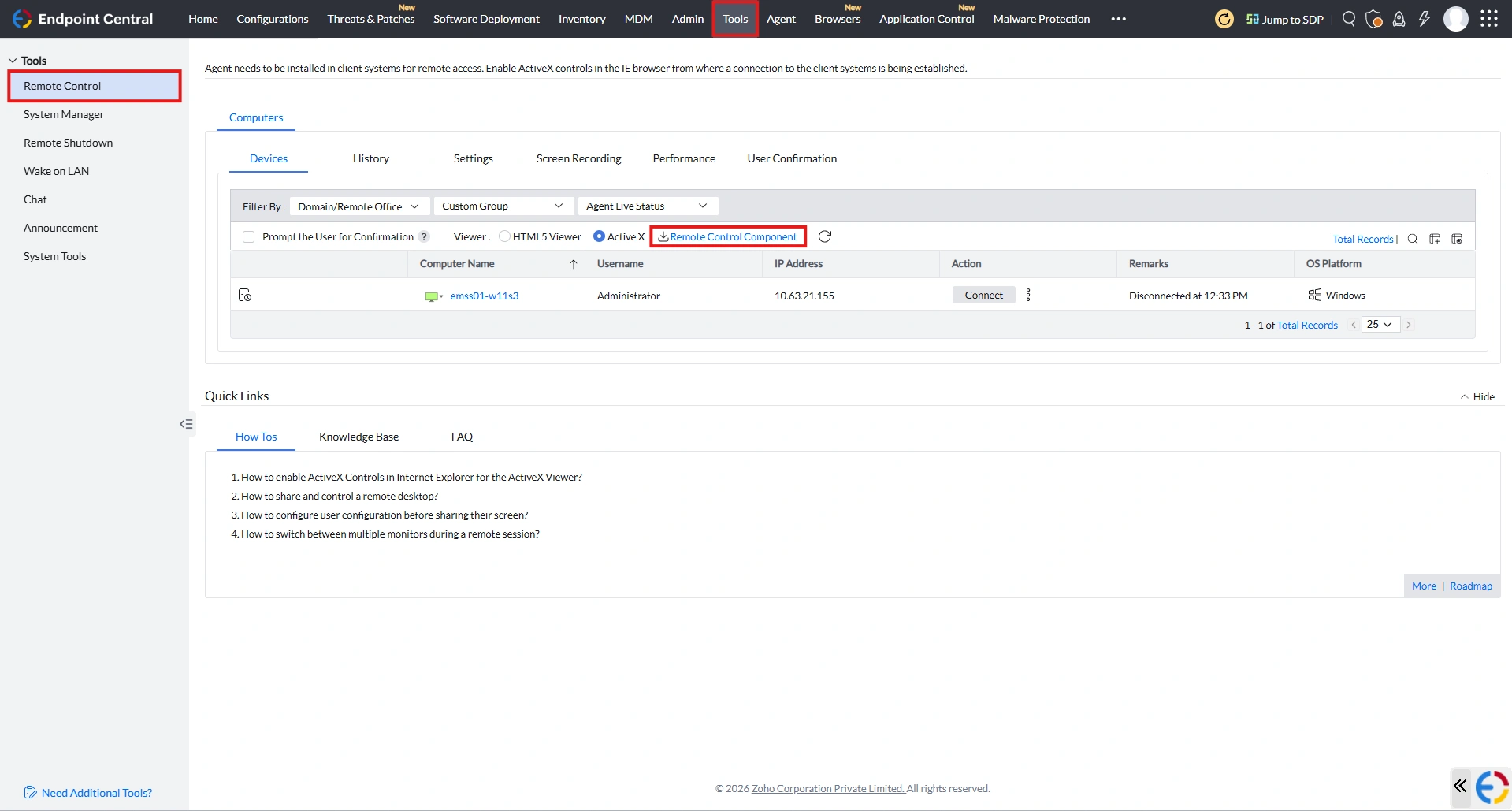
- Download and install the Remote Control Component available in the product console on the viewer device.
Check port availability
Ensure following ports are open in the Central Server machine and reachable from remote computer as well as the viewer:
- 8443 : Secure remote connection
- 8444 : Remote connection
Note
Using UDP port 8443 will establish direct communication between viewer and agent. Click here to know more.
You are now all ready to establish remote connection. The next step is to explore the available configurations to simplify your work