How to create a DSCP group?
Follow the steps below to add a new DSCP group:
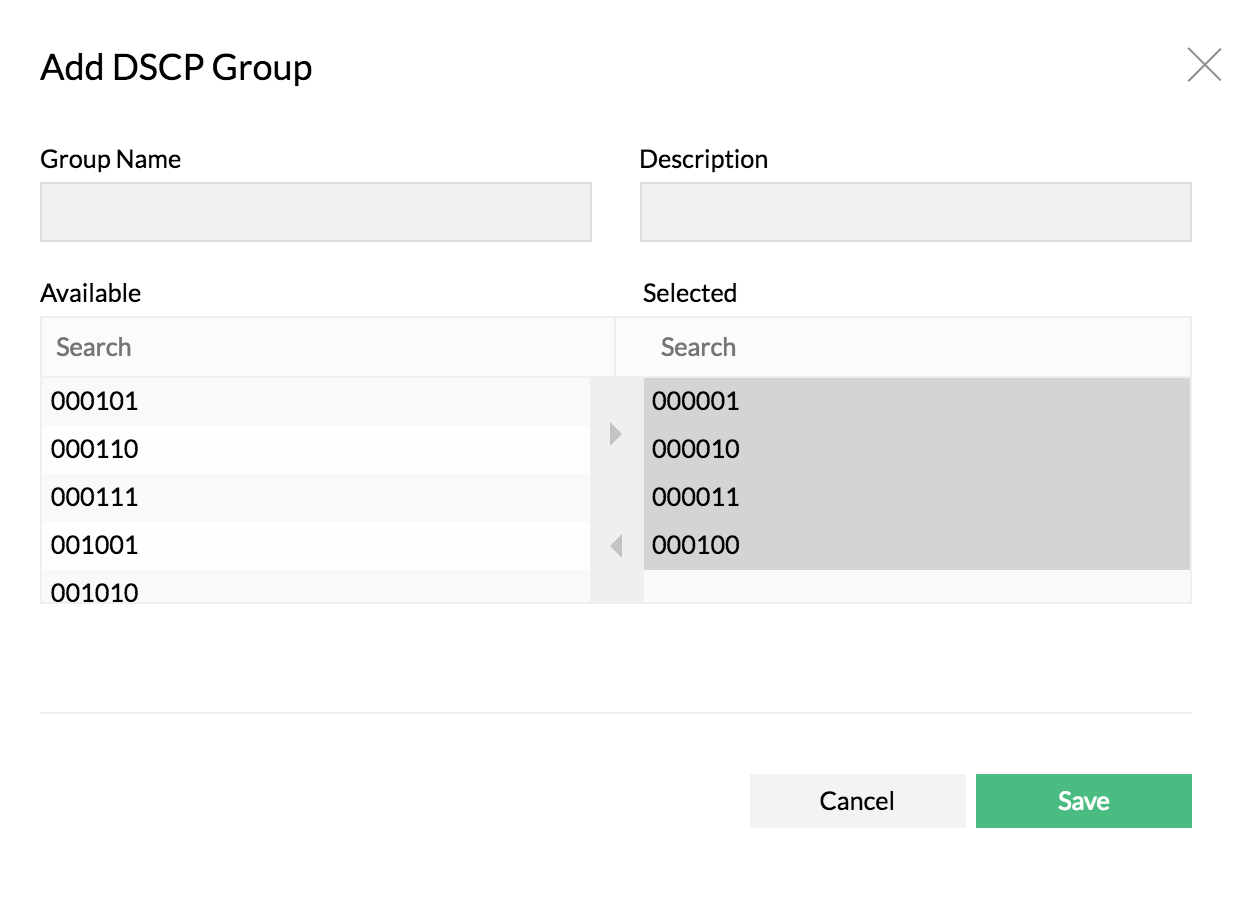
- Navigate to Settings > NetFlow > Group Settings > DSCP groups
- Click on Add
- Enter the Group Name and Description
- Select the DSCP name to be grouped from the left pane and move to "Selected" pane
- Save
How to delete a DSCP group?
Click Delete icon next to the DSCP group name under Settings > NetFlow > Group Settings > DSCP group.
How to edit a DSCP group?
Click on an existing DSCP group name, modify the selection and click save.