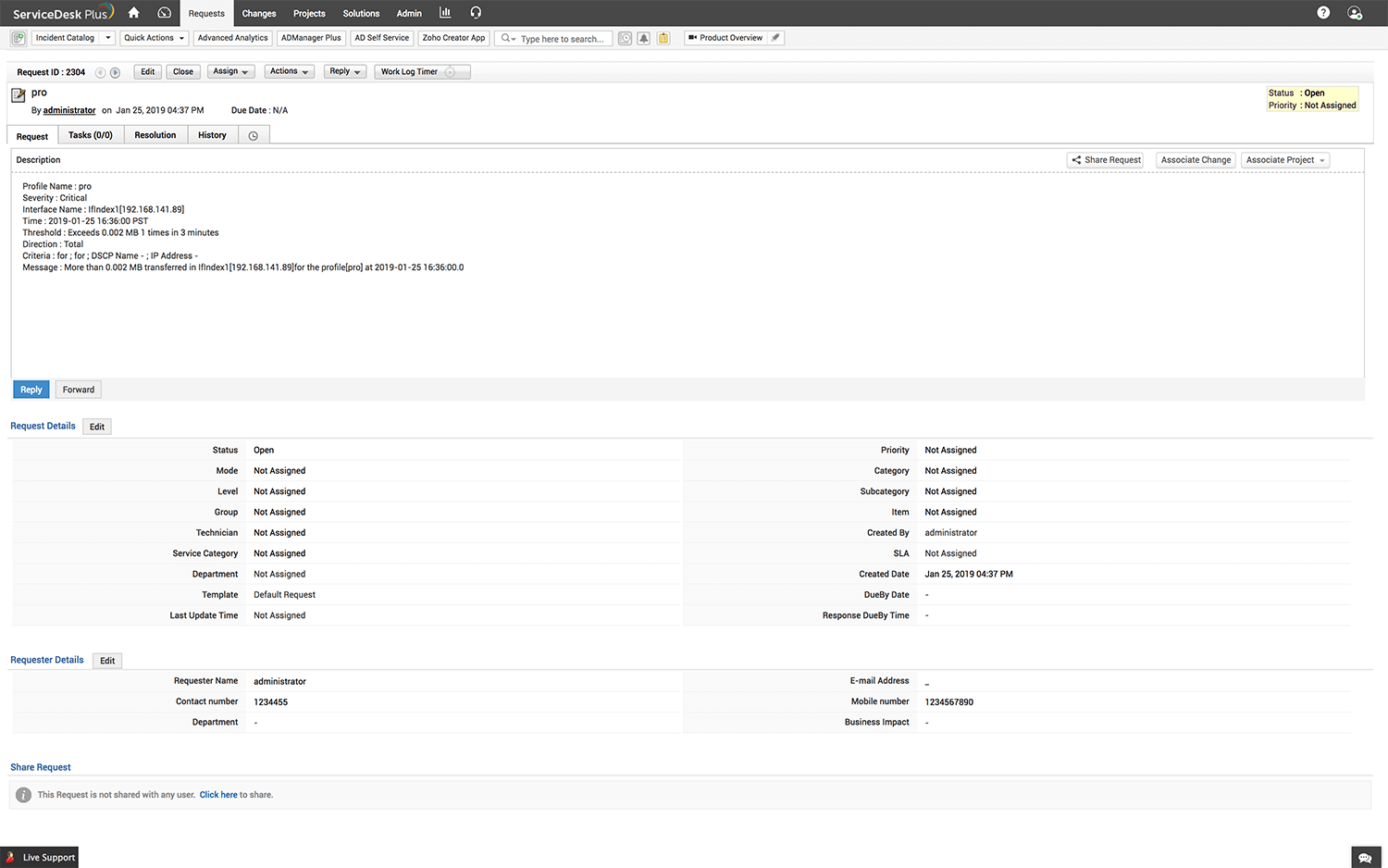
How to configure and generate an SDP ticket for alerts?
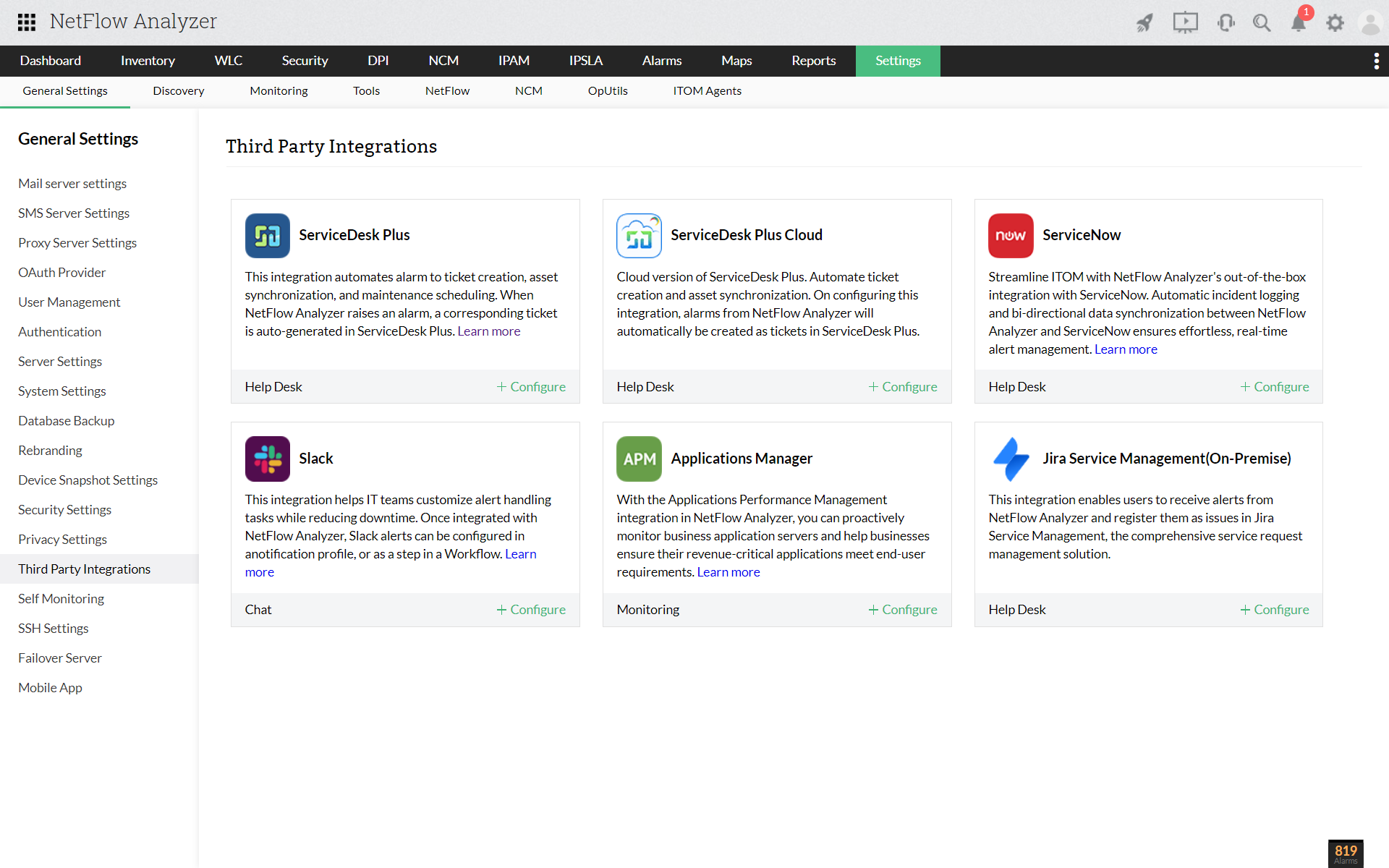
- Navigate to Settings → Basic Settings → Add-ons/Products Integration → ServiceDesk Plus, and configure the ServiceDesk Plus add-on integration.
- Save the settings.
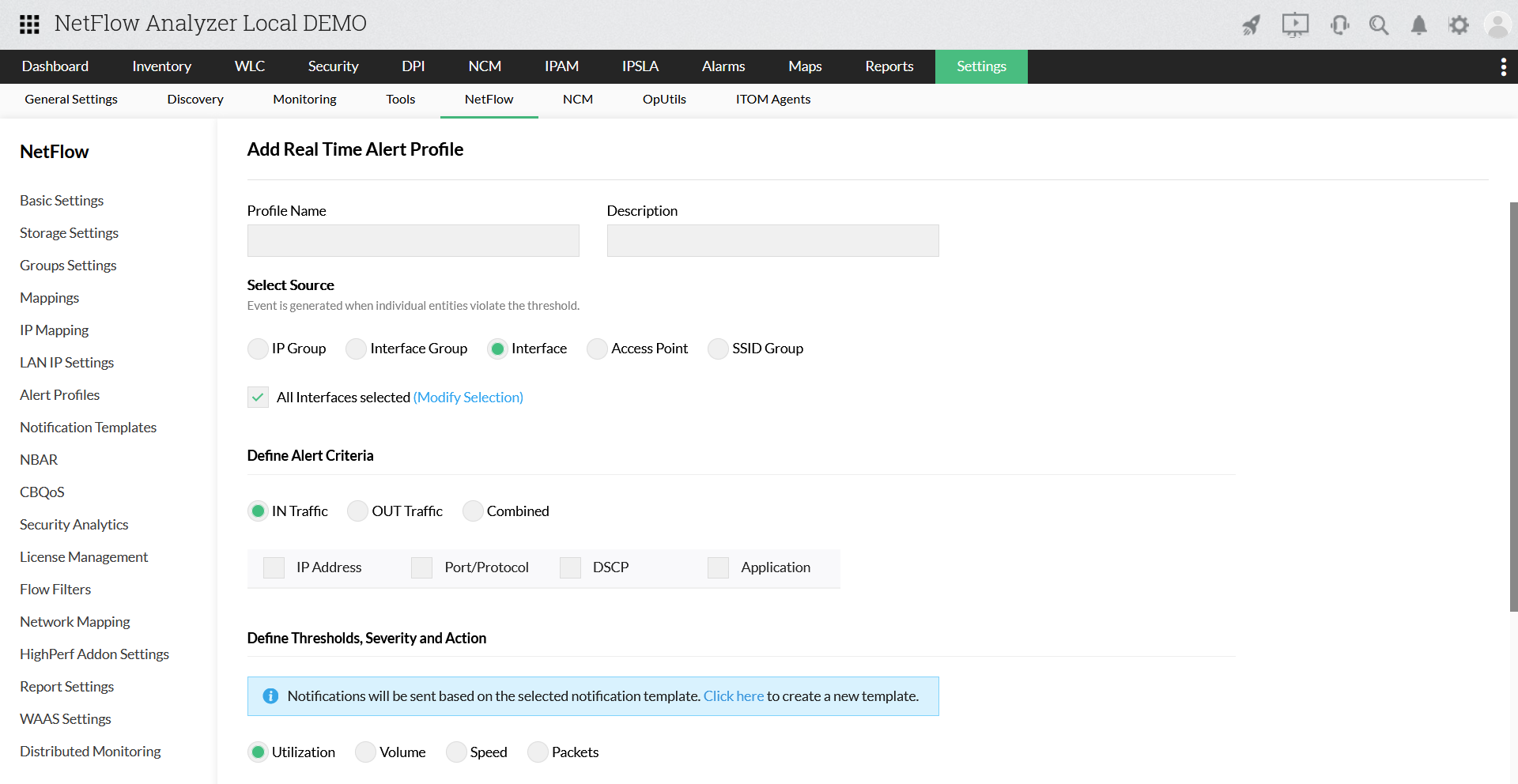
- Navigate to Settings → NetFlow → Aggregated/Real-Time Alert Profiles
- Click on Add new profile
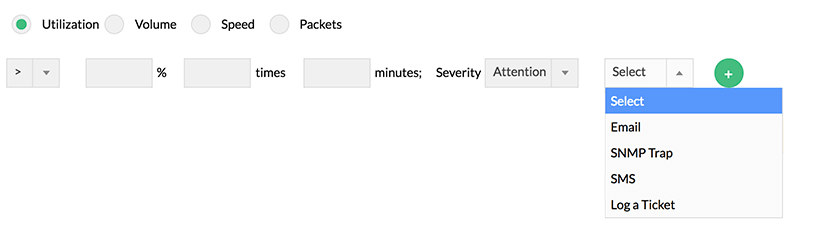
- Once you add the alert details such as name, source, criteria, thresholds, and time filter, set the alert type as Log a Ticket
- Save the settings