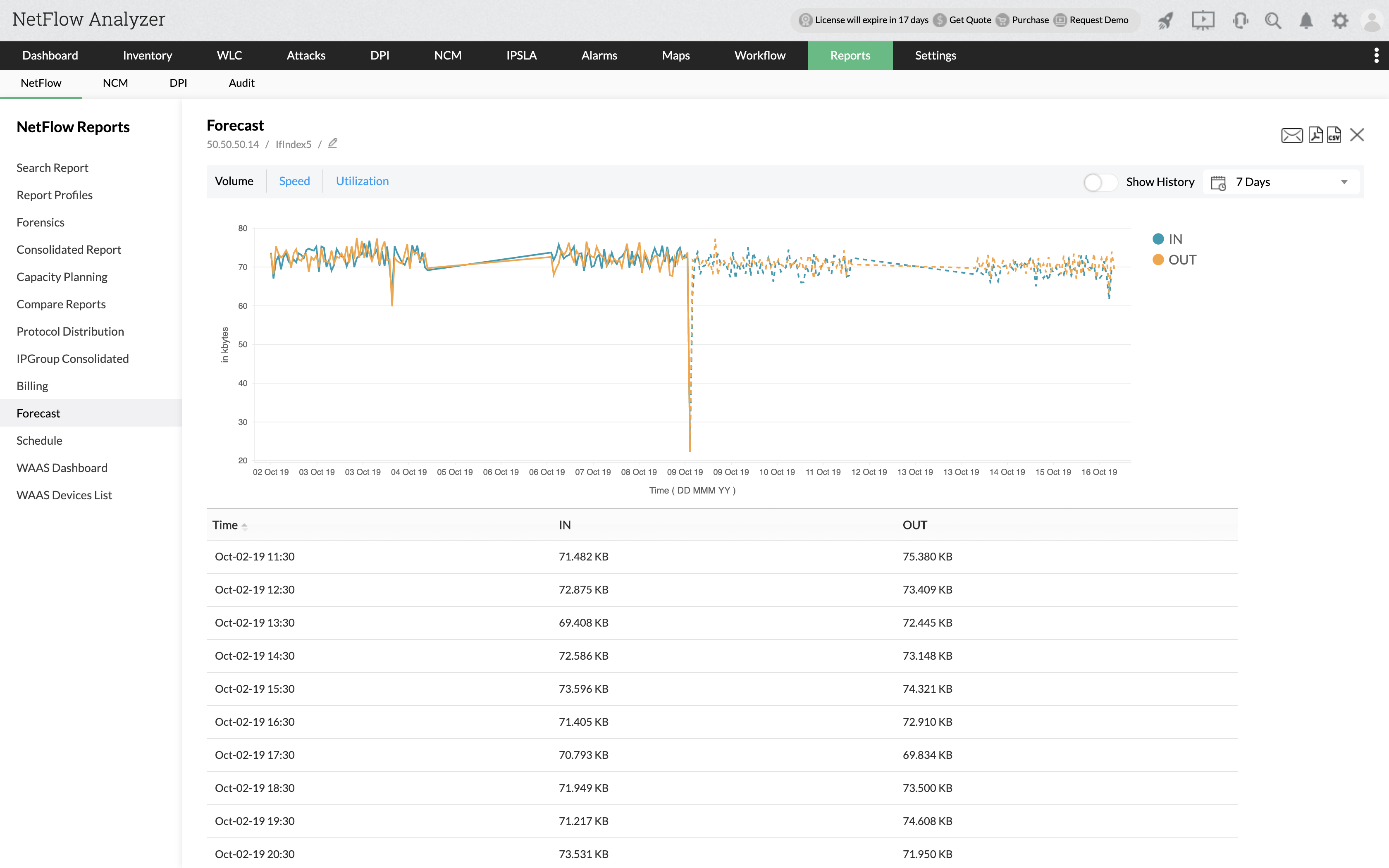
How to generate Forecast reports?
1. Navigate to Reports > NetFlow > Forecast.
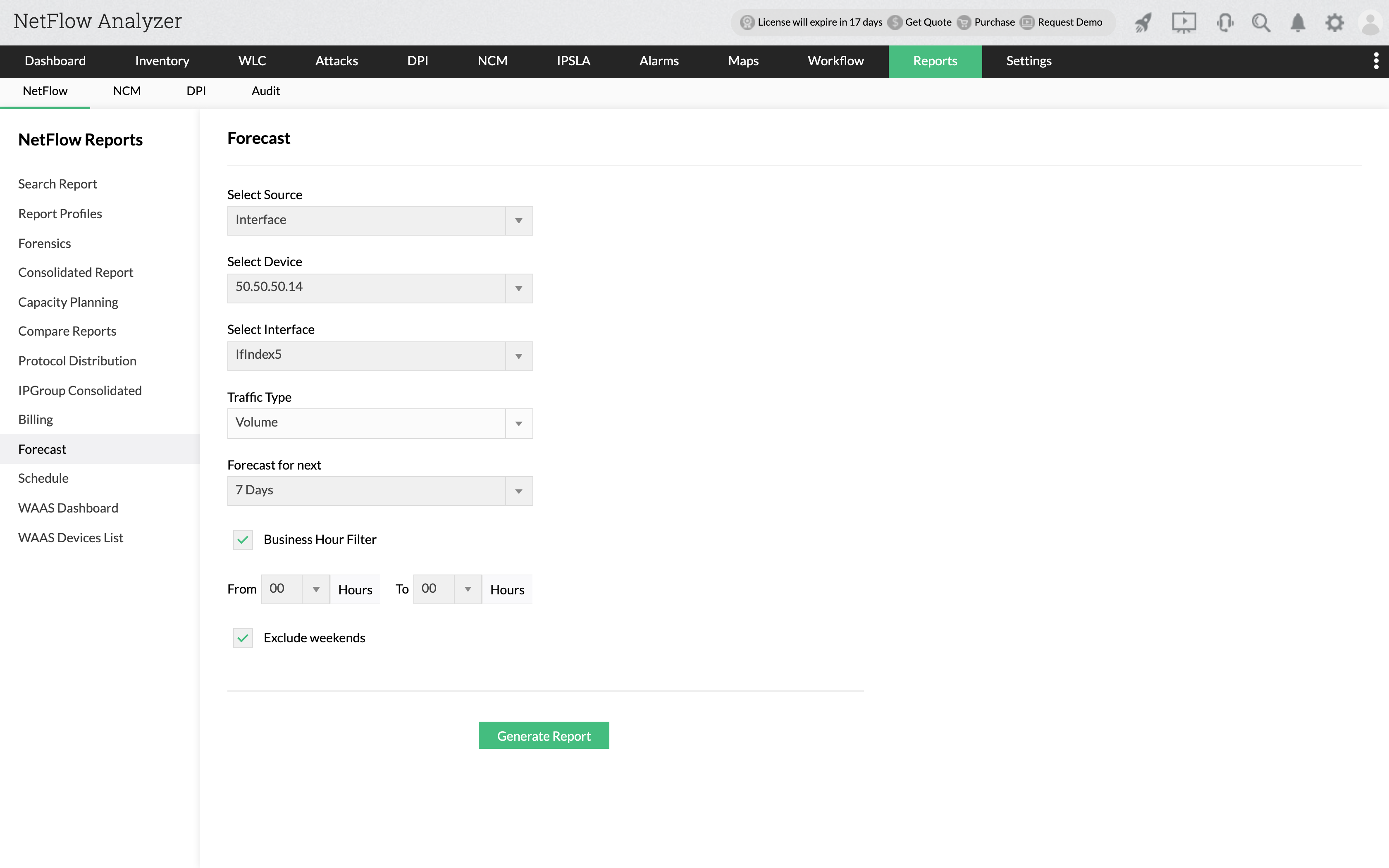
2. Select Source as Interface / IP Group / Interface Group / Access Point / Access Point Group / SSID Group.
3. Select Traffic Type based on Speed / Volume / Utilization.
4. Choose the Forecast period ranging from 7 days to a year.
5. Business Hour and Exclude weekends filters can also be enabled.
6. Click on Generate Report.