How to view a traffic report for business hours?
If you want to view traffic usage for your business hours, you have an option to change the time period of device/interface traffic graphs. Define a customized period for your traffic graphs from the Inventory.
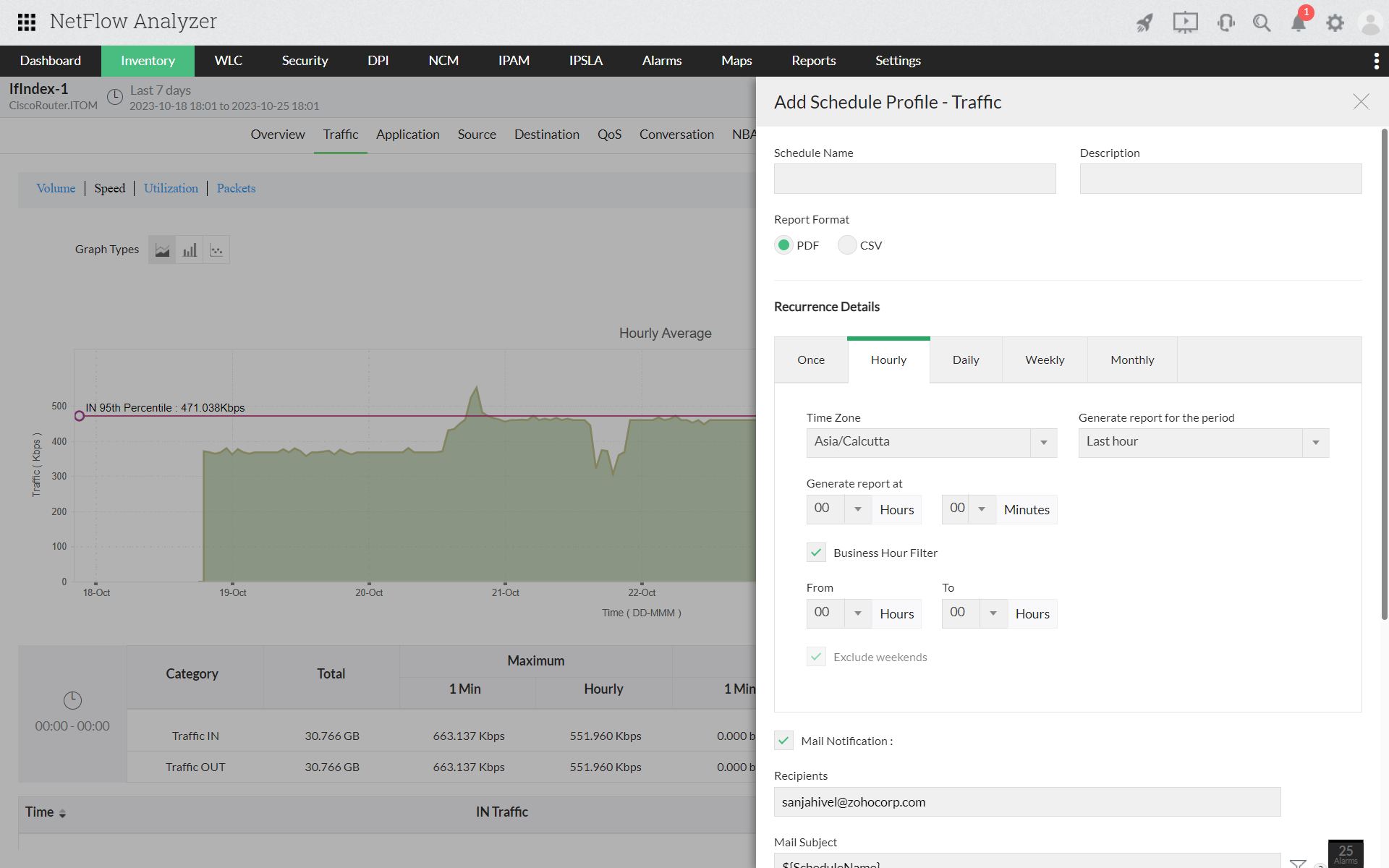
- Navigate to Inventory > Interfaces.
- Click on a particular interface and drill down to full view.
- Move to "Traffic" tab.
- Click on the icon "
 " to provide business hour details.
 - Specify the time period in the "From" and "To" list.
- Click on "Ok".