Inventory & Drill down
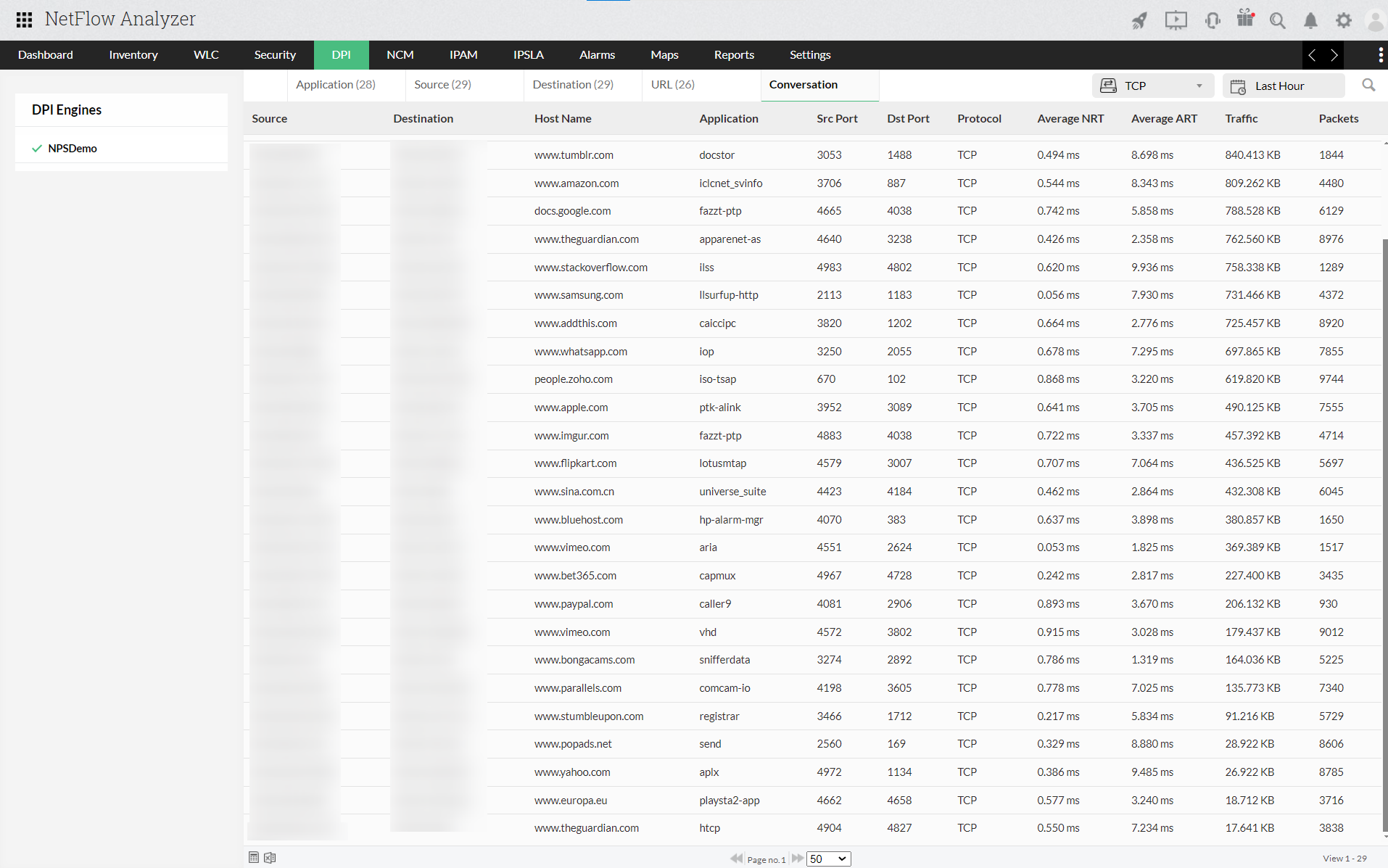
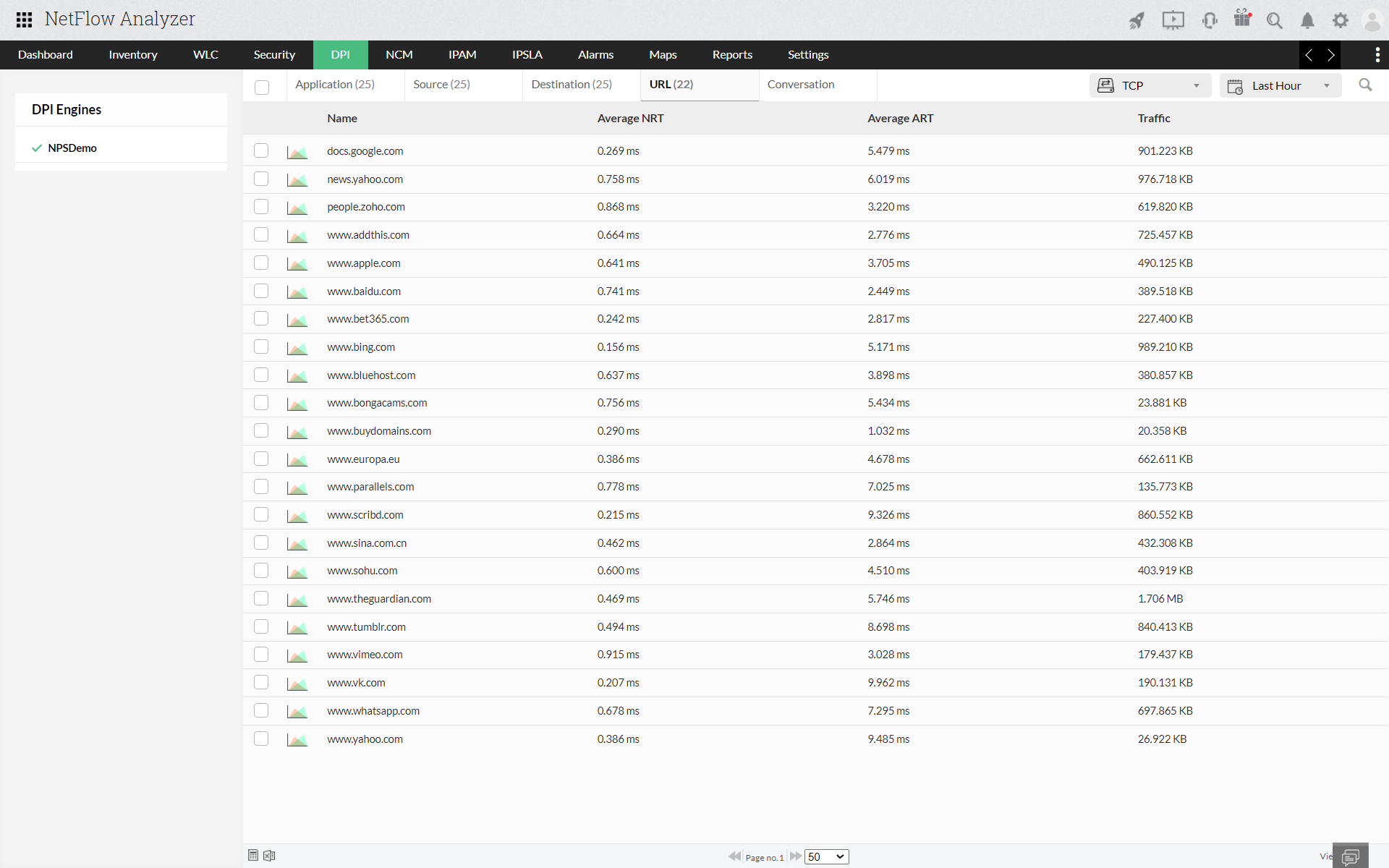
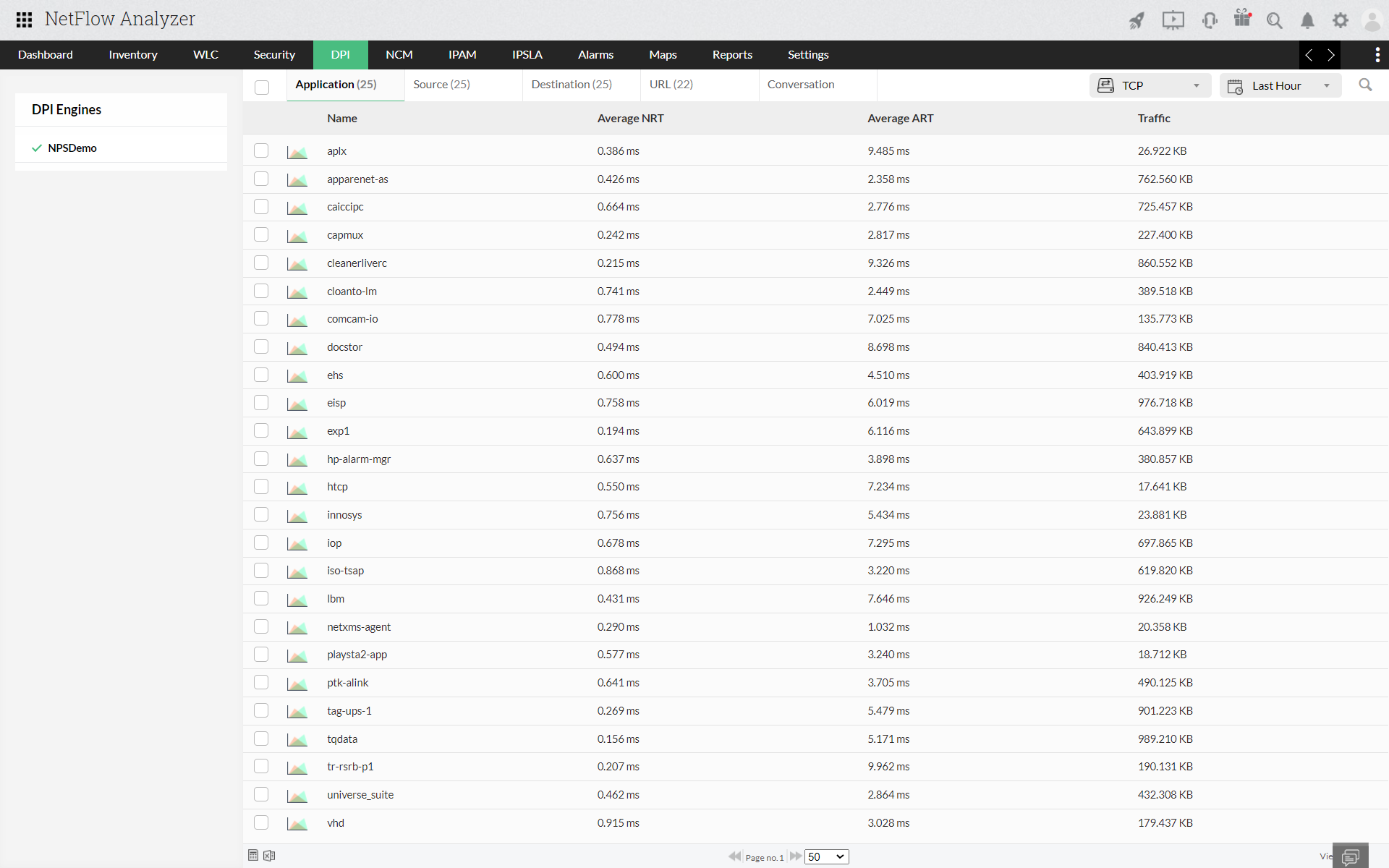
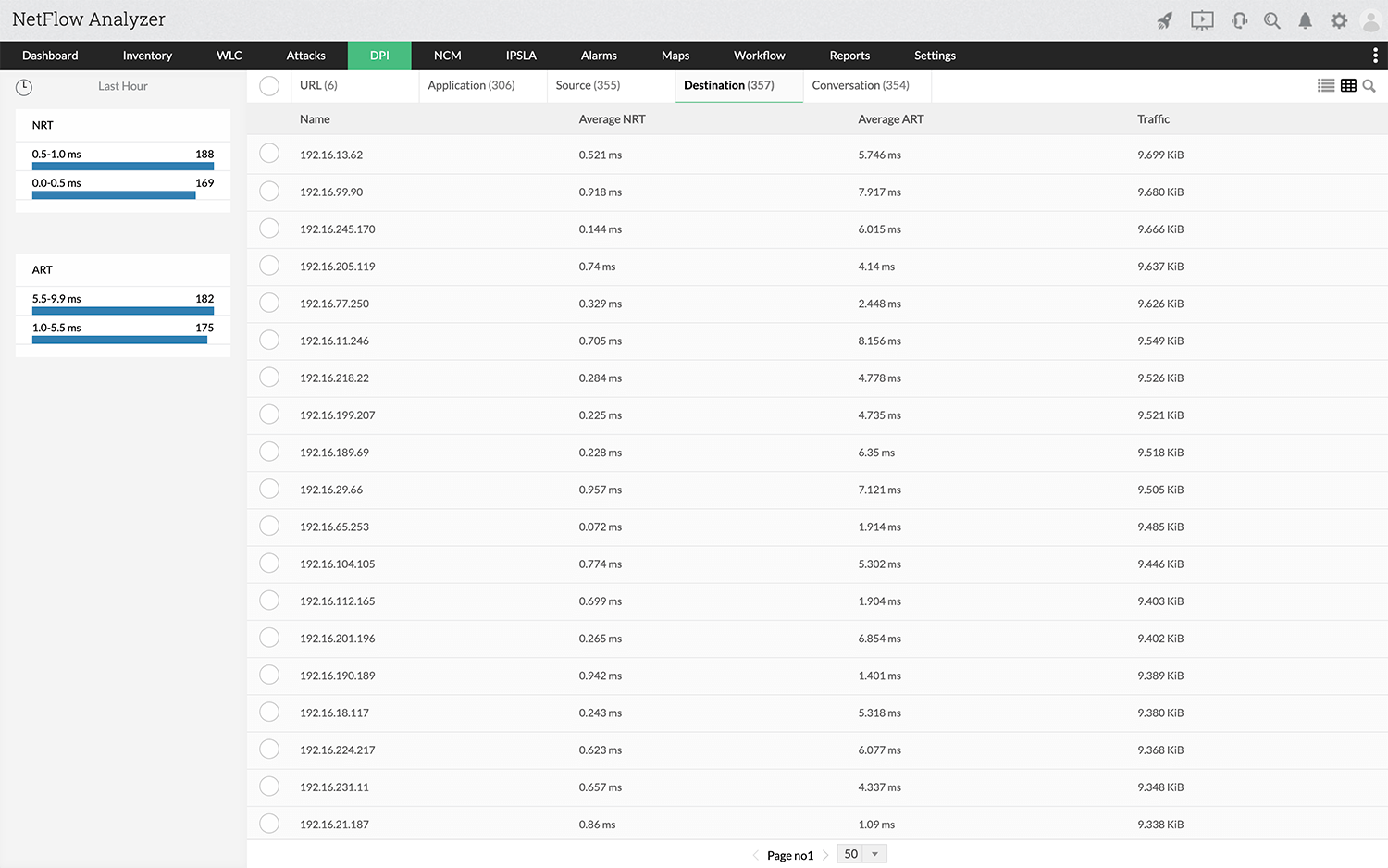
Once Packet capture is started, the high perf database stores the infomation of URL's, applications, sources, destinations and conversation. To access the information, you can navigate to Inventory > Packet Analysis. Here you can see the URL wise response time where you can drill down to any URL and see who/what caused this traffc.
Statistics can be viewed with respect to any below mentioned criteria.
URL Drill down:
Application:
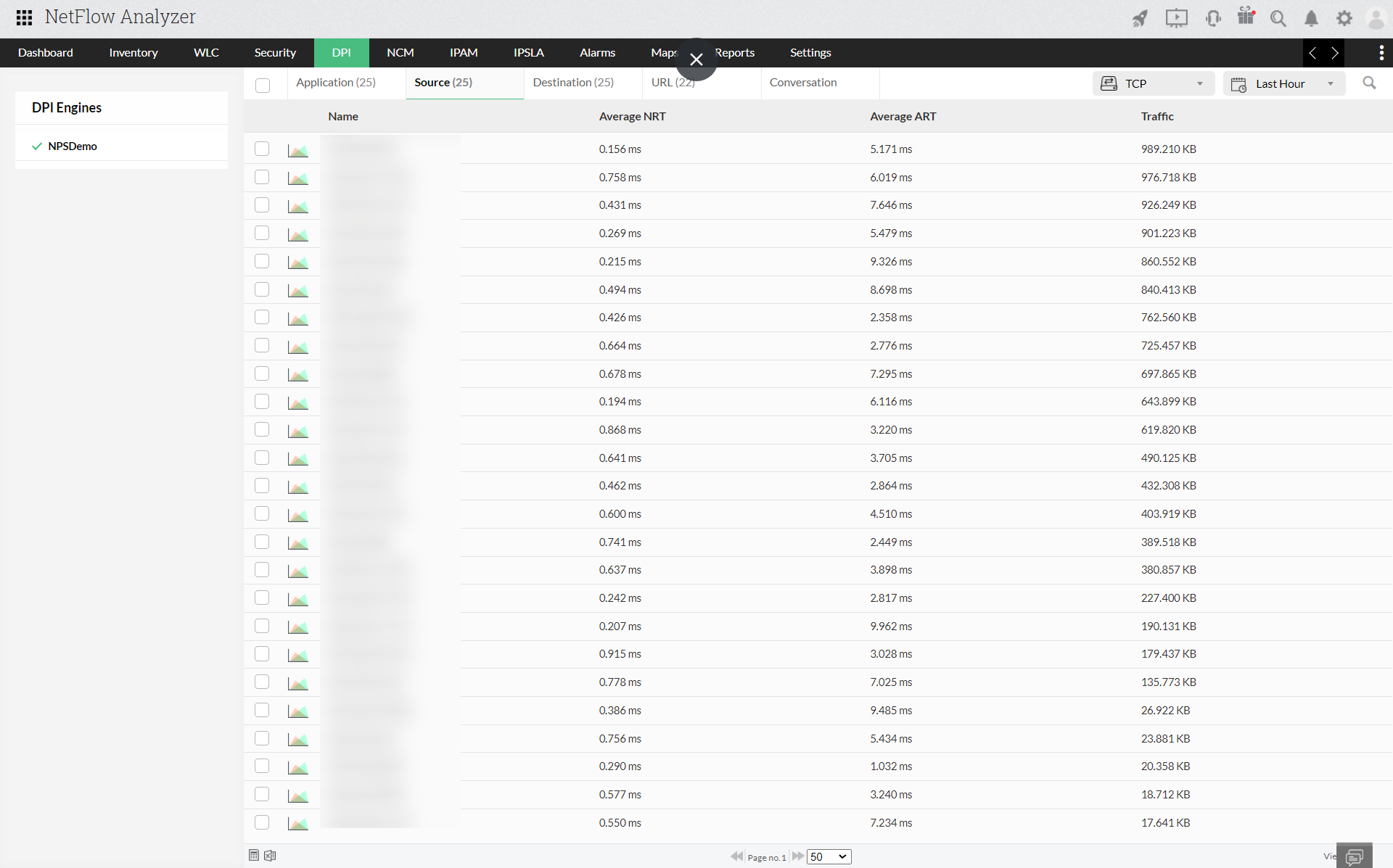
Drill down based on Source /Destination IP address:
Source:
Destination:
Conversation: