7 key features of OpUtils' advanced IP scanner
While it’s possible to scan IP ranges manually using native commands like ipconfig or ping, such methods don’t scale well in large enterprise networks. As subnets grow and address utilization increases, manual IP scanning becomes inefficient and prone to errors.
In real-world enterprise networks, IP scanning plays a critical role in maintaining stability and security. Continuous scans help teams quickly spot unauthorized devices, identify duplicate IP assignments that can disrupt critical business applications, and detect misconfigured hosts before they cause outages. Organizations also rely on periodic scans to locate dormant or unused IPs, keep inventory accurate across distributed offices, and ensure that every device on the network is accounted for.
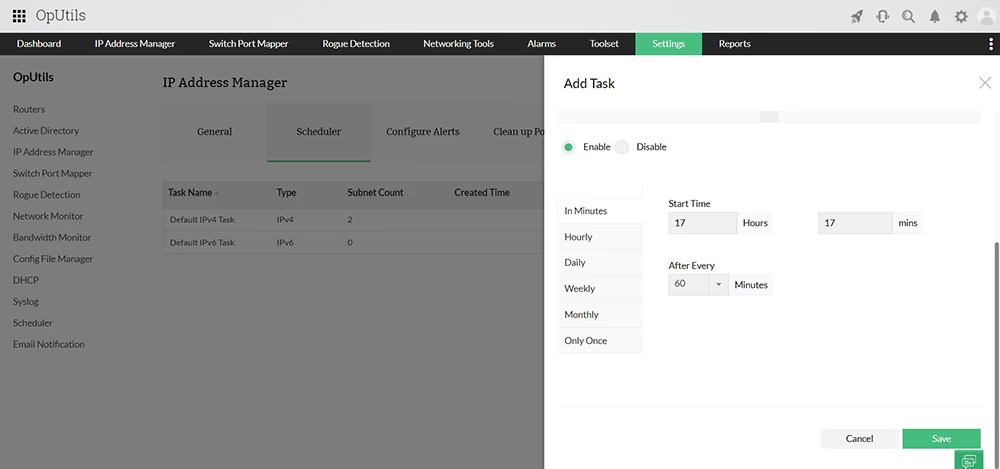
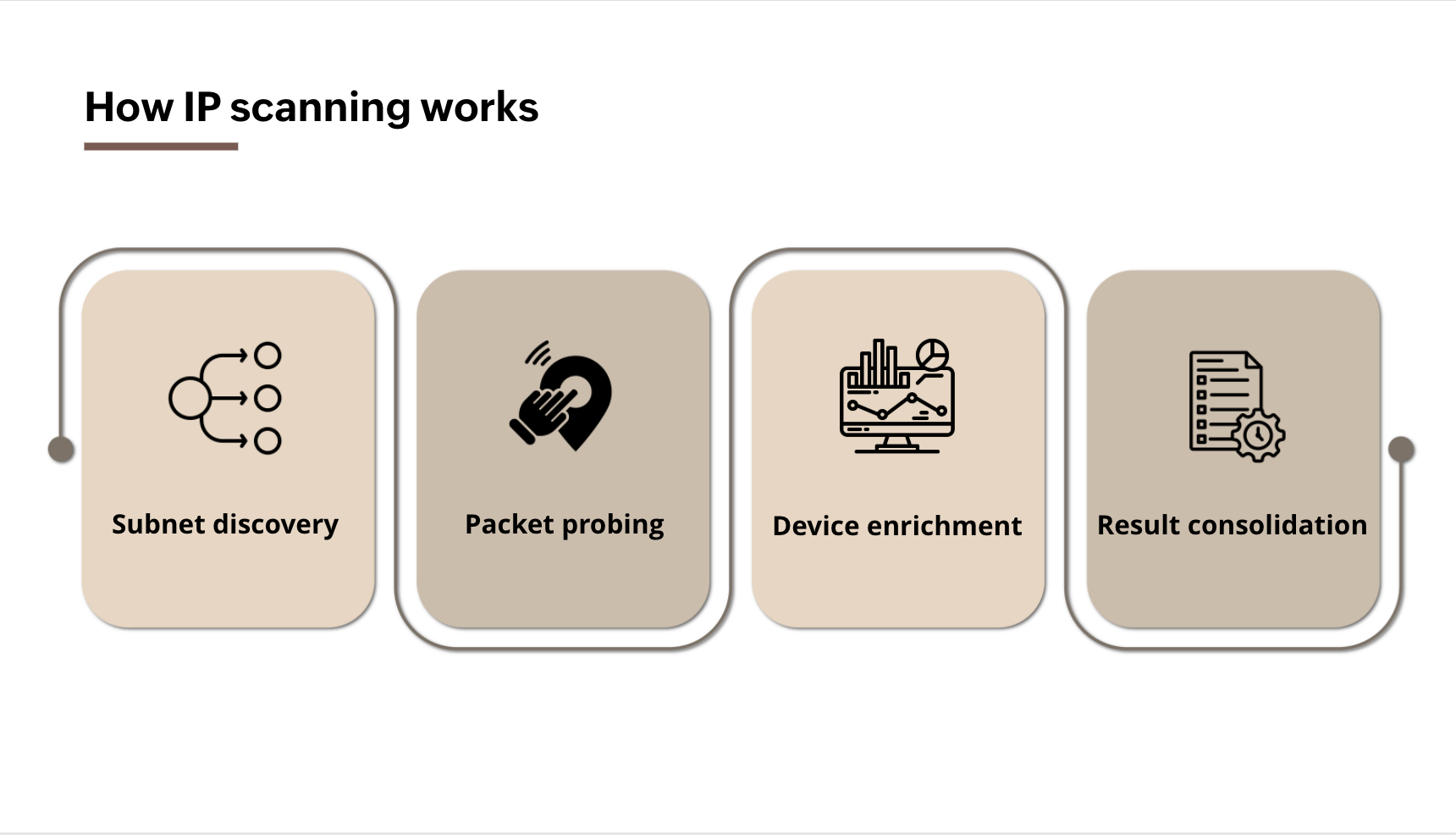
With OpUtils’ network IP scanner, administrators can automate discovery, validation, and tracking of every IP address in the network, reducing manual effort and improving visibility.
Core IP scanning capabilities in OpUtils
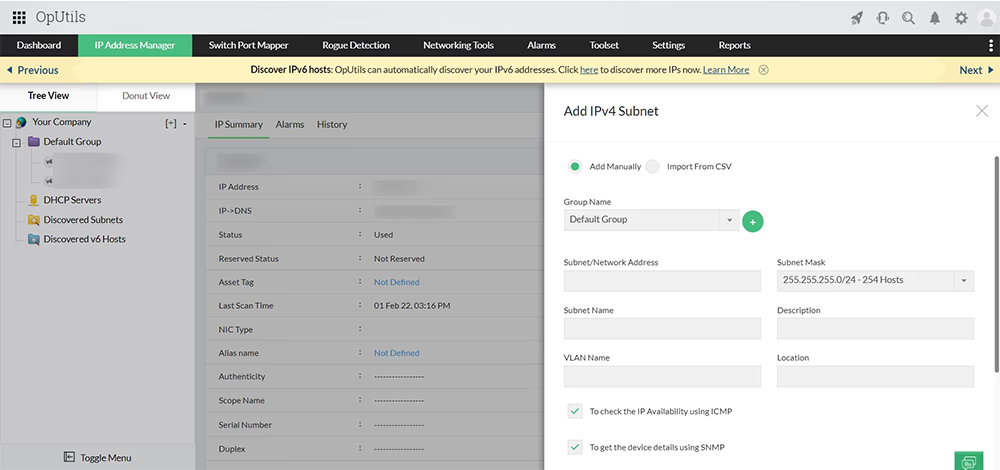
- Manage IPv4 and IPv6 addresses across multiple subnets
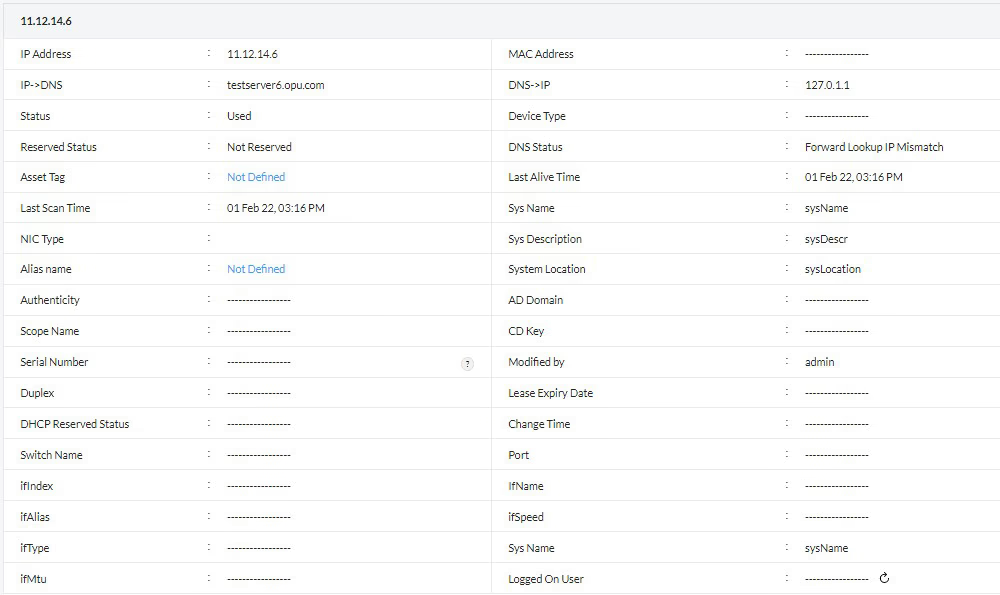
- View IP-to-device and port mappings in real time
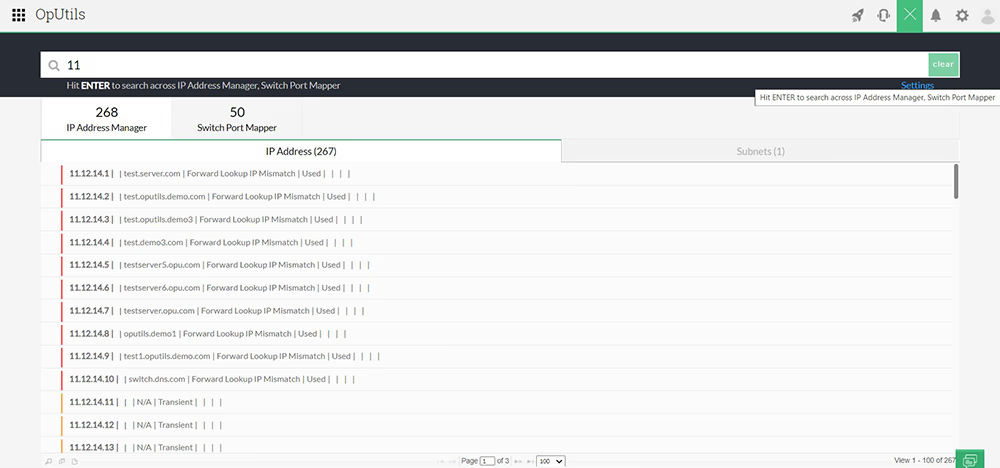
- Search and locate devices using scanned IP data
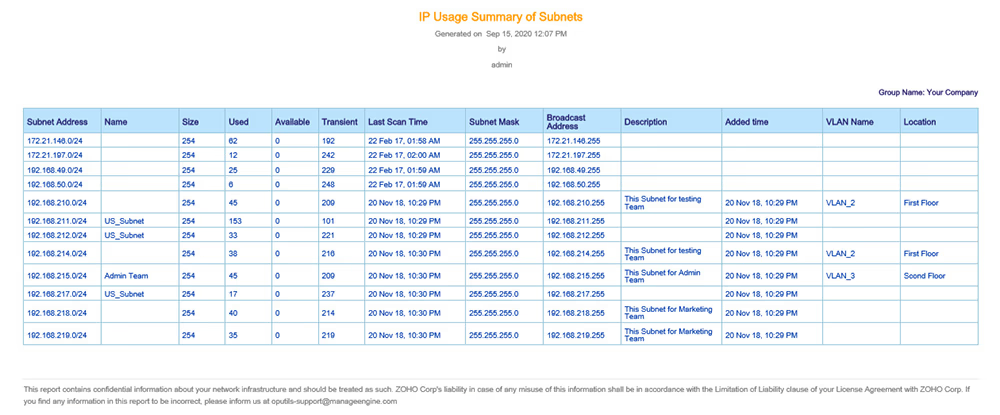
- Export and analyze your IP scanning results
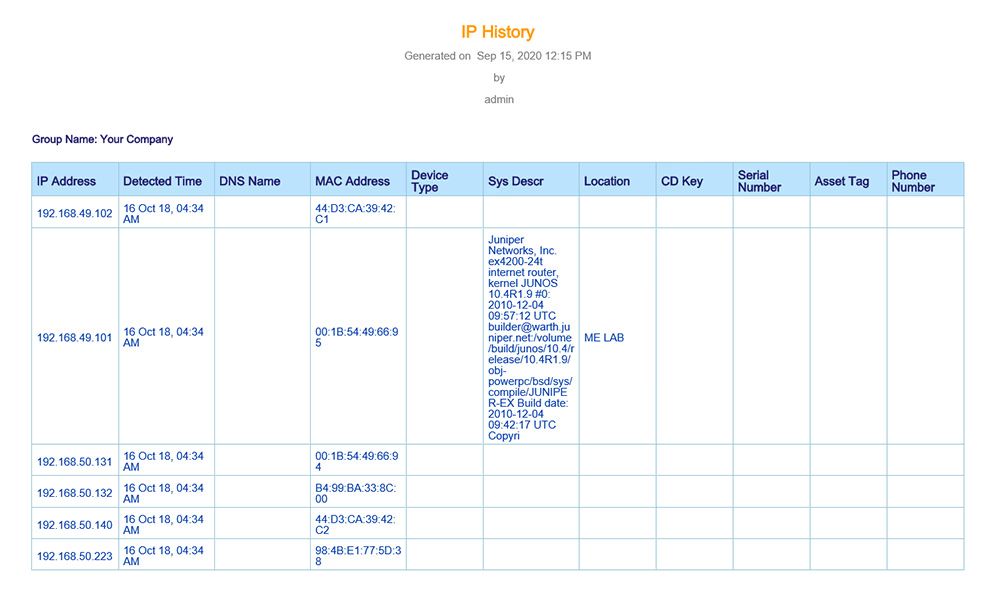
- Track historic IP address usage logs
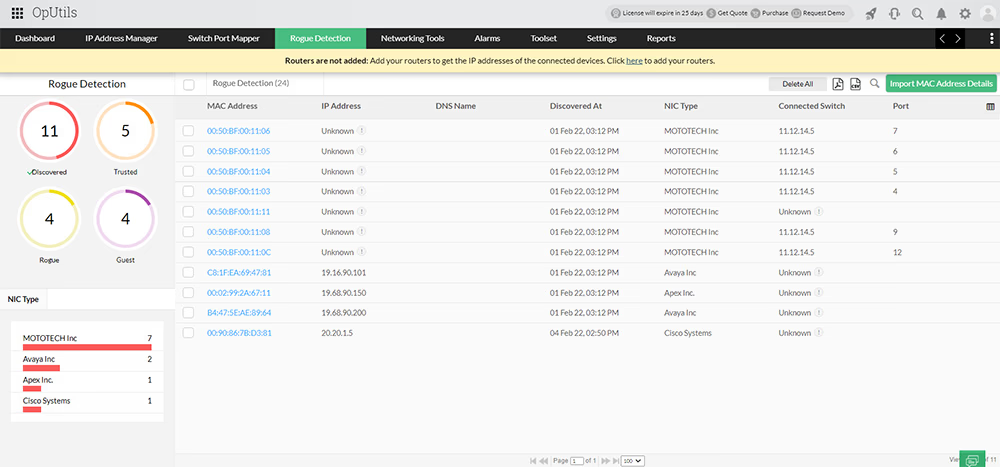
- Enable IP-centered network security by whitelisting new devices
- Code-free custom IP address scanning