Update your profile information
ADSelfService Plus provides a convenient way to update your profile information and keep your account details up to date. You can update your editable profile information whenever required through a self-service process.
Note: The Profile tab is available only to AD users.
Steps to update your profile information
- Log in to the ADSelfService Plus User Portal and navigate to the Profile tab.
- Update your profile photo and profile information, such as your mobile number, email address, department, and other available details.
- Click Update.
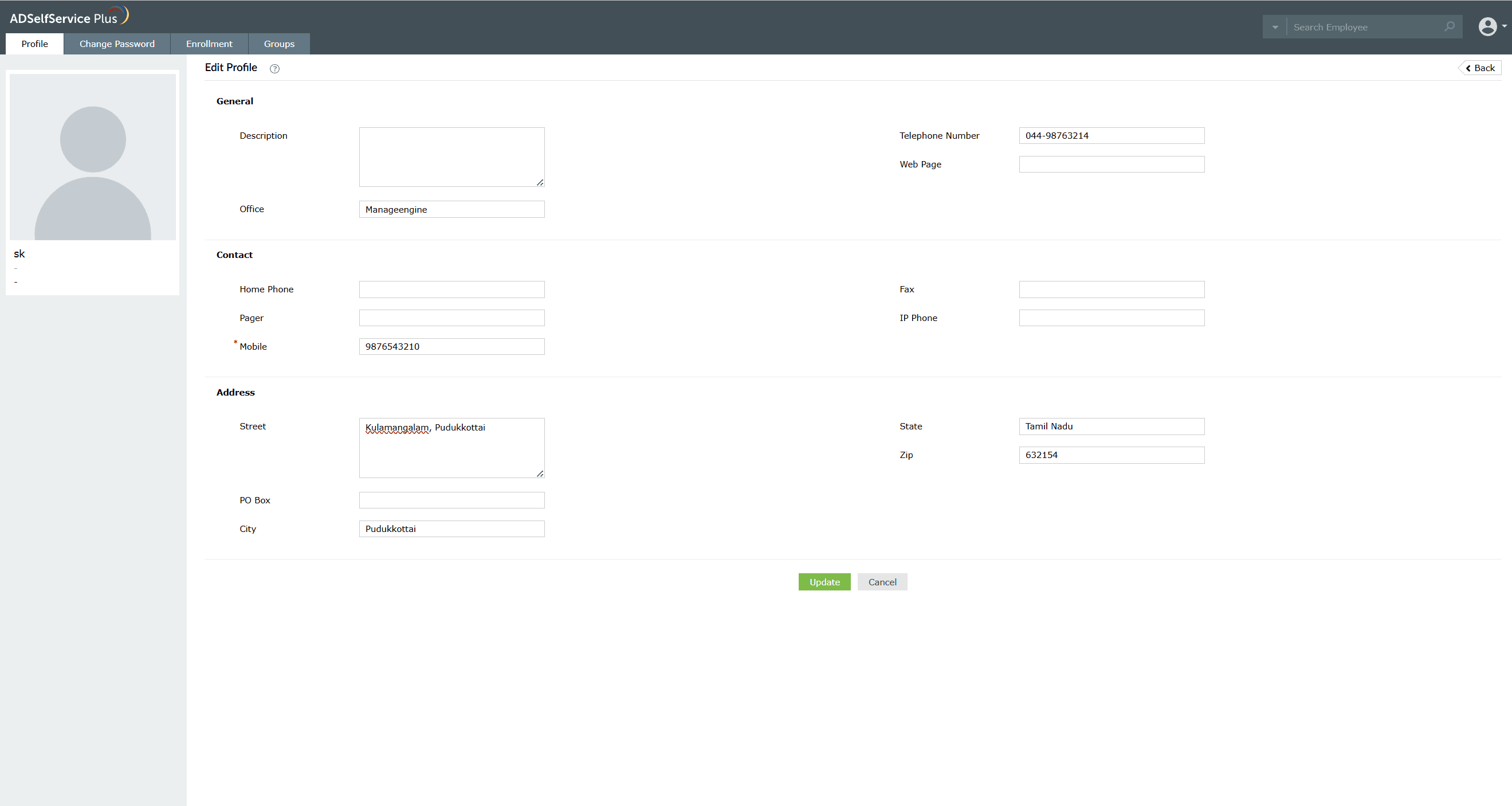
Fig 1: Updating your details on the Profile tab.
Note: Your administrator may restrict modifications to certain fields in the Profile tab. If any fields are grayed out, contact your administrator to update those details.