What is a configuration item (CI)?
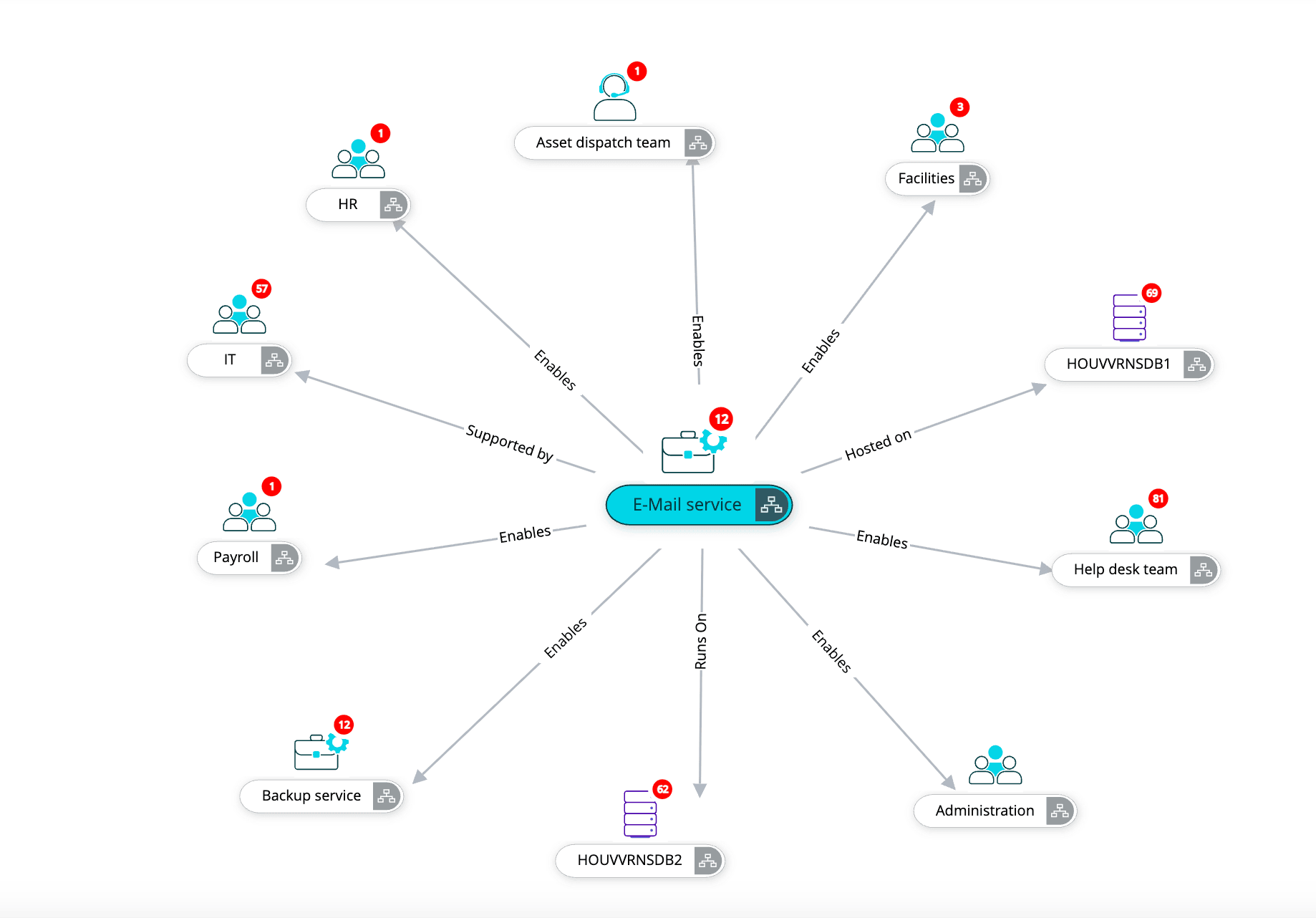
A CI is any component in your IT environment that you need to track to deliver a service. It could be a server, a business service like email, a VM, or even a critical application. If it affects how your services run, it’s a CI.
How often should the CMDB be updated?
Ideally, your CMDB should be updated continuously. Any time a CI is added, removed, or changed, the CMDB needs to reflect it.
How does the CMDB help with incident management and change?
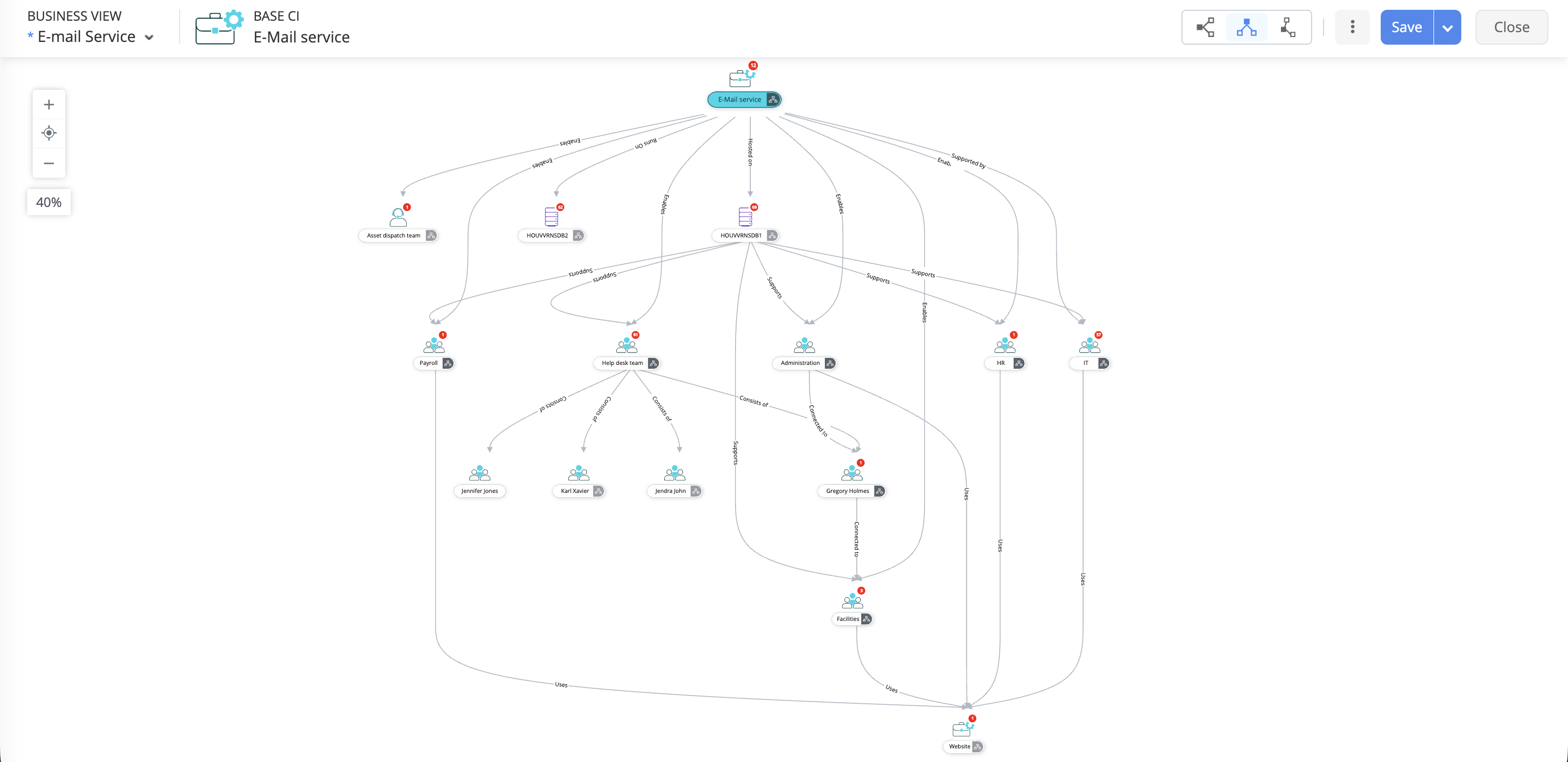
A well-maintained CMDB gives technicians quick visibility into what’s connected to what. During an incident, it helps identify the root cause faster. During change, it lets you assess dependencies and risks so you don’t accidentally bring down a critical service.
Is a CMDB useful for small organizations or only large enterprises?
A CMDB is useful for both small organizations and large enterprises. Its value depends less on the size of the organization and more on the complexity of the IT environment. If a business relies heavily on its technology stack or is experiencing growing infrastructure demands, a CMDB provides clarity, control, and reliability for organizations of any size.
Can I customize CI types and attributes in ServiceDesk Plus?
Yes. ServiceDesk Plus lets you create custom CI types, define attributes, and set relationships that match how your IT environment actually works. You get flexibility without complicating your CMDB.
What’s the difference between a CMDB and an asset inventory?
An asset inventory tells you what you own, whereas a CMDB tells you how everything works together. It goes beyond hardware and software lists by mapping relationships, dependencies, and the services each component supports.
How can ServiceDesk Plus integrate with other tools to populate the CMDB?
ServiceDesk Plus can pull data from discovery tools, monitoring systems, directory services, and third-party apps through integrations and APIs. This helps you automatically populate and enrich the CMDB with accurate, real-time data.
What are best practices for maintaining data integrity in the CMDB?
Follow clear CI criteria, define ownership, and automate wherever possible. Use standard naming conventions, review CI data regularly, and avoid dumping unnecessary items into the CMDB. High-quality, trusted data leads to better decisions during incidents, changes, and audits.