Automated provisioning helps IT teams give the right people access to the right tools from their first day to their last day. This page explains what automated provisioning is; how it works; why manual provisioning breaks as companies scale; and how SaaS management visibility helps IT teams verify access, usage, and license accuracy across connected applications.
Automated provisioning is the process of automatically creating, updating, and revoking user accounts and access rights across an organization's applications and systems without requiring IT teams to handle every change manually.
When a new employee joins, their accounts can be created and access can be assigned based on their role. When they move to a new team, their permissions can be updated. When they leave, their access can be revoked across connected applications.
At its core, automated provisioning connects your HR system, identity provider, and SaaS applications so access decisions are triggered by employment events instead of manual IT tickets.
Automated provisioning can cover several access and account elements, including:
Manual provisioning may work when an organization has a small team and only a few applications. It becomes harder to manage as employee count, application count, and access complexity grow.
When IT teams manually create accounts, assign licenses, and configure permissions for every new hire, the process depends on someone remembering to make the right change, at the right time, in the right application. As SaaS stacks grow to dozens or hundreds of applications, that dependency becomes a serious operational risk.
The most common failure points include:
Onboarding delays: New employees may wait hours or days for access to the tools they need, reducing productivity from the start while the IT team works through provisioning requests.
Offboarding gaps: When employees leave, access may not be revoked across all connected and disconnected applications at the same time. This can leave former employees with active accounts in tools they no longer need.
License waste: Without a clear view of assigned licenses versus active usage, organizations may keep paying for seats that are not being used. This is common after role changes, team restructuring, and incomplete offboarding.
Audit exposure: When compliance teams or auditors ask who had access to which systems and when, manual processes often make the answer difficult to prove. Access records may be scattered across spreadsheets, email threads, app consoles, and ticket histories.
IT bottlenecks: Every manual provisioning task takes time away from higher-value IT work. In fast-growing organizations, onboarding, offboarding, and role-change requests can consume significant IT capacity.
Automated provisioning works by linking your HR system, identity provider, and connected applications into a workflow. When an employee's status, role, department, or group changes, the workflow updates access accordingly.
Step 1: Use the HR system as the source of truth
The process usually begins in an HR platform such as Workday, BambooHR, Rippling, or a similar system. When a new employee is added, their role, department, location, and start date can trigger the provisioning workflow.
Step 2: Let the identity provider execute access changes
An identity and access management (IAM) platform such as Okta, Microsoft Entra ID, or JumpCloud receives the HR event and creates or updates the user account. It can assign the user to the right groups, enforce security policies such as MFA, and provision access to connected applications.
Step 3: Send the user to connected applications
Each connected SaaS application receives the user account and applies the relevant permissions or role configuration. This allows the user to access required tools faster without waiting for manual setup in every app.
Step 4: Update access when roles change
When an employee changes departments, gets promoted, or moves into a different function, the HR update can trigger changes in group memberships and permissions across connected applications. This helps reduce overprovisioning and keeps access aligned with current responsibilities.
Step 5: Revoke access during offboarding
When an employee leaves, disabling or updating their status in the HR system can trigger deprovisioning across connected applications. This reduces the risk of orphaned accounts and helps IT teams remove access more consistently.
Automated provisioning can grant, update, and revoke access through your identity provider, but IT teams still need to verify what actually happened across the SaaS stack.
Not every application may be connected to the identity provider. Some users may retain direct app access. Some licenses may remain assigned even after usage drops. Some role changes may be reflected in one application but not another. This is where SaaS management visibility becomes important.
A saas management platform helps IT teams see users, applications, assigned licenses, last login activity, and renewal data in one place. This makes it easier to confirm whether access is accurate, active, and worth paying for.
In other words, automated provisioning answers the question, “Can access be granted or revoked automatically?” SaaS management visibility answers the next question, “Is the right access actually in place, and is it still being used?”
| Factor | Manual provisioning | Automated provisioning |
|---|---|---|
| Speed of onboarding | Often takes hours or days | Triggered automatically based on HR or identity events |
| Consistency | Depends on the person and process | Follows predefined workflows |
| Offboarding risk | Access may remain active in some tools | Access can be revoked across connected applications |
| License accuracy | Often outdated | Easier to keep aligned with active users |
| Audit readiness | Evidence must be assembled manually | Access records are easier to centralize and review |
| IT workload | High, repetitive manual effort | Lower, with workflows handling routine changes |
| Security posture | Prone to gaps and orphaned accounts | More consistent access enforcement |
| Scalability | Becomes harder as the organization grows | Scales better across users and applications |
Automated user provisioning is most useful in situations where access needs to change quickly, consistently, and at scale across multiple applications.
By reducing manual access management, automated user provisioning helps organizations improve employee productivity, strengthen security, control SaaS spend, and simplify compliance.
Automated provisioning works best when access execution and access visibility work together. Your identity provider executes access changes. SaaS Manager Plus provides the visibility layer that helps IT teams verify whether those changes are reflected accurately across the integrated SaaS stack.
Once your identity provider, such as Okta, Microsoft Entra ID, or JumpCloud, is connected, SaaS Manager Plus gives IT teams a centralized view of users, assigned applications, last login activity, roles, and license usage across connected SaaS tools.
This helps IT teams identify users who have assigned licenses but no recent login activity. It also helps them review whether role changes are reflected across applications, check whether offboarded users still appear in connected tools, and use verified usage data before renewal decisions.
For procurement teams, this visibility is especially useful before renewals. Instead of renewing seat counts based only on headcount or historical contracts, teams can review actual usage and right-size licenses before committing to another contract cycle.
SaaS Manager Plus does not replace the identity provider. It complements it by helping IT and procurement teams answer a critical question: After provisioning happens, are the right users actually using the right applications?
Use the following workflow to build better visibility around automated provisioning:
The foundation of any provisioning process is a single view of users across applications. Look for a platform that shows user profiles, assigned applications, roles, license status, and last login data in one place. 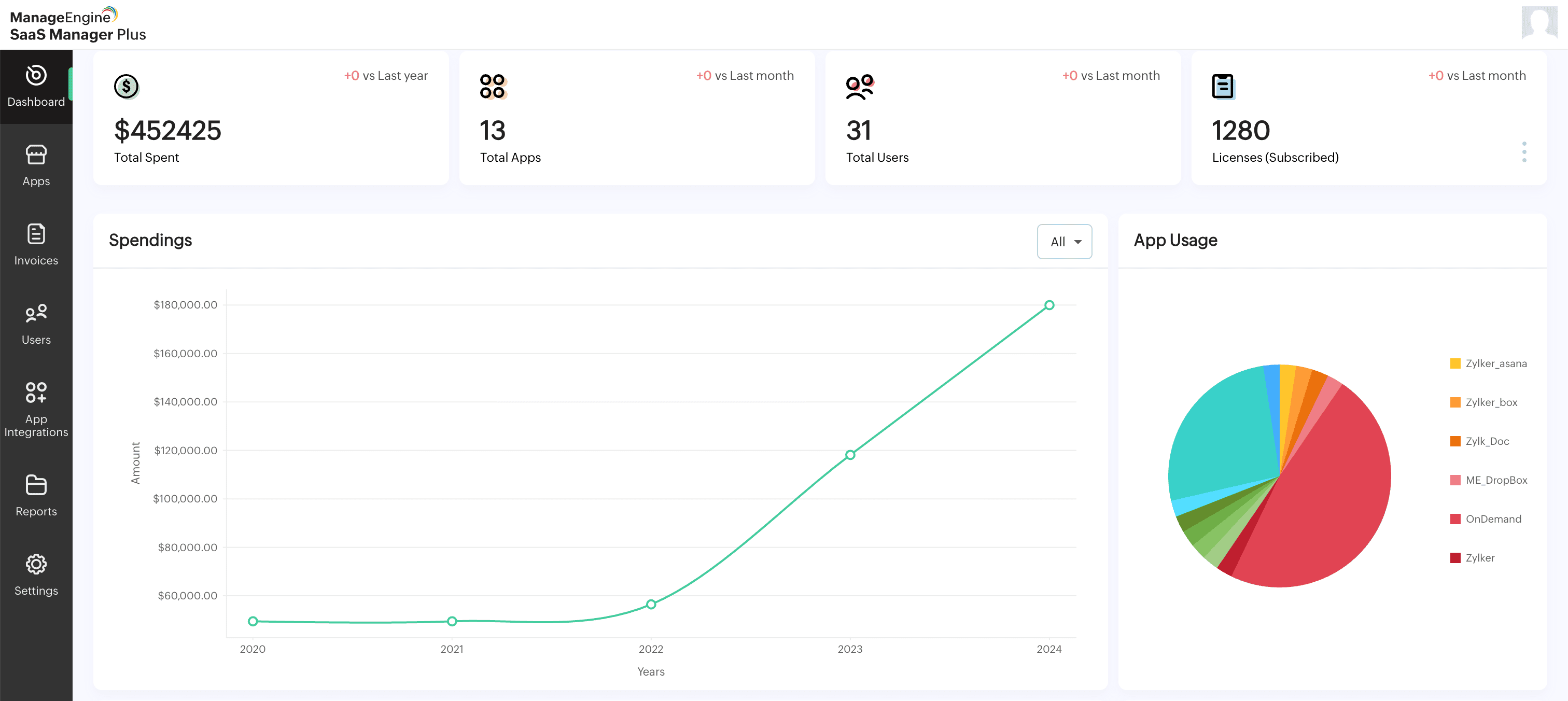


ManageEngine SaaS Manager Plus is a saas management platform that gives IT admins and procurement teams centralized visibility into users, applications, licenses, usage, and renewals across their integrated SaaS stack.
While identity providers execute provisioning and deprovisioning actions, SaaS Manager Plus helps teams verify the result of those actions. IT teams can review whether users have the right application access, identify licenses that are assigned but inactive, and use real usage data to support renewal decisions.
Key provisioning-related capabilities in SaaS Manager Plus include:
SaaS Manager Plus is available as a free trial. Connect your identity provider; integrate your key SaaS applications; and get visibility into user access, license usage, and renewal readiness from one platform.
Start your free trial of SaaS Manager Plus
