
No manual reconciliation
Budget reviews stop starting with a spreadsheet merge. Connect your apps once and every license, user, spend, and renewal record stays current automatically.
IT managers in growing organizations track licenses across spreadsheets, app consoles, email threads, and renewal reminders with no single view of what is assigned, active, or due for renewal. SaaS Manager Plus centralizes app, user, license, spend, and renewal visibility in one platform, connected to the tools your organization already uses.
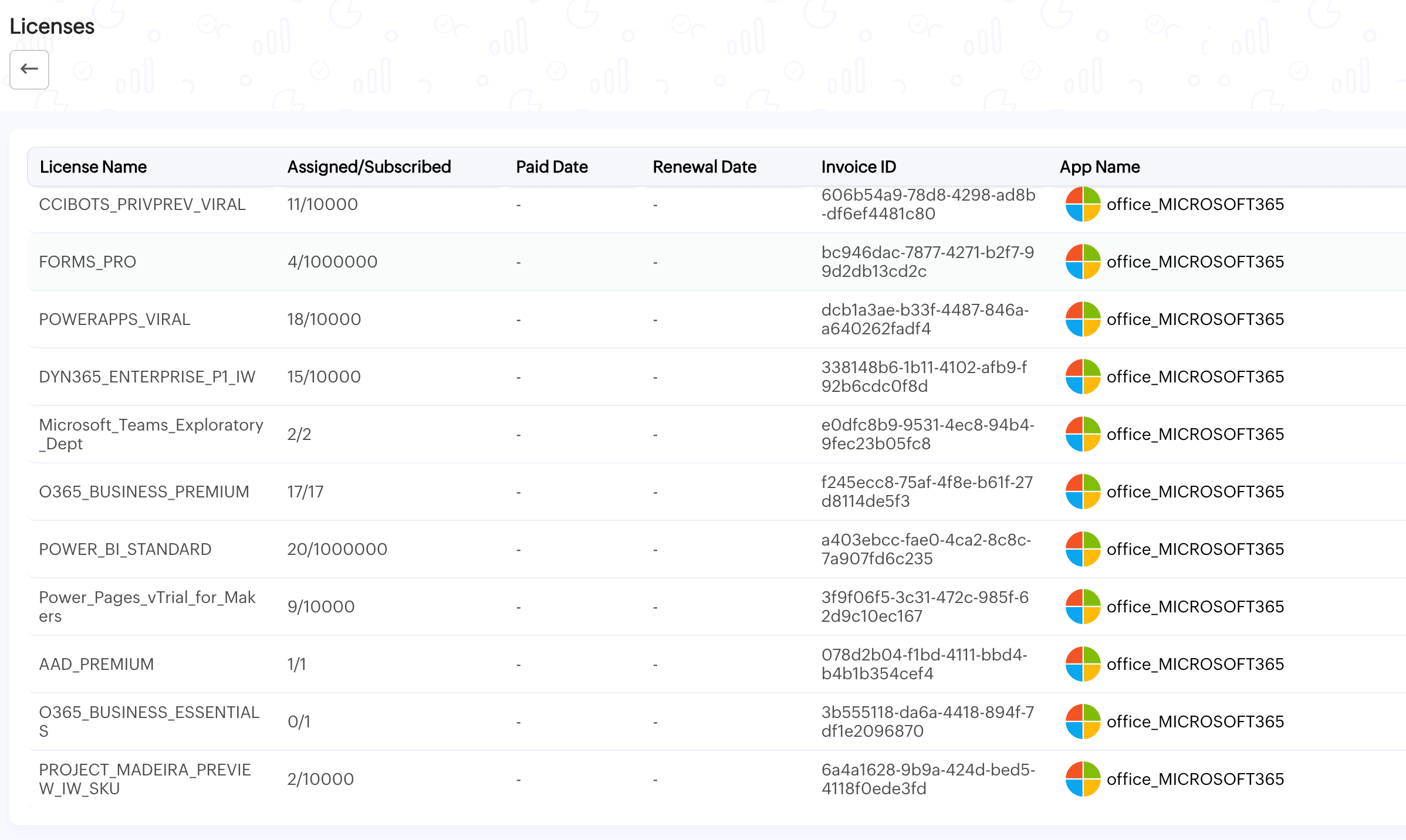
You are paying for licenses your team stopped using after a role change, team restructure, or employee departure. Nobody flagged it. The renewal processed automatically. SaaS Manager Plus compares subscribed license counts against active user data for every connected app; so the gap between what you are paying for and what is being used is visible before the next renewal, not after.
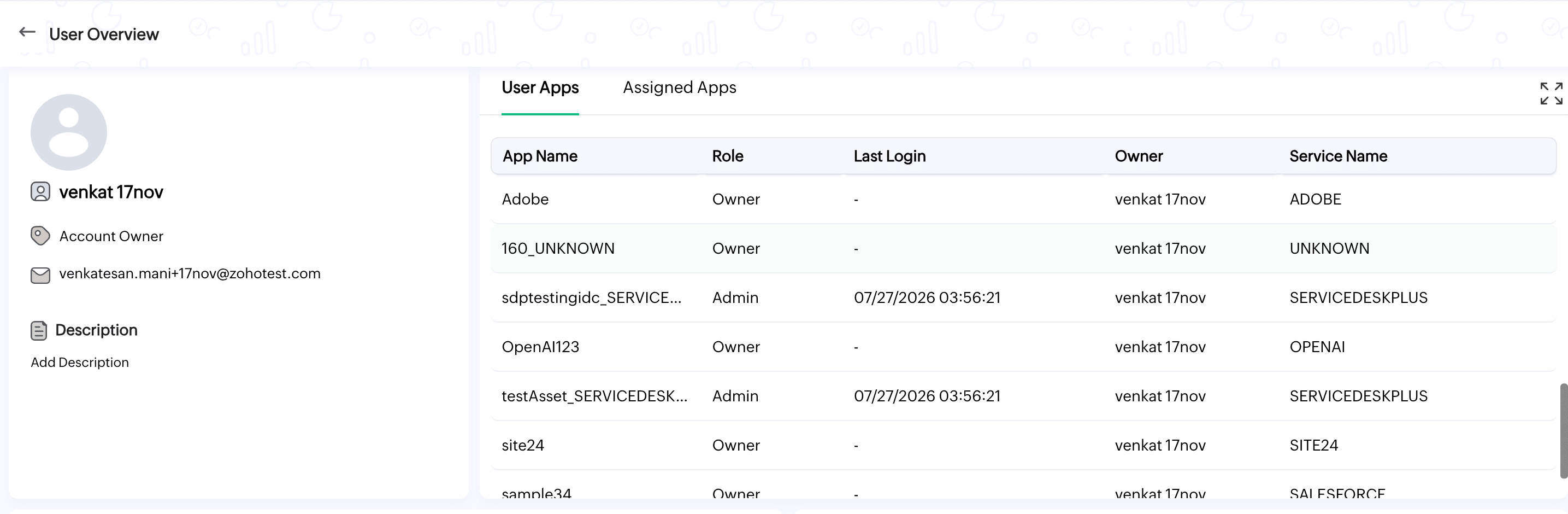
When IT does not have a centralized view of who owns which app, which users hold licenses, and when those users last logged in, access reviews are slow and offboarding is incomplete. SaaS Manager Plus gives you a user directory showing every user, their assigned apps, their role, and their last login across every connected integration; so access reviews and license reclamations are based on data, not memory.
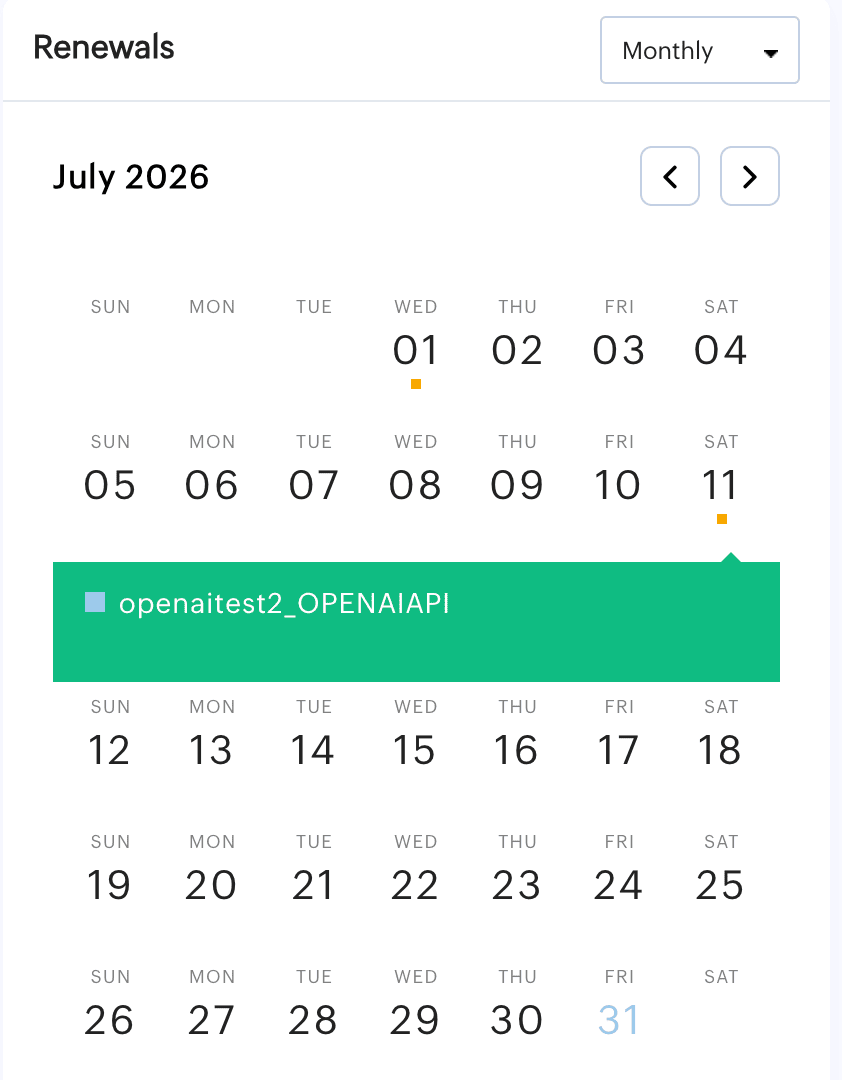
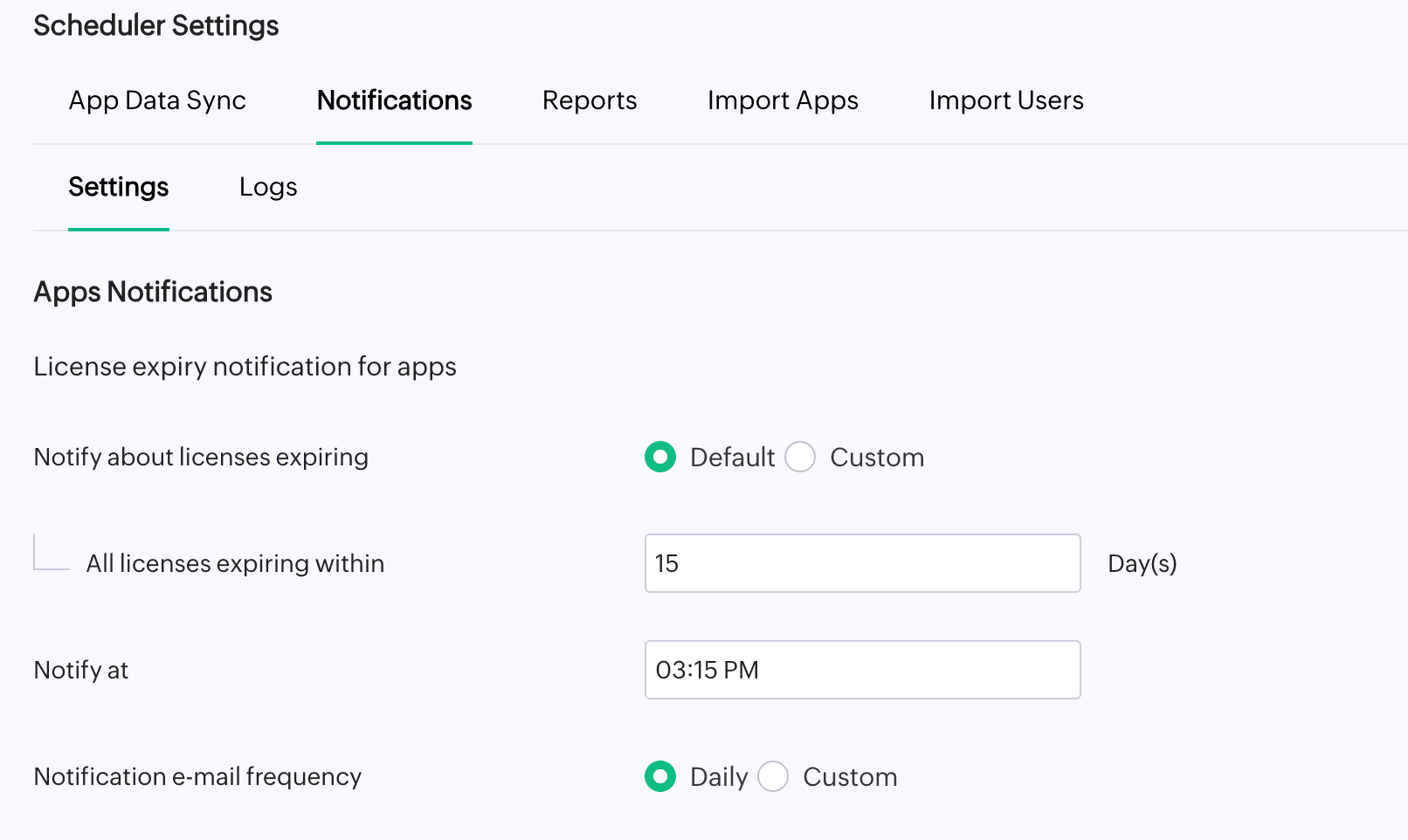
Most renewal reviews happen too late, after the auto-renewal has processed or after the negotiation window has passed. SaaS Manager Plus shows upcoming renewals on a weekly or monthly calendar and sends license expiry notifications at the intervals you configure, so IT has time to review actual usage and make an informed decision before the contract locks.
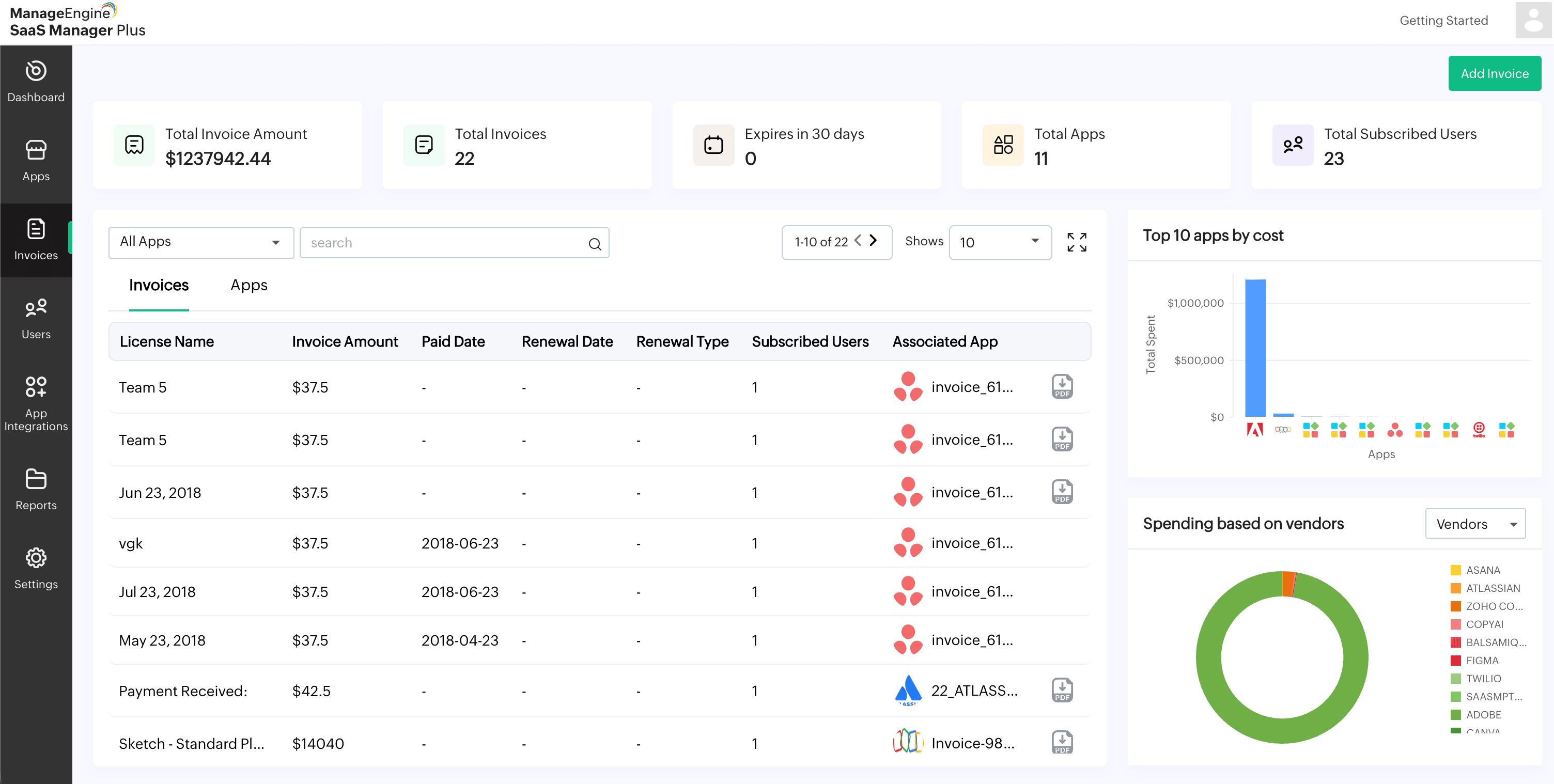
Finance tracks invoices. IT tracks app consoles. Procurement tracks contracts. Yet none of the departments see the same picture. SaaS Manager Plus maps spend to specific apps, users, departments, and owners; pulling from direct integrations, invoice uploads, manual entries, and custom app connections; so every stakeholder works from the same data without anyone assembling it by hand.
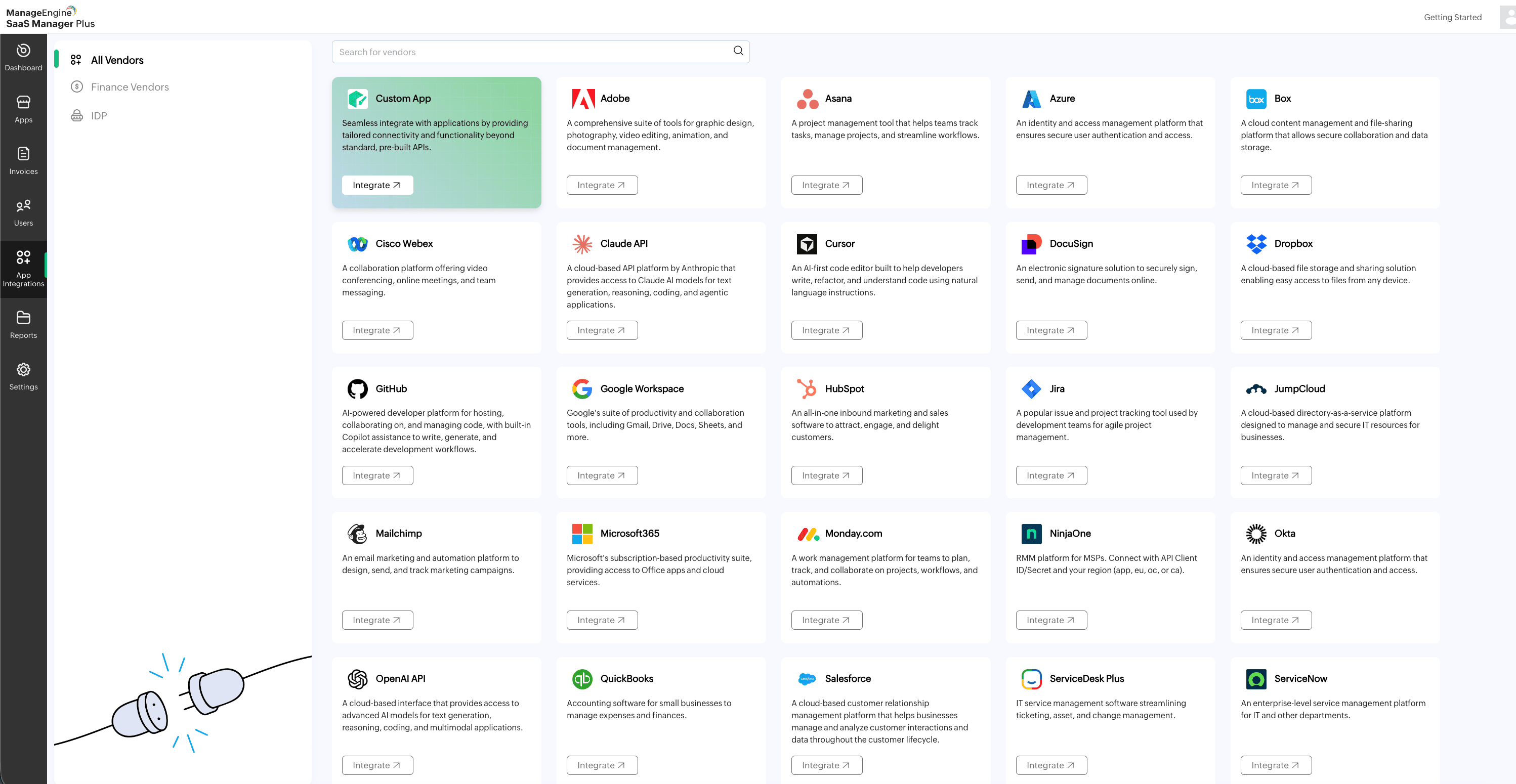
Direct integrations
Live sync
Invoice uploads
PDF or mailbox
Manual entries
Any contract
Custom app connections
OAuth 2.0 · API key
IT managers spend hours every week chasing license data across spreadsheets, app consoles, and inbox threads, with no single answer to who has what, what it costs, and what is renewing next month. SaaS Manager Plus changes that. Connect your apps once, and every license, user, spend, and renewal record stays current automatically.
Budget reviews stop starting with a spreadsheet merge. Connect your apps once and every license, user, spend, and renewal record stays current automatically.
The reminder no longer lives in one person’s inbox. Renewal dates sit on a shared calendar with notifications at the intervals you configure.
You stop paying for seats that went quiet when someone left the team six months ago. Subscribed counts are matched against active users, per app.
SaaS Manager Plus is built for IT teams managing SaaS applications across growing organizations. Connect your first integration and see license, usage, spend, and renewal data without manual upkeep.
Book a 15-minute walkthroughBrowse 30+ native integrations including identity providers (Okta, Azure AD, JumpCloud), productivity suites (Microsoft 365, Google Workspace), collaboration tools (Slack, Zoom), and finance tools (QuickBooks, Zoho Books). For any app outside the standard catalog, use Custom App integration via OAuth 2.0, API key, or server-to-server authentication. For spend visibility without an integration, upload invoices directly or connect your mailbox to auto-fetch them.
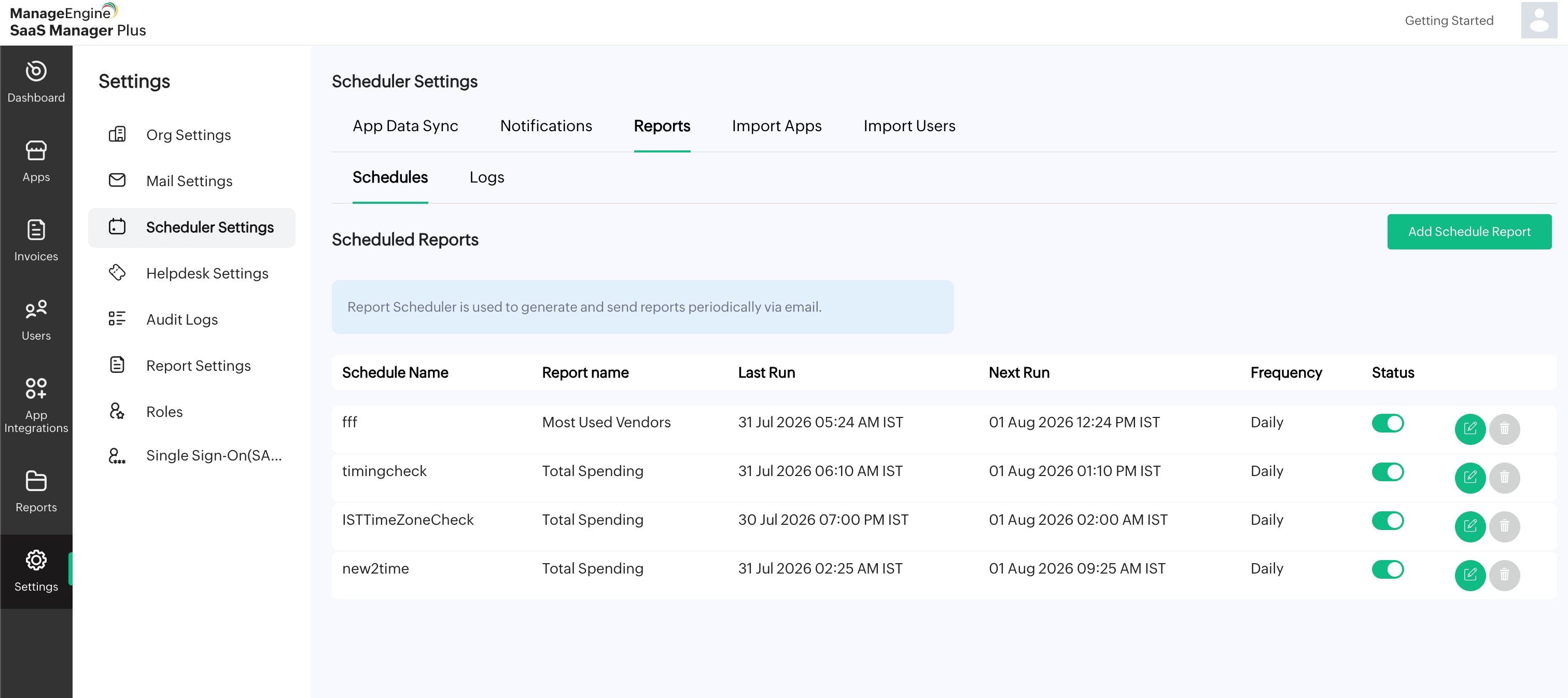
License counts, active users, spend by app, and upcoming renewals populate automatically once an integration syncs. The license utilization report shows subscribed versus assigned counts for every connected app. The invoices module shows spend mapped to apps, users, and sources.
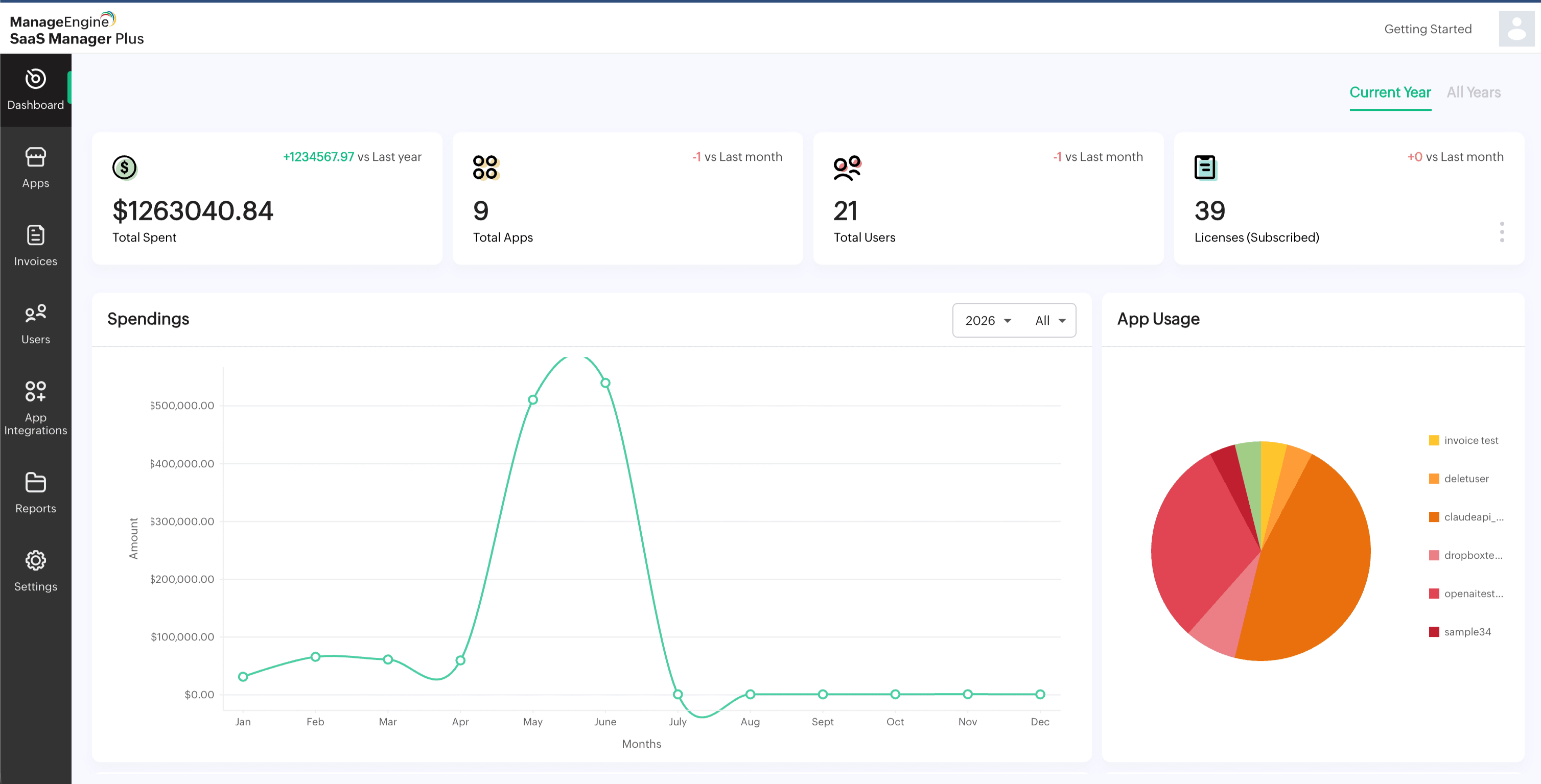
Configure renewal alerts, schedule reports for automatic email delivery to finance and procurement, and export license and spend reports as PDF or CSV for audit reviews or budget meetings.
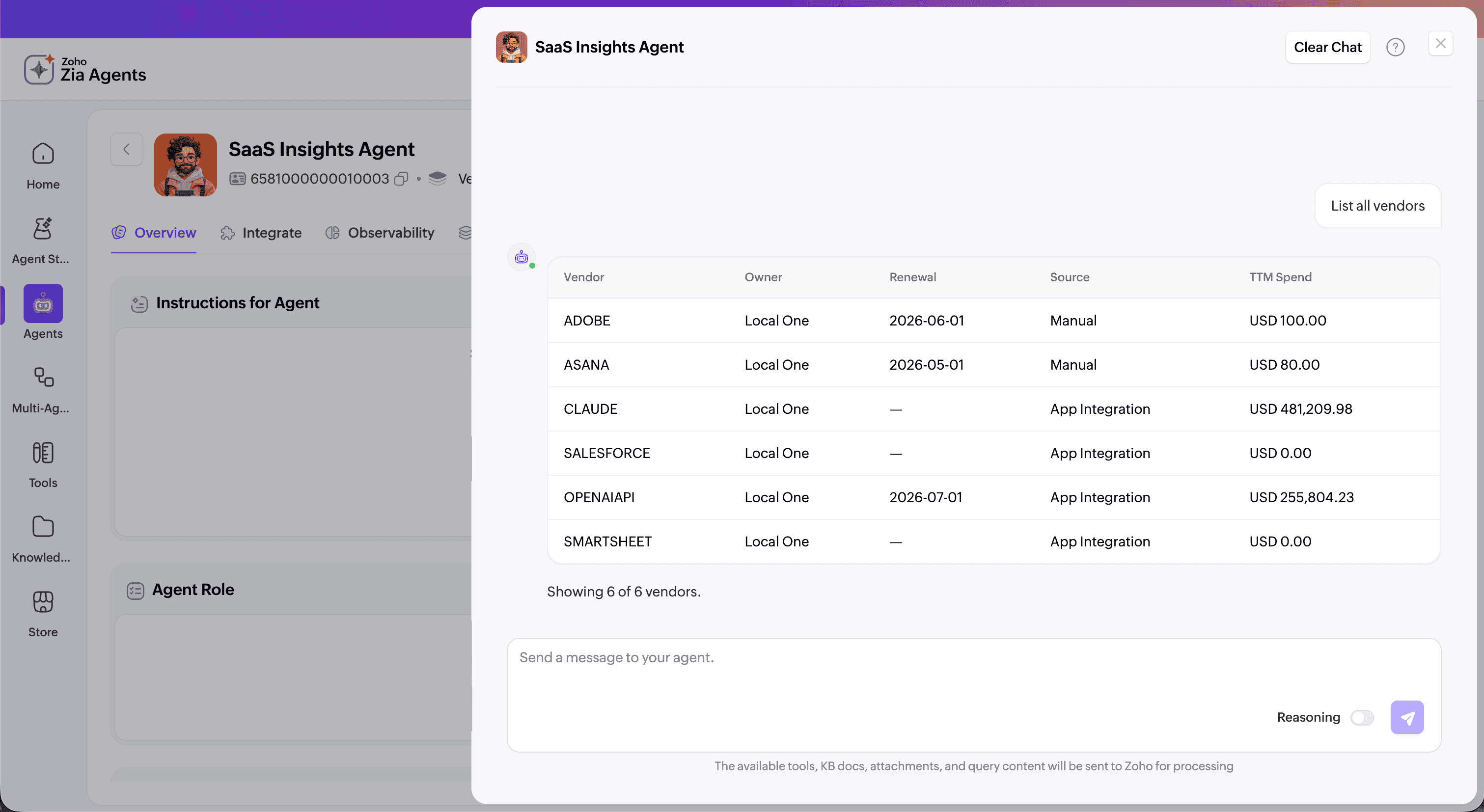
The SaaS Insights Agent gives IT admins conversational access to license, usage, spend, and renewal data directly. Instead of navigating between screens, ask in plain language and get an immediate answer from live product data.
Example queries
Available inside ServiceDesk Plus Cloud through the Ask Zia chatbot.
125+
SaaS apps used by the average organization
Flexera
60%
of SaaS apps are underutilized
Flexera
30%
of SaaS spend is redundant
Gartner
43%
of organizations have complete visibility into IT assets
Flexera 2025 ITAM Report
SaaS Manager Plus connects to your apps through native integrations and syncs license data automatically. SaaS discovery happens within minutes. The license utilization report shows subscribed versus assigned counts per app and per user,giving IT a real-time view of which licenses are active and which are sitting unused.
Yes. As a SaaS user management software, SaaS Manager Plus compares subscribed license counts against active user data once an app is integrated and surfaces the gap automatically. You do not need to log into individual app admin consoles to identify inactive users or underutilized licenses.
SaaS license management is handled with ease by SaaS Manager Plus. The dashboard shows a weekly or monthly renewal calendar for all connected apps. License expiry notifications can be configured to fire at custom intervals and sent to admins, moderators, or external recipients before a contract date.
No. SaaS Manager Plus is a cloud application. Connect your first integration through the App Integrations catalog and data populates automatically — no on-premises installation, data migration, or credit card is needed for the 30-day trial.
30+ native integrations covering identity providers (Okta, Azure AD, JumpCloud), productivity suites (Microsoft 365, Google Workspace), ITSM tools (ServiceDesk Plus, ServiceNow), collaboration (Slack, Zoom, Webex), finance (QuickBooks, Zoho Books, Zoho Expense), and AI tools (Claude API, GitHub Copilot, Cursor, OpenAI API). Custom App integration supports any app outside the catalog via OAuth 2.0, API key, or server-to-server authentication.
SaaS Manager Plus is a SaaS management platform priced per application managed, not by user count or feature tier. Full platform access is included at every tier. A 30-day, free trial requires no credit card. A permanent free tier is available for up to two apps after the trial. Paid plans start at $250 per year for up to five apps.
Identity providers manage authentication and access. ITSM tools manage service workflows and ticketing. SaaS Manager Plus handles SaaS subscription management activities like tracking spend, license utilization, and renewals across your full SaaS portfolio; connecting to your identity provider to pull user data so both work together, not one replacing the other.
Yes. SaaS Manager Plus integrates with ServiceDesk Plus Cloud and ServiceNow to automatically create helpdesk tickets when licenses are expiring or have expired, keeping renewal actions inside your existing IT service workflow.
See every app, license, user, and renewal in one place, starting from the first integration you connect.