
Finding quick information shouldn't require time spent constructing search syntax. Simply tell Ask Zia what you need, whether it's failed logons for the week, critical alerts for today, or network events from a specific device, and receive results instantly. From routine monitoring to active investigations, analysts can retrieve insights quickly using natural language.
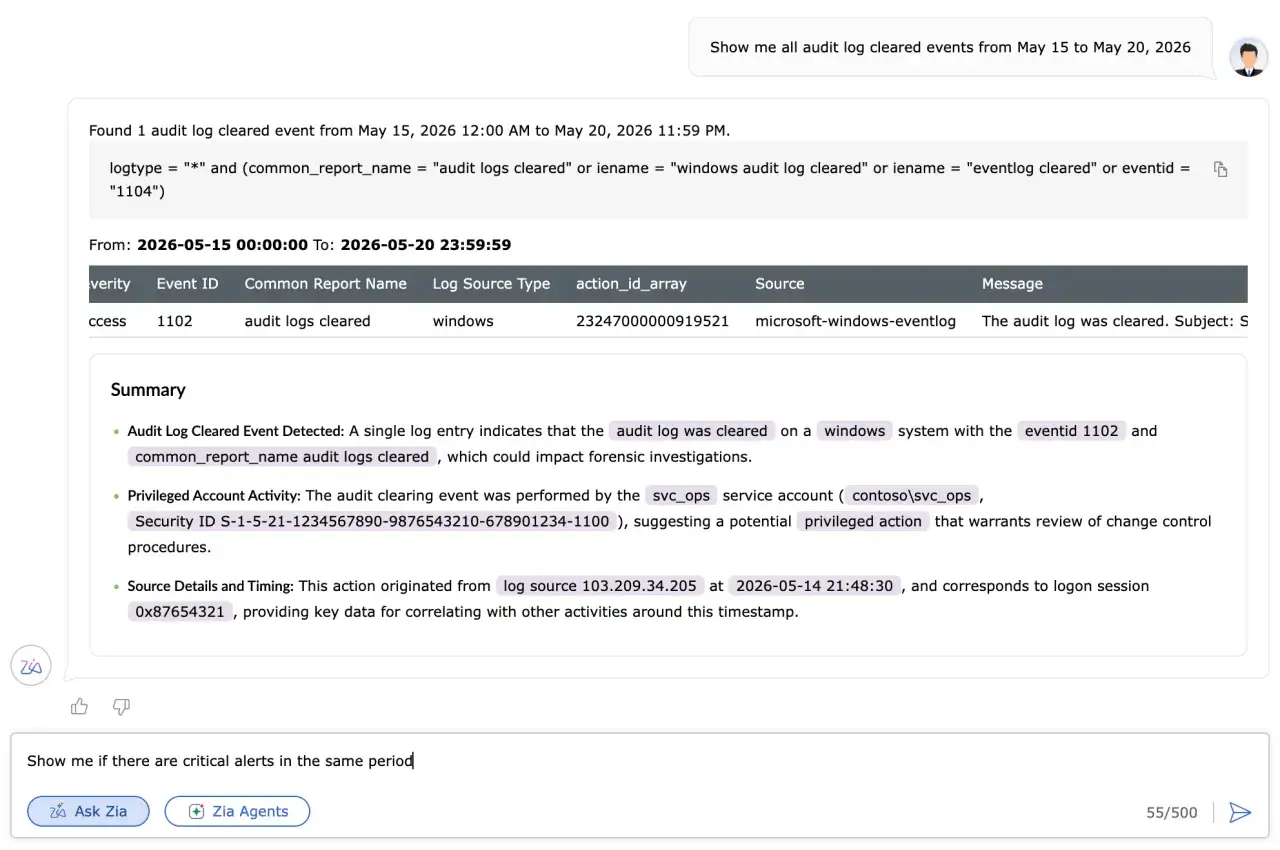
Use natural language queries to ask results to be grouped by log type, users, devices, or filtered for a specific time period. Refine your search with follow-up questions to investigate further, narrow the results, or explore related activity without starting over.
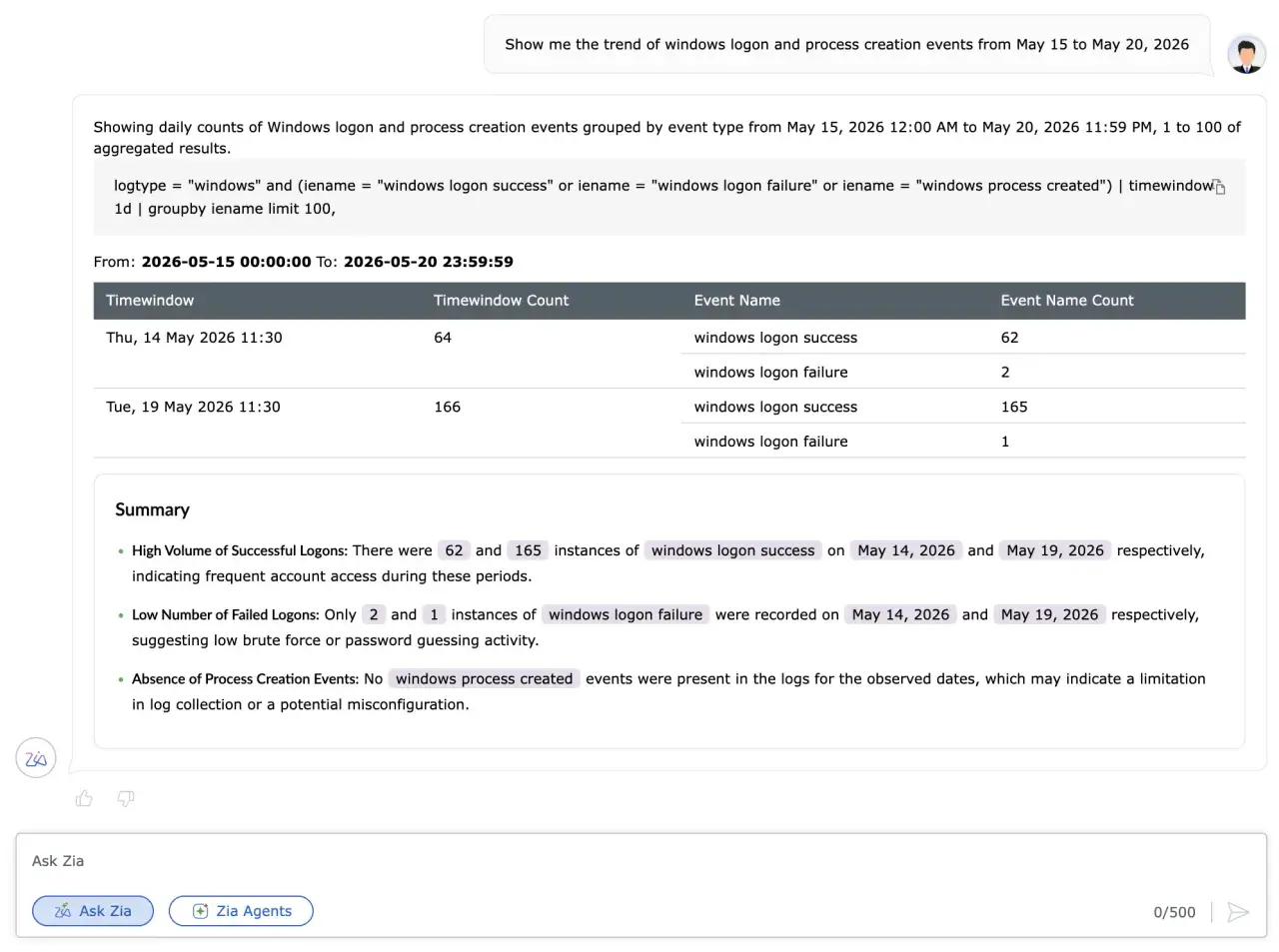
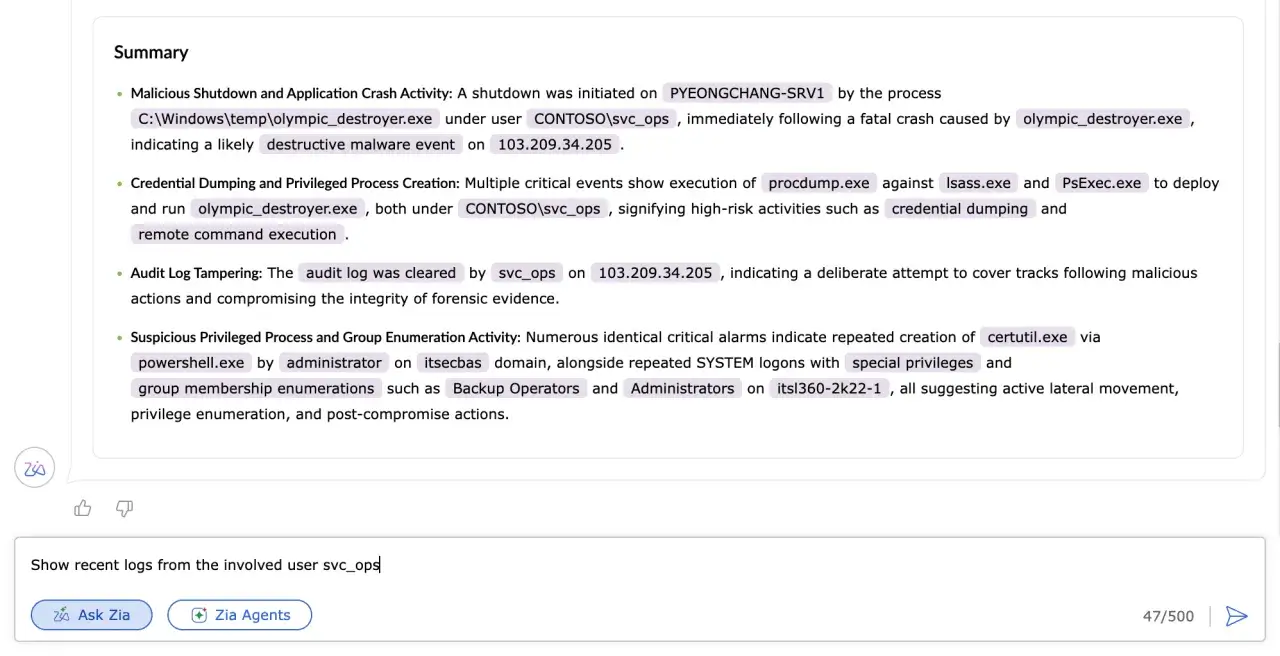
Every search includes a concise summary of the retrieved logs and alerts that explains the findings in plain language and highlights the key users, devices, alerts, and activities involved. Analysts can understand the results at a glance before exploring the underlying logs in detail.
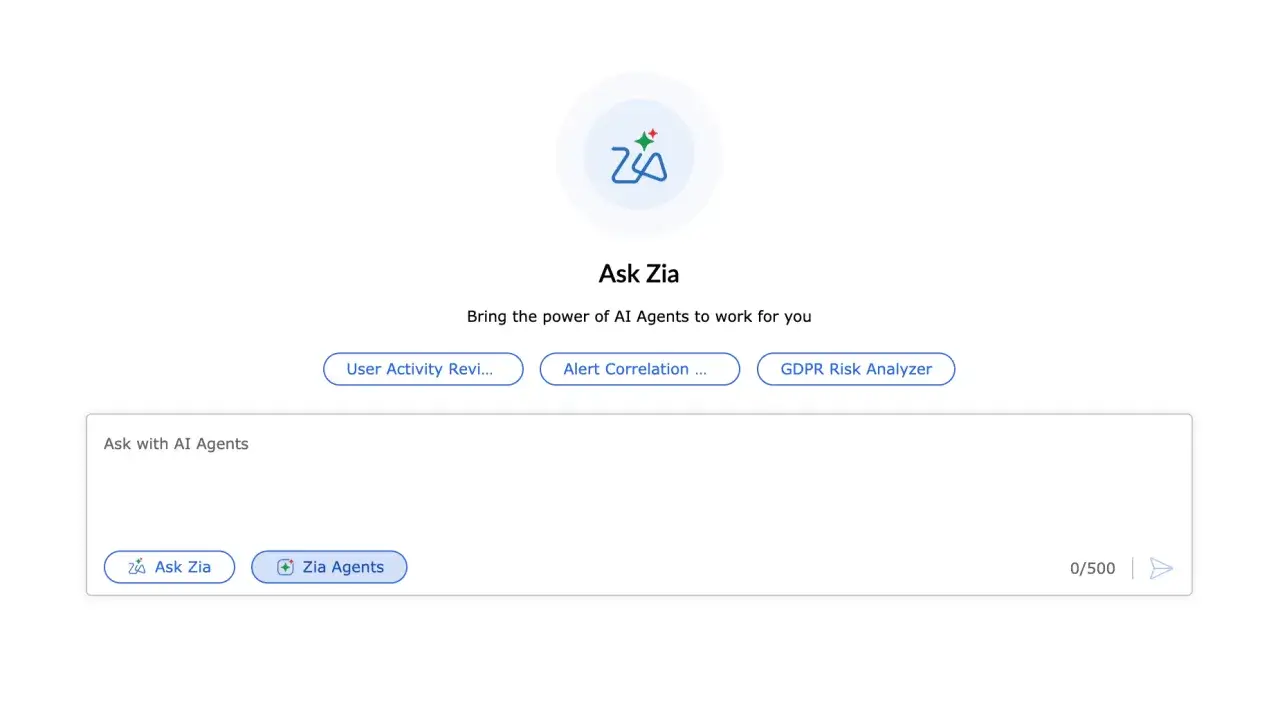
Invoke any prebuilt or custom Zia Agent directly from the Ask Zia window to automate multi-step analysis and investigation tasks. AI Agents can be customized to your workflows and execute defined instructions autonomously, reducing repetitive and time-consuming work. Analysts can interact with the agents using follow-up questions to guide the analysis and explore the results further.
"Log360 helped detect insider threats, unusual login patterns, privilege escalations, and potential data exfiltration attempts in real time."
CIO, Northtown Automotive Companies
"The drill-down options and visual dashboards make threat investigation much faster and easier. It's a truly user-friendly solution."
Sundaram Business Services
"Before Log360, we were missing a centralized view of our entire infrastructure. Now, we can quickly detect potential threats and respond before they escalate."
ECSO 911
"We wanted to make sure that one, we can check the box for different security features that our clients are looking for us to have, and two, we improve our security so that we can harden our security footprint."
Carter Ledyard