Direct Inward Dialing: +1 408 916 9393
A home folder in Active Directory is a personal network location assigned to a user account for storing files. It provides each user with a secure, dedicated space on a file server, typically mapped as a network drive (such as H:). ADManager Plus simplifies home folder creation and management by eliminating the need to manually configure folder paths and permissions for each user. It offers features to help you:
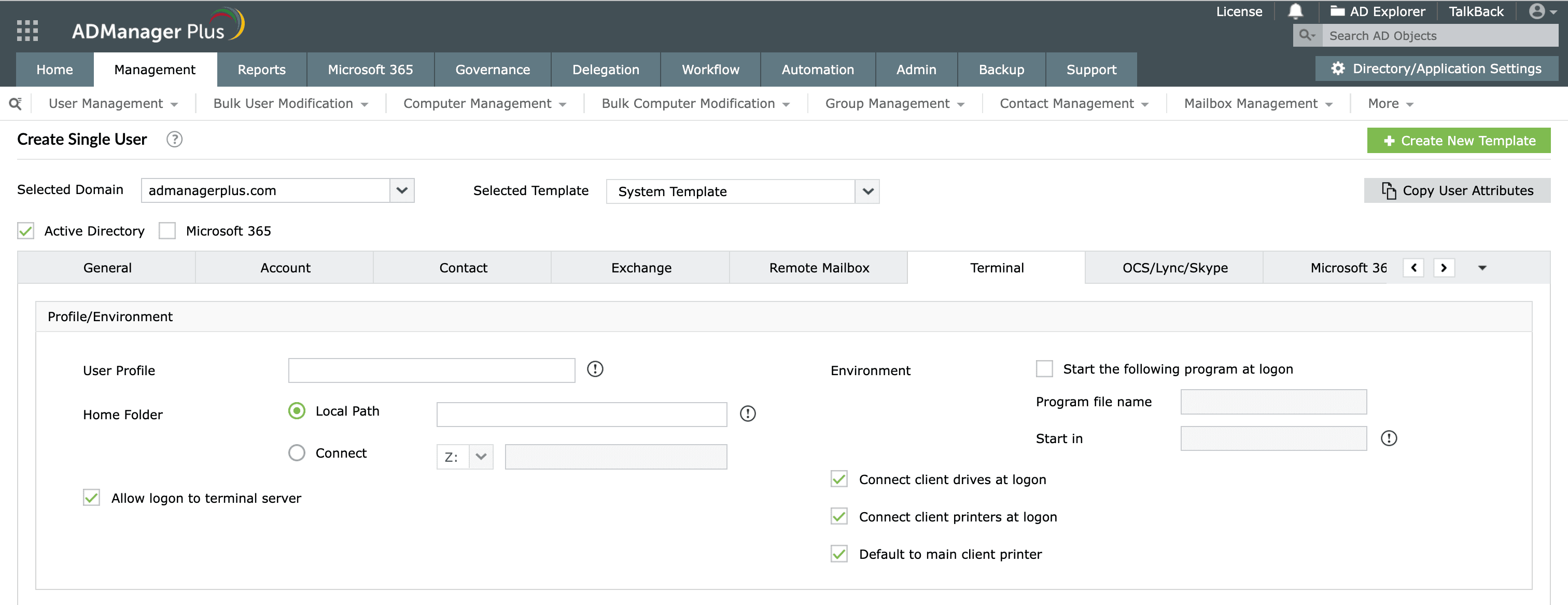
Follow these steps to create home folders while creating new user accounts in Active Directory:
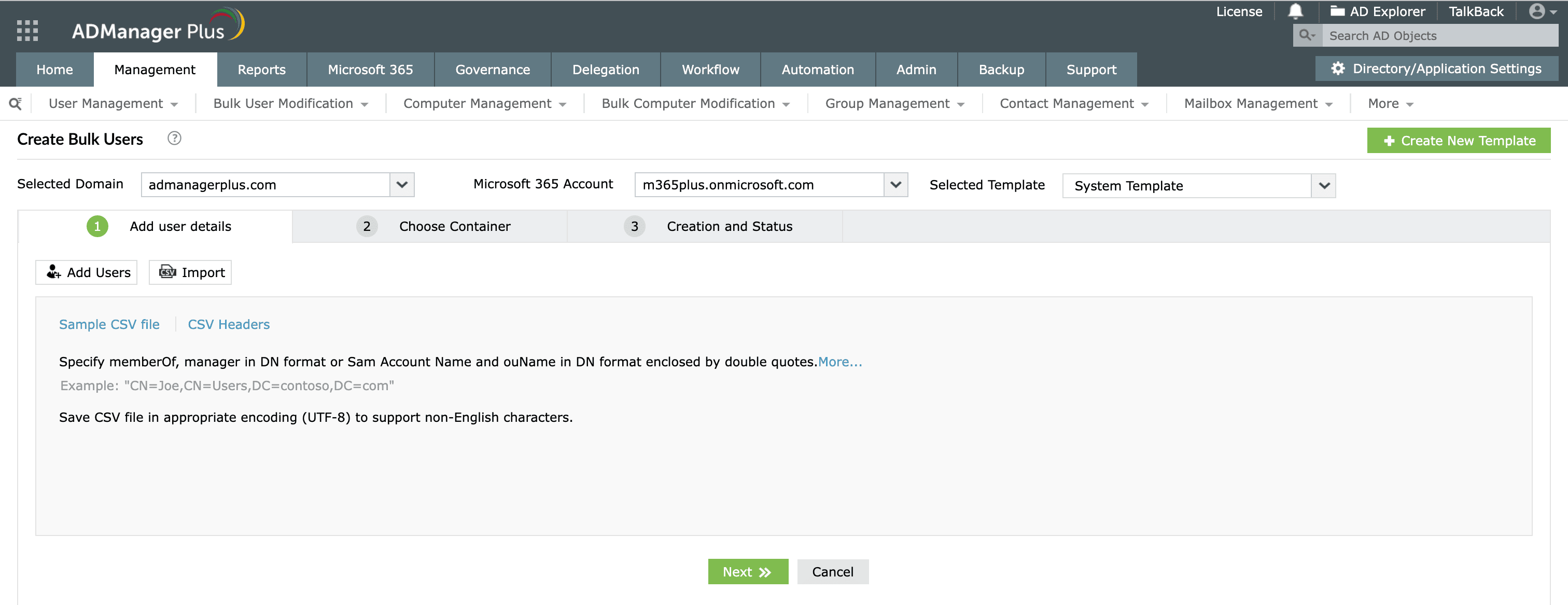
Easily change Active Directory home folders for multiple users using a simple point-and-click interface or by importing a CSV file.
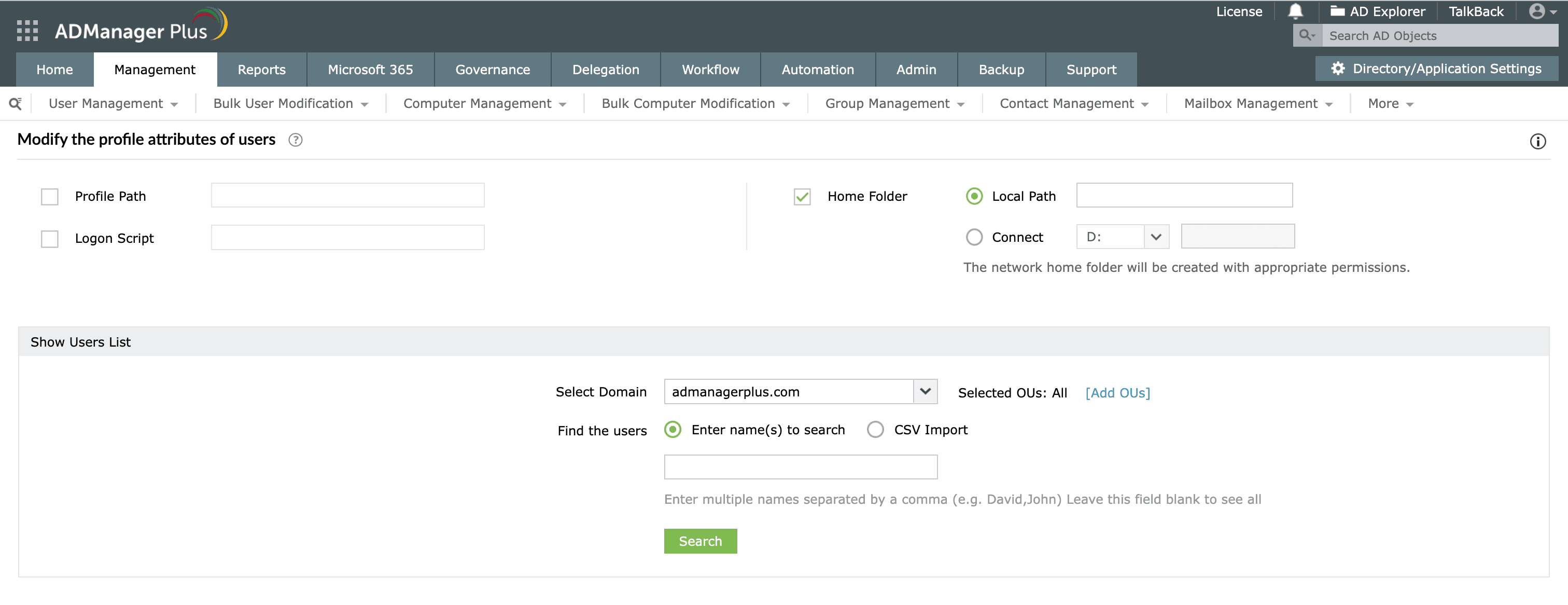
Pro tip: Delete, move, and report on Active Directory home folders using ADManager Plus.
Select a language to translate the contents of this web page:
Fill this form, and we'll contact you rightaway.
Our technical support team will get in touch with you at the earliest."