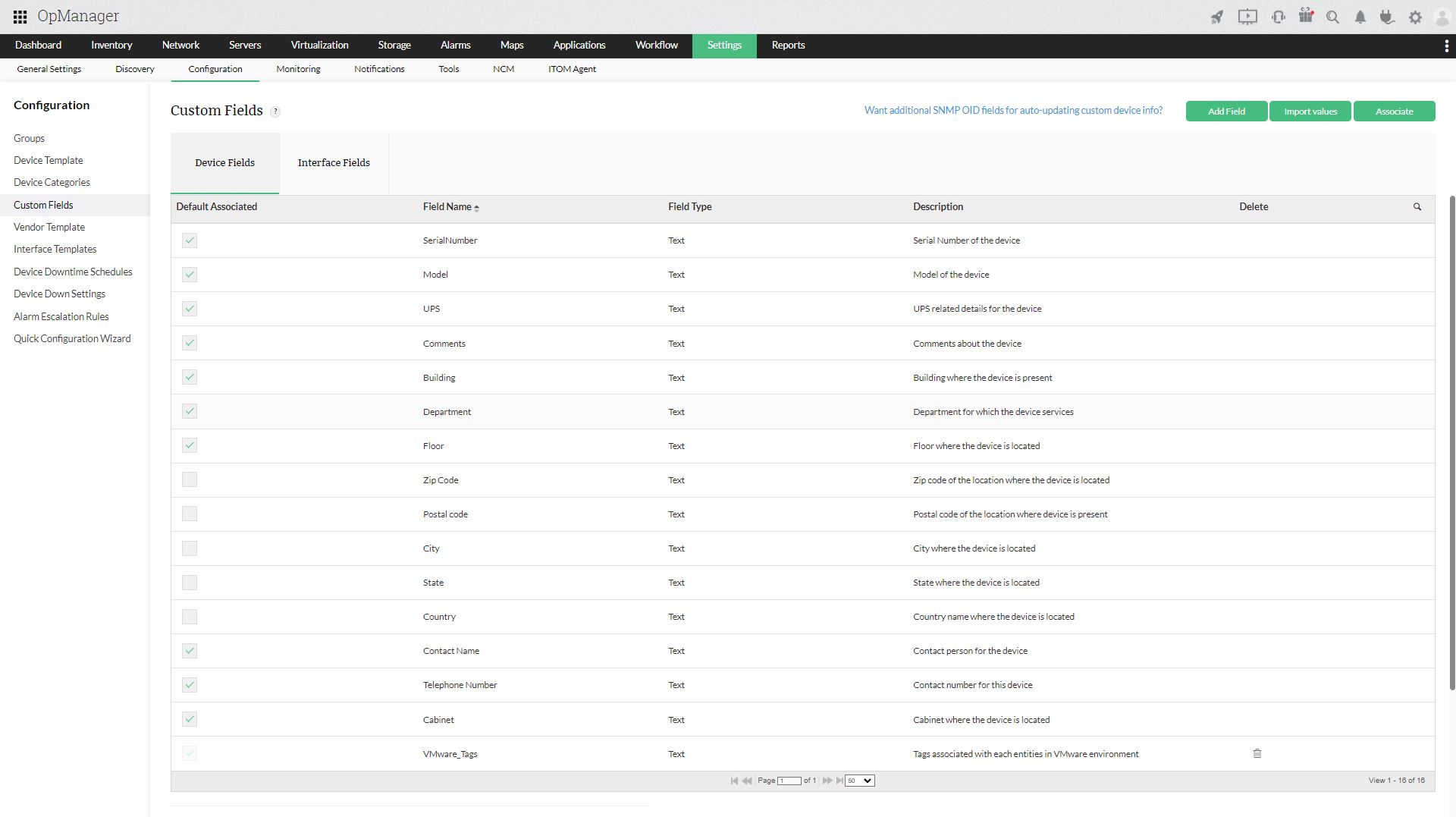
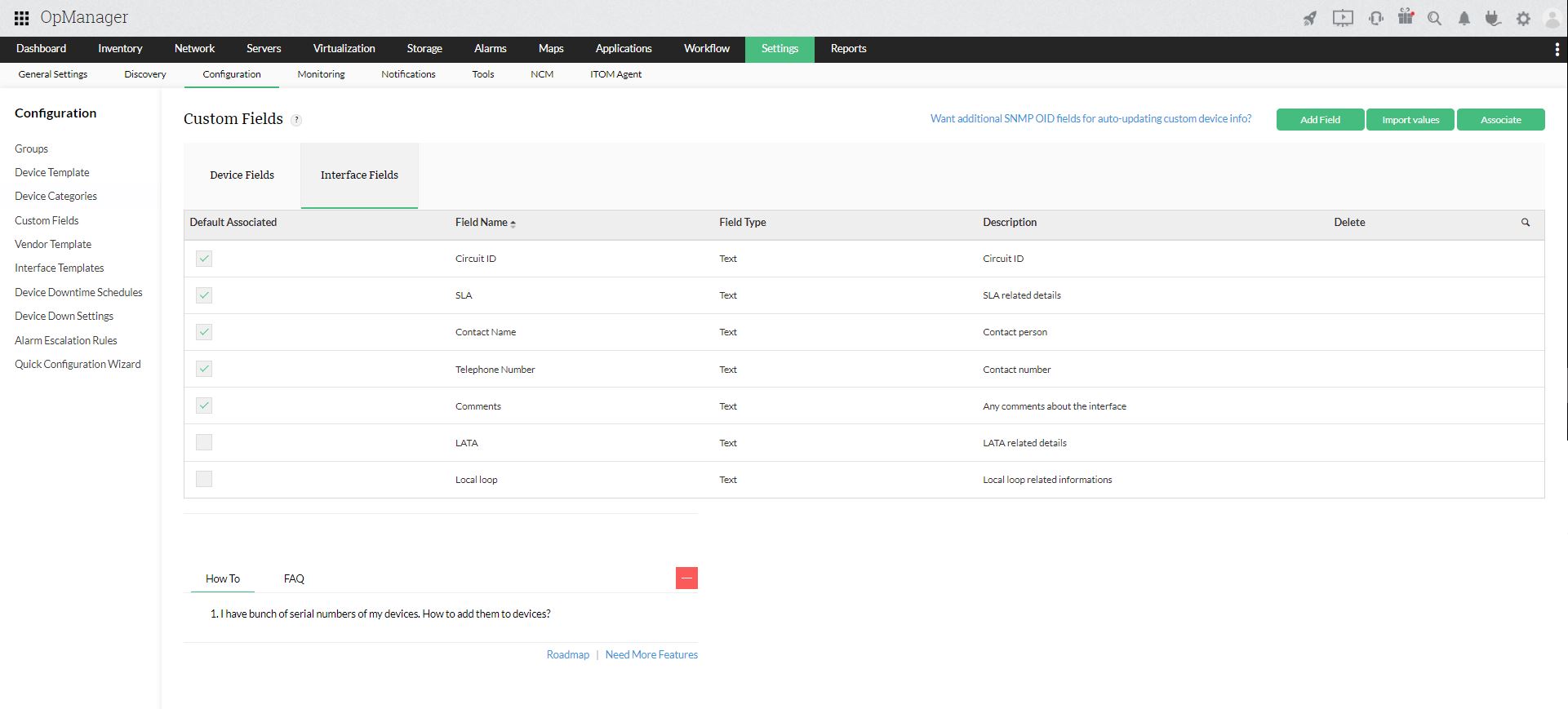
Custom Fields Widget
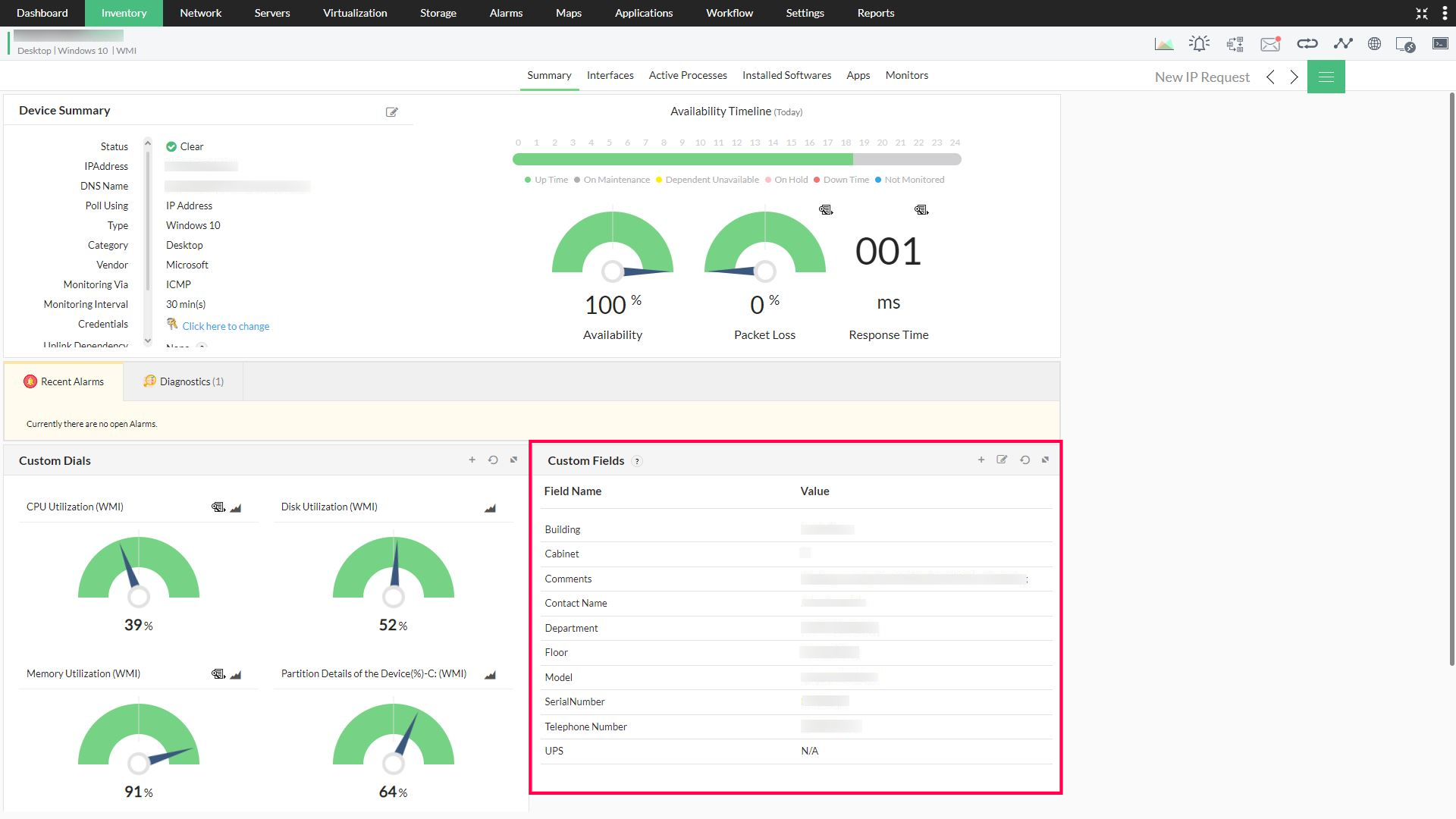
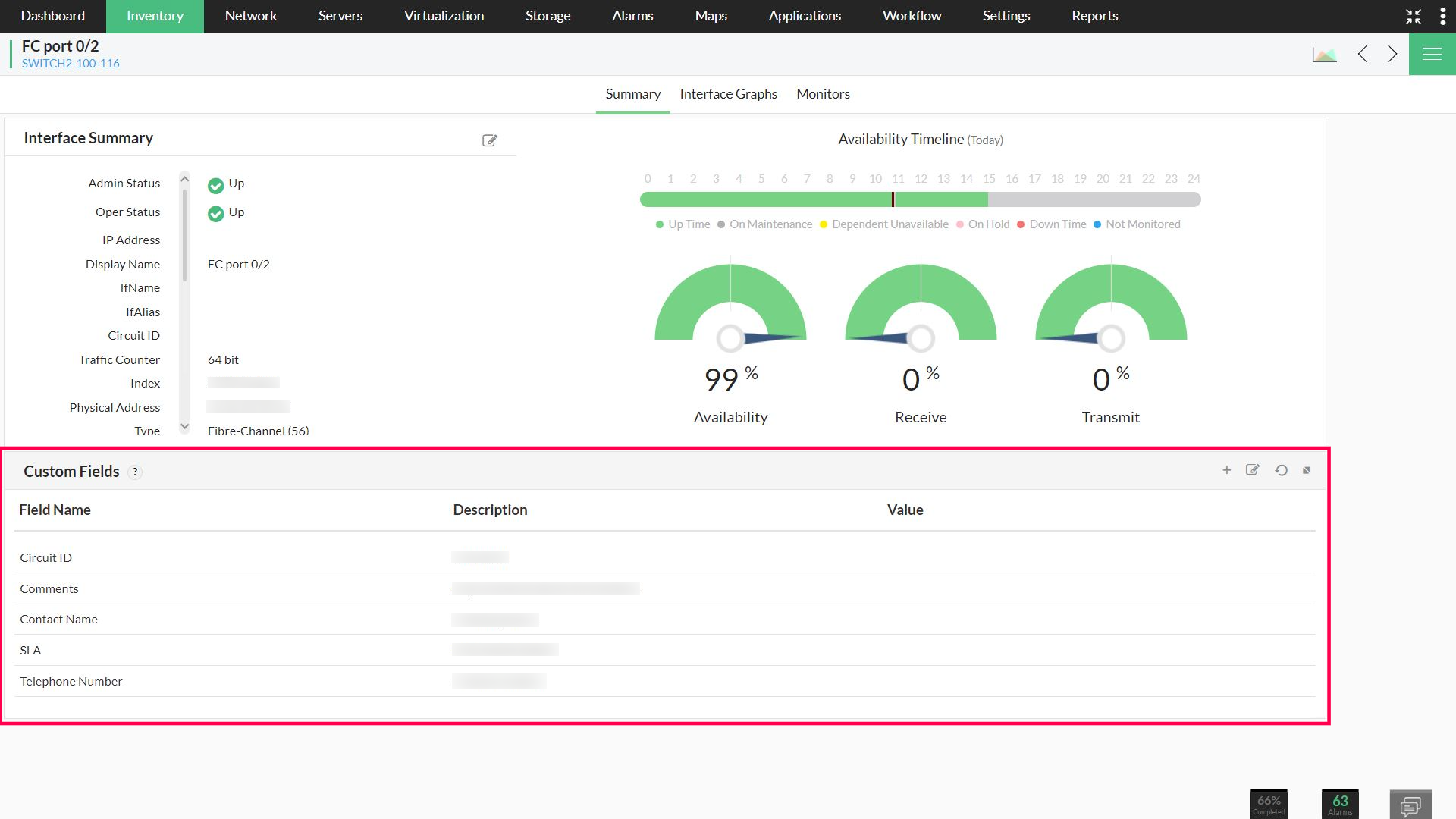
You can find the Custom Fields widget at the bottom of every device/interface snapshot page by default. You can use this widget to view, add, update, or delete data in the custom fields individually. For bulk update of the custom fields, you can import values from an external CSV file and map them to your product.
How can you use Custom Fields?
Apart from using custom fields to just demonstrate additional data about devices and interfaces, custom fields can also be used for a wide range of critical functions. You can organize and catalogue your devices on the basis of the custom fields defined for each device. Some of the functionalities made possible by the implementation of custom fields are:
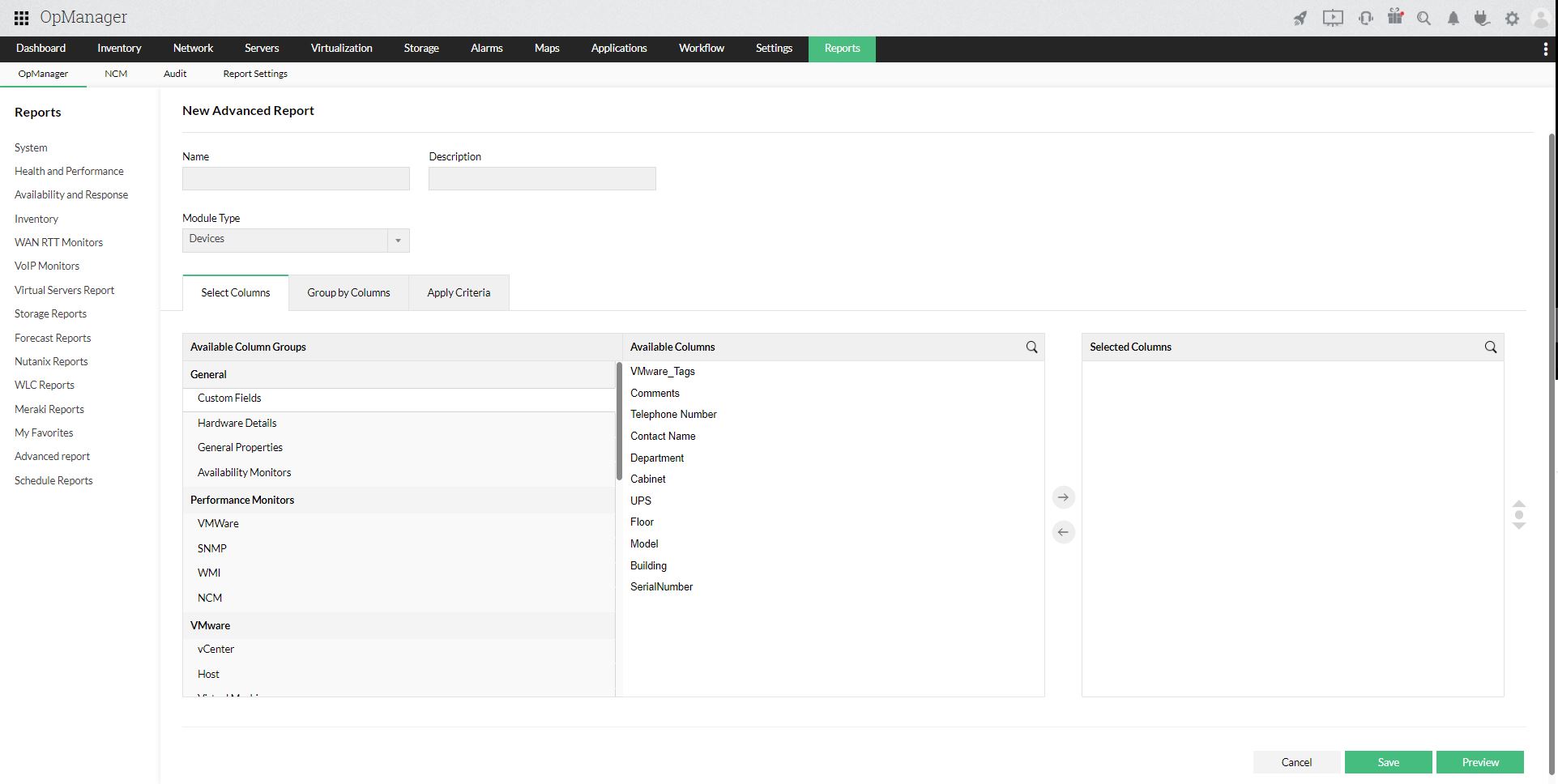
1. Generate Reports: You can generate custom reports like health and performance, availability and response, system reports, and so on, using custom fields as the basis of segregation. To do so, navigate to Reports > OpManager > Advanced Report. Select Create New Report and add the necessary descriptions. Now, from the 'Available Column Groups', choose the custom fields you want within the report and the monitors you want the data on. You can preview the report, edit the fields, or schedule the report for a later time. Refer to this example to learn more about how to use custom fields to generate custom reports.
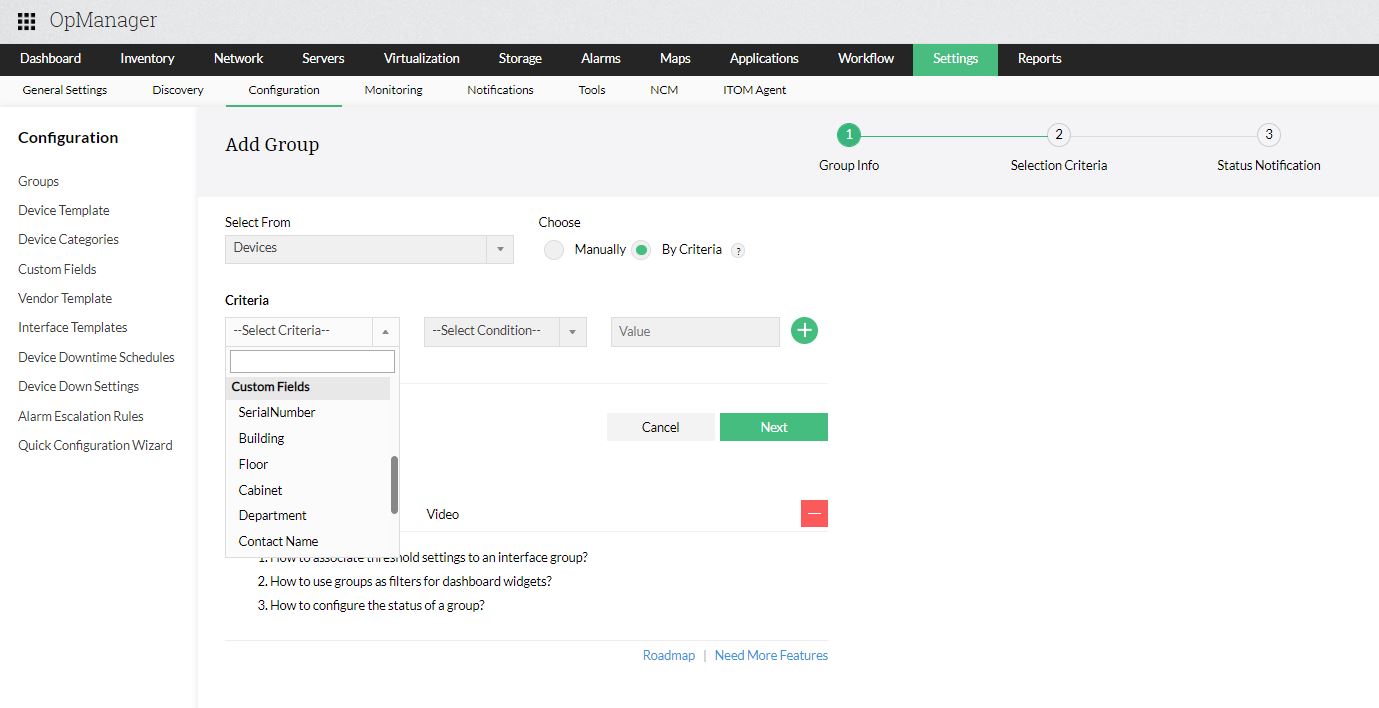
2. Device Grouping using custom fields: OpManager lets you bunch similar devices and interfaces into groups. This can be done manually or by criteria. To group devices according to the custom fields configured in your application, navigate to Settings > Configuration > Groups. Select "Add" and when prompted, choose the custom fields as the requirement criteria for grouping. From the list of devices that match the criteria, select one device upon which the health of the group would depend. Check you inventory for the group containing all the devices satisfying the matching criteria.
Automatic Device Grouping: During network discovery and re-discovery, devices that belong to the criteria configured to the existing groups, are automatically added to the respective group on the basis of the custom fields.