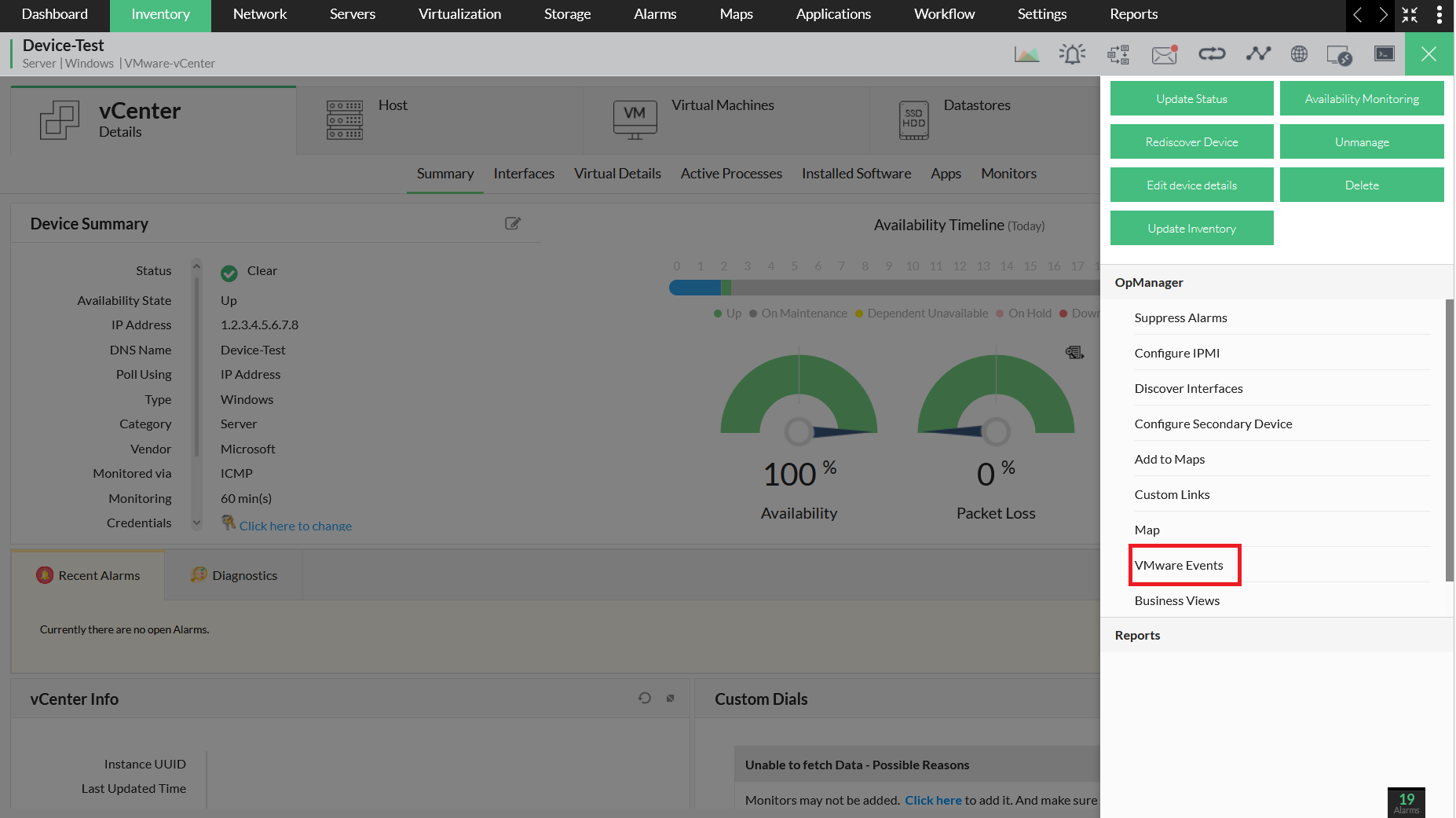
How can I monitor VMware Events?
OpManager's VMware monitoring feature allows you to unify your monitoring efforts into yourVMware infrastructure, helping you maintain optimum network performance.
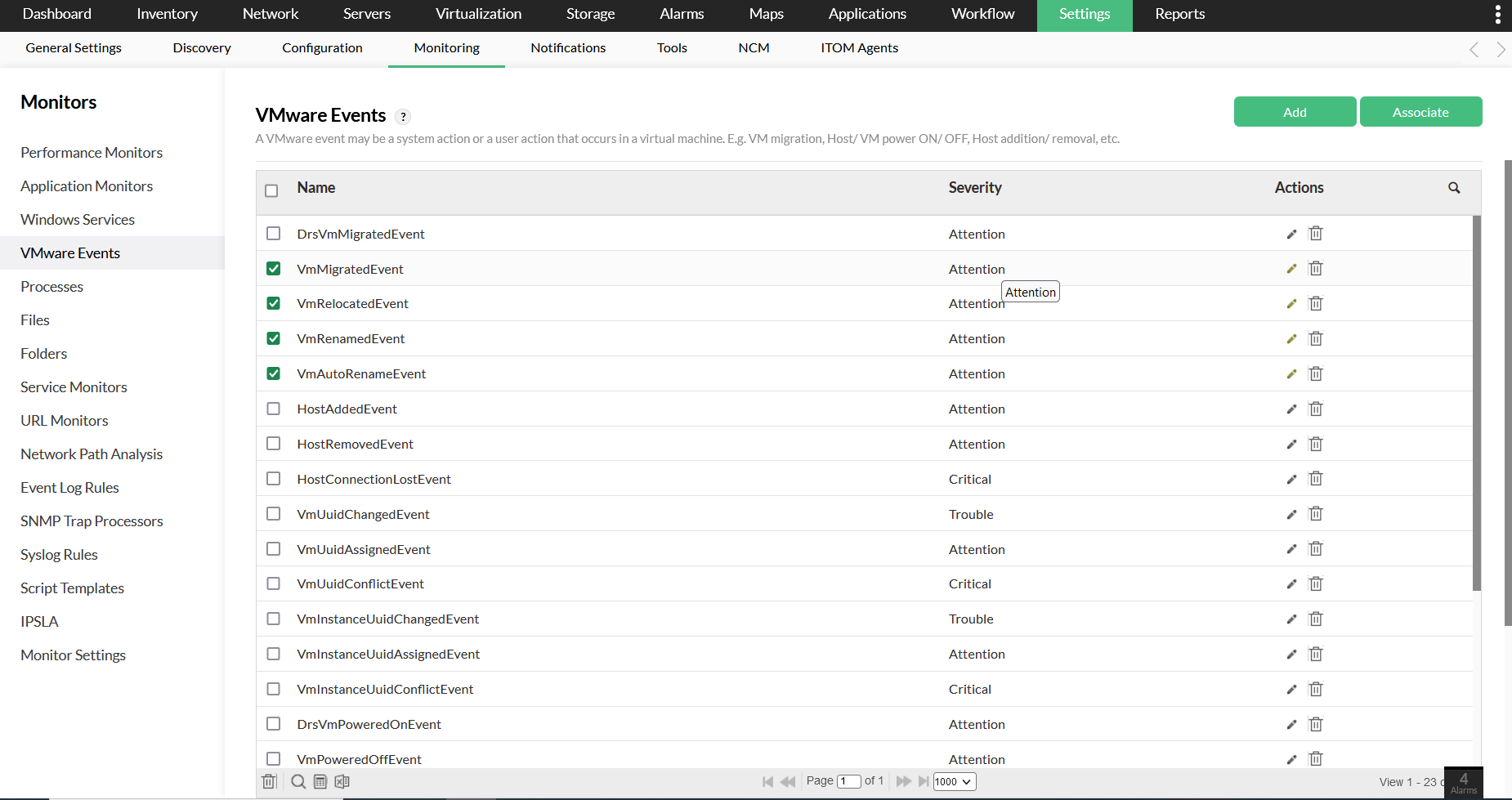
You can monitor VMware events by clicking on Settings → Monitoring → VMware Events. Select the preferred VMware events and add or associate them to devices.
Alternatively, you can monitor VMware events by navigating to Inventory → the corresponding vCenter/ESX. Click on the green tribar (☰) icon on the top right corner of the screen. Select VMware events, and Add/Associate events as required to be monitored.