Reports and Audit
Overview
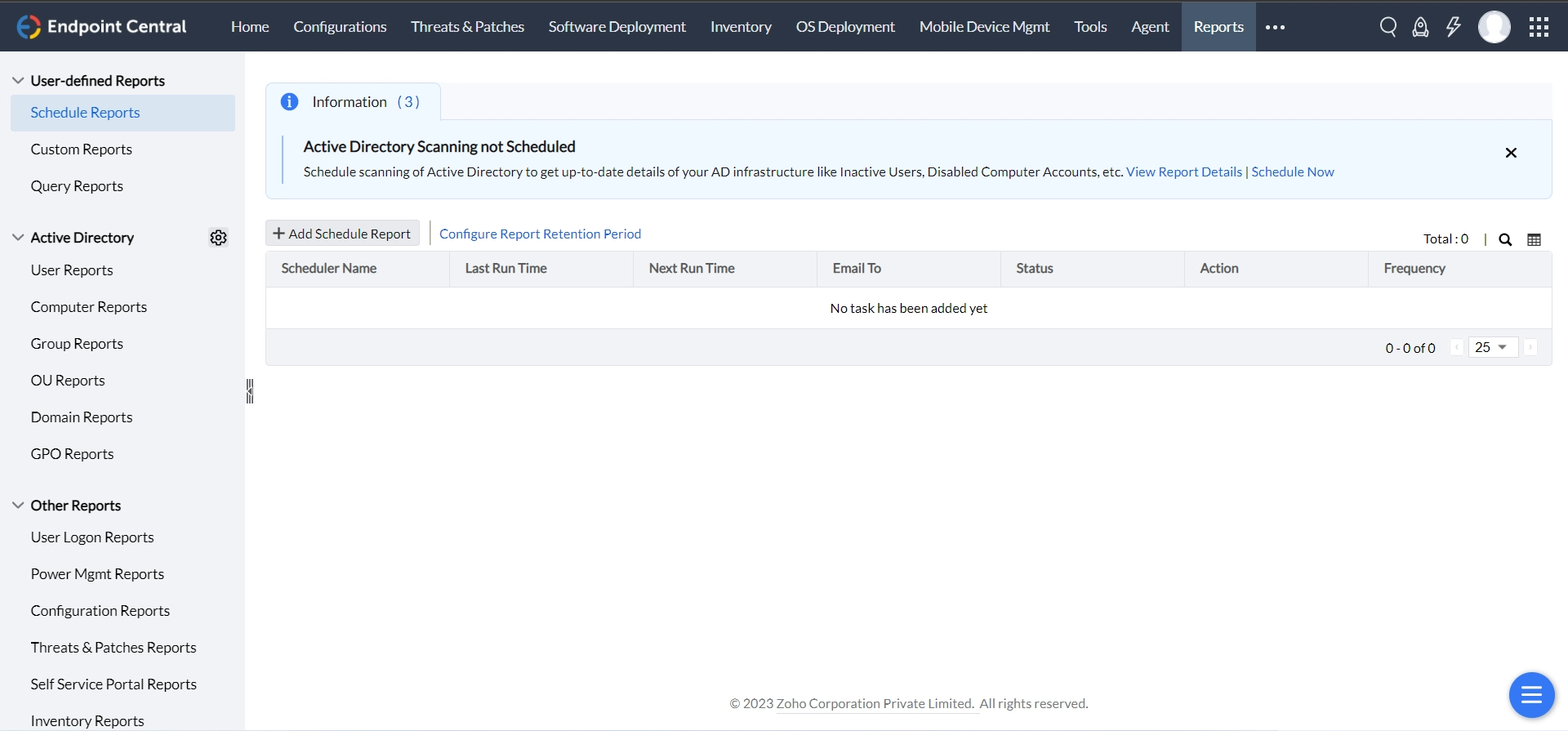
Endpoint Central helps IT administrators to generate reports on their managed IT network and present it for audit and achieving compliance. Endpoint Central has an over-arching reporting capability which can be used to generate reports based on multiple combinations and collaborate with adjacent teams. To view reports, navigate to Reports tab on the Endpoint Central console.
Types of Reports
Endpoint Central offers the following types of reports:
- User-defined Reports
- Active Directory Reports
- Security Reports
- Other Reports
How to set up the reporting feature in your network?
Reports can be accessed in the web console by authorized users. IT administrators can generate reports from this view by picking the required type and filter.
Report settings
Report Settings helps the IT administration team to personalize the usage of generating reports with Endpoint Central. In addition, IT administrators can analyze user behavior by tracking their logon/logoff activity and generate power management reports.
Export settings
Export Settings allows IT administrators to customize the way by which the reports can be generated. This provides flexibility in presenting for IT auditing and drills. Endpoint Central allows you to export reports as PDF, CSV, and XLSX. In addition, you can mask/remove any Personally Identifiable Information (PII) from your reports.