
Help
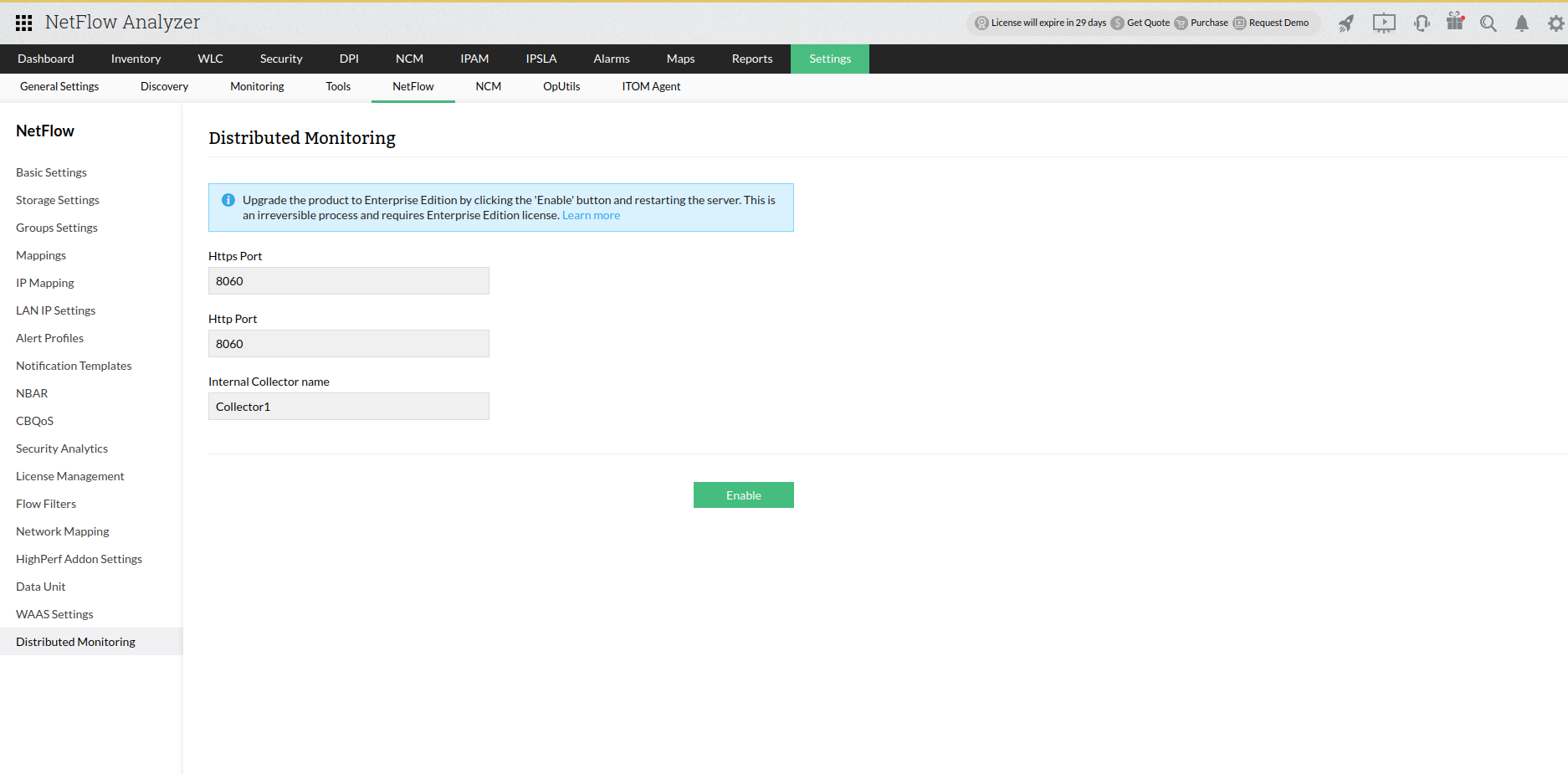
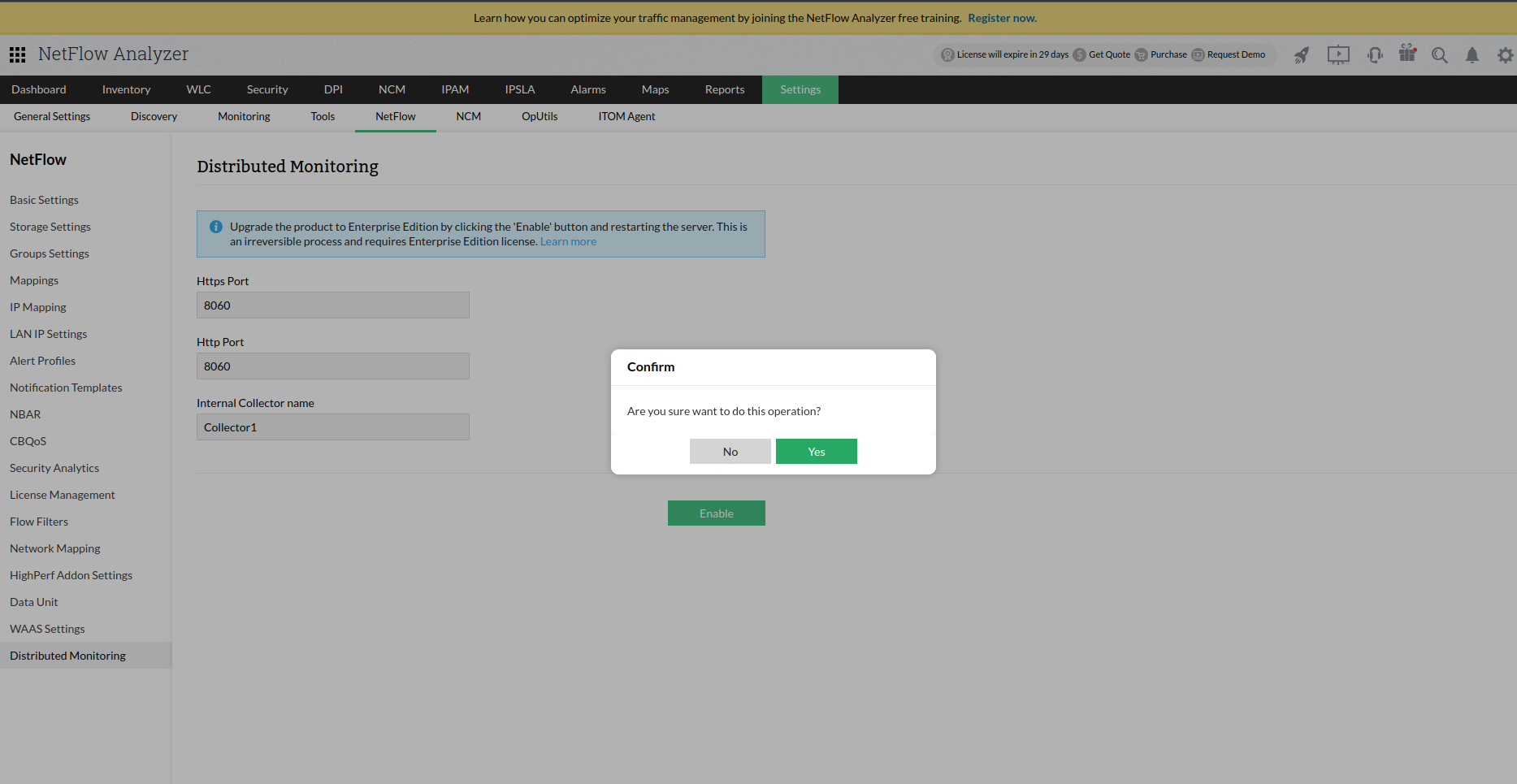
The Distributed monitoring feature allows you to convert a StandAlone version of NetFlow Analyzer to Enterprise Edition - Distributed Architecture, where both the central server and probe runs on the same server. This feature allows users to upgrade to Distributed monitoring on a single-click.
The Enterprise Edition in NetFlow Analyzer is designed to scale and manage network infrastructures distributed across the world from a single location. The sturdy Probe-Central architecture makes it possible to scale up as and when an enterprise grows and expands, without compromising on reliability. A typical Distributed monitoring setup involves a single Central Server and "n" number of Distributed Probes based on number of remote locations. The Probes collect & process the flows from the routers and passes the compressed data to the Central Server which provides a centralized web console for generation of reports. Learn more about NetFlow Analyzer Enterprise Edition.
Compare bandwidth monitoring and analysis options, best suited for your organization requirements from here.
Note:
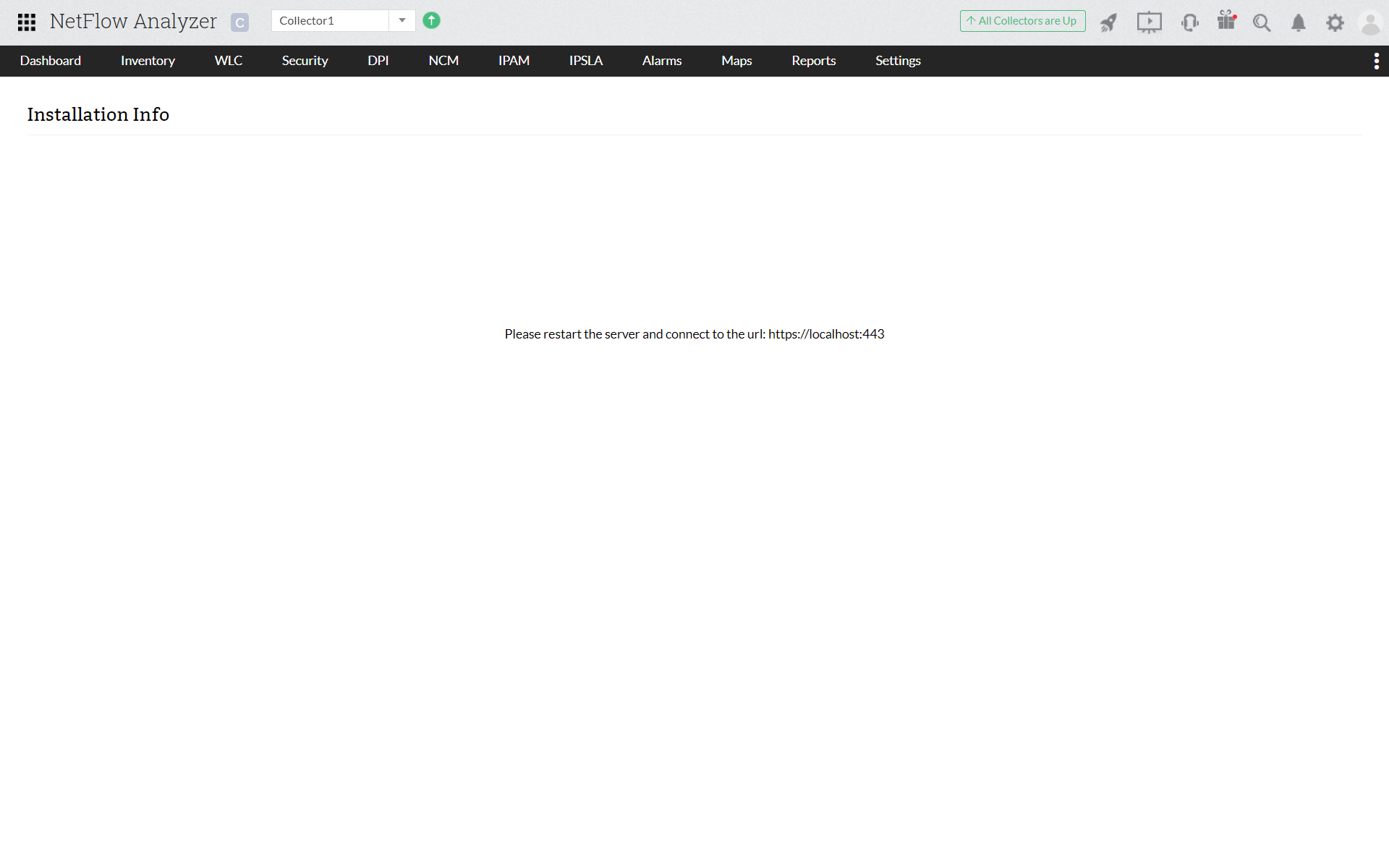
Now, Enterprise Edition is successfully enabled to the product
Thank you for your feedback!