
OpManager's network traffic analyzer module provides visibility on network traffic patterns & bandwidth utilization, with NetFlow, sFlow, j-Flow, IPFIX etc. flow support. It offers real-time bandwidth monitoring with in-depth traffic reports to pinpoint bandwidth issues before it affects end-users. It has other capabilities such as IP SLA monitoring, AVC support, QoS reporting, CBQoS reporting, WLC reporting, Attacks, Billing and more. OpManager also helps admins to fix bandwidth issues faster and reduce MTTR. Learn more »
Traffic graphs for devices, interfaces, apps & groups.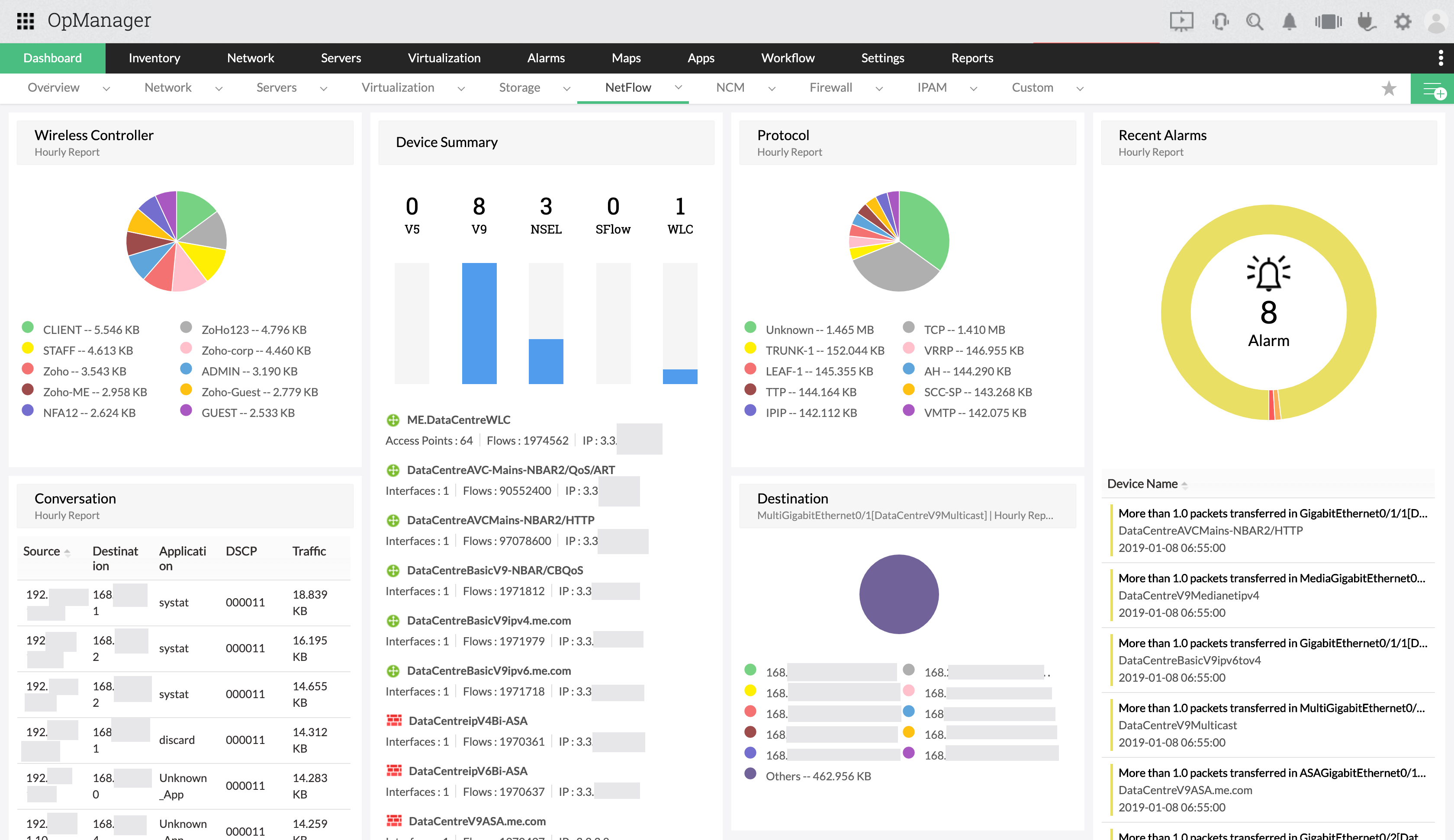
Application-wise bandwidth usage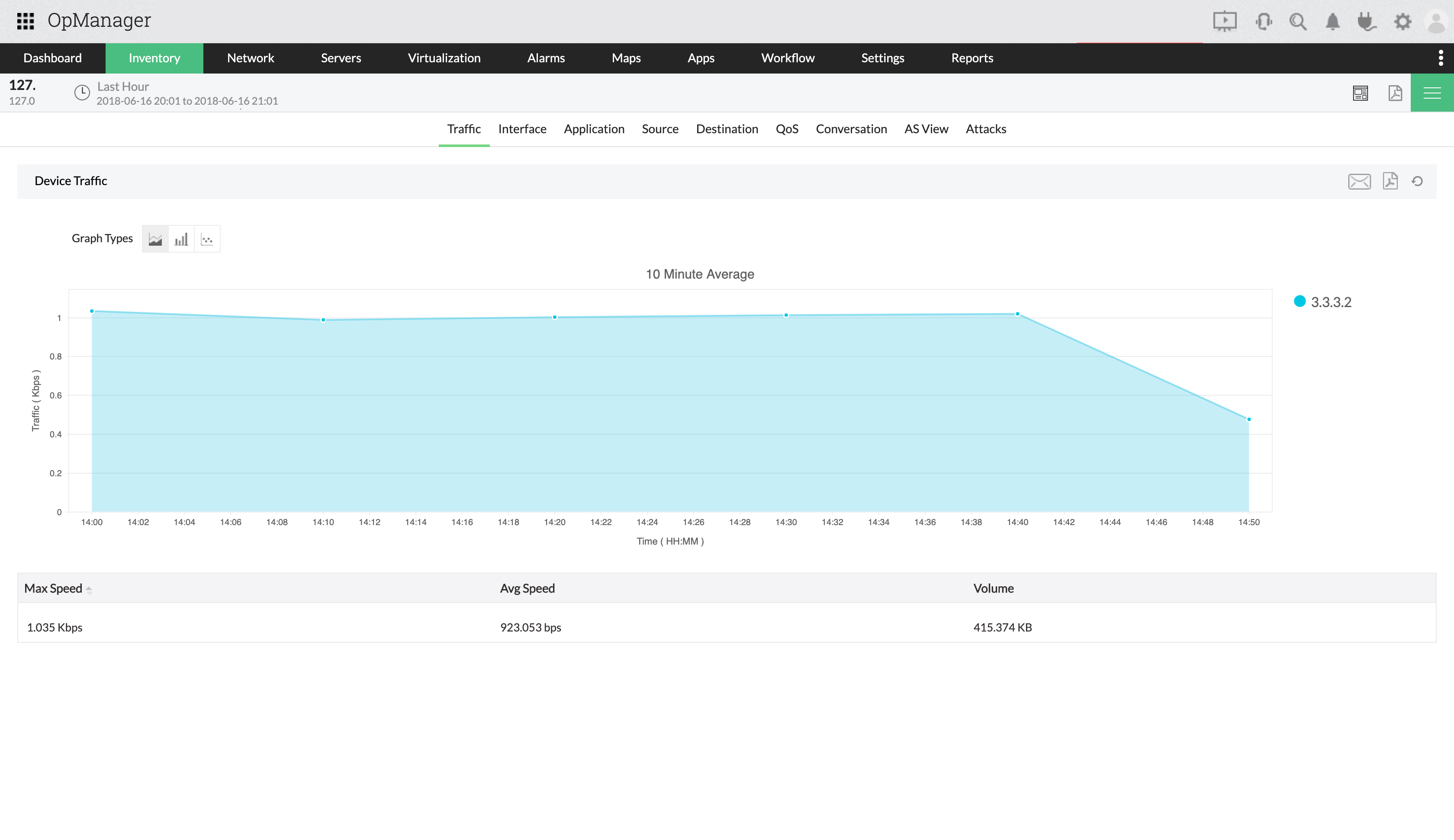
Network traffic forensics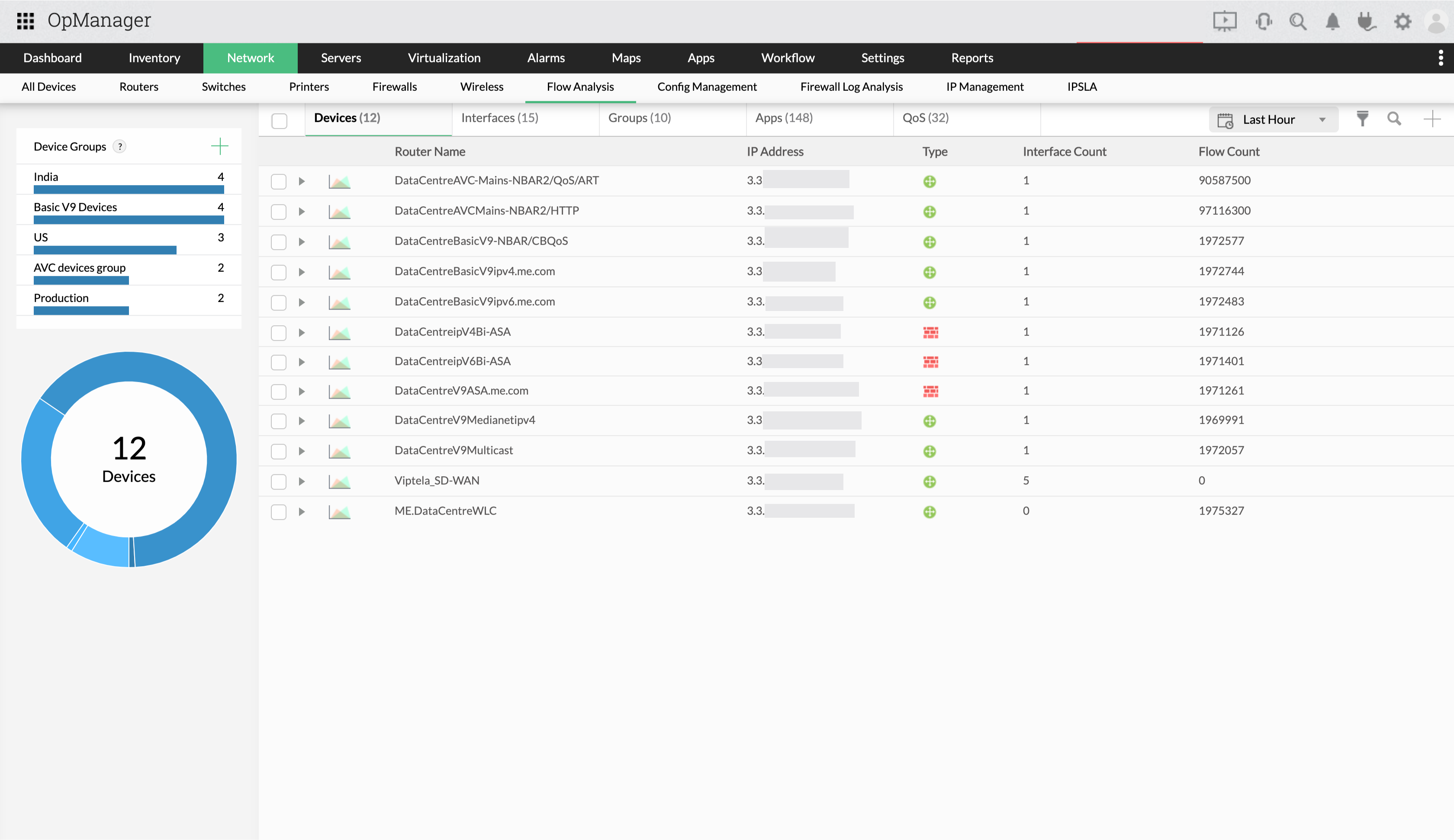
Consolidated Reports & capacity planning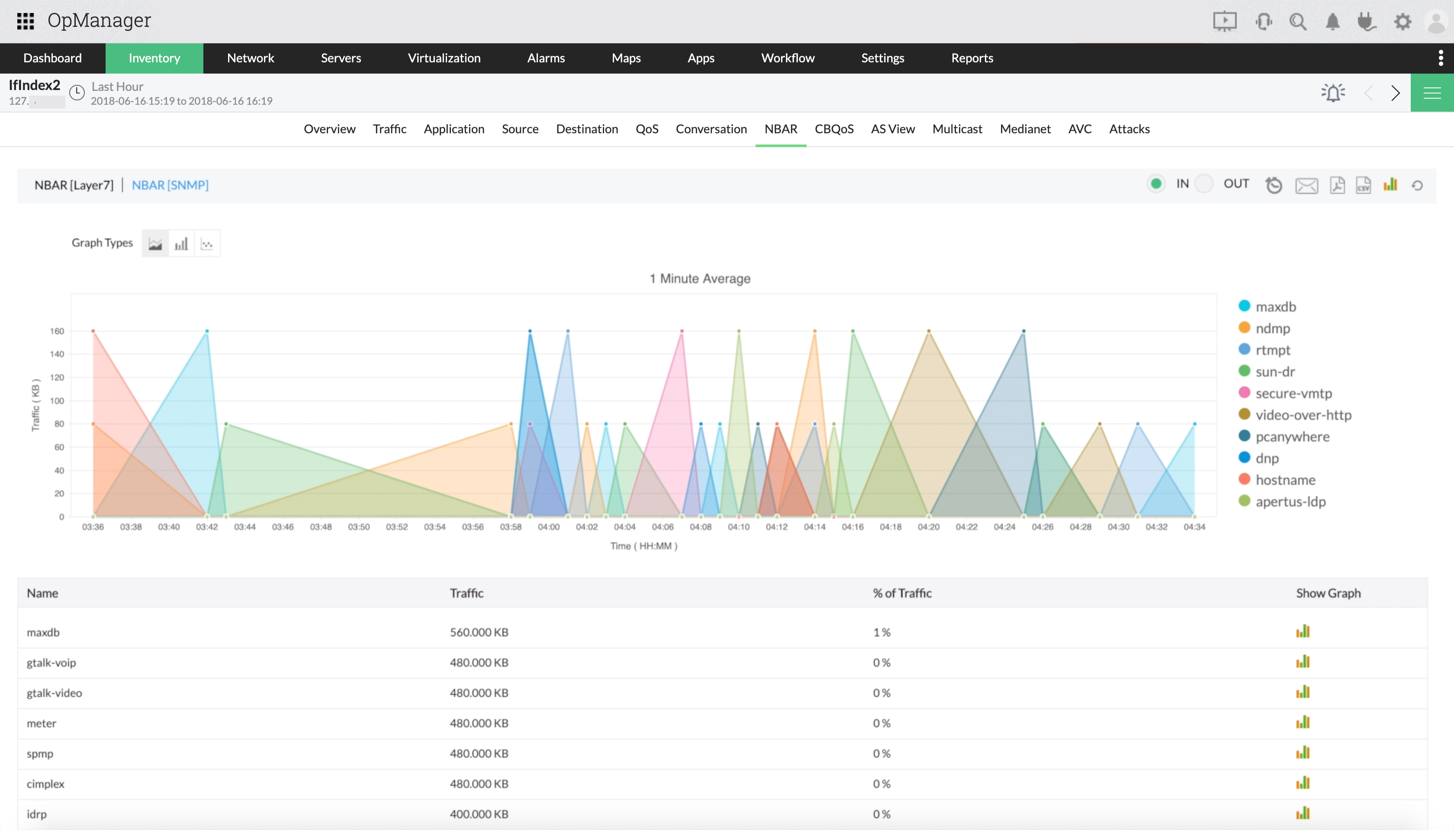
Attacks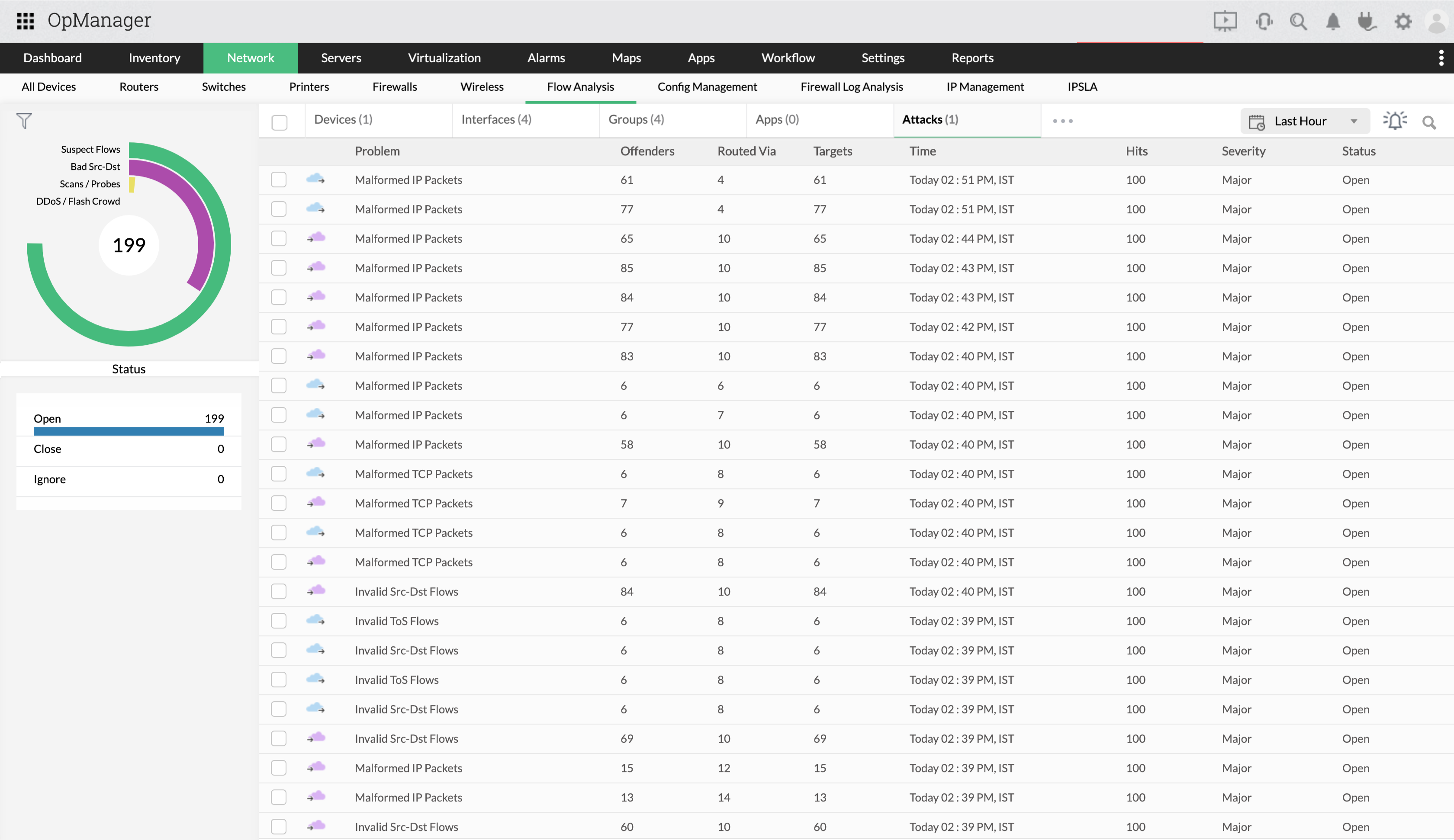
Configure ACL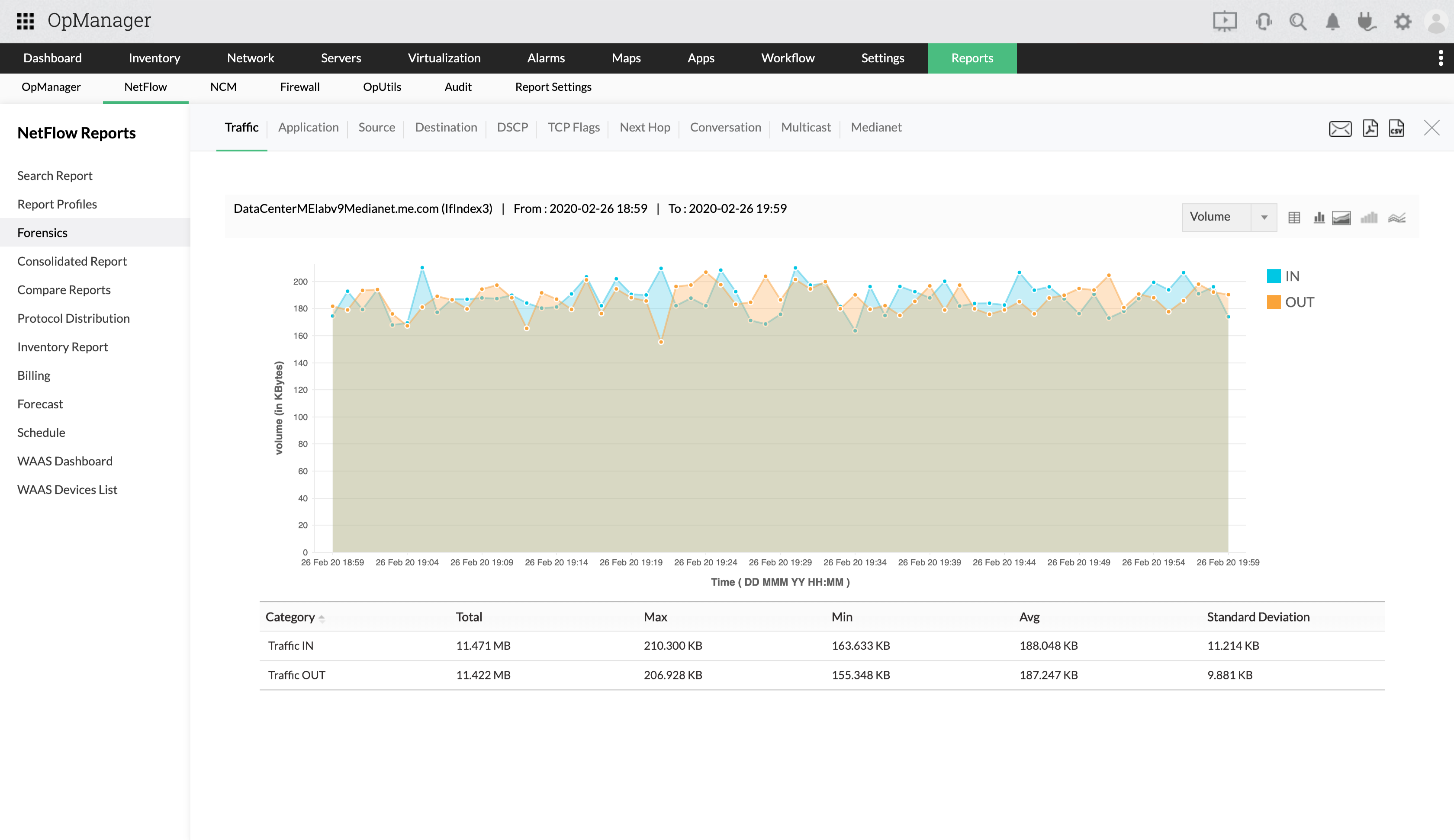
"The new Netflow add-on proved invaluable in troubleshooting a recent VPN outage. I highly recommend both OpManager and the Netflow add-on"
Senior Network Engineer at one of Maine's largest healthcare providers
To know more about netflow monitoring, check out the FAQs section.