MCP stands for Model Context Protocol. Think of it as a universal connector between AI clients and the tools they need to interact with. It is an open standard that lets AI assistants like Claude, Copilot, and Cursor talk directly to external systems, query data, and trigger actions, without custom integrations or one-off API work.
Before MCP, connecting an AI client to a security tool meant building a bespoke integration for every combination. MCP removes that. Any MCP-compatible AI client can connect to any MCP server through a single standardized handshake.
For security teams, this means the AI tools you already work with can now reach into your SIEM, ask questions, and act on what they find.
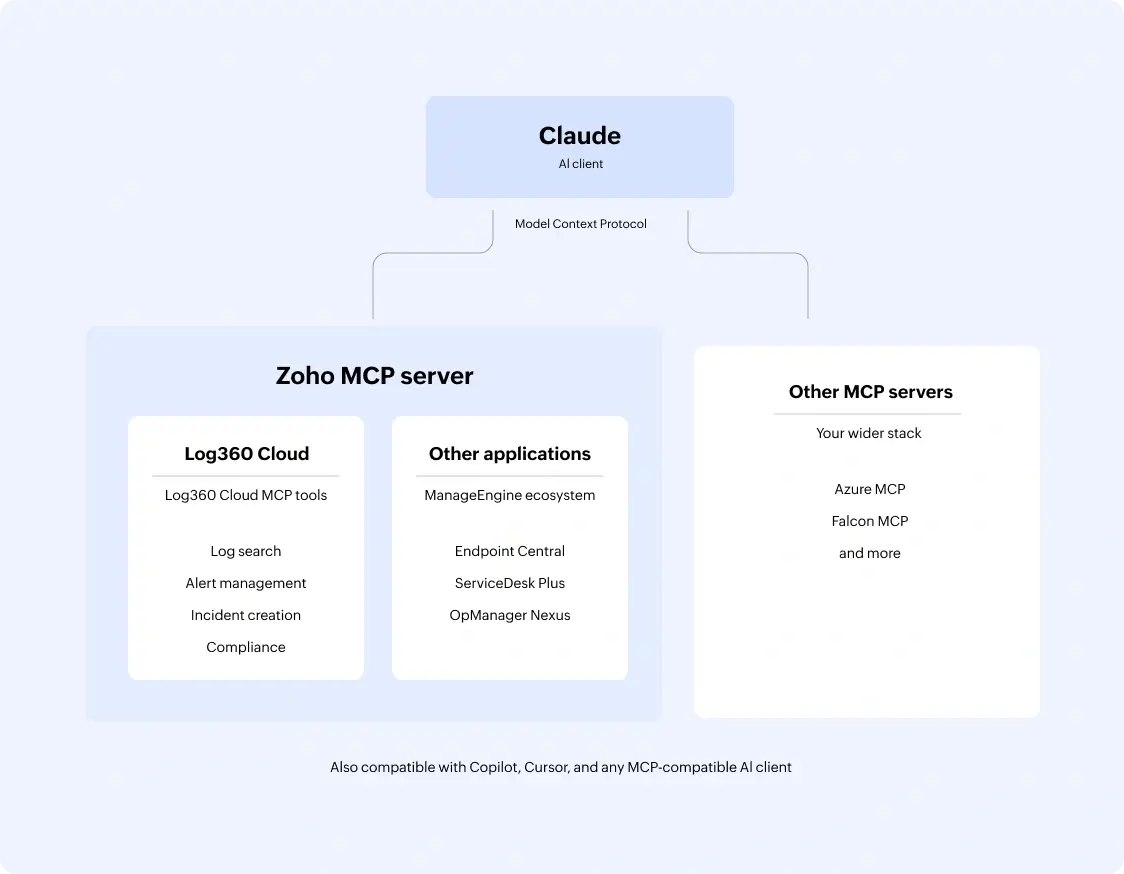
Log360 Cloud ships with a native Zoho MCP Server. Every Log360 capability is exposed as a ready-to-use MCP tool: log search, alert management, incident creation, compliance queries, and more.
Connect once, and your preferred AI client can query Log360 data, run investigations, and take actions, all from within the interface your team already works in. No console switching. No query syntax. Just your AI client and a prompt.
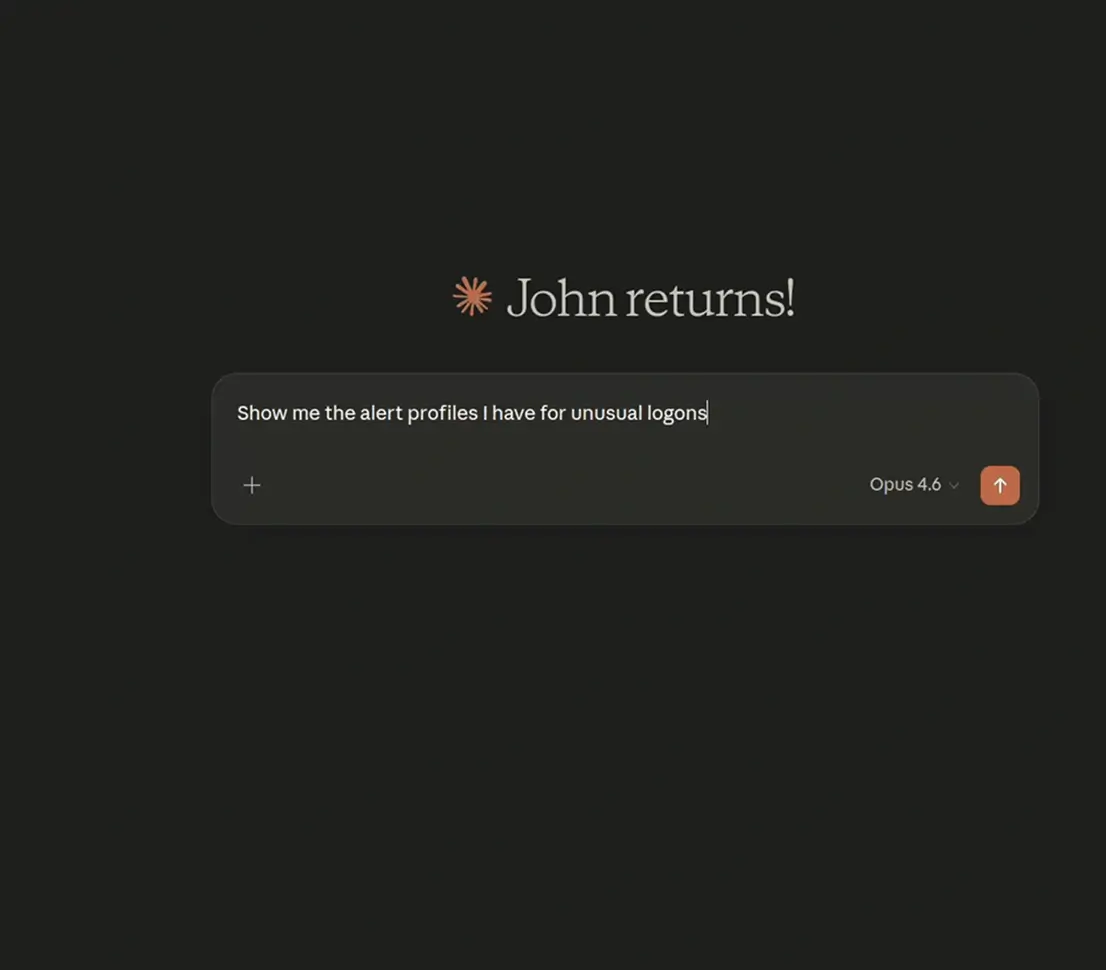
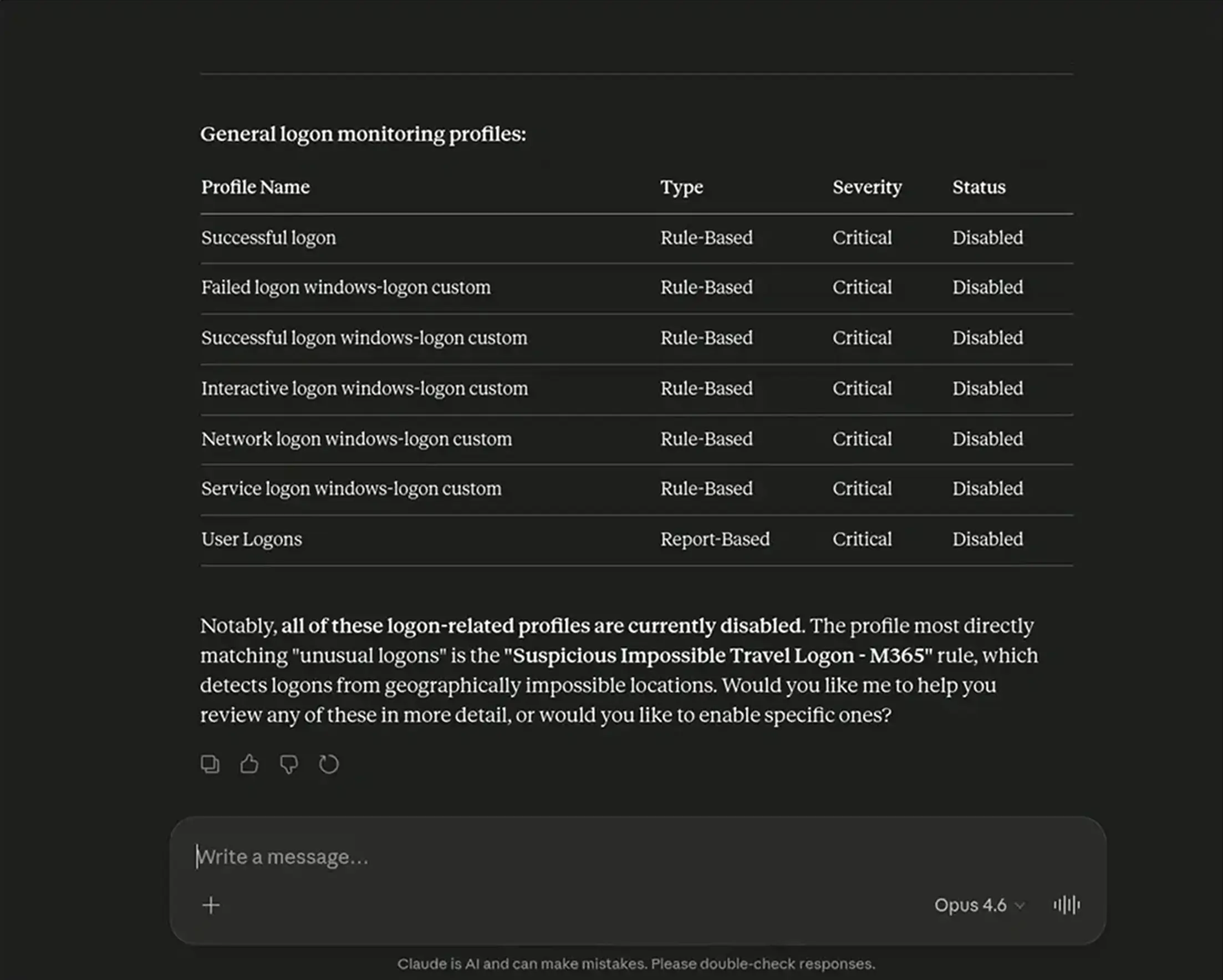
Here is what a session looks like when your AI client is connected to Log360 via MCP. The analyst stays in Claude the entire time.
The full workflow, from detection hygiene to active investigation, happens without a single console switch.
MCP is not limited to Log360 alone. Your AI agents can connect Log360's MCP server alongside other MCP servers across your security stack, your EDR, your cloud security platform, your ticketing system, and more.
An agent you have built on your MCP client can pull security alerts from Log360, vulnerability data from Endpoint Central, asset context from ServiceDesk Plus, and device anomalies from Site24x7, stitched together by the AI client orchestrating across all of them.
This is where AI moves from answering questions to performing structured work across products, tools, and policies.
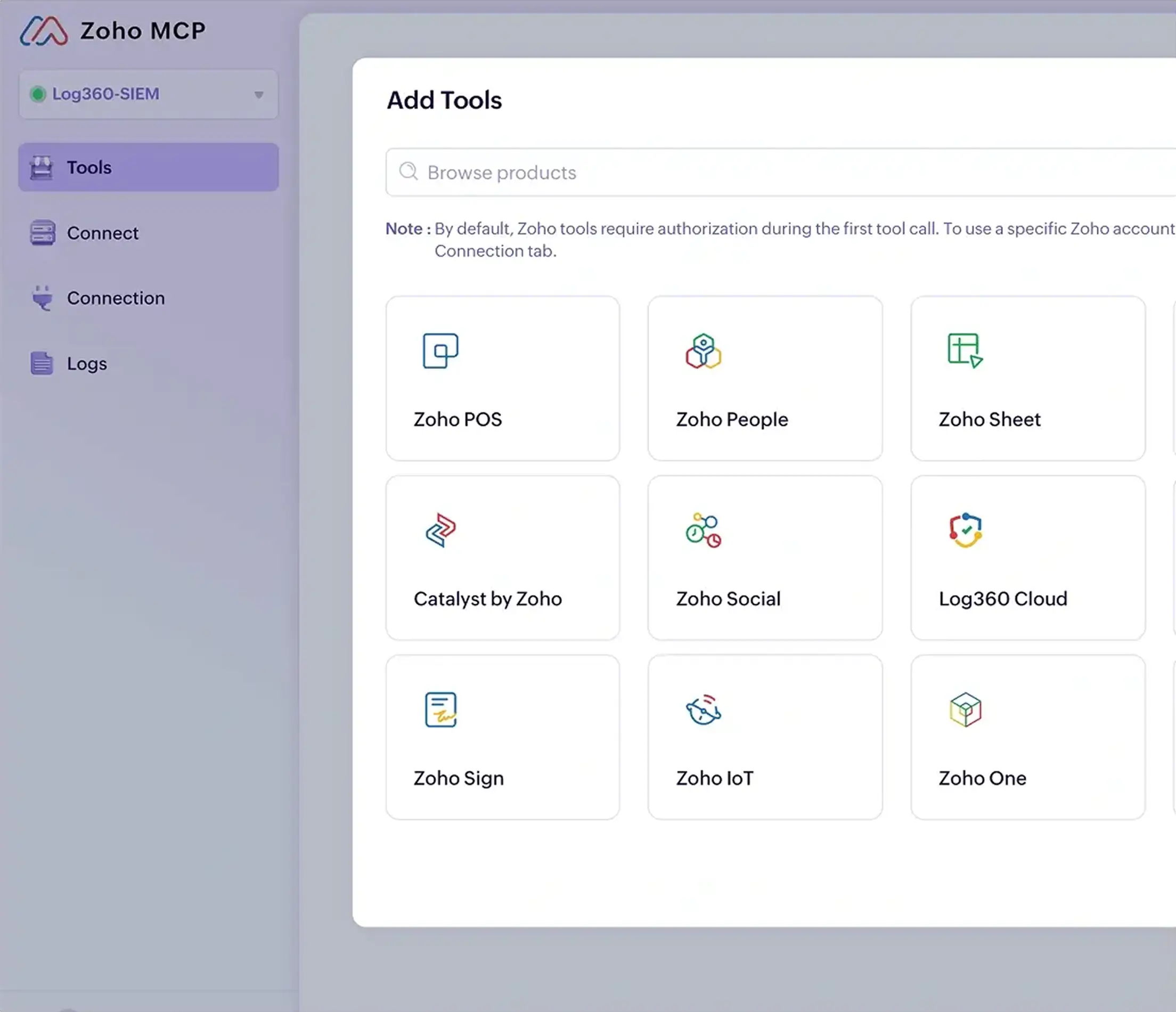
Start a free trial of Log360 Cloud and connect Claude, Copilot, or any MCP-compatible AI client in minutes. Or talk to our team to see what MCP integration looks like in your environment.