Free Edition
ADSelfService Plus allows you to configure multiple self-service policies based on users' domains, OUs, and group memberships, and lets you decide which sets of users will have access to what self-service features. You can even clone an existing policy to save time.
Consider a scenario in which you have to create different policies with only minor differences between them for different departments or sets of users. Instead of creating policies from scratch every time, you can just copy an existing policy, make the desired changes, and save it.
This article explains how to clone an existing policy, customize it, and assign it to the required OU(s), group(s), or domain using ADSelfService Plus.
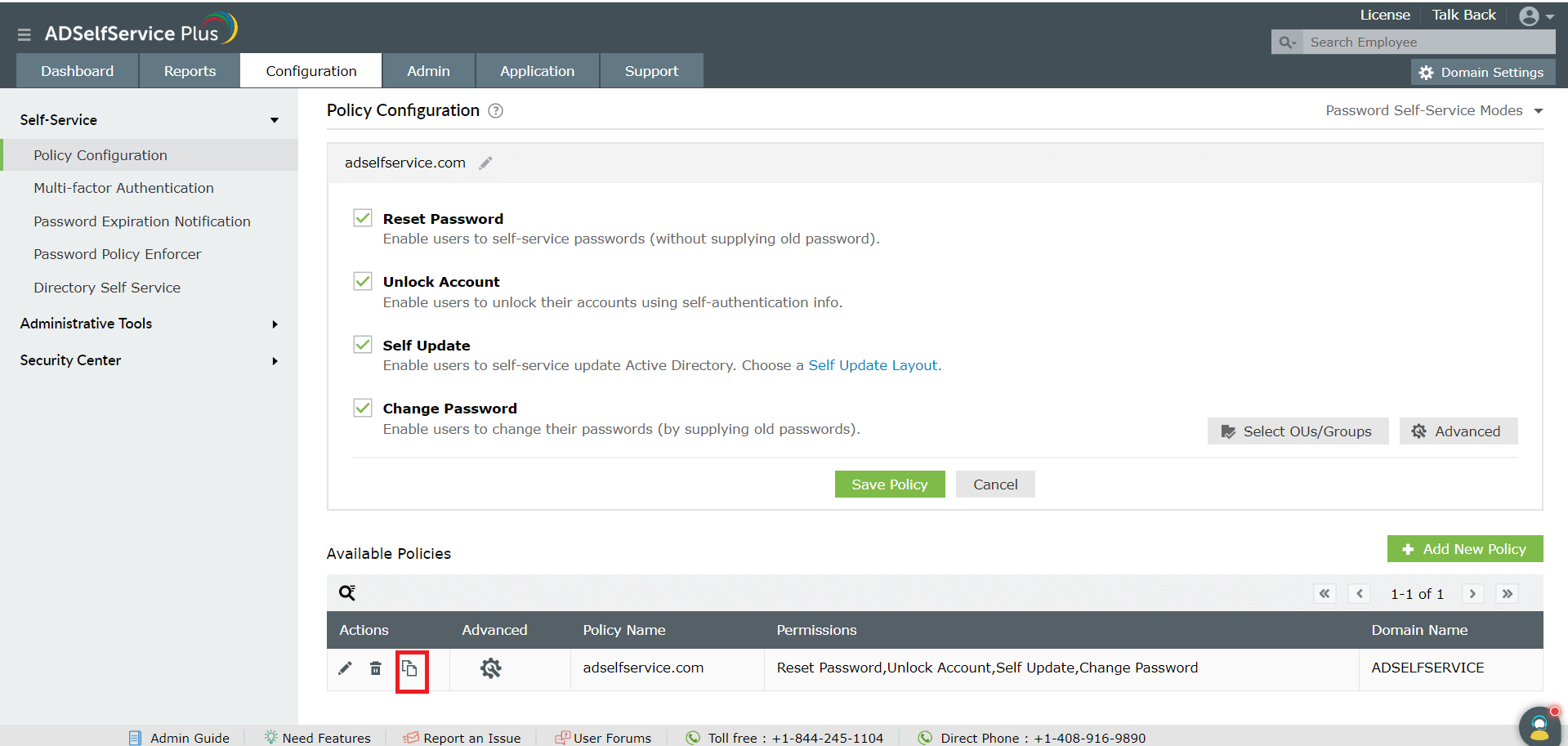
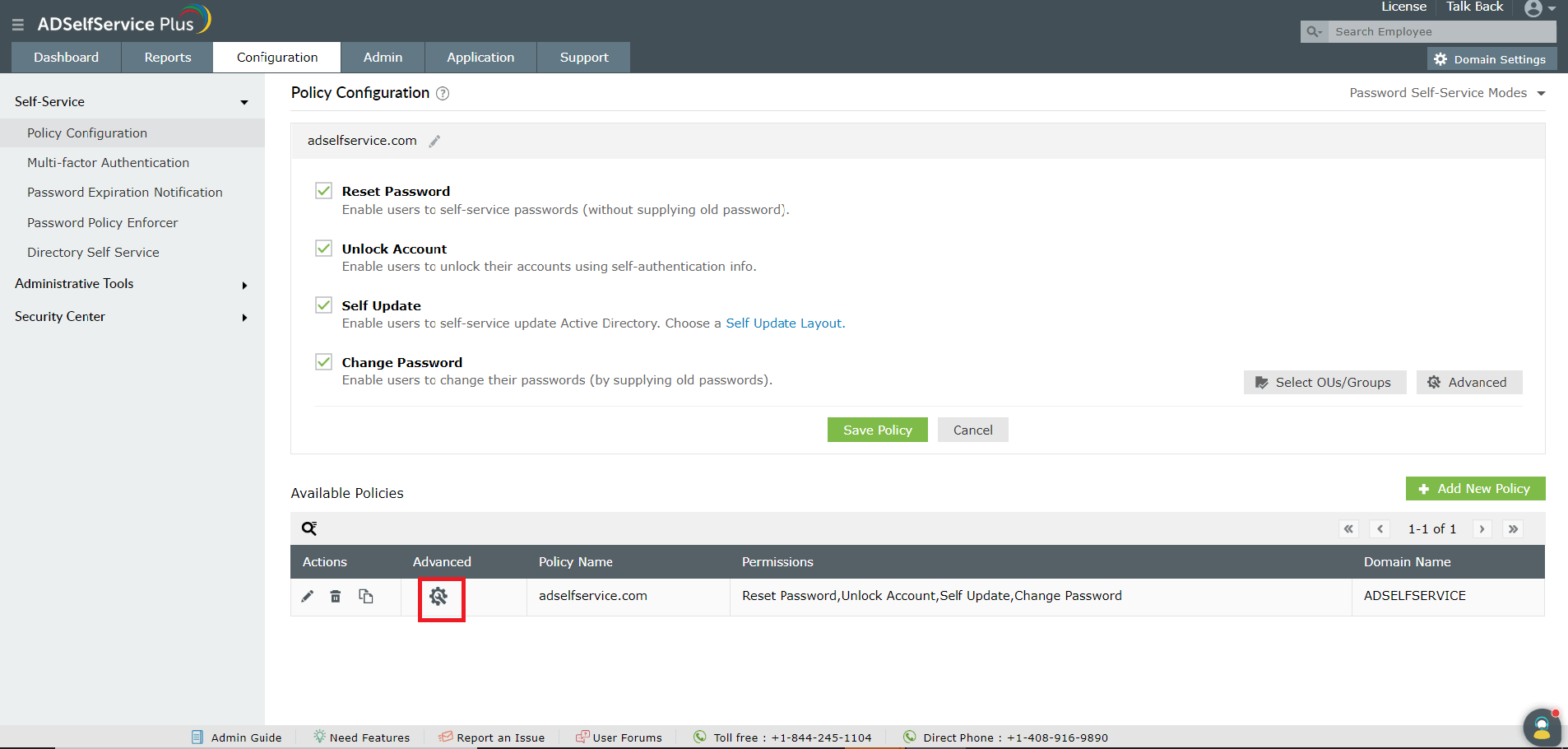
Like this tip? Get the most of ADSelfService Plus by checking out more tips and tricks here.
Need further assistance? Fill this form, and we'll contact you rightaway.
Allow Active Directory users to self-service their password resets and account unlock tasks, freeing them from lengthy help desk calls.
Get seamless one-click access to 100+ cloud applications. With enterprise single sign-on, users can access all their cloud applications using their Active Directory credentials.
Intimate Active Directory users of their impending password and account expiry via email and SMS notifications.
Synchronize Windows Active Directory user passwords and account changes across multiple systems automatically, including Microsoft 365, Google Workspace, IBM iSeries, and more.
Strong passwords resist various hacking threats. Enforce Active Directory users to adhere to compliant passwords by displaying password complexity requirements.
Enable Active Directory users to update their latest information themselves. Quick search features help admins scout for information using search keys like contact numbers.