Who's watching the AI? Why monitoring tools have to monitor AI agents, too
For years, using AI meant typing a question and waiting for a response. AI was a tool that sat still until you poked it. That's changed fast.
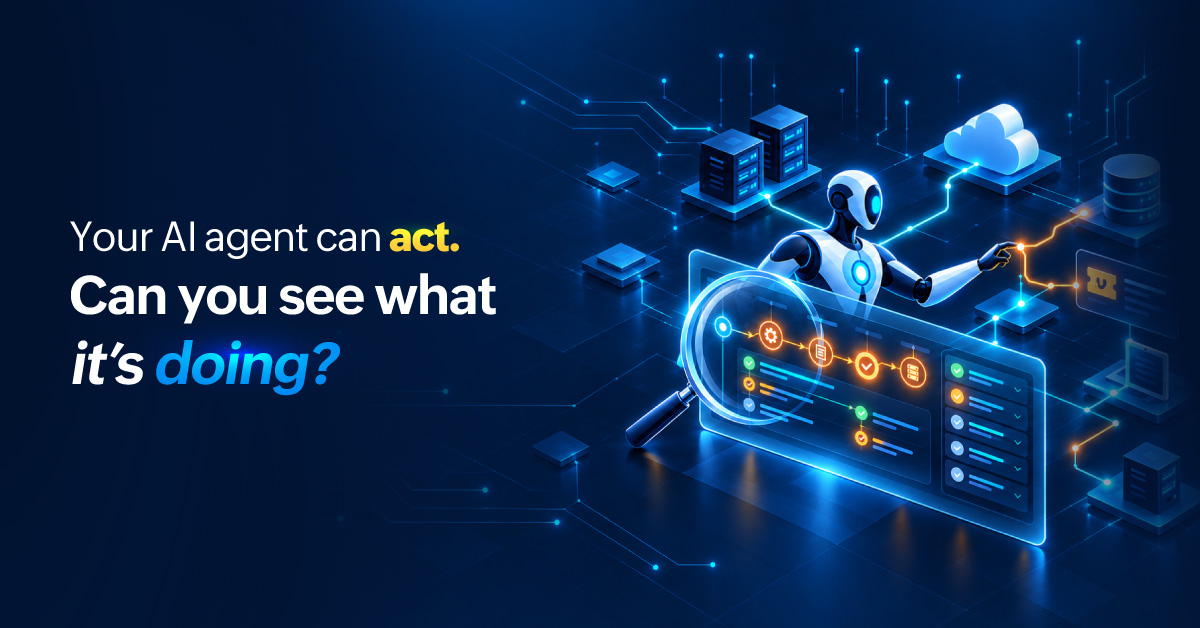
AI today doesn't wait for a prompt. It acts autonomously. It can open a support ticket, restart a stuck service, or push a refund through, often with no human involved. This raises a question almost nobody asked a year ago: Who's watching the AI while it works?
If software is making real moves inside your systems, something has to watch those moves. This is the shift now forcing monitoring tools to take up a new job: keeping an eye on the AI agents themselves.
From chatbots to AI agents: The software you monitor now makes decisions
The jump from chatbot to AI agent is bigger than it sounds. A chatbot suggests and an AI agent performs. It reads data, picks an action, calls an API, and changes something in the real world.
This isn't a fringe experiment. Gartner predicts 40% of enterprise appls will feature task-specific AI agents by 2026, up from less than 5% in 2025. The software you already run is quietly learning to act on its own.
The risks of running AI agents unmonitored
An unwatched AI agent rarely fails loudly. It fails quietly, in ways your infrastructure dashboards still show as green. This is the core problem AI observability solves, making the invisible visible before it becomes a real incident.
It can be turned against you. An AI agent that reads tickets, emails, and logs is reading text other people wrote, and not all of it is innocent. A malicious ticket can carry instructions aimed at the AI agent, and a blind one follows them without flagging anything. The data it consumes is an attack surface.
The cost is invisible until it isn't. Token and API spend doesn't announce itself. An AI agent stuck in a retry loop or reaching for a pricey model on every step can run up a bill no dashboard is tracking, and you find out when it lands.
Nobody owns the bad call. When a person makes a bad decision, you know who to ask. When an AI agent makes a bad decision and there's no record of what it decided to do or why, you get a shrug, a gap for debugging, and a bigger gap when audit asks you to explain.
One AI agent's output becomes another's input. AI agents feed each other now. A wrong call early in a chain gets treated as fact by everything downstream, and is accepted as authoritative by the time it reaches you.
People quietly stop checking. The more reliable an AI agent looks, the less anyone watches it, so the one time it's wrong is usually the time nobody's looking. Trust without visibility is just hope.
What to monitor in an AI agent
Watching an AI agent means watching its behavior, not just its host. A few questions your monitoring tool now to show you:
What did it decide, and what input led there?
What did it touch? Which systems, APIs, and data did it reach?
What did it cost? Token and API spend climbs quickly.
Is it still on task, or has it drifted from the job you gave it?
Can you stop it fast when it goes wrong?
AI agent observability answers all five. It's the practice of capturing not just what your infrastructure is doing, but what your AI is deciding. These aren't nice-to-haves. Gartner predicts that by the end of 2027, more than 40% of agentic AI projects will be scrapped , with runaway costs and weak risk controls high on the list of reasons. Most of those failures start as something nobody could see in time.
But you don't have time to babysit the AI agent
By now you're probably wondering: Does this become one more thing to keep track of?
You're already buried in configuring agents, writing runbooks, and shipping solutions. The last thing you need is another full-time job watching AI agents. So don't watch every task the same way. Sort the work by what it costs when it goes wrong, so the small tasks runs on its own and you only watch what matters.
Best practices for monitoring AI agents
Observability for AI agents comes down to a handful of habits. They separate an AI agent you trust from one you're just hoping works.
Ground it in your own procedures: Feed it the runbook your team already follows, and it recommends your steps instead of a stranger's best guess. You get answers that fit your environment, and you trust it sooner.
Give it a narrow, well-defined job: Scope each AI agent to one clear task with explicit steps, like when this disk fills, clear these directories, not a vague handle incidents mandate. A focused AI agent behaves the same way every time. A vague one improvises, which is where surprises come from.
Let it suggest before it acts: Set up the AI agent to suggest an action and wait for your approval before acting. Once its proposed actions consistently match what you would have done, let it start executing on its own. You validate its judgment with zero risk and give it permission only after it's earned it.
Tier the work by what it costs when it goes wrong: Let low-cost, repeatable jobs (a nightly backup, clearing a cache, a log rotation) run on their own with an alert if something breaks. High-cost work, the kind that is expensive to undo, gets guardrails: Decide up front what the AI agent can touch, how much it can spend, and when it must stop and check with a human. Sorting this way means you spend your attention where a mistake actually hurts, and let the cheap-to-fix work look after itself.
Keep a record you can replay: Log what the AI agent decided, the input that led there, and the action it took. When something goes wrong, you can trace the bad outcome back through its prompt-response chain to the moment it went astray instead of just guessing. The same record is what your team checks when they need an explanation of what the AI agent has done.
Know what it can and can't see: Learn the boundaries of what the AI agent is capable of doing. For example, an agent can only see the monitors you have connected it to, so a server you never set up monitoring for is invisible to it too.
Don't assume it remembers: Many AI agents treat every request as a fresh start, so the detail you gave it earlier is not automatically there the next time. For example, you might tell it to ignore an expected spike on one server while investigating an alert. Ask it something new a few minutes later and that instruction is gone unless your setup feeds it back in. Pack the full context into each prompt and you get complete answers, not ones built on assumptions it never carried over.
Choose the AI model: The AI agent's reasoning often runs on an underlying model you can pick and connect to with your own key so your usage gets billed to your account with the modal provider (such as OpenAI or Google), your data flows through a provider you chose, and you can swap when a better one shows up.
Fix noisy monitoring first: An AI agent is only as good as the alerts it reads. Point it at 300 redundant alarms for one outage and it diagnoses the noise. Group them into one clean incident first, and it lands on the real cause fast.
Useful, but never unwatched
None of this is an argument against AI agents. Used well, they take real work off your plate around the clock. The risk isn't the AI agent. It's running an AI agent you aren't watching.
So here's the rub; you must treat every AI agent in production like any other part of your stack. If it can act, it needs to be monitored.
The good news is that the monitoring tools your team already runs are catching up. Observability tools for AI agents are increasingly the same tools that track your servers, networks, and apps; extended to watch the AI working on top of them. So the questions raised earlier, what an agent decided, what it touched, what it cost, whether it has drifted off task, and whether you can stop it fast, get answered in the same place you already look. Once it sits beside the alerts and infrastructure you already watch, an AI agent is no longer a black box.
ManageEngine OpManager Nexus LLM Observability is built to give teams one place to watch their infrastructure and operations as AI takes on more of the day-to-day work.
AI agents are worth having. Now you can run them with full visibility.
FAQs
1. How is monitoring AI agents different from monitoring a regular API or microservice?
A microservice does what its code says. An AI agent reasons its way to an action, which means two identical inputs can produce different outputs depending on context, model state, or how the prompt was constructed. You're not just checking if a service responded; you're checking whether the response made sense.
2. Can AI agents monitor other AI agents?
In principle, yes, and some teams are moving this way. But an AI agent auditing another raises its own accountability questions: what happens when the monitoring agent is wrong? Human oversight at some point in the chain is still the standard expectation, especially for high-stakes actions.
3. How do I set meaningful performance benchmarks for an AI agent?
Start with the task it's replacing. If a human engineer typically resolves a disk space alert in 12 minutes, the agent's decision latency, accuracy rate, and rate of escalation to humans all have a baseline to measure against. Without a human baseline, "fast" and "good" have no reference point.
4. What happens to AI agent monitoring when the underlying model is updated?
Behavior can shift even if your agent's configuration hasn't changed. A model update from your LLM provider can alter how the agent reasons, what actions it prefers, or how it handles edge cases. This is why logging what model version was used for each decision matters; it lets you correlate behavior changes to model changes, not just your own configuration.
5. Should each AI agent have its own monitoring policy, or can one policy cover all of them?
Each agent should have its own policy, because risk is task-specific. An agent that restarts services has a very different blast radius than one that generates summaries. A single blanket policy either over-monitors low-risk agents or under-monitors high-risk ones.
6. Who owns AI agent monitoring in a typical IT team — the ops team, the AI team, or security?
All three have a stake, which is why it often falls through the cracks. Ops owns availability, security owns access and audit, and the AI team owns behavior. The practical answer is that whoever runs the monitoring platform should own the consolidated view, with the other teams consuming the parts relevant to them.