- What is SSL certificate management?
- How are self-signed SSL certificates different from public CA-signed certificates?
- Validity of self-signed certificates
- Benefits of using self-signed certificates
- How to generate a self-signed certificate
- Risks of using self-signed certificates
- The bottom line: Are self-signed certificates secure?
Businesses use SSL/TLS certificates to secure their communication channels by encrypting data in transit. These certificates are usually signed and attested by a trusted, public certificate authority (CA). However, in the case of a self-signed certificate, there's no independent verification from a recognized authority. Therefore, these certificates are not automatically trusted, leading to browsers displaying warnings when encountering a self-signed certificate on a public website.
Despite this limitation, self-signed certificates are widely used by organizations globally, but they're specifically used for internal purposes like securing intranet communications or within development and testing environments where establishing public trust is not a requirement and manual trust configuration is feasible.
How are self-signed SSL certificates different from public CA-signed certificates?
The fundamental difference lies in trust, verification, and oversight. Public CA-signed certificates are signed by trusted vendors who are obligated to verify the identity of entities before issuing them certificates. This rigorous verification process, governed by bodies such as the CA/Browser Forum, is why browsers and operating systems implicitly trust these certificates, making them essential for public websites, especially those handling sensitive operations like financial transactions.
Self-signed SSL certificates, on the other hand, completely bypass this external validation and governance framework. They are signed and issued by the same entity, offering no independent proof of identity to the outside world. With no governing framework in place, this could lead to the use of weaker or outdated cryptographic parameters if not carefully managed.
Factors
Self-signed certificates
Public CA-signed certificates
Signing authority
Self/user or the organization
A trusted third-party CA
Governing entities
None; up to the organization or the individual
Yes, the CA/Browser Forum
Speed of delivery
Often instant
Time-consuming based on the type of validation involved
Cost
None
Free and paid options are available
Trust level
Low; not trusted by browsers or operating systems by default
High; trusted by browsers and operating systems by default
A table highlighting the main differences between self-signed certificates and public CA-signed certificates.
Validity of self-signed certificates
Another difference between self-signed SSL certificates and CA-signed certificates is their validity period. Self-signed SSL certificates do not come with a set validity. Their validity is usually set by the administrator generating these certificates. There are no external rules or governing bodies limiting the validity period for issued certificates. In theory, self-signed certificates can be set to never expire. This is one of the major risks that self-signed certificates pose. If a certificate's private key is compromised, an attacker can potentially abuse it for the entire remaining duration of its lengthy validity, significantly extending the window of exposure. Secondly, cryptographic standards and algorithm strengths evolve. A certificate generated with strong parameters today might become vulnerable years later. A long-lived self-signed certificate essentially locks in potentially outdated or weakened cryptography for its full term, increasing security risks with time.
However, CA-signed certificates have a maximum validity period of 398 days (or approximately 13 months) to stay in alignment with the security recommendations. Shorter validity means faster adoption of newer cryptographic standards with every update. It also opens up the possibility for automation with the help of protocols such as Automated Certificate Management Environment (ACME), meaning lesser human intervention and administrative overhead.
Benefits of using self-signed certificates
While the downsides do exist, self-signed certificates have their own upsides.
- They are easy to generate, faster to deploy, and involve no additional cost.
- You can generate them from your terminal and deploy them across your internal network wherever required, in little to no time.
- Self-signed certificates also provide encryption, meaning your data in transit is indeed protected.
However, owing to their limitations, the benefits of self-signed certificates are limited just to cost and ease of deployment.
When are self-signed certificates used?
CA-signed certificates offer the highest level of trust and security. While CA-signed certificates provide public trust, certain internal scenarios, like development, testing, or closed intranets, don't require public validation. In these controlled environments, the cost and validation process of CA-signed certificates can be bypassed using self-signed certificates, prioritizing ease of deployment over public trust.
How to generate a self-signed certificate
You can generate a self-signed certificate from your device's terminal using a software library like OpenSSL. This process involves three steps: creating a private key, generating a certificate signing request, and generating a self-signed certificate.
- Open your terminal, then run the following command to create a private key file and a public certificate with a validity of 365 days.
- Specify the common name and other details when prompted. The common name is the fully qualified domain name for the system that will employ your certificate.
- To securely transfer or use your private key and certificate as a P12 bundle, run the following command
Note: This command creates a basic self-signed certificate suitable for internal testing only. Never use self-signed certificates on public-facing websites.
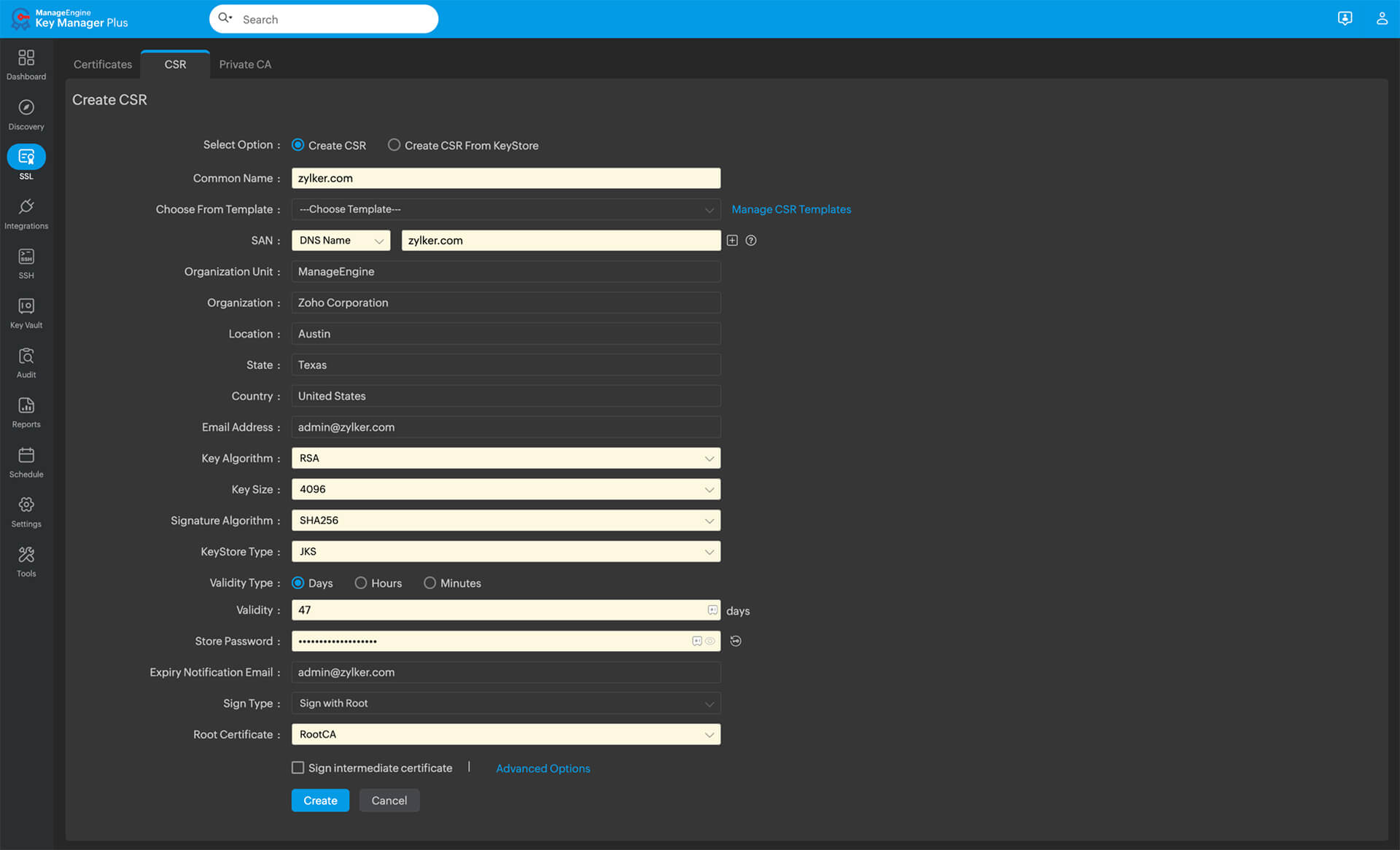
You can thus deploy these certificates wherever required. You can do this in a much simpler fashion using a certificate management solution.
Risks of using self-signed certificates
As mentioned earlier, although a self-signed SSL certificate is cost-effective and easy to use, businesses must be aware of some of the threats such certificates pose:
- 01
Untrusted by browsers
Modern browsers maintain a pre-installed list of trusted CAs. When a website presents a signed TLS/SSL certificate from one such CA, the browser will trust it and establish secure communication. Since self-signed certificates are issued and signed by the same entity, by default, browsers do not trust them. Users will thus be greeted with a warning message detailing that the communication may not be secure. This creates distrust amongst users and may drive away potential customers from your website. Self-signed certificates are thus not recommended on public domains.
- 02
Revocation troubles
Although certificates are designed to secure data in transit, they can be compromised due to potential vulnerabilities. In such cases, one would want to revoke compromised certificates instantly. This can easily be done with certificates signed by public CAs, which employ a centralized revocation mechanism.
Public CAs employ a certificate revocation list (CRL), which includes details such as the serial number and date of revocation of a certificate. Applications and devices can reference the CRL to verify their certificate's validity. Either through its own auditing process or through intimation from the organization, the CA can be made aware of certificates that need to be revoked. This way, even if an organization manages thousands of certificates, they can all be instantly revoked as and when the need arises.
Self-signed certificates have no such centralized mechanism in place to revoke certificates automatically. Businesses either have to revoke certificates manually or build their own CRL setup, which would defeat the cost-effective nature of self-signed certificates.
- 03
Vulnerability to attacks
Unlike CAs, which must adhere to industry standards, there's no external body forcing the use of strong cryptographic parameters when creating a self-signed certificate. An administrator might inadvertently generate a certificate using weak keys (e.g., RSA keys below 2048 bits) or outdated algorithms (like SHA-1), making it significantly easier for attackers to compromise through methods like brute-forcing.
Similarly, since self-signed certificates can have extended expiry dates, the encryption algorithms used to generate the certificates could potentially become outdated in the future. Such vulnerabilities can be a deterrent when opting for self-signed certificates.
- 04
No technical assistance or financial cover
Public CA-signed certificates often come with insurance that offers financial compensation to businesses if the certificates were to be breached. Businesses can also avail technical assistance for certificate installation and configuration as well as other troubleshooting needs. Such benefits will be absent when you opt for self-signed certificates.
The bottom line: Are self-signed certificates secure?
It depends. While self-signed certificates can help you secure your data in transit, they have their own limitations, so be mindful of the following:
- Use them sparingly in internal, less-sensitive environments.
- Use strong encryption algorithms like RSA with a minimum key length of 2048 bits when generating your certificates.
- Keep your private keys secure in an offline device that has restricted access.
- Set expiry dates to under two years. This will help you stay up to date with the latest encryption standards and also reduce the opportunity window for an attacker to exploit a compromised self-signed SSL/TLS certificate.
- Educate your users about the perils of using self-signed SSL certificates and ensure they use them sparingly.
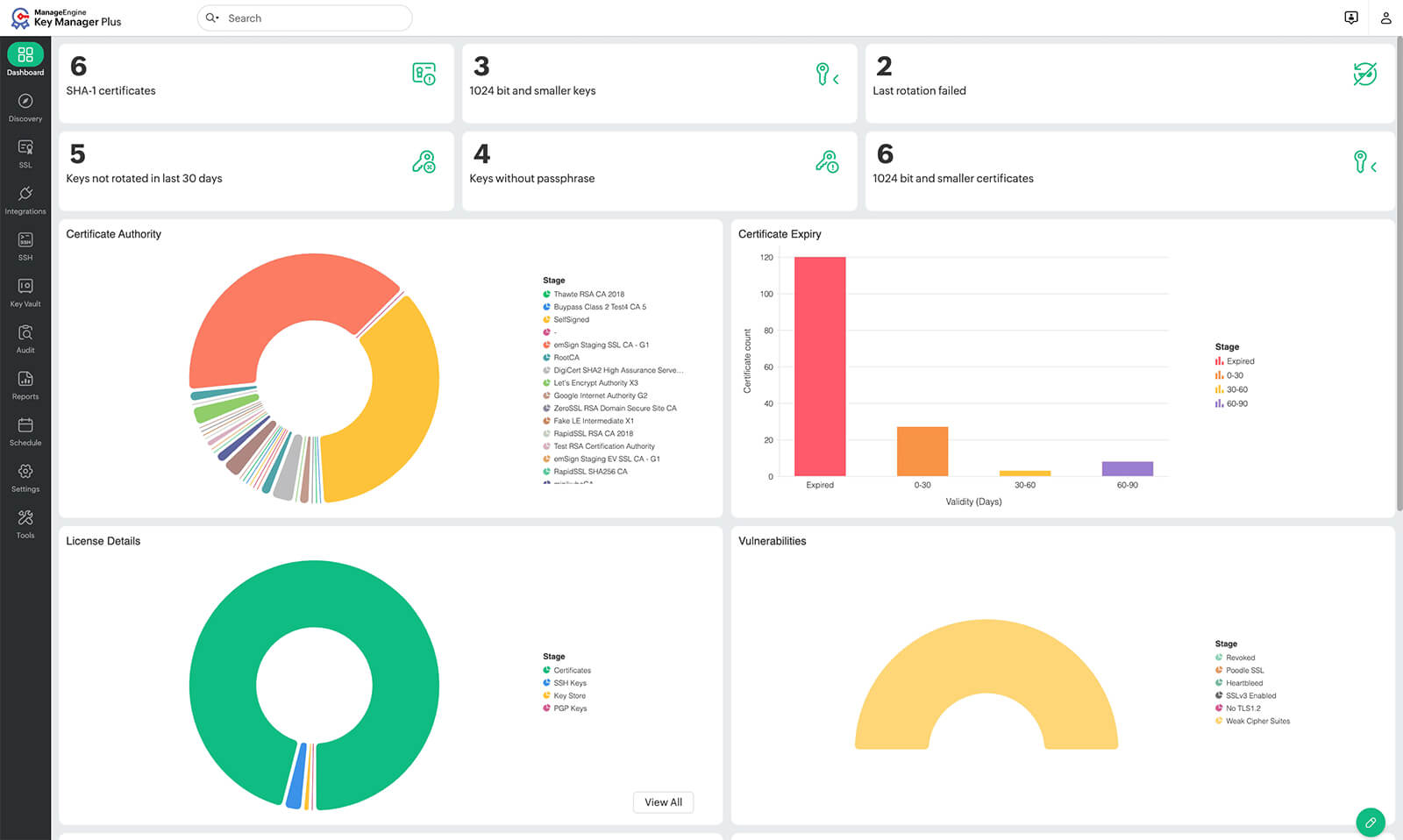
- Adopt a certificate life cycle management solution like ManageEngine Key Manager Plus. It'll help you discover and manage all self-signed and CA-signed certificates from one place, send timely renewal reminders, automatically generate and deploy new certificates, and do much more.
Create and manage SSL self-signed certificates with ManageEngine Key Manager Plus
ManageEngine Key Manager Plus is certificate life cycle management software. Using Key Manager Plus, enterprises can generate, deploy, manage, and renew all their certificates from one console, including SSL self-signed certificates. Whether you're switching to public CA-signed certificates or looking to manage your self-signed certificates, you can do it all with ManageEngine. Key Manager Plus can efficiently create, track, and manage all your certificates from one console.
Try Key Manager Plus nowSchedule a free demo
FAQs
- Why don't browsers trust self-signed certificates?
By default, browsers maintain a list of trust stores. These trust stores contain root certificates from globally recognized CAs. Because self-signed certificates are issued and signed by the same entity, which are not part of the trust stores, browsers cannot verify the legitimacy of the certificate, and hence throw warning messages highlighting security concerns.
- Can a self-signed certificate provide encryption?
Yes, a self-signed certificate can very well provide encryption. It's the trust factor that it lacks.
- Are there any costs involved with self-signed certificates?
Self-signed certificates are designed to be used free of cost.