Direct Inward Dialing: +1 408 916 9890
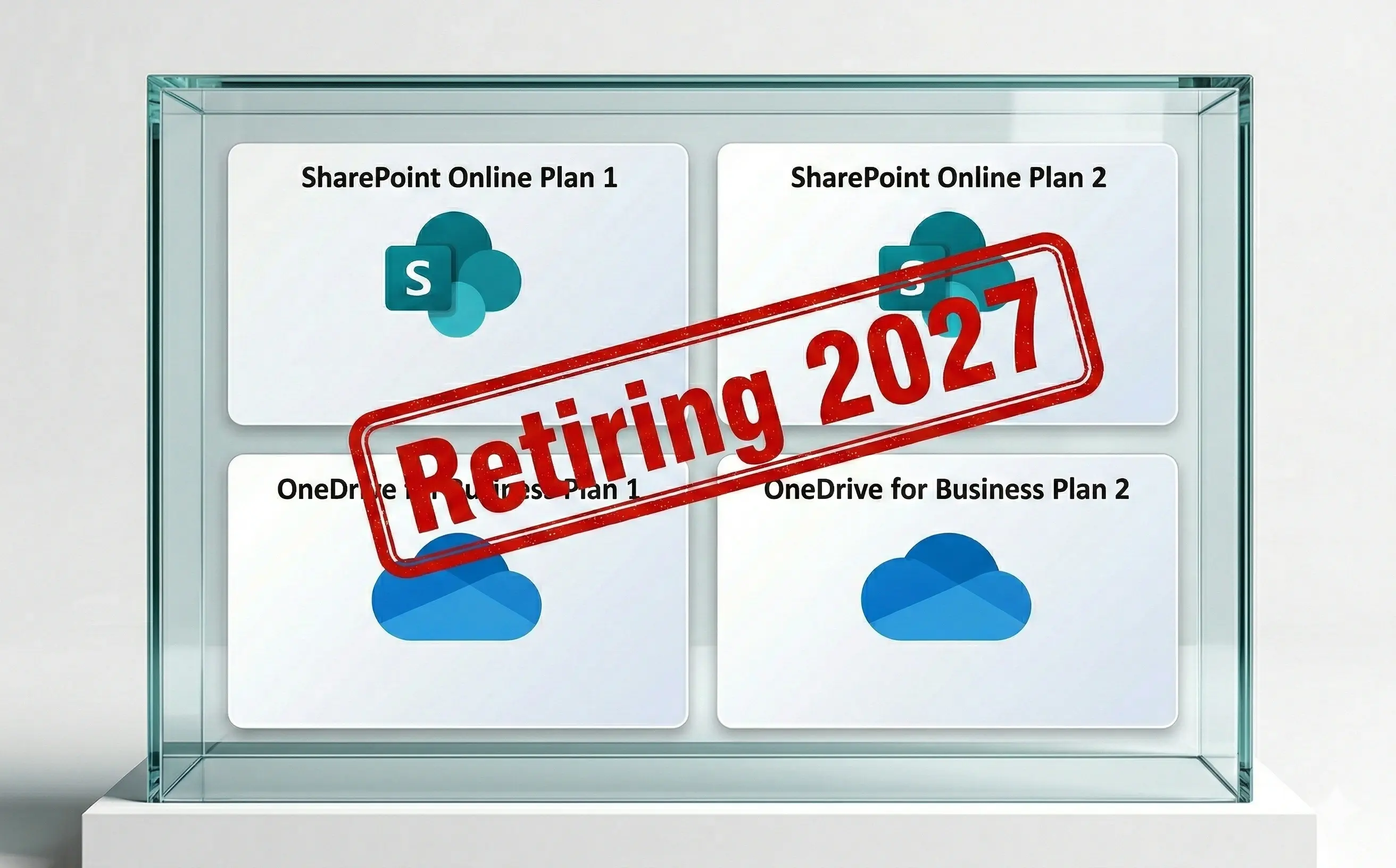
Microsoft has announced the end of life for its standalone licenses: SharePoint Online Plan 1, SharePoint Online Plan 2, OneDrive for Business Plan 1, and OneDrive for Business Plan 2. Beginning January 2027, you will not be able to renew your standalone SharePoint Online and OneDrive for Business plans.
Read this blog to find out why the standalone SharePoint Online and OneDrive for Business plans are being retired, when they will be deprecated, and how toensure your users can still access SharePoint Online and OneDrive for Business without these deprecated licenses.
Microsoft has stated that retiring the SharePoint Online and OneDrive for Business plans is due to a low demand for the standalone licenses. They claim that the Microsoft 365 suites that bundle SharePoint Online and OneDrive for Business are the primary way users gain access to these services. Microsoft 365 suite subscriptions are easier to assign and mange for Microsoft 365 admins instead of managing multiple standalone licenses, which maybe the reason for this reduced demand.
By retiring the standalone SharePoint Online and OneDrive for Business plans, Microsoft plans to reduce their operational costs of maintaining the aforementioned plans and only maintain the Microsoft 365 suite plans for SharePoint Online and OneDrive for Business.
Here is the timeline for the standalone SharePoint Online and OneDrive for Business plan retirement, as listed in Microsoft's January 2026 announcement.
Microsoft has advised its partners to offer Microsoft 365 E3 and E5 suites to customers with SharePoint Online Plan 1 and Plan 2, and OneDrive for Business Plan 1 and Plan 2 as their replacements.
You can also add SharePoint Capacity Packs to increase the total storage allocated to your tenant instead of getting individual licenses for each SharePoint Online user.
If you decide to migrate to Microsoft 365 Enterprise plans to keep your SharePoint Online and OneDrive for Business access, you will need a license workflow that can do more than just remove and assign licenses for one user at a time. This is where ManageEngine M365 Manager Plus can help you optimize your license allocations.
M365 Manager Plus is a comprehensive administration and security solution for Microsoft 365 used for reporting, managing, monitoring, auditing, and creating alerts for critical activities in your Microsoft 365 environments without any PowerShell scripting.
With M365 Manager Plus, you can get a list of users who have certain Microsoft 365 licenses—in this case, SharePoint Online Plan 1 and Plan 2, and OneDrive for Business Plan 1 and Plan 2—with just a few clicks.

To ensure you do not renew licenses that go unused, you can also use M365 Manager Plus to identify the users who are inactive in SharePoint Online and OneDrive for Business. You can remove their licenses and onlyassign new Microsoft 365 E3 or E5 licenses if all of their other requirements are satisfied.

Once you have found your users, you can feed this data to M365 Manager Plus and have it remove the standalone SharePoint Online and OneDrive for Business plans. You can replace them with Microsoft 365 E3 or E5 for multiple users in a single operation.

There are even more benefits to using M365 Manager Plus to manage and monitor your Microsoft 365 environment:
Download the free, 30-day trial of M365 Manager Plus to explore these features and capabilities for yourself. Contact us for a free, personalized demo to discover how to best secure your Microsoft 365 environment using these features.