Direct Inward Dialing: +1 408 916 9892
An audit to check your system integrity should be a staple of your organization's security plans. Audit System Integrity is an important policy to configure for monitoring any attempt to make changes to your system. Events that affect the integrity of the system could include unauthorized remote procedure calls (RPC), invalid local procedure calls, or a loss in audited events. When a system's integrity is tampered with, the odds that a security breach has occurred is very high.
Event Viewer is the default native AD tool to view all your events. Although Event Viewer captures all events, it is hard to look through all the messages and events, and find a particular suspicious incident. We suggest opting for a comprehensive solution like ADAudit Plus.
ADAudit Plus is a comprehensive solution that simplifies AD auditing and reporting. It is a one-stop platform that brings together an intuitive user interface, pre-configured reports, and advanced filter options that make it easy for you to track changes to your network, and detect threats immediately. You get a fully equipped dashboard that gives you a holistic view of the various systems in your network. This way you can correlate events across the network and spot suspicious behavior.
Note: When it comes to system integrity auditing, ADAudit Plus provides reports on Event 4618- which is described as "A monitored security event pattern has occurred". While ADAudit Plus does not monitor all the events within the spectrum of system integrity auditing, this particular event is crucial to identifying suspicious activity in your network. It does however rely on what preset rules you have created to identify a threat pattern.
Accordingly you can look up the related pre-configured or customized reports for forensic investigation.
Below are a few reports found in the 'Server Audit' tab of the dashboard.
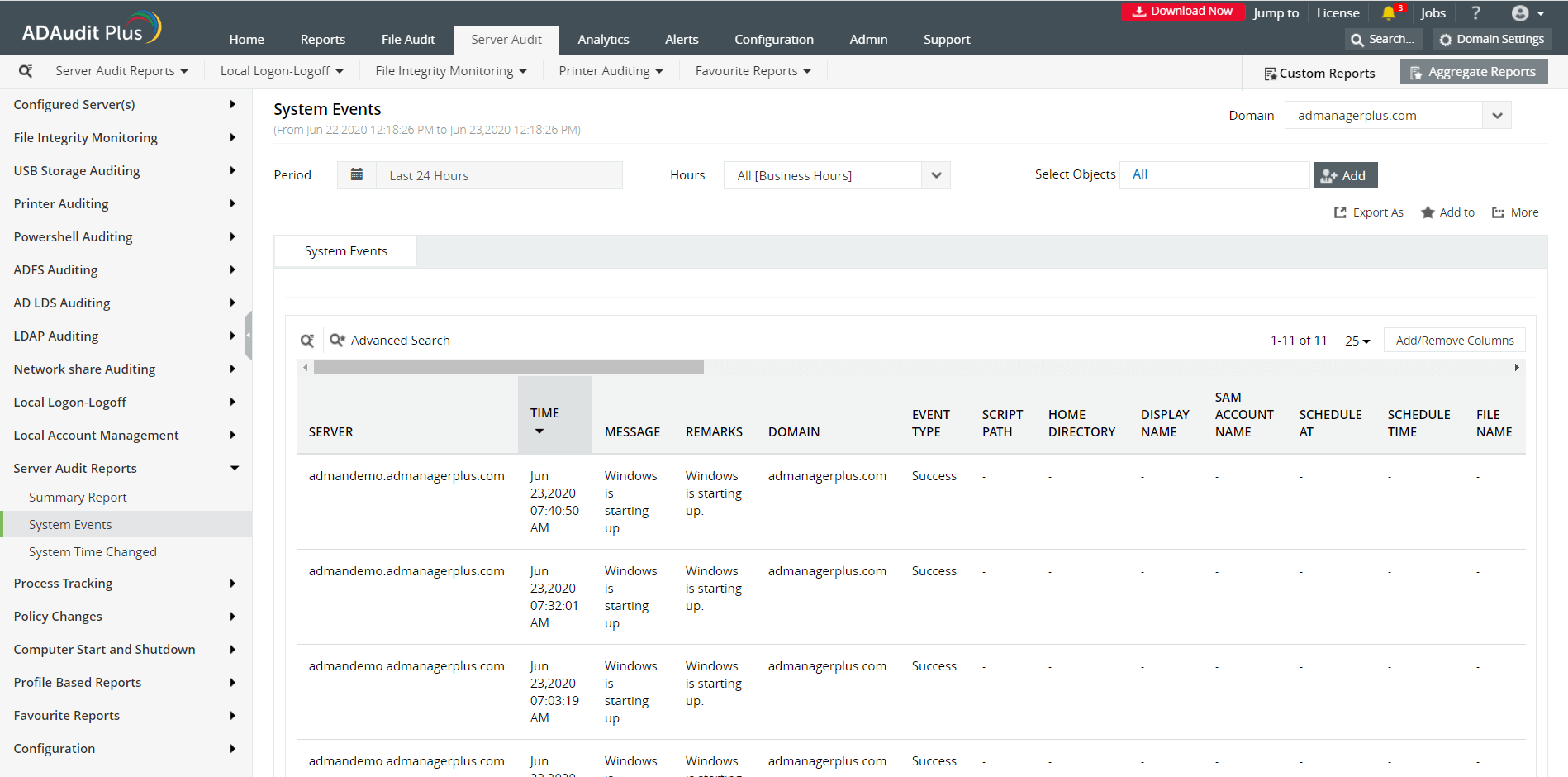
Image: ADAudit Plus report showing system events that have occurred. This report can be found under the 'Server Audit' tab.
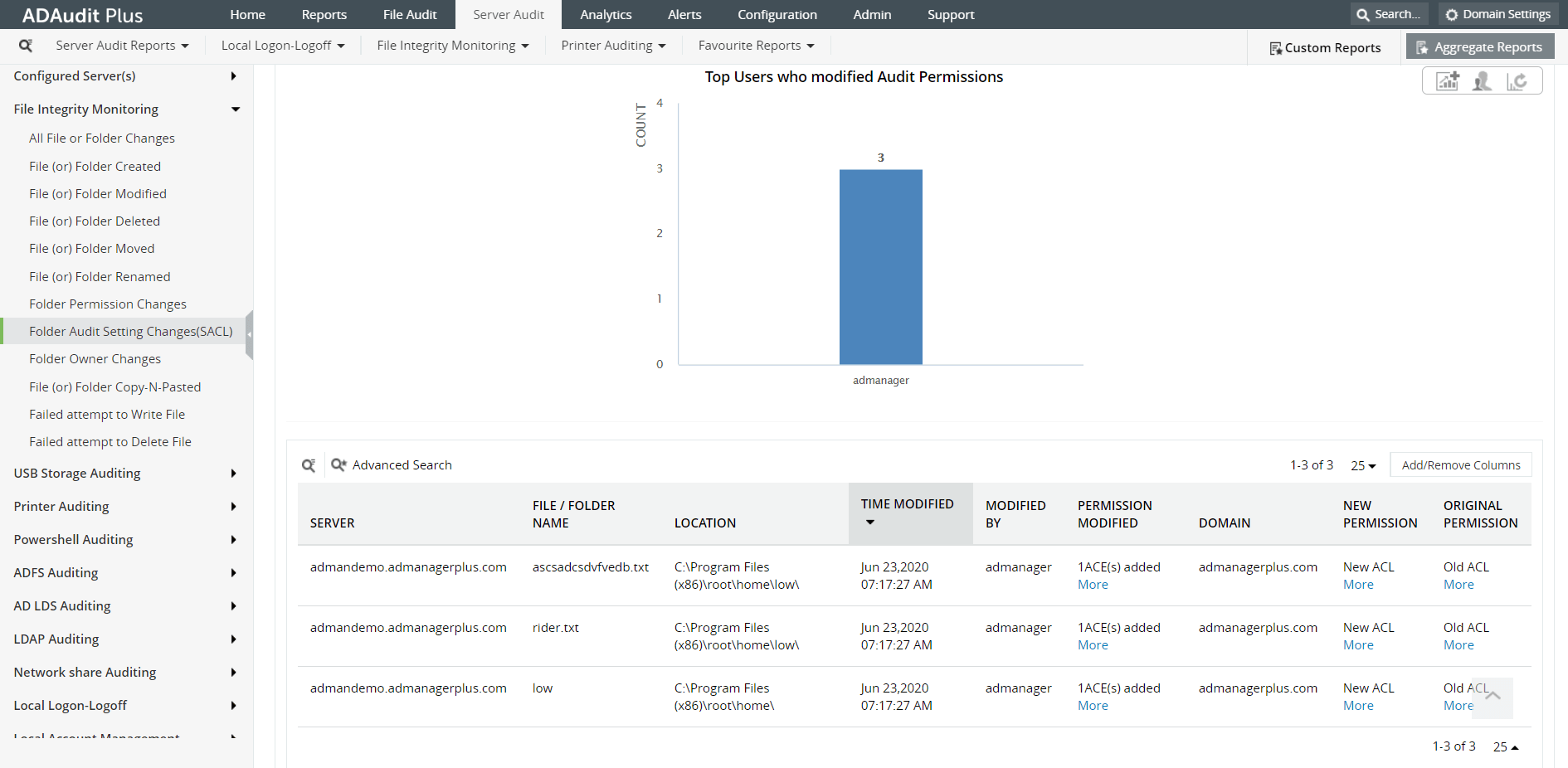
Image: ADAudit Plus report on SACL changes
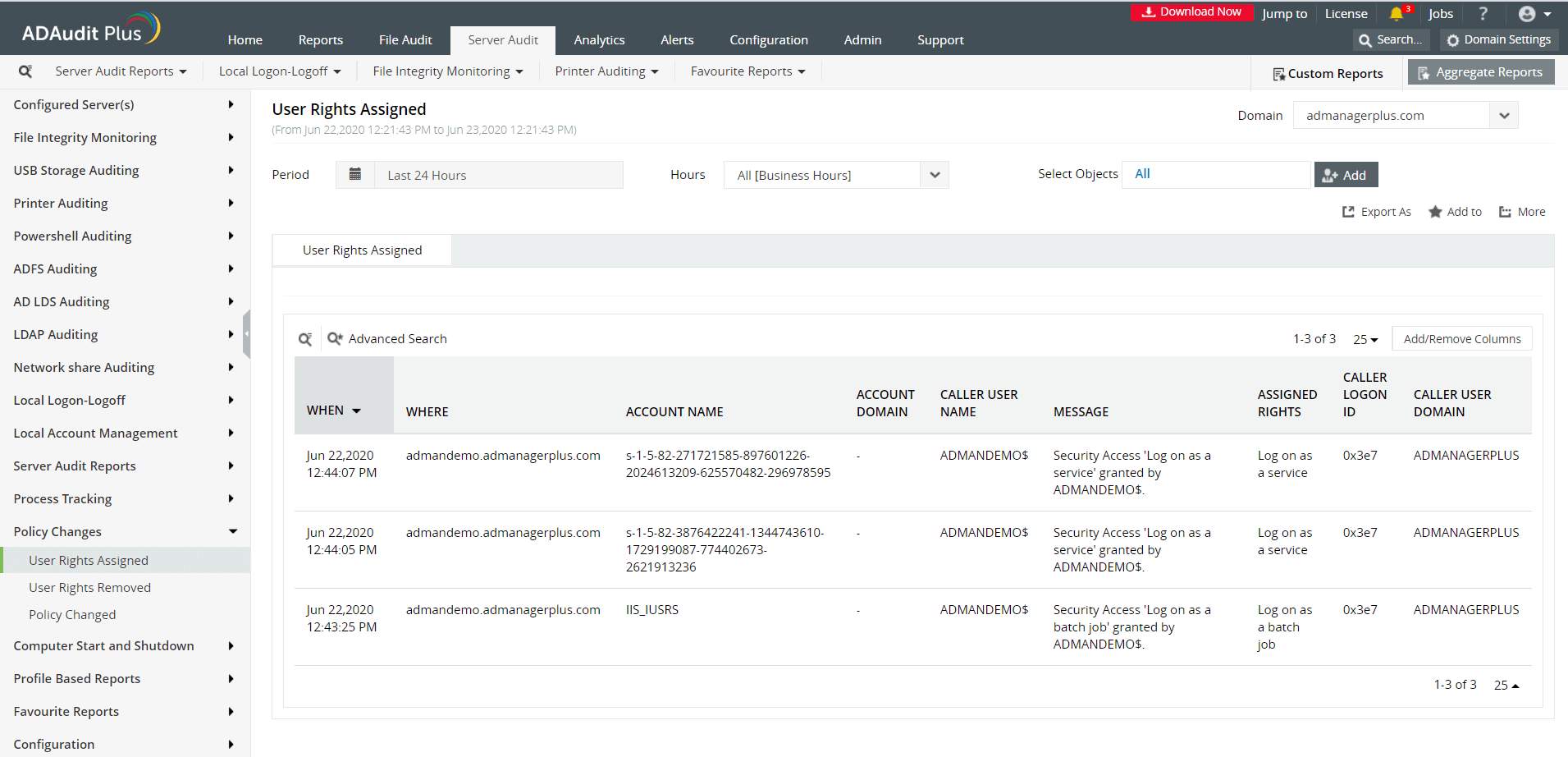
Image: ADAudit Plus report on policy changes
ADAudit Plus is a real-time, web-based Windows Active Directory (AD) change reporting software that audits, reports and alerts on Active Directory, Windows servers and workstations, and NAS storage devices to meet the demands of security, and compliance requirements. You can track AD management changes, processes, folder modifications, permissions changes, and more with 200+ reports and real-time alerts. You can also get out-of-the-box reports for compliance mandates such as the HIPAA. To learn more, visit https://www.manageengine.com/active-directory-audit/.
Try ADAudit Plus login monitoring tool to audit, track, and respond to malicious login and logoff actions instantaneously.
Try ADAudit Plus for free
 Free Edition










