Direct Inward Dialing: +1 408 916 9892
Written by Lakshmi, IT security team, ManageEngine Updated on November 2025
The following is a comparison between the procedures to identify a user who created an account with Windows PowerShell and ADAudit Plus:
Find the user who created an account
$dcs = Get-ADDomainController -Filter {Name -like "*"}

$upn = 'sometext@gmail.com'

Get-WinEvent -FilterHashtable @{LogName='Security';Id=4720} |
Where-Object { $_.Message -match "user principal name:\s+$upn" } |
Select-Object -Expand Message |
Select-String '(?<=subject:\s+security id:\s+\S+\s+account name:\s+)\S+' |
Select-Object -Expand Matches |
Select-Object -Expand Value
$exportFilePath = "c:\scripts\lastLogon.csv"
$columns = "username,datetime"
Out-File -filepath $exportFilePath -force -InputObject $columns
Screenshot
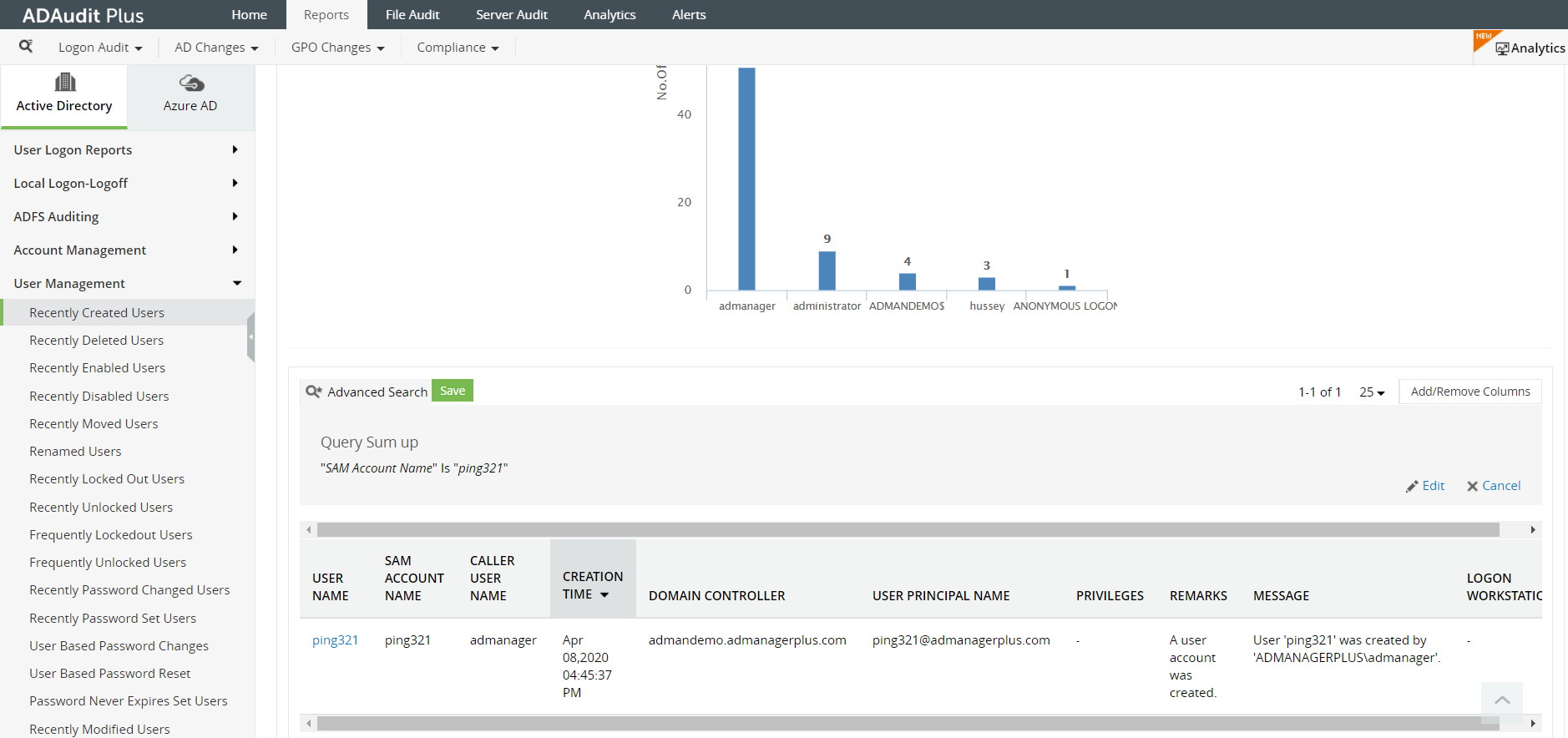
Why ADAudit Plus is the better solution to get user activity reports











