APM Insight-RUM Integration (RUM Analytics)
Integrating APM Insight with RUM (Real User Monitoring) enables organizations to achieve a holistic understanding of application performance and deliver a superior user experience. This powerful combination ensures that both backend processes and user interactions are optimized, leading to greater efficiency, customer satisfaction, and business success.
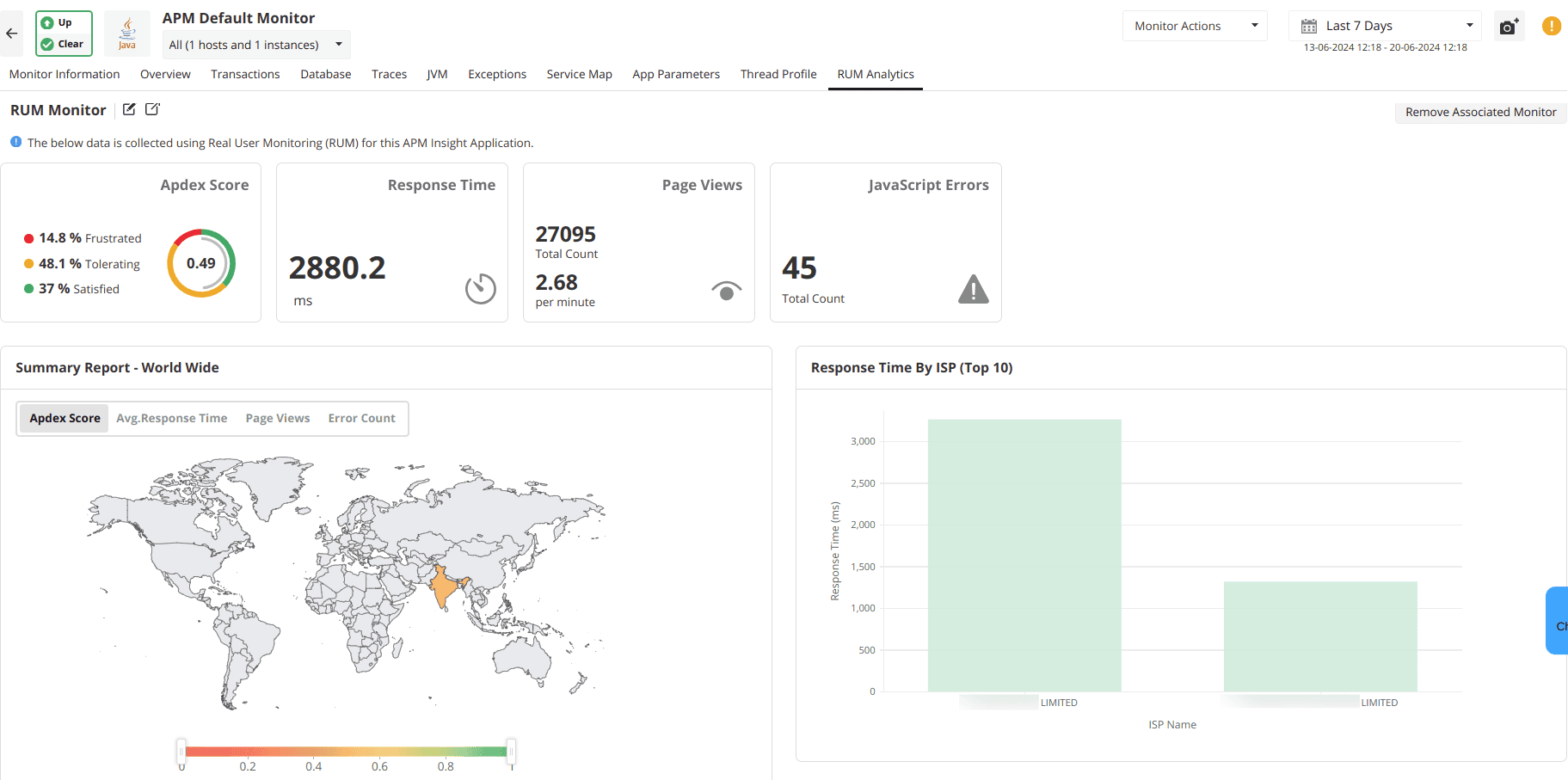
The RUM Analytics tab offers a view of key RUM metrics in the same console as the APM Insight monitor. Users can analyze the KPIs of the RUM monitor alongside those of APM Insight, providing a complete view of application performance, encompassing both server-side and client-side metrics.
- Monitor-specific actions are not available in RUM Analytics.
- The RUM Analytics tab will not be available for APM Insight instances.
- Option to associate RUM monitor with APM Insight monitor is not present in the Enterprise Edition Central Server.
Setting up RUM Analytics
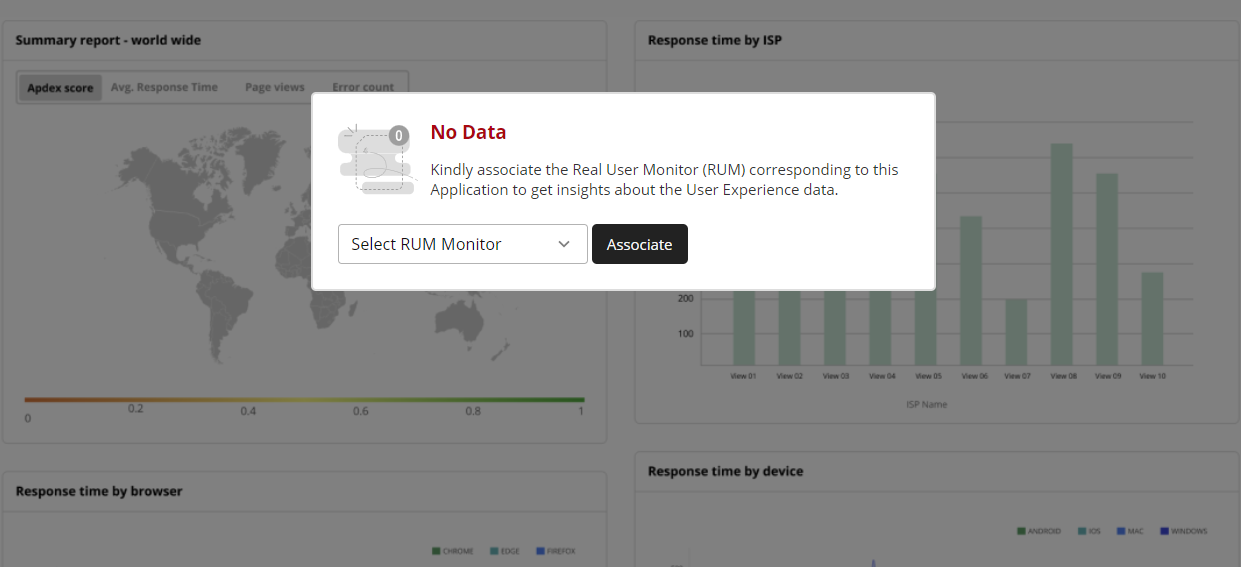
To set up the integration, select the required RUM Monitor from the dropdown and click on Associate. With this, data collected from the selcted RUM Monitor will be displayed for the integrated APM Insight application.
Analyse application level RUM metrics in one shot
With the RUM Analytics tab you can analyse:
- Overall user satisfaction with application performance using the Apdex score.
- Average response time for application transactions.
- Number of times users have visited a webpage.
- Total number of JavaScript errors that have occured.
- Real-time data on response time, Apdex score, page views, and errors globally.
- Graphical representation of response times by ISP, browser, and device type.
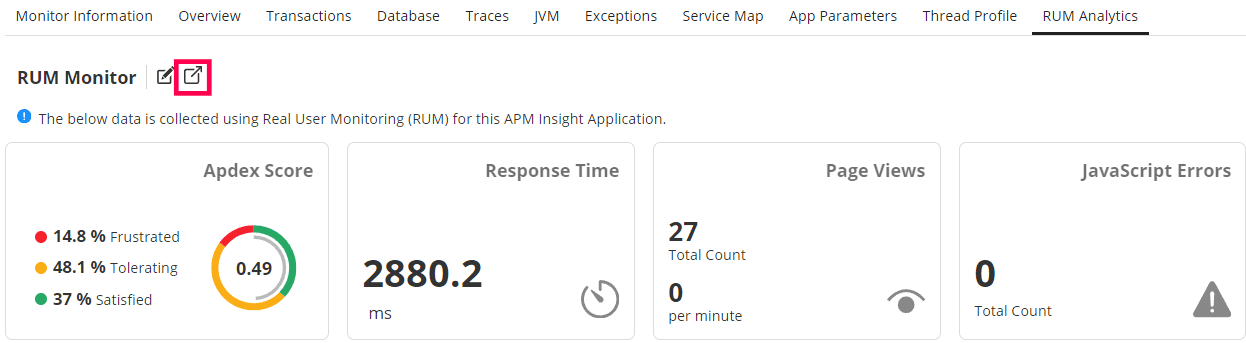
You can easily navigate to the RUM Dashboard and view the full set of RUM metrics by clicking on the popup button present next to the name of the associated monitor.