


✕

Get instant answers, invoke agents, and resolve tickets faster from your phone

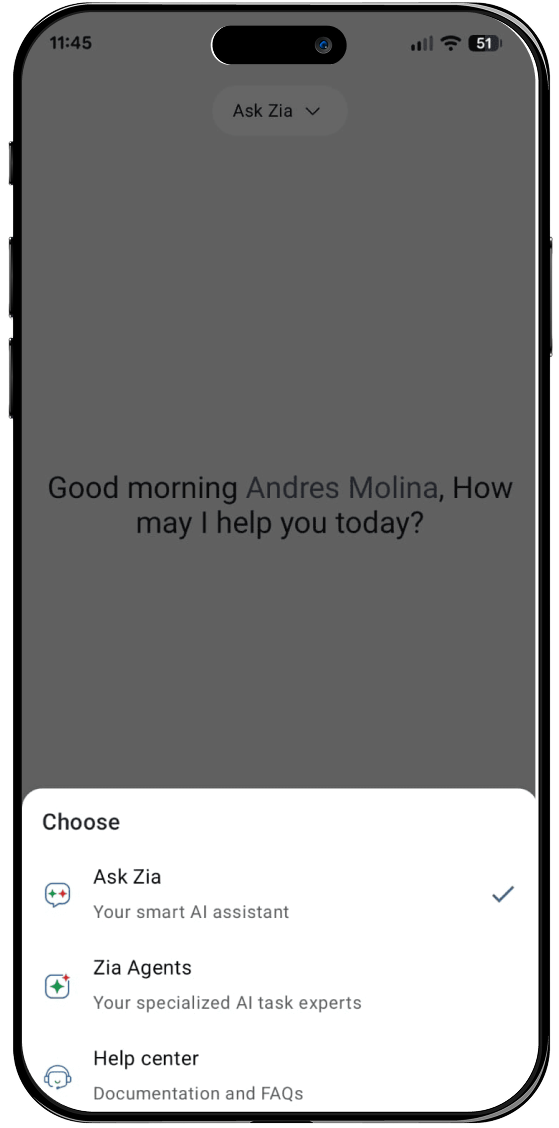
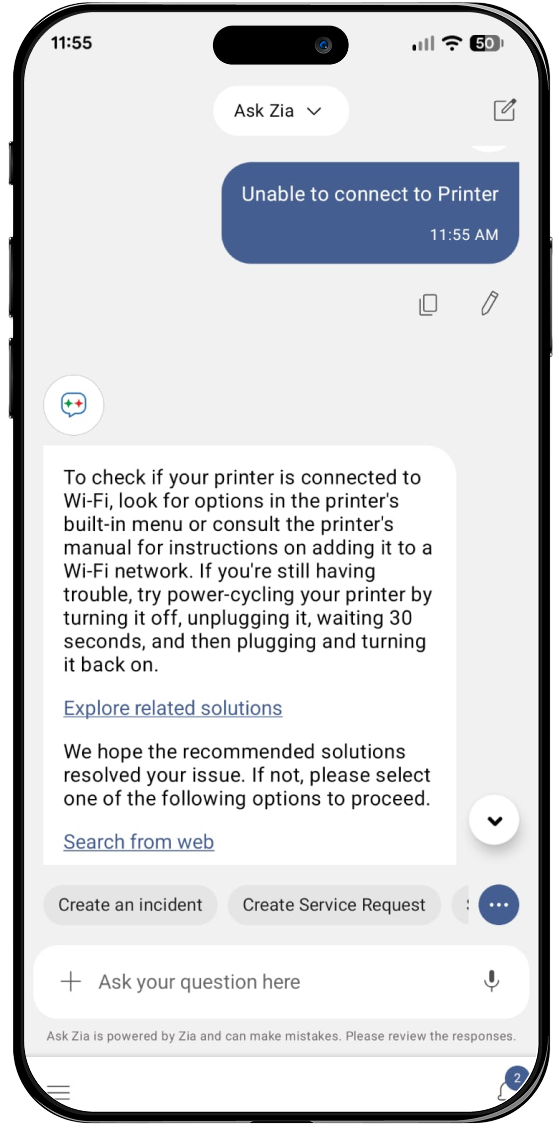
Ask Zia, the built-in conversational virtual agent in ServiceDesk Plus, is available directly within the mobile app. Ask Zia delivers context-aware answers from your knowledge base instantly. From the same chat interface, invoke Zia Agents to complete complex multi-step tasks automatically, so routine work keeps moving even when you're tied up on-site. Ask Zia also provides guided, step-by-step instructions for configuring ServiceDesk Plus.

Help desk technician chatting with Ask Zia on the ServiceDesk Plus mobile app to get instant answers

Chat with the GenAI-powered virtual assistant, invoke AI agents, and get answers to service desk configuration queries from anywhere.

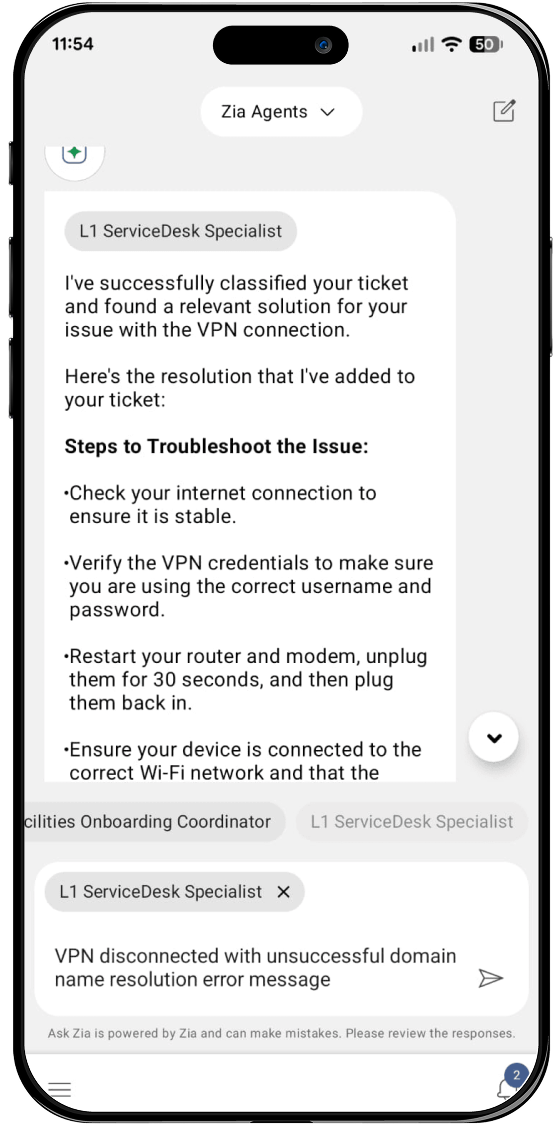
Zia Agent automating a multi-step help desk task from within the mobile app chat

Use Ask Zia to surface RAG-powered answers from your knowledge base.

Ask Zia chat, Zia Agents automation, and RAG-powered knowledge search in the ServiceDesk Plus mobile app

Invoke Zia Agents to automate multi-step tasks from within the chat.

*Note: Ask Zia, Zia Agents, and RAG search are available in the mobile apps for the cloud version of ServiceDesk Plus.

Pick up, triage, and resolve tickets
right from the field

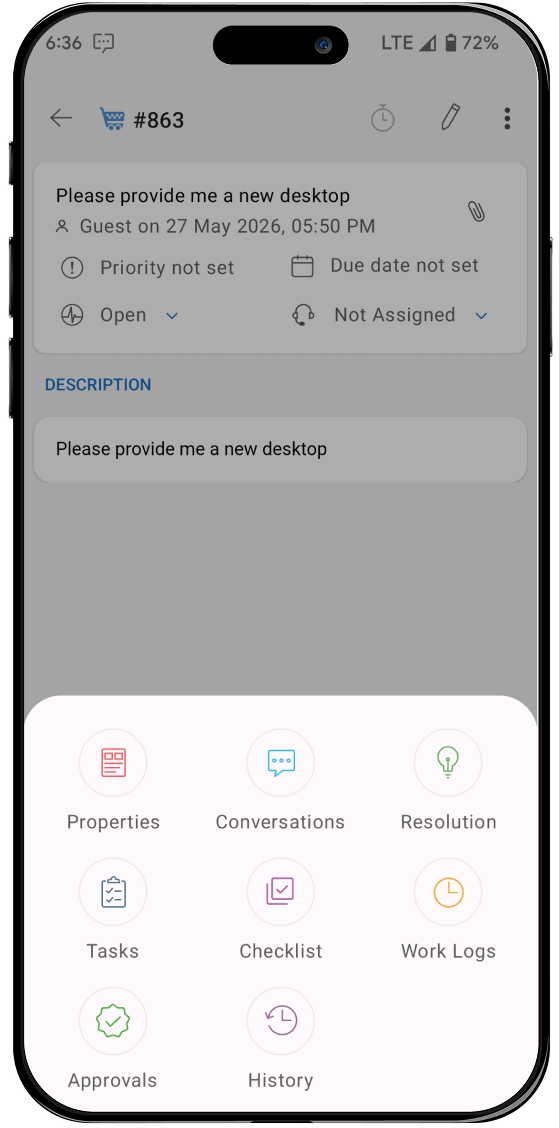
Whether you're covering a remote office or juggling between sites, carry your service desk with you. Pull up any request with full ticket details, including conversations, history, linked assets, and SLA status, to act on it directly. Reassign tickets, change priorities, and close requests without returning to your desk.

Help desk technician viewing the open request queue in the ServiceDesk Plus mobile app
View and act on your open request queue.
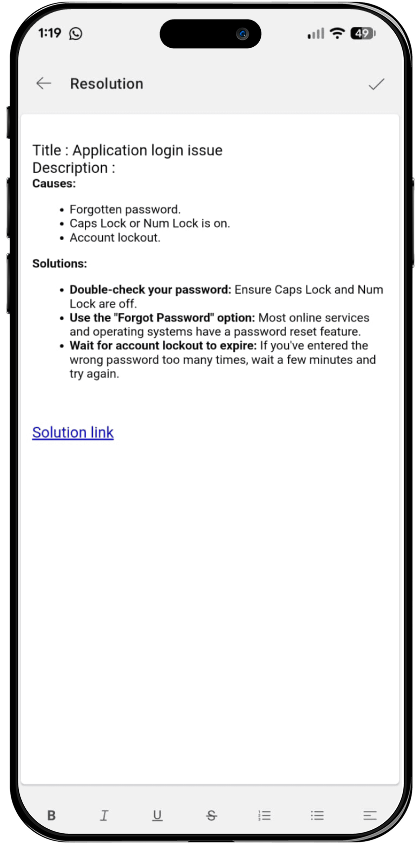
Closing a ticket with resolution details directly from the ServiceDesk Plus mobile app on the field
Close tickets with resolution details on the spot.

Log time, add notes, and reply, all without leaving the ticket

Technicians have everything they need to keep tickets moving, all on the same screen as the request. Time spent is tracked automatically against each ticket, eliminating manual logging, while private notes and direct requester replies keep collaboration flowing without ever leaving the ticket or breaking focus.

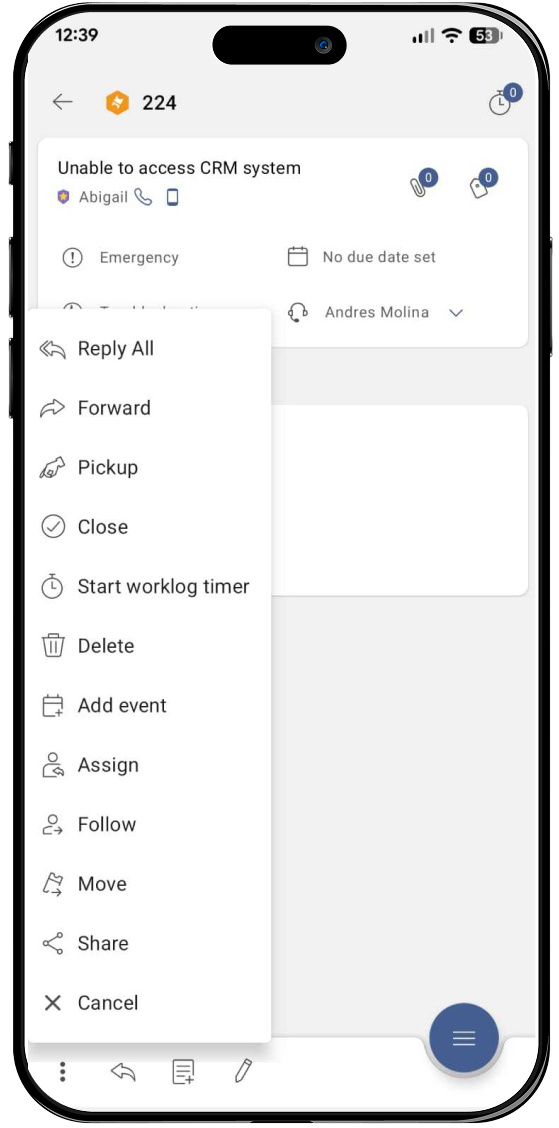
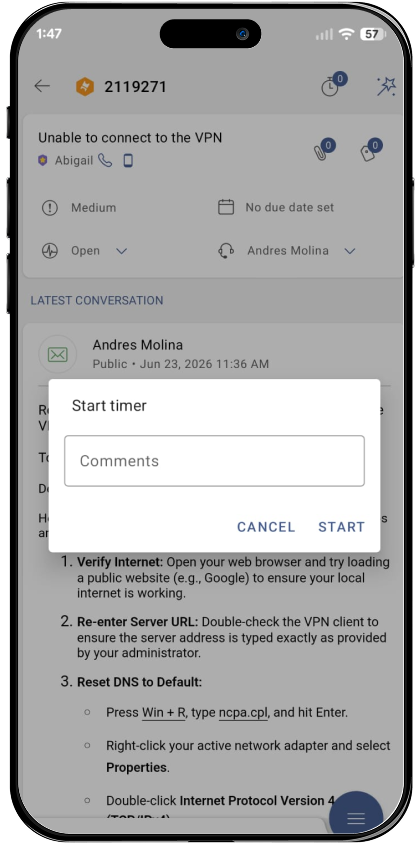
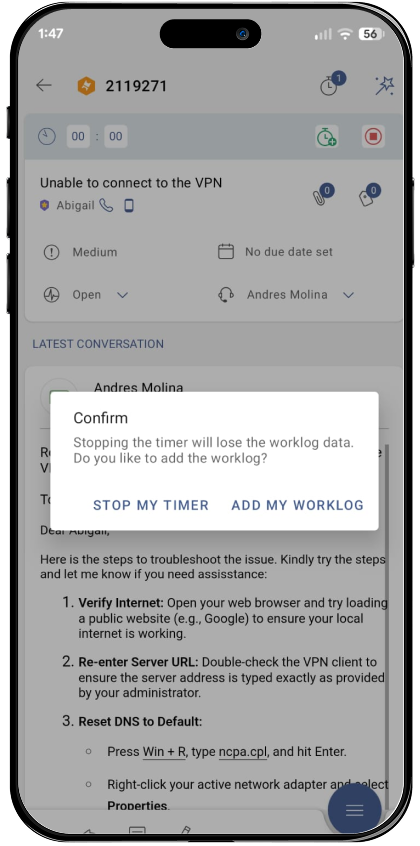
Starting and stopping the work log timer from within a ticket in the ServiceDesk Plus mobile app
Start and stop the work log timer directly from the request.
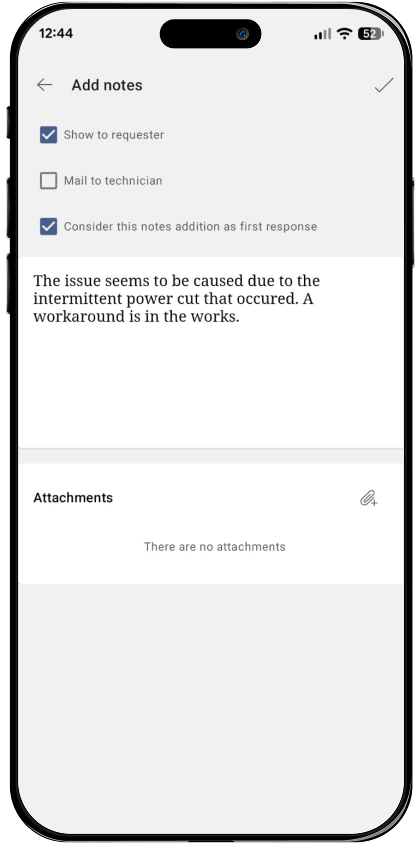
Adding notes and replying to a requester from within a ticket in the ServiceDesk Plus mobile app
Add notes and reply to requesters from within the ticket.

Manage IT assets and run audits
directly from the field

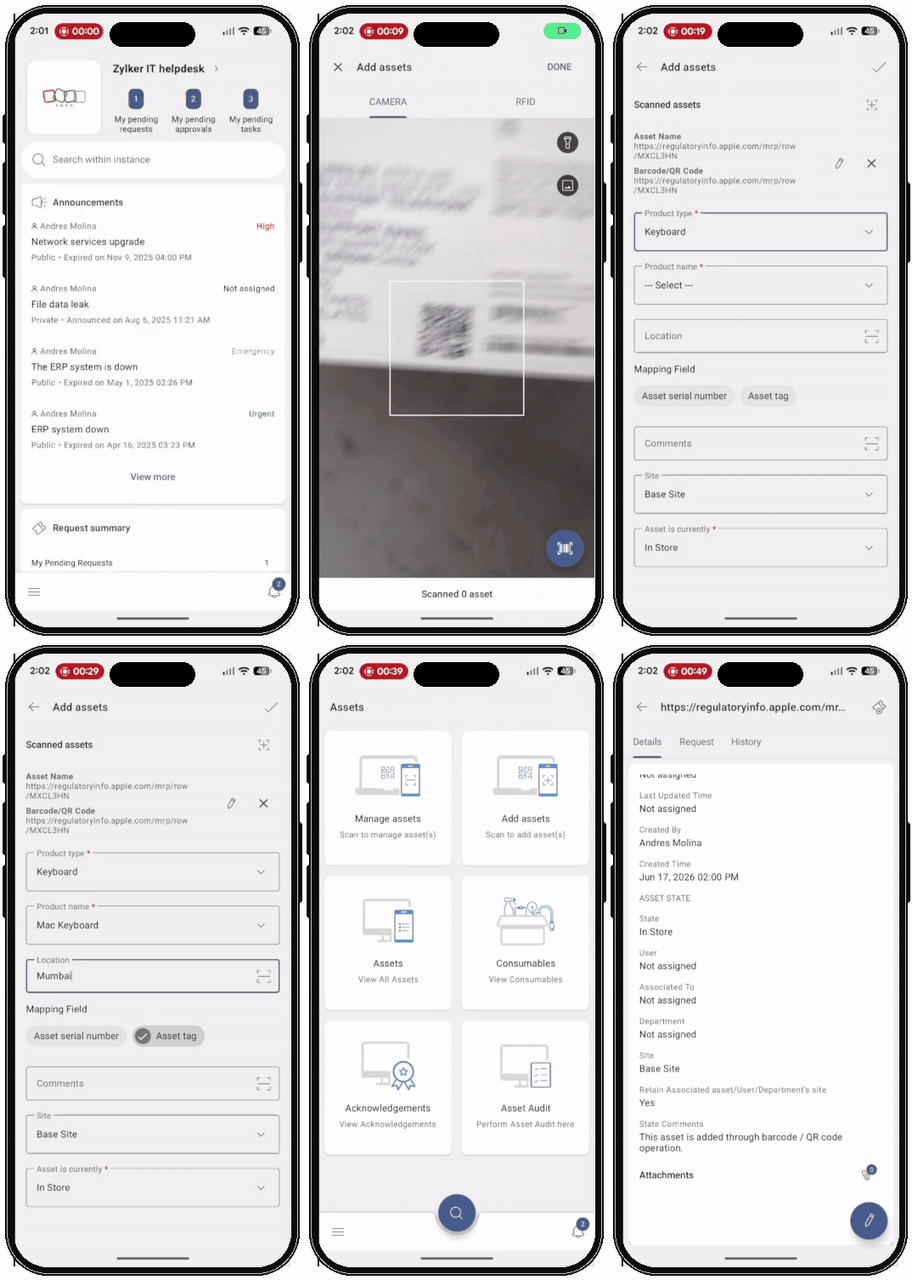
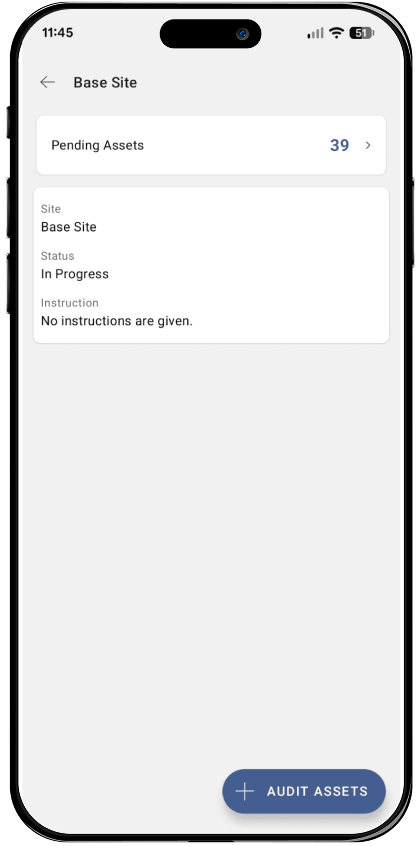
Field technicians can audit assets and update inventory directly from the field without the need for return trips to the workstation. Scanning barcodes or QR codes with the device camera pulls up the full asset record instantly, with the option to add new assets into inventory on the spot. Updates and findings are logged automatically against the record, keeping inventory accurate without the paper trail. On iOS, RFID scanning extends the scanning capability further for environments with compatible readers.

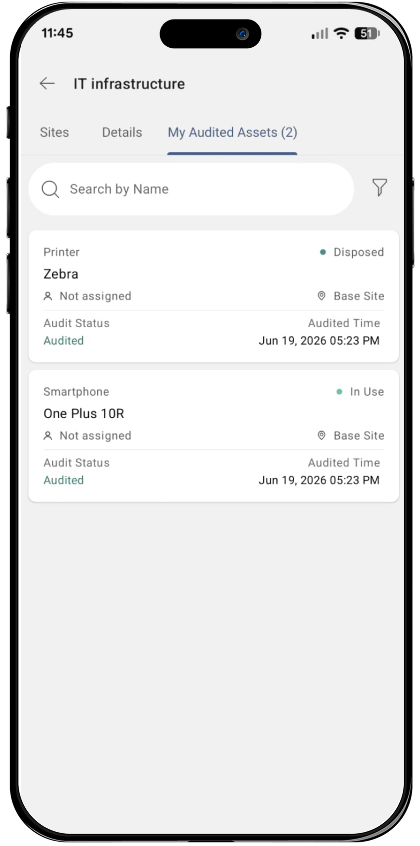
Updating and auditing IT assets directly from the field using the ServiceDesk Plus mobile app
Scan barcodes and QR codes to retrieve asset records.
Starting and stopping the work log timer from within a ticket in the ServiceDesk Plus mobile app
Update and audit assets directly from the field.

Keep enterprise workflows moving with approvals from anywhere

Managers can review and approve service requests and purchase orders directly from the app, keeping business processes moving without waiting on a desk or a browser. Change reviewers have full visibility into request details, comments, and impact notes before approving or rejecting IT change requests with confidence, from anywhere.

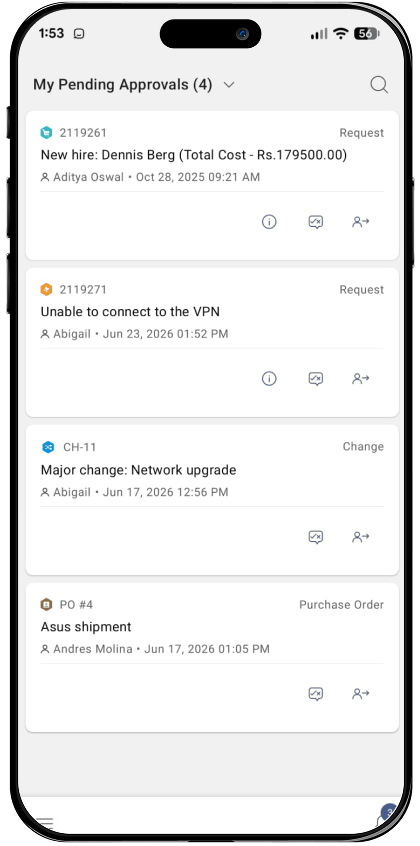
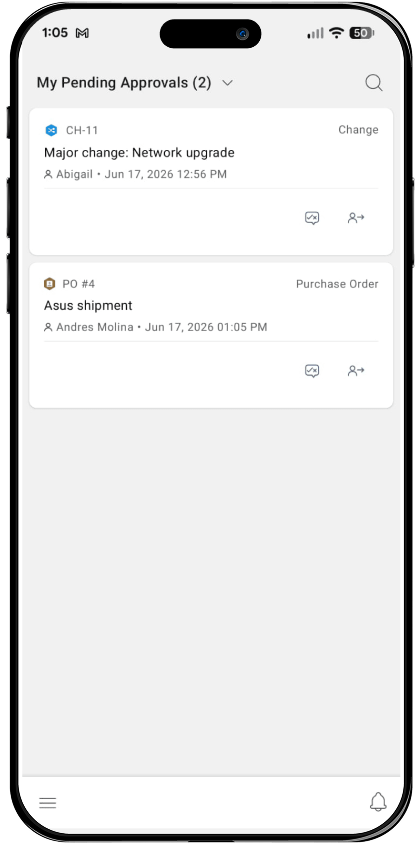
Approving a service request and purchase order on the move from the ServiceDesk Plus mobile app
Approve service requests and purchase orders on the move.
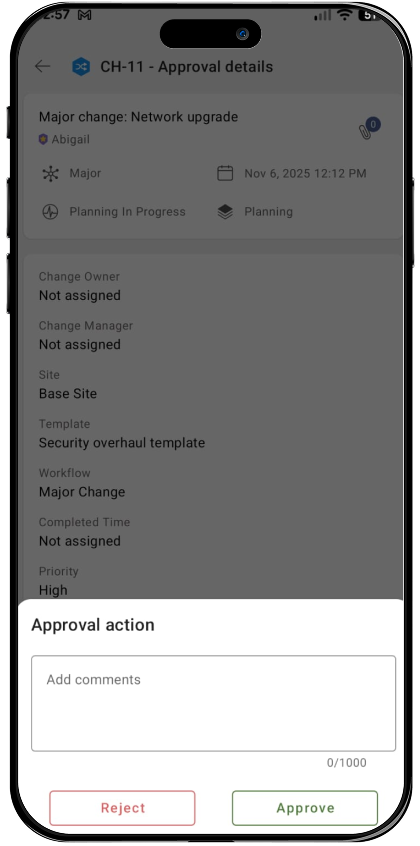
Reviewing and acting on an IT change request with full context in the ServiceDesk Plus mobile app
Review and act on change requests with full context.

Give employees a direct line to the service desk from their phones

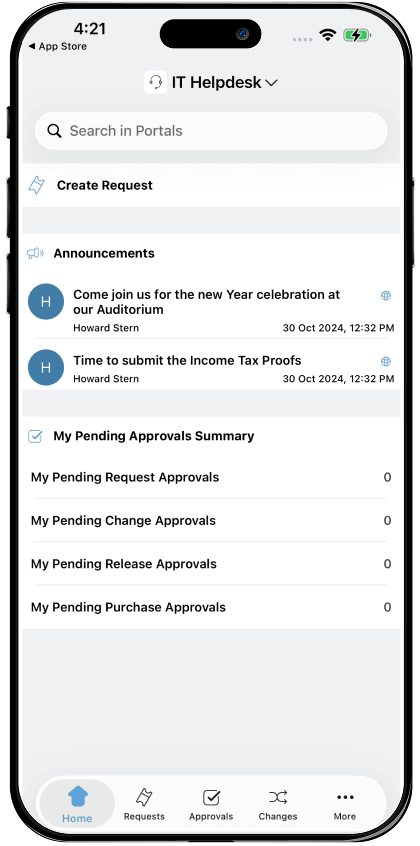
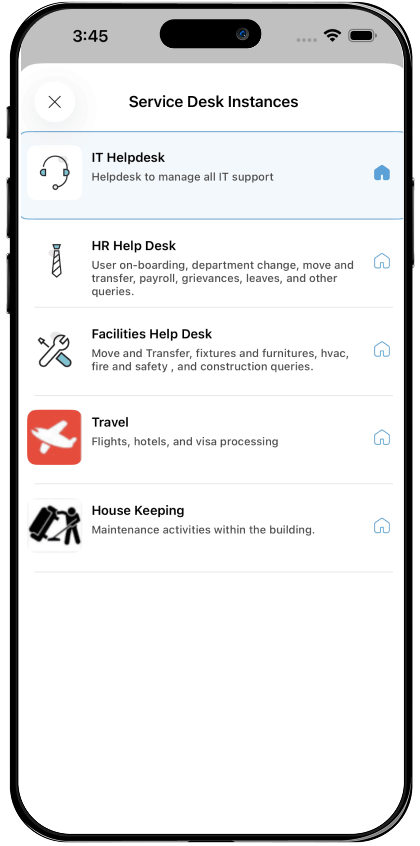
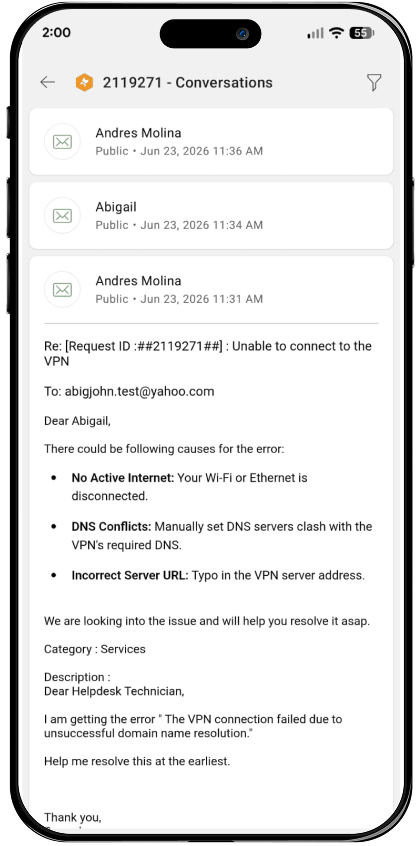
 Employees can log requests, track statuses, and communicate directly with their assigned technician across IT, HR, facilities, and finance service desks from the mobile app. Bidirectional, in-ticket conversations keep both sides informed and aligned, eliminating the need to call the service desk or chase updates over email. 

Employees logging and tracking service requests across IT, HR, and facilities from the mobile app
Log and track service requests across departments.
Employee staying updated through in-ticket conversations with the service desk on the mobile app
Stay updated through in-ticket conversations.

Other ServiceDesk Plus capabilities that can
help deliver impeccable experiences

Push notifications

Get notified the moment a ticket is assigned, replied to, or escalated. Stay on top of your ticket queue without manually checking in.

Task management

Break a complex request into individual tasks, assign each to a technician or group, and track their progress.

Private notes

Add internal notes to a ticket visible only to the IT team, useful for on-site observations, work-around instructions, or technician handoffs.

Frequently asked questions (FAQ)

Expand all

1. What actions can technicians perform with the ServiceDesk Plus mobile app?

The ServiceDesk Plus mobile app gives technicians full-fledged ITSM functionality on the move. It includes creating, assigning, and closing tickets; adding notes; and replying to conversations. Technicians can also scan asset barcodes and QR codes; log work hours; and act on approvals for service requests, change requests, and purchase orders.

2. Can end users and technicians from other departments like HR, finance, and
facilities use the same app?

3. Is the ServiceDesk Plus app available for both cloud and on-premises deployment?

Let's support faster, easier, and together