This article explains the procedure to use PowerShell to list distribution group members in Exchange Online or Office 365, and export them to CSV using the Get-DistributionGroupMembers cmdlet. It also compares it with steps needed to accomplish it with ADManager Plus, a unified Active Directory, Office 365 and Exchange management and reporting tool, to show how it helps get distribution groups list and export it easily.
You can also get this report for multiple groups; just enter the group names separated by a comma.
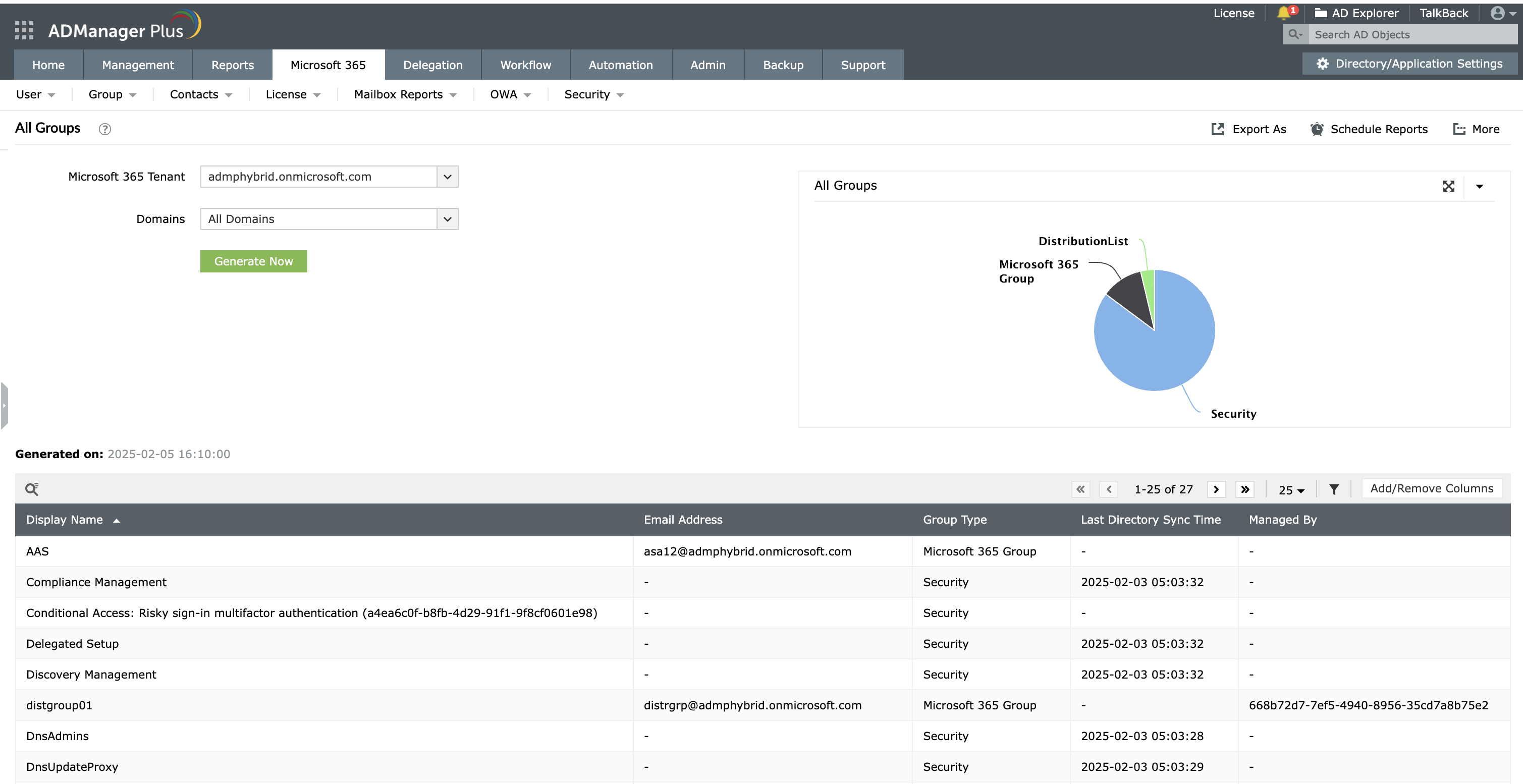
Screenshot
The PowerShell cmdlet Get-DistributionGroupMember will all members of the group Brand Awareness Campaign Team and export the distribution list members to CSV.
Single-window mailbox management and reporting for Exchange and Office 365 with ADManager Plus.
Get 30-day free trial.Your download should begin automatically in 15 seconds. If not, click here to download manually.
For AD User Management
For AD User Reporting
For GPO Management
For Password Management
For AD Group Management
For File Access Management
For AD Computer Management
For Office 365 Management
For Exchange Management
For Microsoft Graph PowerShell
Entra ID user management
Entra ID reporting
Entra ID group management and reporting
Entra ID domain management
Entra ID contact management and reporting
Other Entra ID tasks
For Azure AD PowerShell
Entra ID user management
Entra ID reporting
Entra ID group management
Entra ID group reporting
Entra ID domain management
Entra ID contact management and reporting
Other Entra ID tasks


