Administrators have preset routine (run book) tasks to perform either during network faults or as an ongoing maintenance task. These maintenance tasks include checking critical servers, services, and more. When the network has hundreds of devices (usually more), this maintenance process becomes daunting for the network admins as it requires substantial amount of resources and time. Luckily, with the help of network automation workflow, these repetitive, laborious maintenance tasks can now be simplified. Apart from the maintenance tasks, IT admins can design and automate workflows to troubleshoot network issues.
Why does your organization need an integrated workflow automation tool?
An IT workflow automation tool comes in handy when the network is large and constantly multiplying its resources. Just with any other software, the workflow automation software too has some challenges. The real challenge with most workflow automation tools is that they are not tightly integrated with the NMS. This is why installing a network monitoring solution that has a well-integrated and robust workflow automation platform is crucial.
Here are some reasons why you should choose an integrated workflow automation tool.
- A versatile workflow automation system helps streamline and simplify network related tasks. This way, the repetitive manual tasks are automated and lets network administrators focus on mission critical tasks.
- Using a workflow automation software helps reduce operational costs since the manual effort is reduced in executing repetitive tasks.
- Integrated workflow systems ensure better visibility across various operations, thereby enabling better tracking and monitoring.
- They also help maintain quality and consistency by executing pre-defined cascade of actions. Not just that, these workflow systems also speed up operations, resulting in an agile work environment.
Hence, installing an integrating workflow automation tool can be a game changer for your network environment.
Benefits of using an enterprise IT workflow automation tool
- Automated workflows help resolve issues faster and reduce MTTR (Mean Time To Repair).
- Inherit your IT infrastructure best practices and ensure structured/ proven methods to handle incidents and problems.
- Automate repeated activity executions for efficient IT management.
- Avoid human errors and substantially reduce support and operational costs.
Here is how ManageEngine OpManager can help you automate your network management.
OpManager - Workflow Automation Software
ManageEngine OpManager is a powerful network monitoring solution with a tightly coupled IT automation workflow. With OpManager's enterprise workflow automation, you can start/stop/resume services, processes, and automate other tasks with over 70 workflow actions based on user-defined conditions.
OpManager’s IT workflow automation tool:
- Code-free IT workflow automation with out-of-the-box checks and actions
- An agile and flexible drag-n-drop workflow builder
- Initiate IT workflow on network faults or on a routine basis
- Record the IT workflow procedures as an XML and ensure structured practices across IT
- Audit trails of workflow progresses and logs with detailed workflow execution log reports
Code-free IT workflow automation software without-of-the-box checks and actions
Over 70 workflow checks and actions grouped under 9 different categories, including VMware ESX actions are available for you to construct a powerful workflow rule to suit your IT management need. Just create workflows using these out-of-the-box checks and actions to the workflow builder and you are good to go.
You don’t have to skim through complex scripts and codes to automate your IT. OpManager IT workflow automation is carefully built with user friendly interface and code-free IT automation to help you build workflow rules quickly.
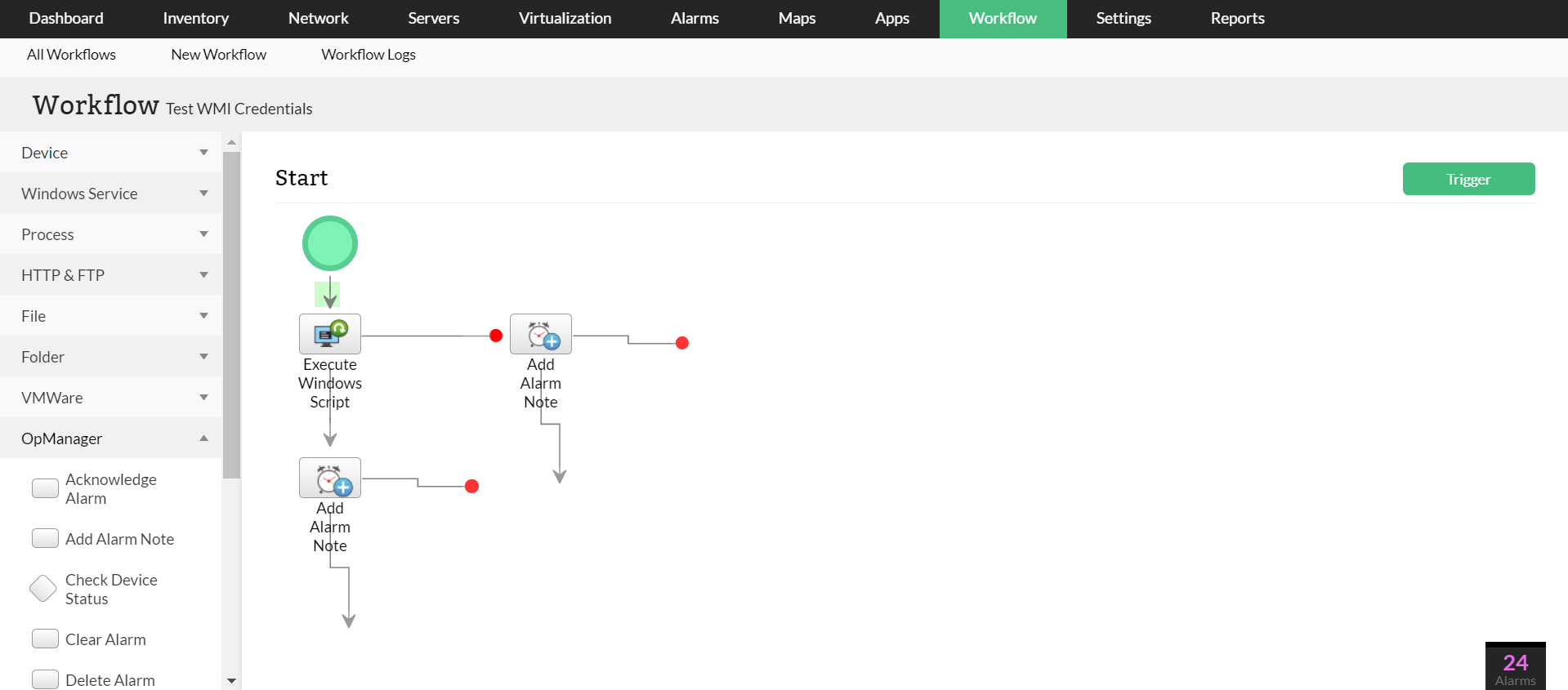
An agile and flexible drag-n-drop automation workflow builder
The intuitive drag-n-drop workflow builder makes it simple to create new workflow rules for every administrator. Besides defining new workflows, you can modify an existing workflow by making changes to the conditions or actions inside the workflow builder.
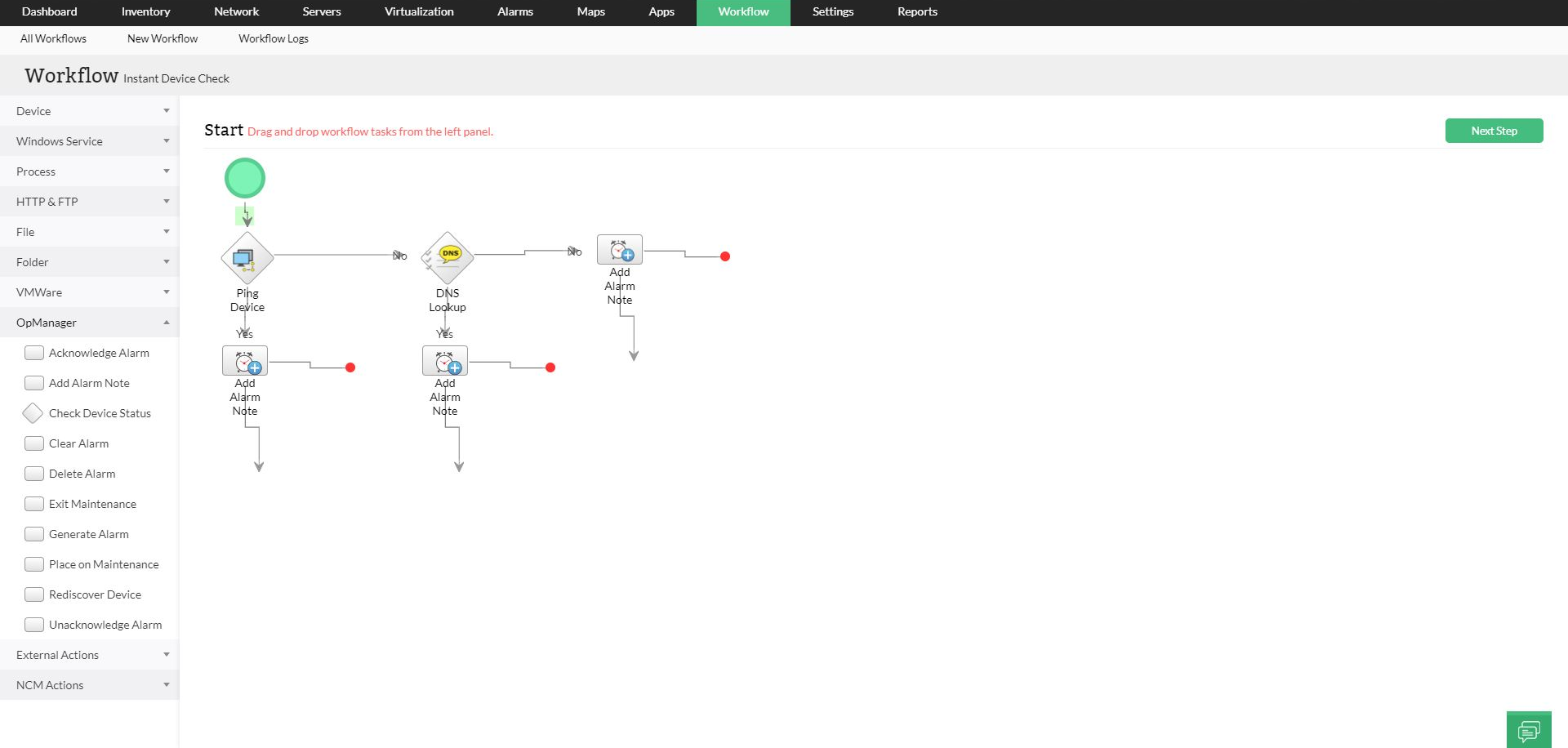
Initiate the workflow automation rules on network faults or as an ongoing maintenance tasks
The application of IT run book automation can be initiated when there is a network fault, or as ongoing maintenance tasks, or even on an ad-hoc basis. OpManager IT workflow automation module gives you the free hand to trigger workflow in all the aforementioned situations.

Record the IT automation workflow procedures as an XML and ensure structured practices across IT
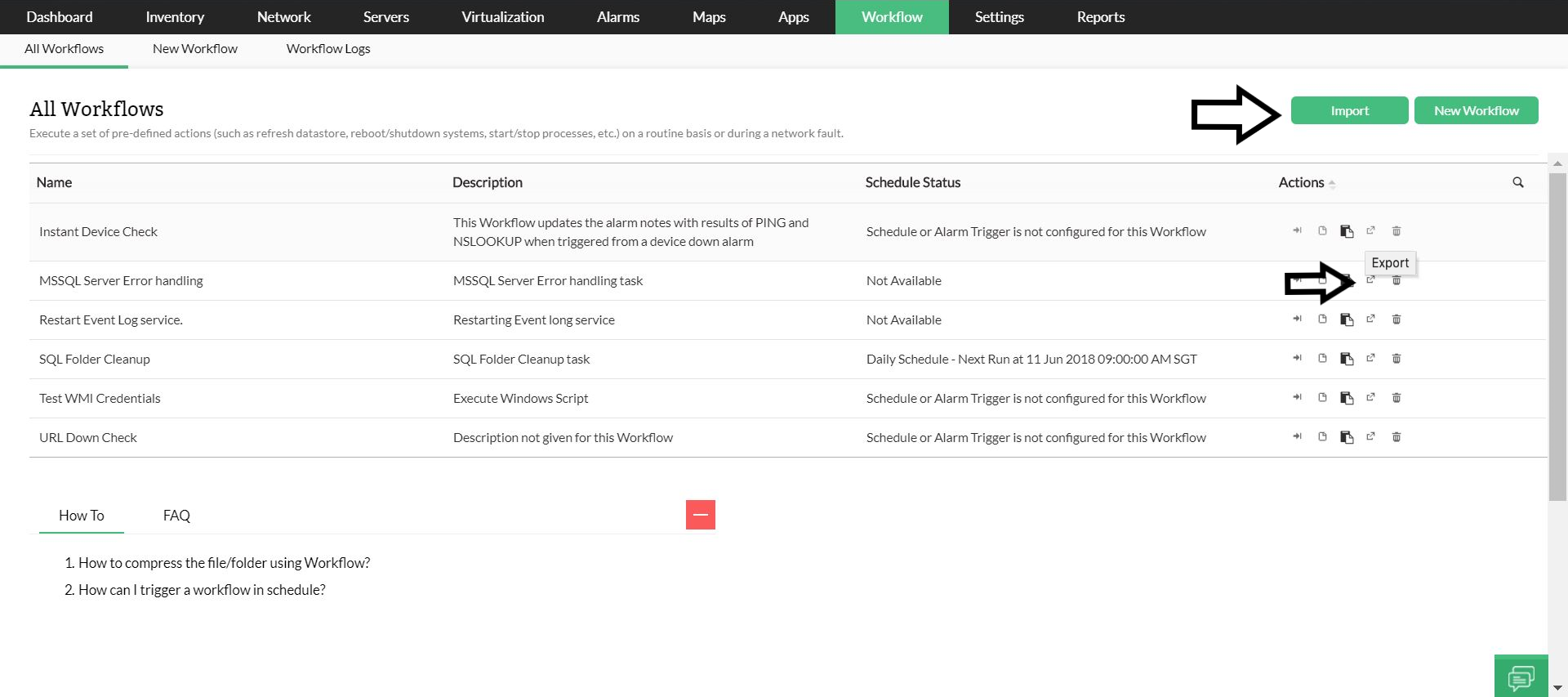
Using OpManager, seasoned administrators who are well-informed of their organization’s IT setup, can create IT workflow rules to meet the organization’s requirement. Contextual workflows address your specific IT automation needs, leading to minimized downtime and reduced time to repair a fault. These structured, time invested, useful documents can now be preserved as XML files with the option to export the workflows and also import them even into other instances of OpManager when there is a need.
Audit trails of workflow progresses and logs with detailed IT workflow execution logs reports
Every executed workflow is recorded under "Execution logs" for future audits. This report comes handy when the administrators want to make sure what has happened during a particular workflow execution.

Download a free, 30-day trial or schedule a demo to learn more about OpManager's workflow automation.
Make your network monitoring simple and efficient!
Download OpManager nowCustomer reviews
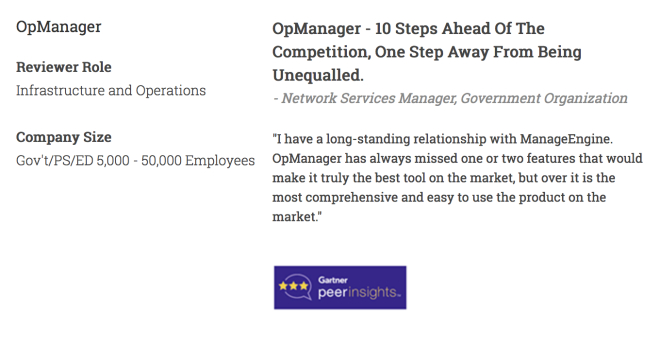
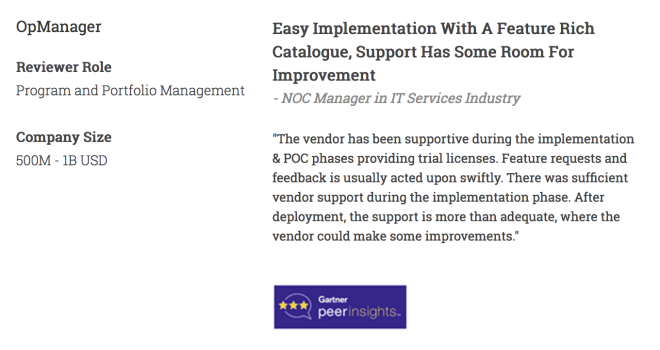
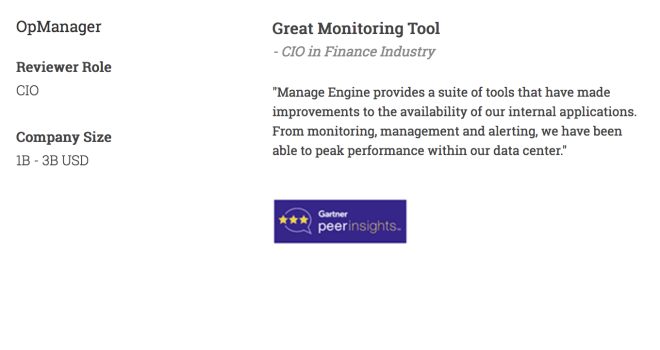
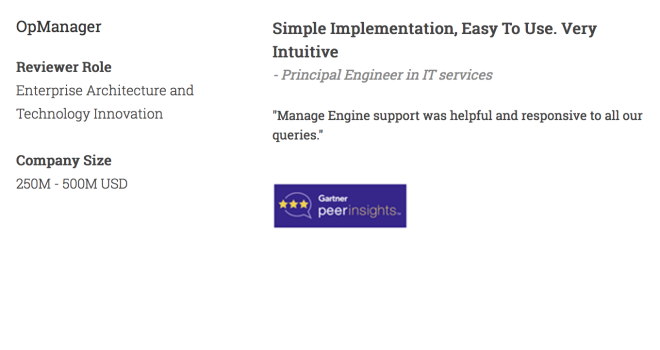
More than 1,000,000 IT admins trust ManageEngine ITOM solutions to monitor their IT infrastructure securely

Case Studies - OpManager
Awards & Honors
- Recognized as a May 2019 Gartner Peer Insights Customers' Choice for Network Performance Monitoring and Diagnostics Software
- Recognised as an April 2019 Gartner Peer Insights Customers' Choice for IT Infrastructure Monitoring Tools.
- Network Management and Monitor Vendor of the Year 2018, 2019
- Entered the 2019 Gartner NPMD Magic Quadrant.
- Ranked #2 in the Infotech Research Software Reviews Data Quadrant 2018.