View insights on file and folder permissions with the file server permissions analyzer.
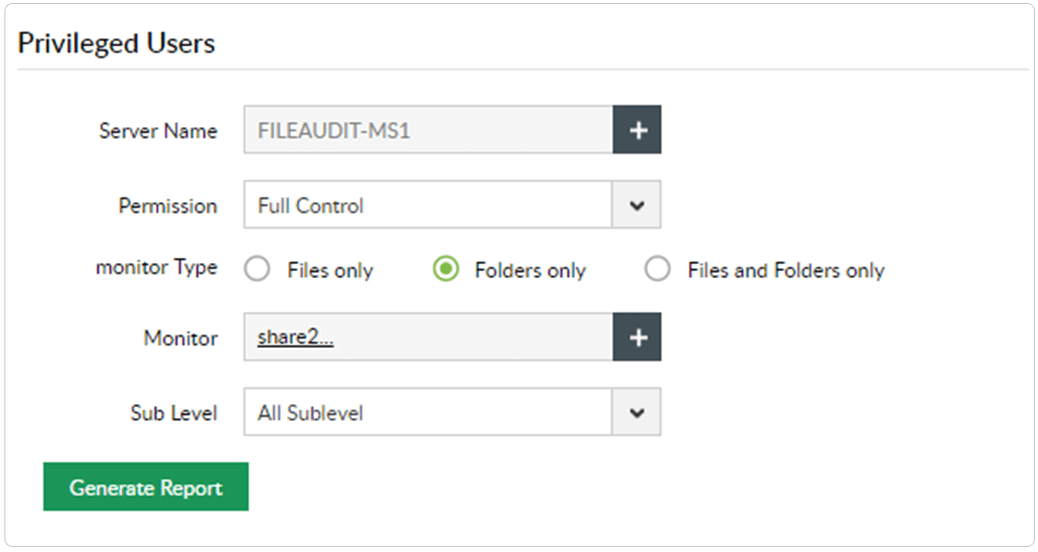
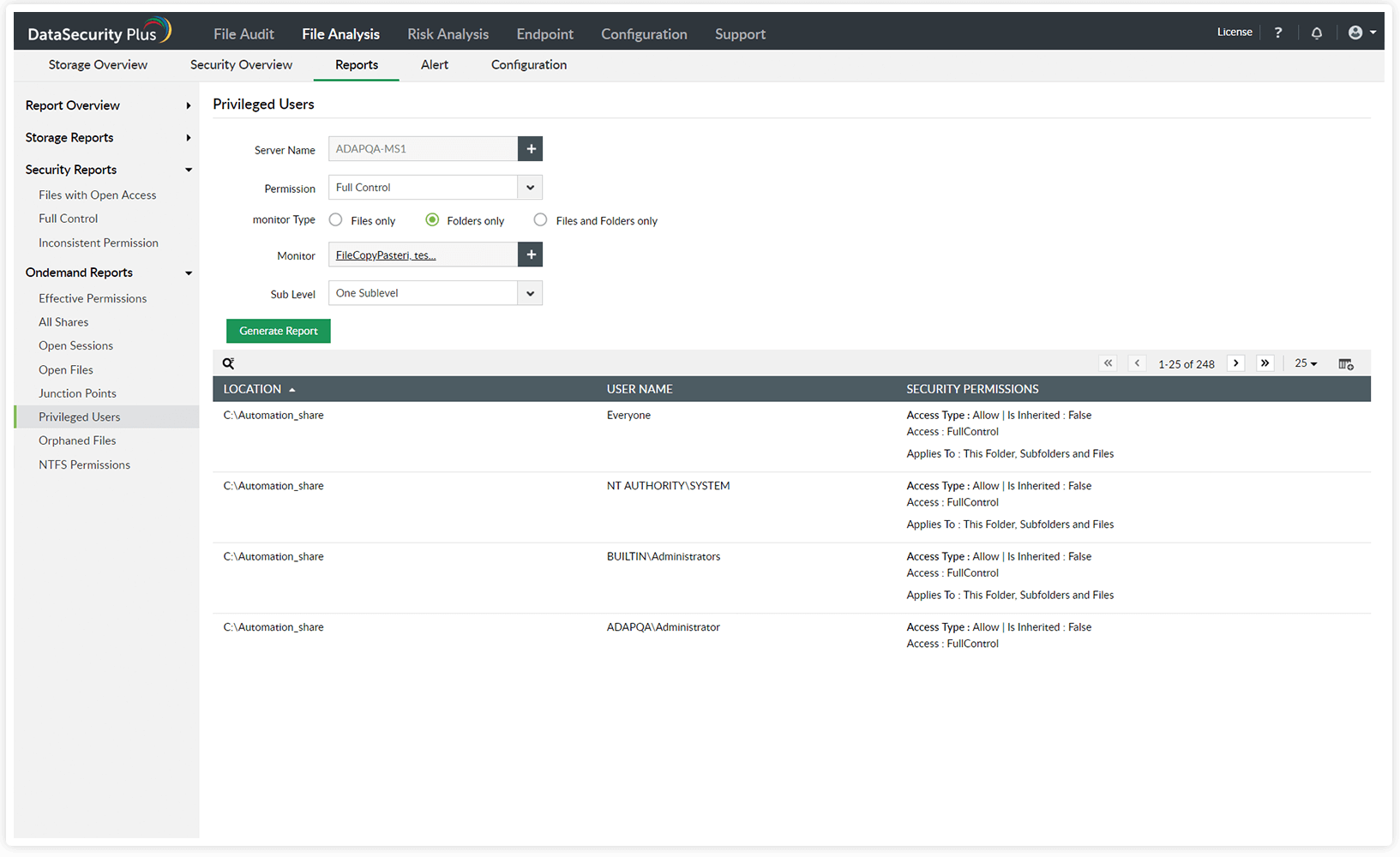
Identify privileged users in your environment, and closely monitor their activities.
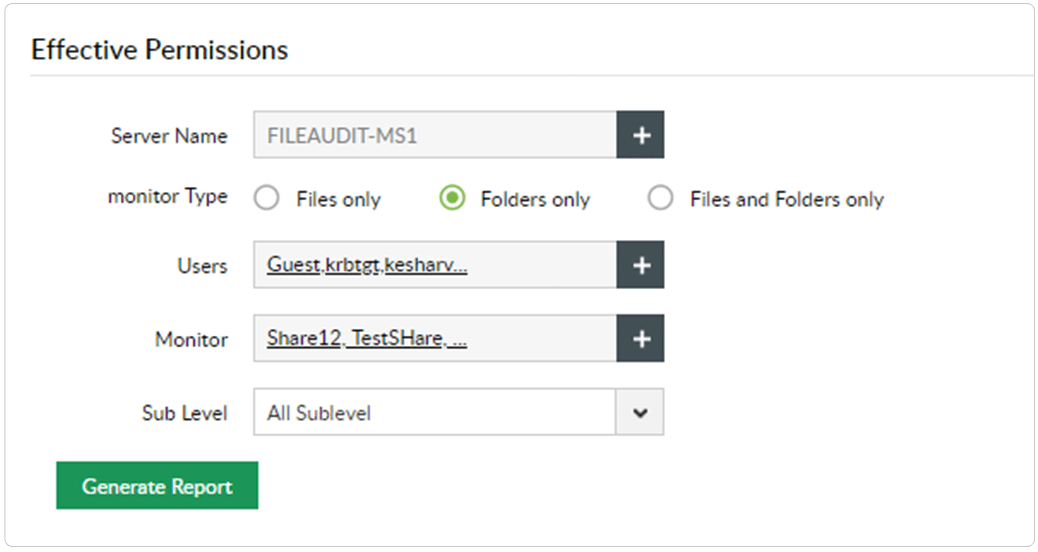
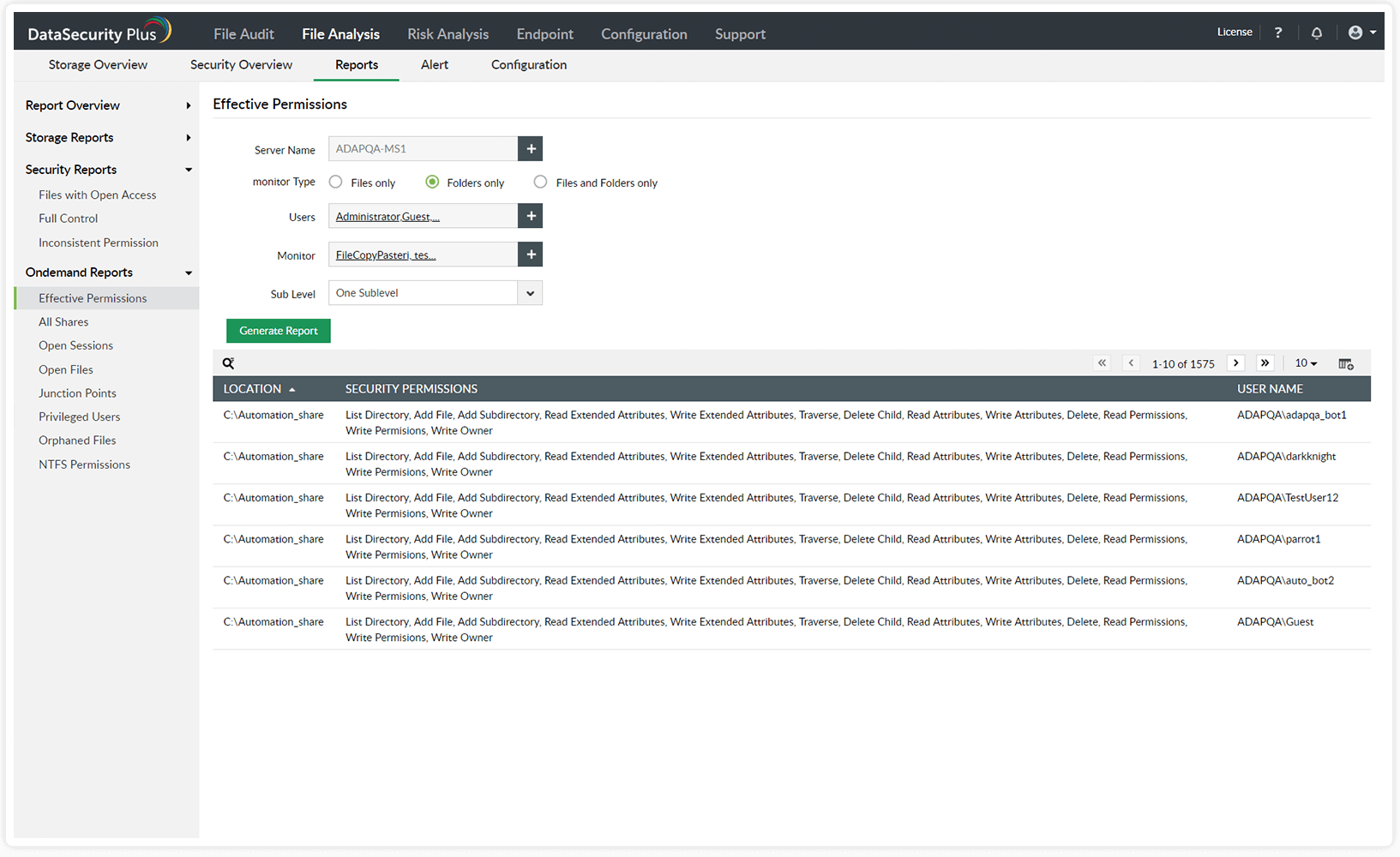
Generate reports on users' effective permissions to critical folders.
Mitigate the risk of privilege abuse and safeguard business-sensitive data by identifying privileged users and tracking their activities.
Avoid hefty penalties for non-compliance by viewing effective permissions and checking if the principle of least privilege is maintained.
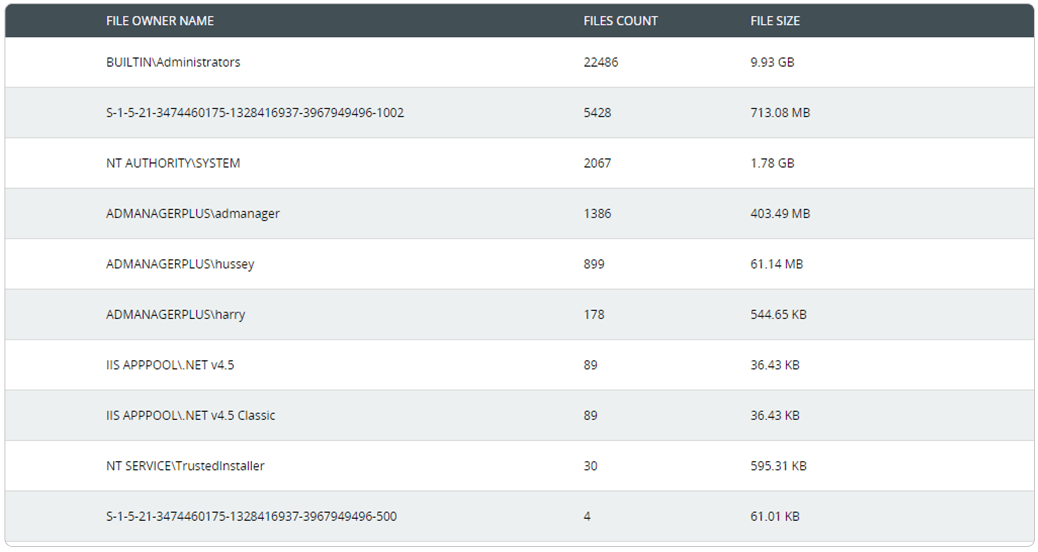
Easily keep track of employees' file ownership across enterprise storage with reports on the number, size, and location of files owned by each user.
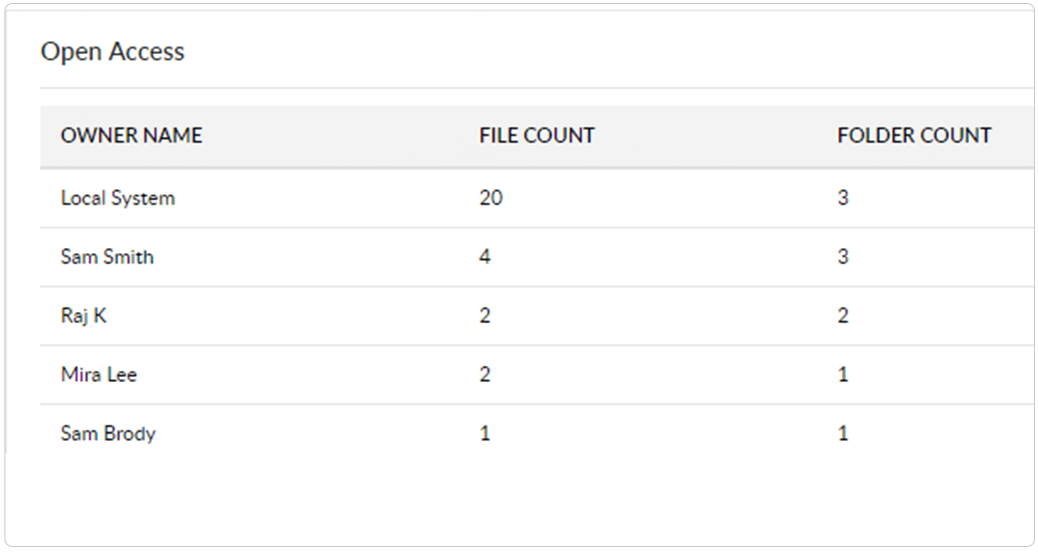
Prevent accidental leak of data by identifying overexposed files (files shared across your domain that provide full control access to users or groups) and their owners.
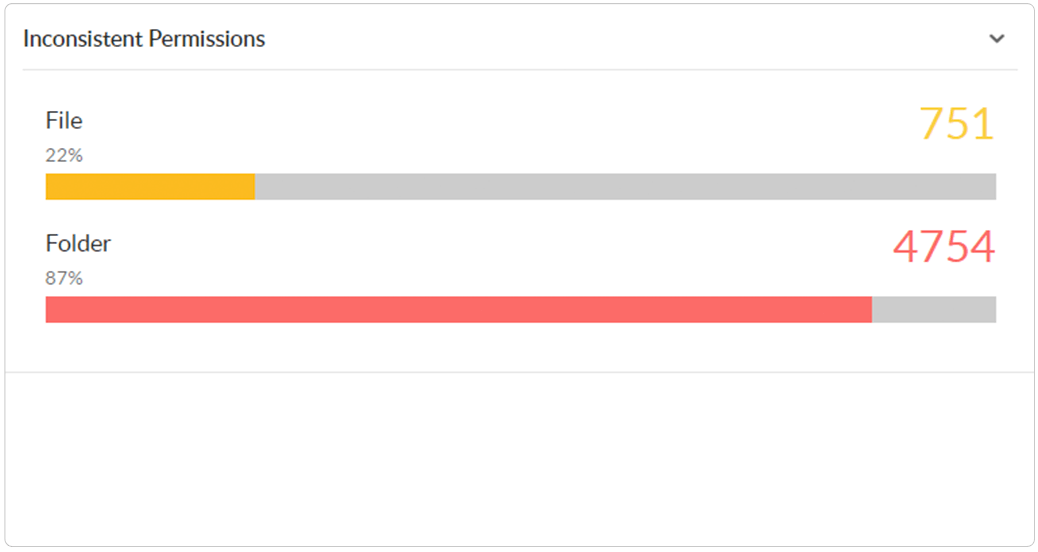
Continuously scan for and spot instances of broken or improperly inherited Windows folder permissions across your domain.
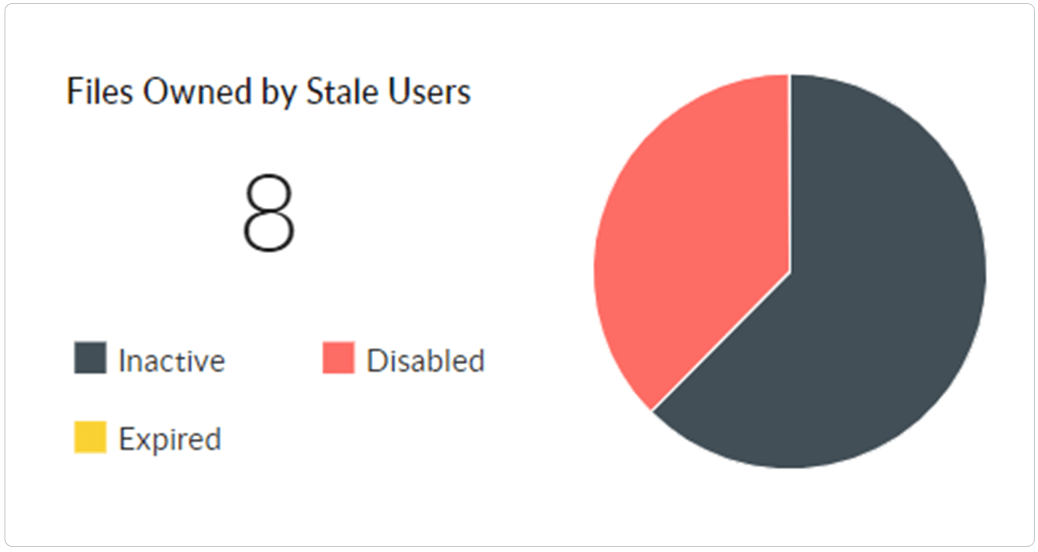
Quickly locate files that require immediate attention, such as orphaned files and active files owned by stale, disabled, or inactive users.
Analyze file ownership, spot broken inheritances, and locate overexposed data easily.
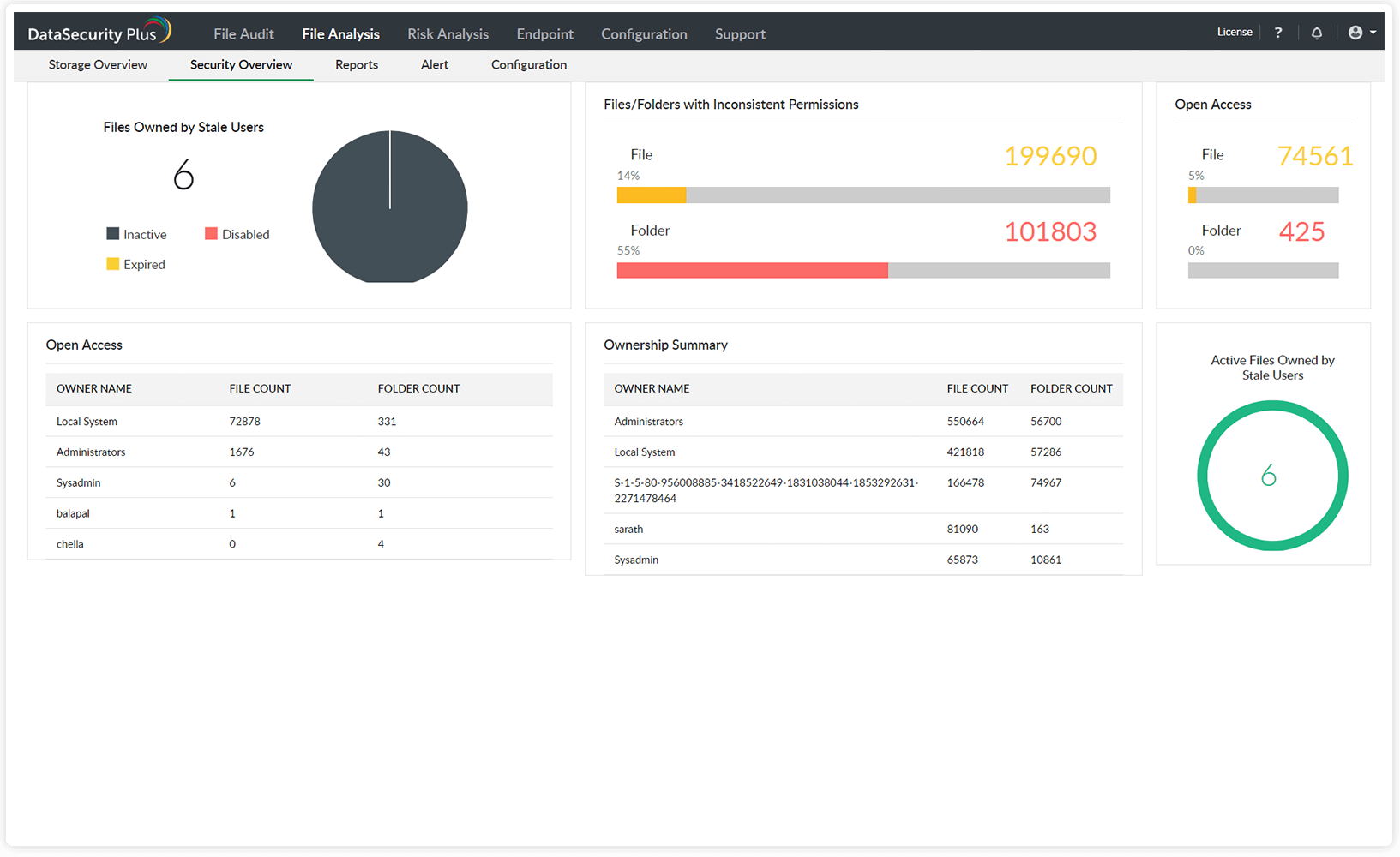
Easily locate active files owned by stale or deleted users. Purge them, or transfer ownership based on their business value.
Spot permission hygiene issues, such as files allowing unrestricted access to users and instances of broken permission inheritances.
Find files owned by a specific user, and receive insights on users owning the largest number of files and folders.
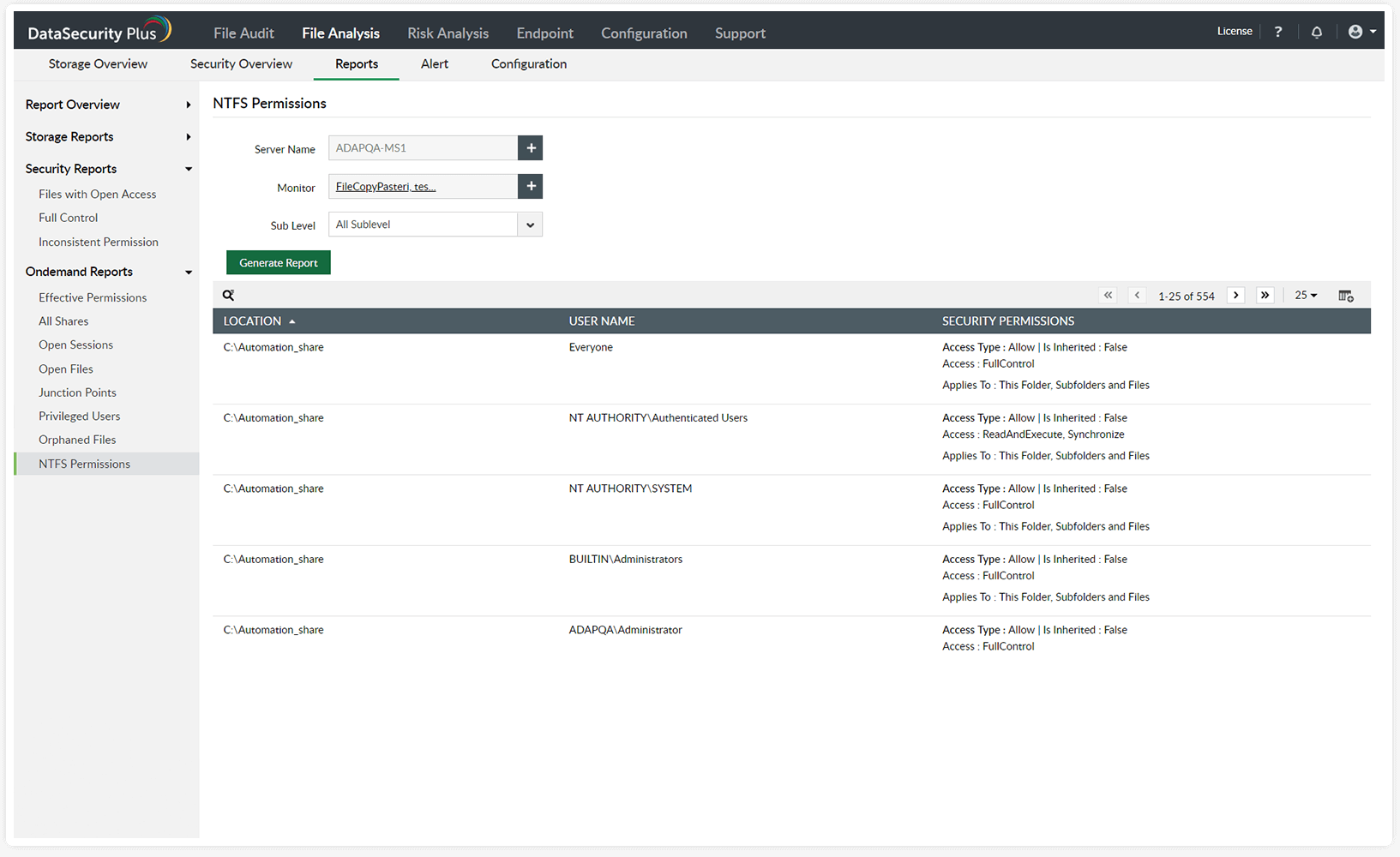
Generate instant and accurate reports listing permissions assigned to local and shared files and folders.
Identify users with privileged access to sensitive files, and keep a close eye on their file activities.
Receive reports on users' effective permissions to shared folders, and check if the principle of least privilege is maintained.

