Service Pack install order for build
| Steps | SHA256 Checksum hash value |
|---|
| If your build number is | Update to build number | SHA256 Checksum hash value |
|---|---|---|
| 6200 to 6290 | ||
| 6127 to 6190 | ||
| 6082 to 6126 | ||
| 6021 to 6081 | ||
| 6000 to 6020 | ||
| 5012 | ||
| 5004 to 5011 | ||
| 4300 to 5003 | ||
| 4200 to 4211 | ||
| 4002 to 4111, 4120 | ||
| 4001 |
Navigate to <Installation_directory>\DataSecurity Plus\bin and execute StopDB.bat.
Back up the existing DataSecurity Plus installation using any of the methods below:
Option 1
Zip the contents of the product installation folder <ME_Installation_directory>\ManageEngine\DataSecurity Plus.
Option 2
Take a backup of the database.
<Installation_directory>\DataSecurity Plus\bin and execute backupDB.bat.Option 3
Take a snapshot of the server where DataSecurity Plus is installed.
Before applying the PPM, ensure that at least 2 GB of free disk space is available. Then, follow these steps:
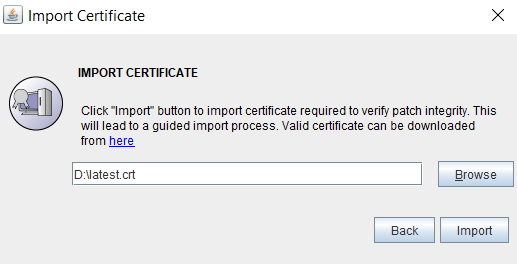
<ME_Installation_directory>\ManageEngine\DataSecurity Plus\bin folder. Open the Command Prompt as an administrator and run the UpdateManager.bat file.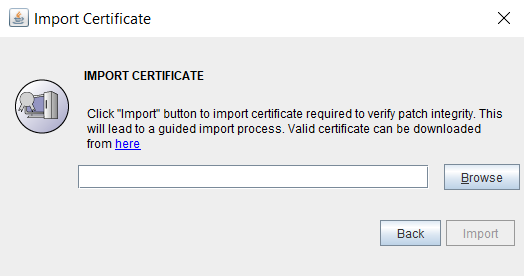
Contact our support executives anytime for assistance in updating DataSecurity Plus to its latest version.
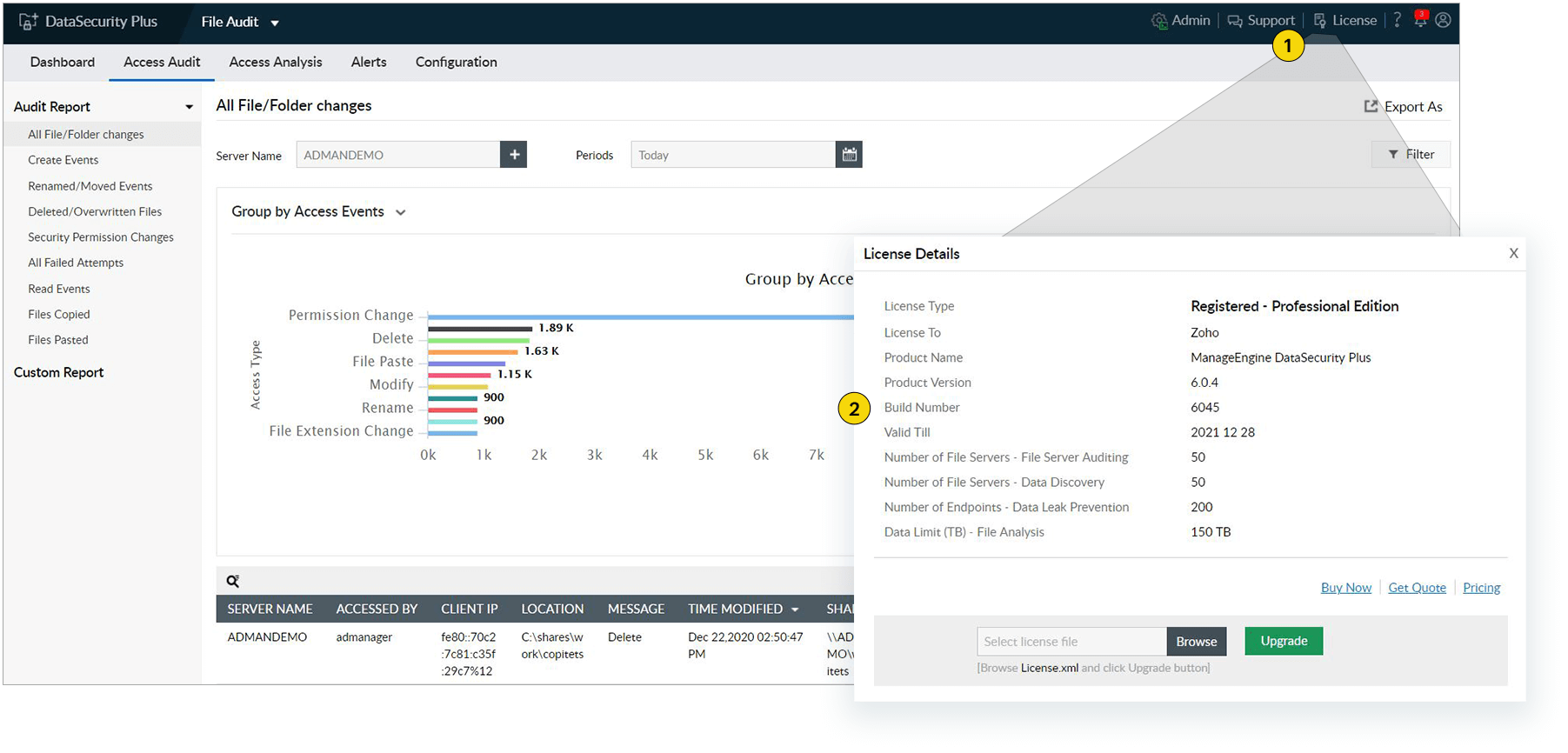
Click the License tab located in the top-right corner.
The build number is mentioned in the License Details pop-up box.