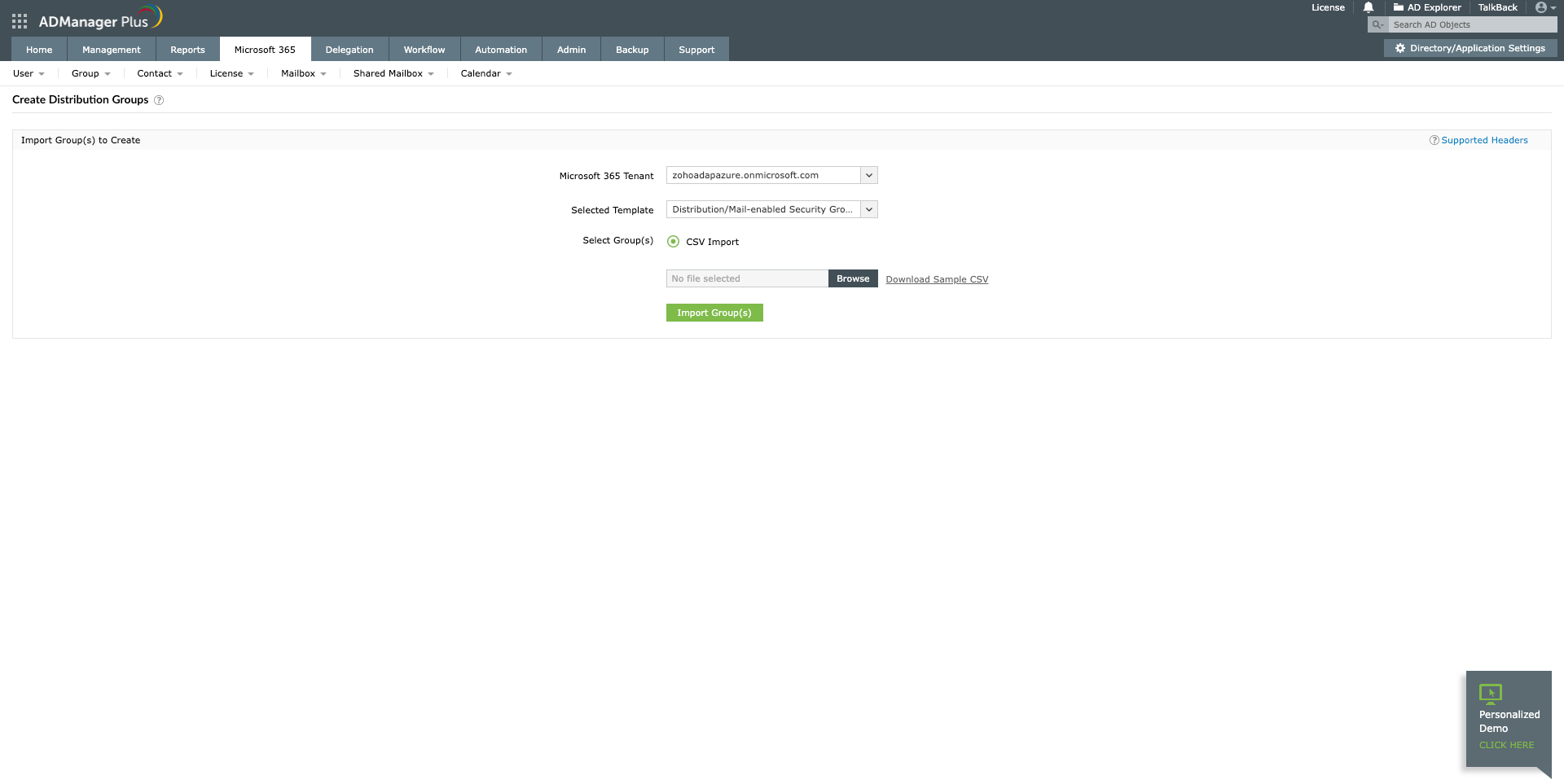
This article lists the steps to use PowerShell to create a distribution group in Exchange Online or Office 365 and also compares it with the steps needed to accomplish the same in ADManager Plus, a unified Active Directory, Office 365 and Exchange management and reporting tool, to explore which is the best and simpler option.
Screenshot
The script mentioned above shows how you can use PowerShell to create new distribution group in Exchange Online. If you wish to use PowerShell to create distribution groups from CSV in bulk, the script has to be modified or another script has to be created.
Single-window mailbox management for Exchange and Office 365 with ADManager Plus.
Get 30-day free trial.Your download should begin automatically in 15 seconds. If not, click here to download manually.
For AD User Management
For AD User Reporting
For GPO Management
For Password Management
For AD Group Management
For File Access Management
For AD Computer Management
For Office 365 Management
For Exchange Management
For Microsoft Graph PowerShell
Entra ID user management
Entra ID reporting
Entra ID group management and reporting
Entra ID domain management
Entra ID contact management and reporting
Other Entra ID tasks
For Azure AD PowerShell
Entra ID user management
Entra ID reporting
Entra ID group management
Entra ID group reporting
Entra ID domain management
Entra ID contact management and reporting
Other Entra ID tasks


