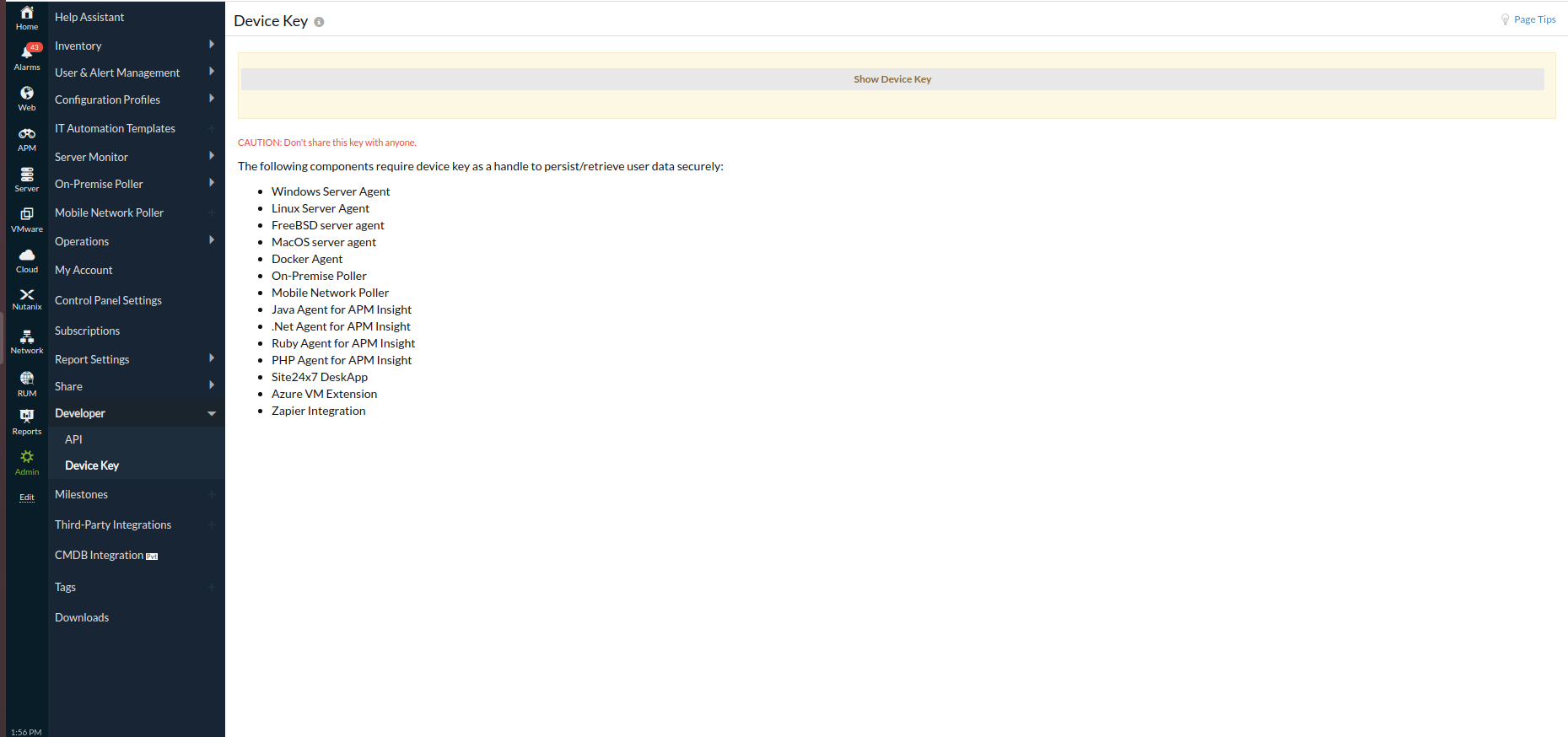
Device Key
Device Key is a unique and secure alphanumeric key. It is an authentication mechanism where the OpManager Nexus agent pushes the performance metrics to site24x7.com to interact and store data into OpManager Nexus data center. This is then presented as performance graphs and reports. The OpManager Nexus agents that use the device key are:
- Windows Server Agent
- Linux Server Agent
- FreeBSD
- MacOS
- Docker Agent
- Kubernetes
- On-Premise Poller
- Mobile Network Poller
- APM Insight Java Agent
- APM Insight .NET Agent
- APM Insight Ruby Agent
- APM Insight PHP Agent
- APM Insight Node.js Agent
- APM Insight Python Agent
- OpManager Nexus DeskApp
- Azure VM Extension
- Zapier Integration
Note
It is strongly recommended to not share your device key with others, since this might cause a security breach. In case of an account with multiple sub-users, the super admin and the admin roles alone would be able to access the device key. Since the device key is unique, no two OpManager Nexus accounts can have the same device key.
Generate Device Key
- Log in to OpManager Nexus and go to Admin > Developer > Device Key.
- In the Device Key screen, click Show Device Key. Copy-paste it and use it for the installation of the above agents.