Getting started with OpManager Nexus mobile apps for monitoring
The OpManager Nexus mobile apps are your all-in-one solution for monitoring your IT resources and staying informed about performance issues on the go. Designed for iOS, Android mobile devices, TV apps, and iPads, this app provides a smooth way to manage, track, and resolve incidents, ensuring uninterrupted uptime for your services.
With the OpManager Nexus apps, you can access real-time performance data, receive instant alerts, and troubleshoot problems anytime and anywhere. Whether you are monitoring servers, applications, websites, or networks, the app keeps you in control of your entire IT ecosystem.
Supported platforms
Use our mobile app to track your monitor's performance in real time.

Who can use the mobile app?
The mobile app is available to users with the following OpManager Nexus roles:
Super Admin, Admin, Operator, Spokesperson, MSP Admin, MSP Operator, Read-Only, Cost Admin, Cost User, IT Admin (BU), and IT User (BU).
Installing on iOS devices
- Download the OpManager Nexus app from the App Store or scan the QR code provided to download the app.
- Launch the OpManager Nexus mobile app on your iOS device.
- Click Sign In to log in using your OpManager Nexus credentials.
Note- If you have multiple accounts for the OpManager Nexus app, you can select one from the list.
- You can download the OpManager Nexus iPad app from the App Store.
Installing on Android devices
- Download the OpManager Nexus app from the Play Store or scan the QR code provided to download the app.
- Launch the OpManager Nexus mobile app on your Android device.
- Click Sign In to log in using your OpManager Nexus credentials or Sign Up to start a new account with OpManager Nexus.
Note- If you have multiple accounts for the OpManager Nexus app, you can select one from the list.
- You can download the OpManager Nexus tablet app from the Play Store.
Sign Up
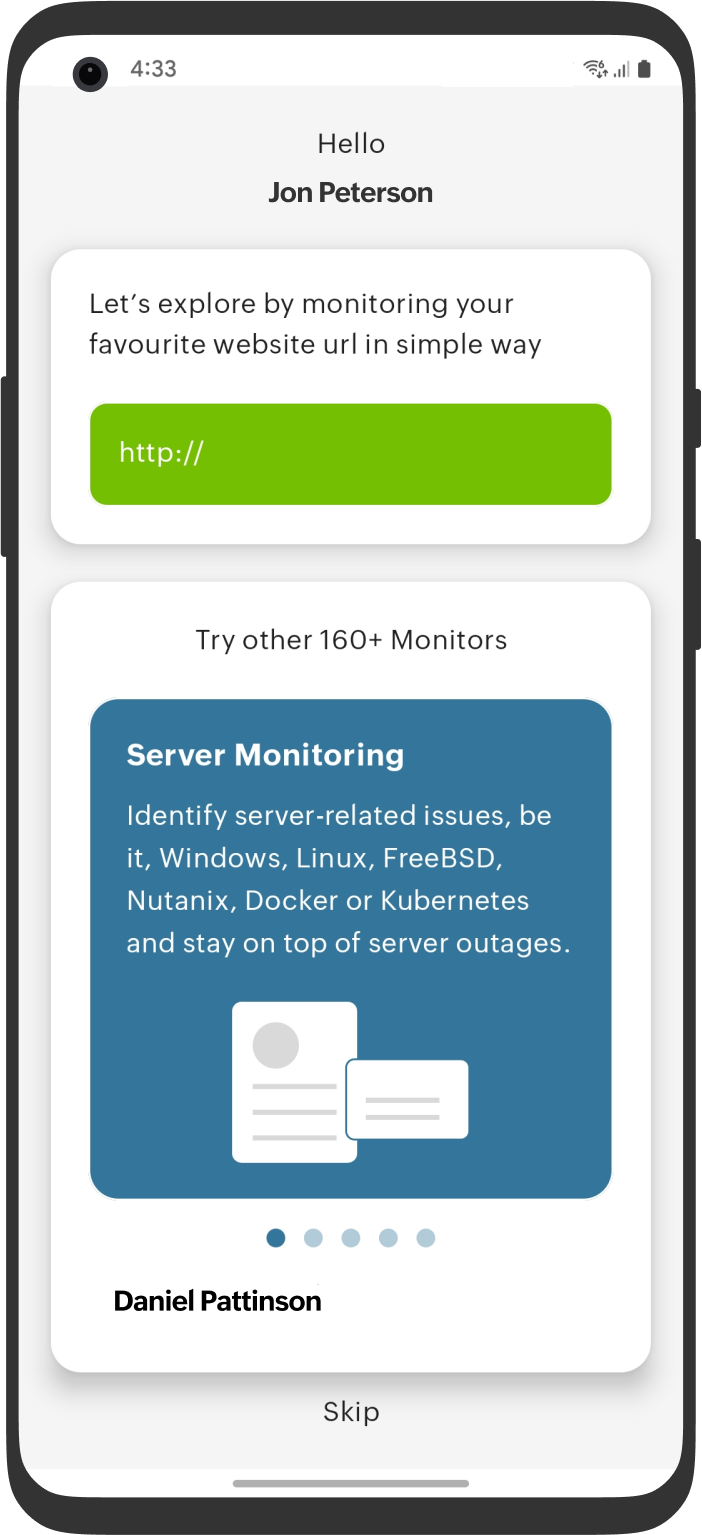
Clicking the Sign Up button retrieves your account details and redirects you to a page where you can directly add your website URL for monitoring. If you prefer, you can skip this step by clicking the Skip button.
Installing on TV apps
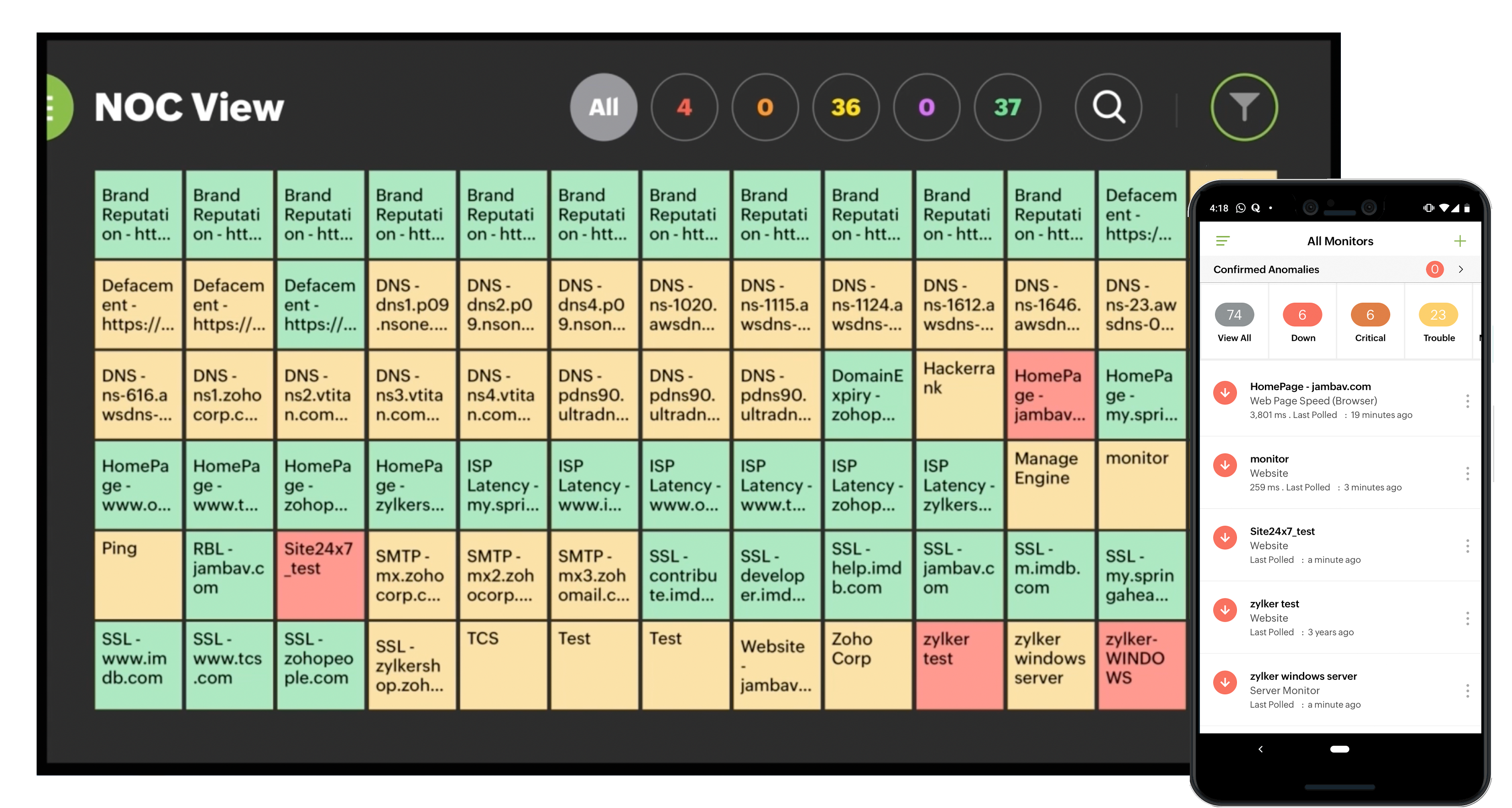
You can download the OpManager Nexus app from the App Store or Play Store.
Related articles
Stay on top of your IT environment anywhere and anytime with OpManager Nexus apps