APM Insight .NET agent bulk installation in Windows
You can install the APM Insight .NET agent on multiple machines at once by following the steps given below:
Prerequisite
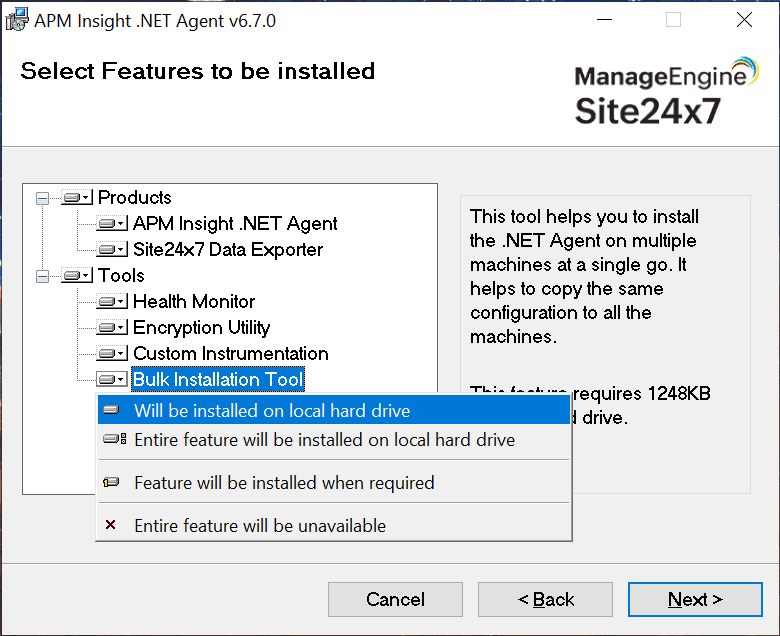
The Bulk installation Tool will be enabled during the agent installation.
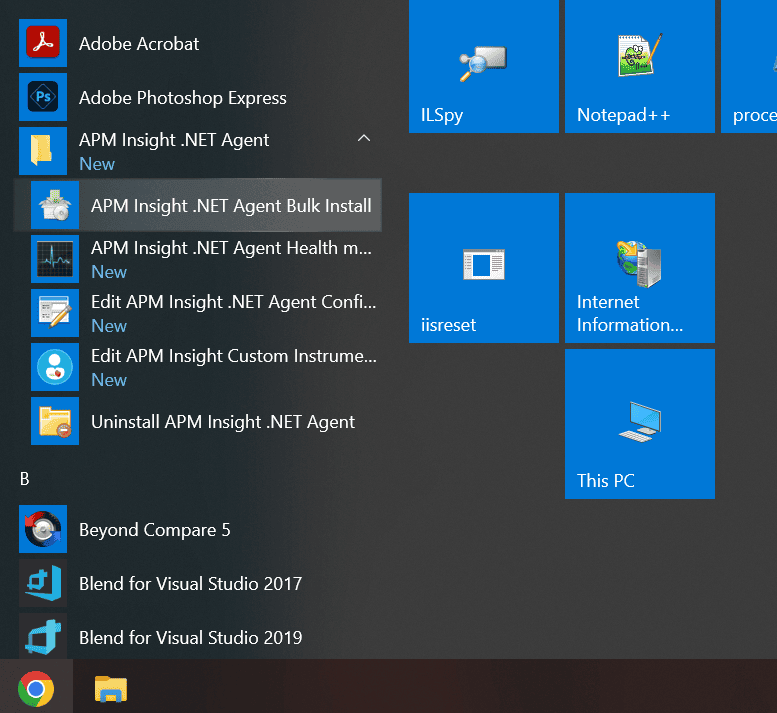
- Navigate to Start > APM Insight .NET Agent > APM Insight .NET Agent Bulk Install to open the tool.
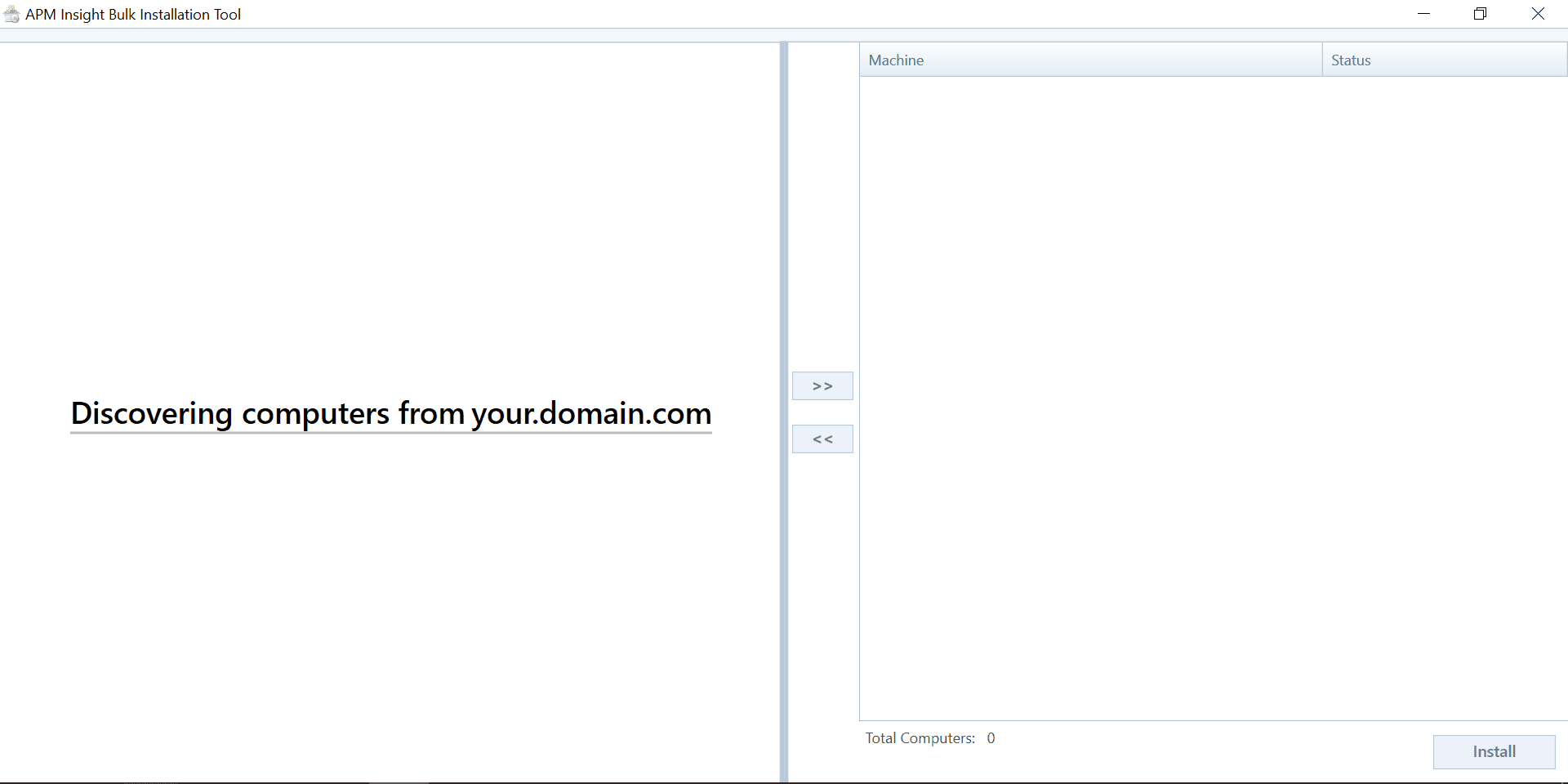
- Initially, the tool will automatically discover the computers in the network.
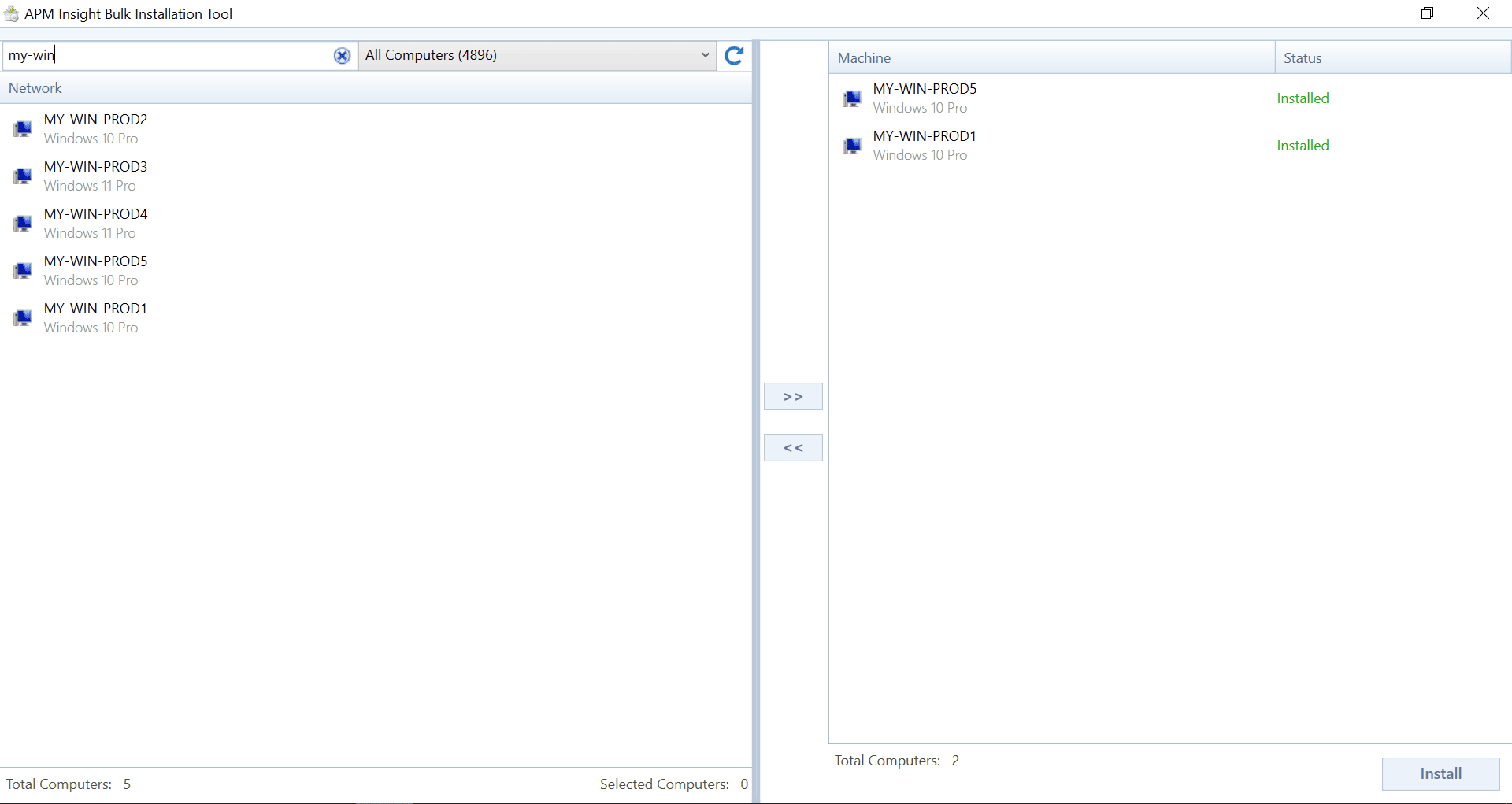
- Select the servers from the discovered list and add them to install the agent MSI.
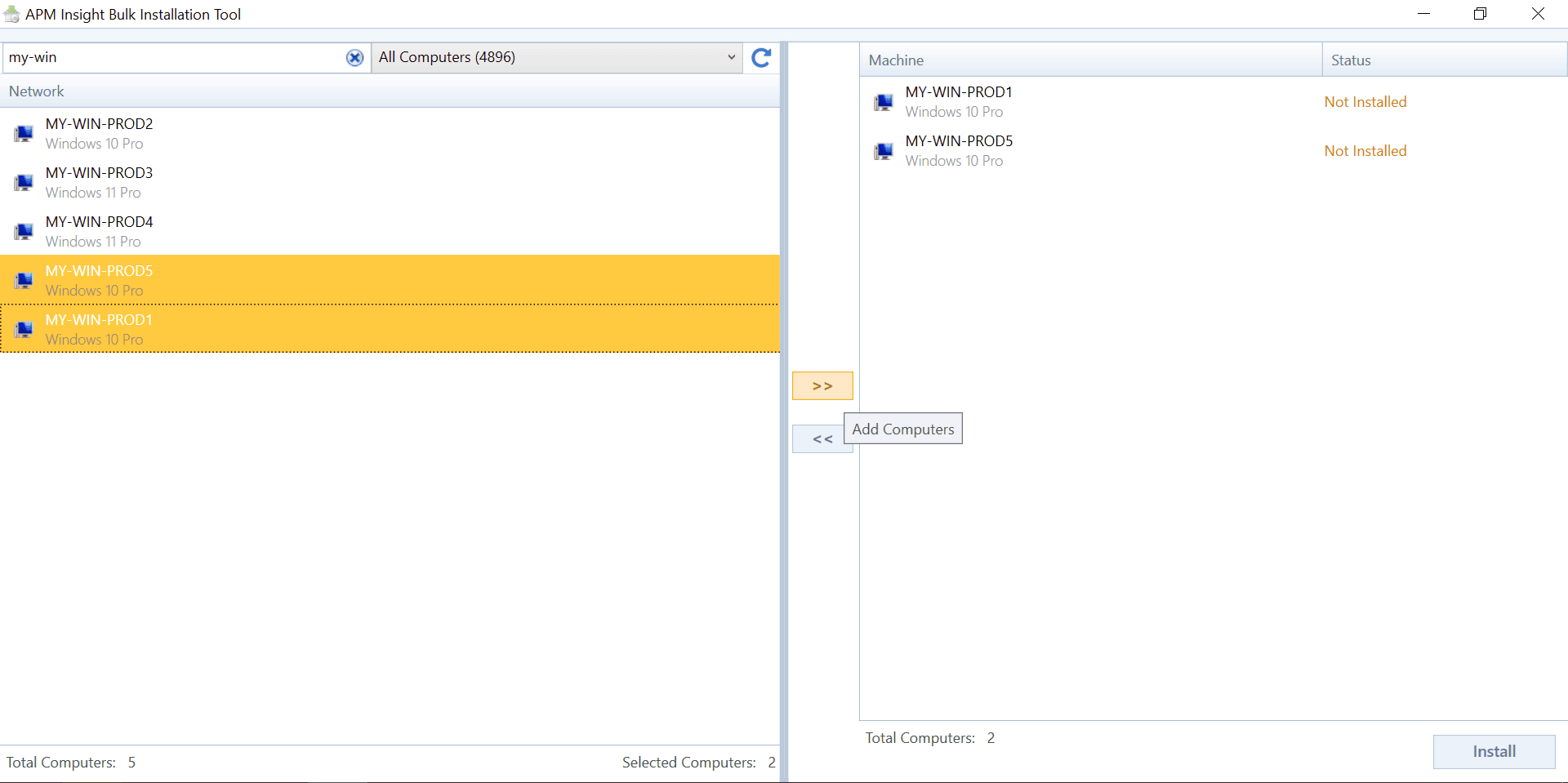
- Click Install to perform the configuration:
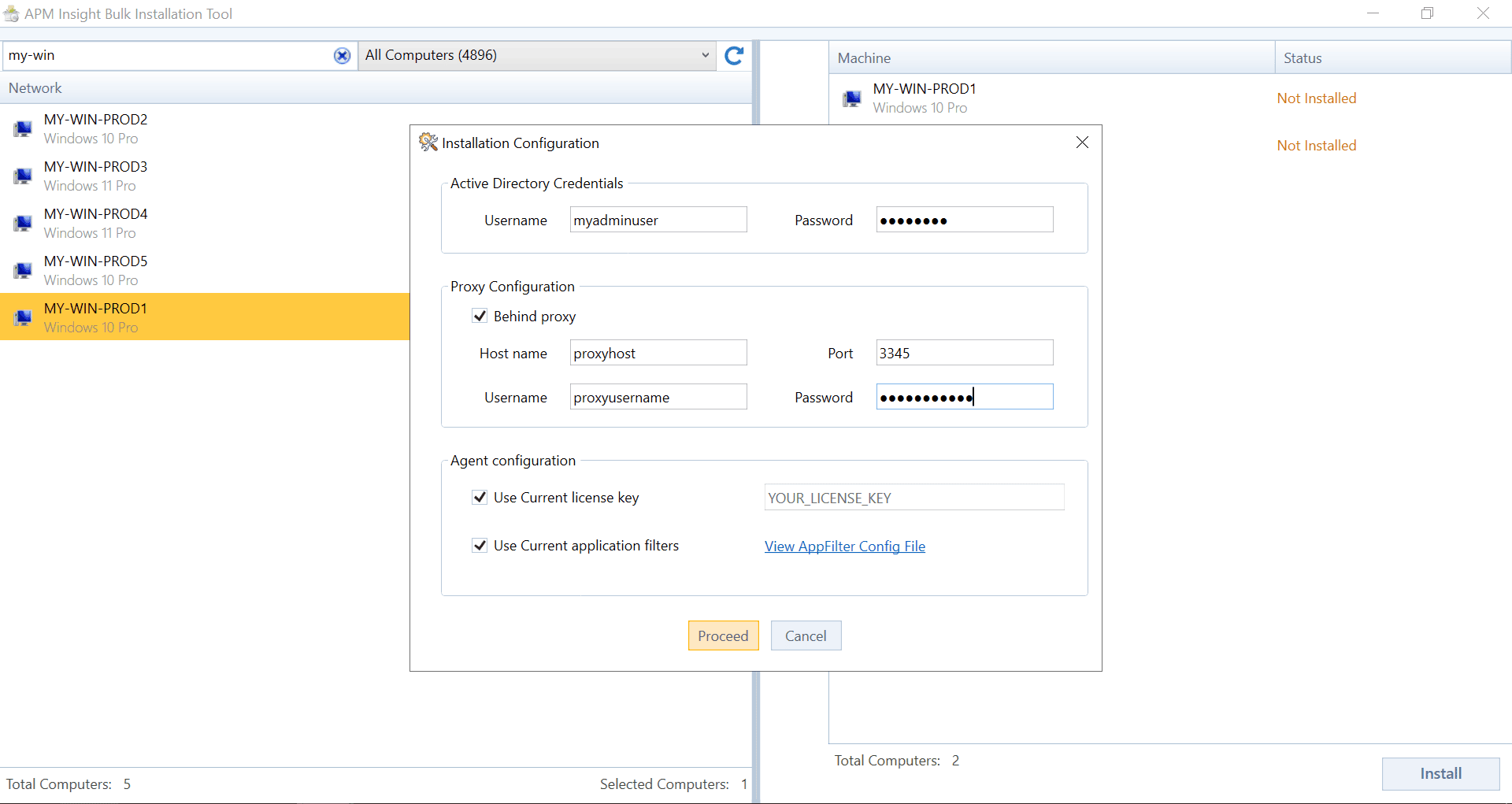
- Provide AD Credentials: Enter the Username and Password.
- Proxy Configuration: If an internet proxy is already configured, add the proxy details here.
- Agent Configuration: Check the boxes to install the agent with the current license key and application filters configured on the current machine.
- Now, click Proceed to download the latest agent for installation on the selected servers.
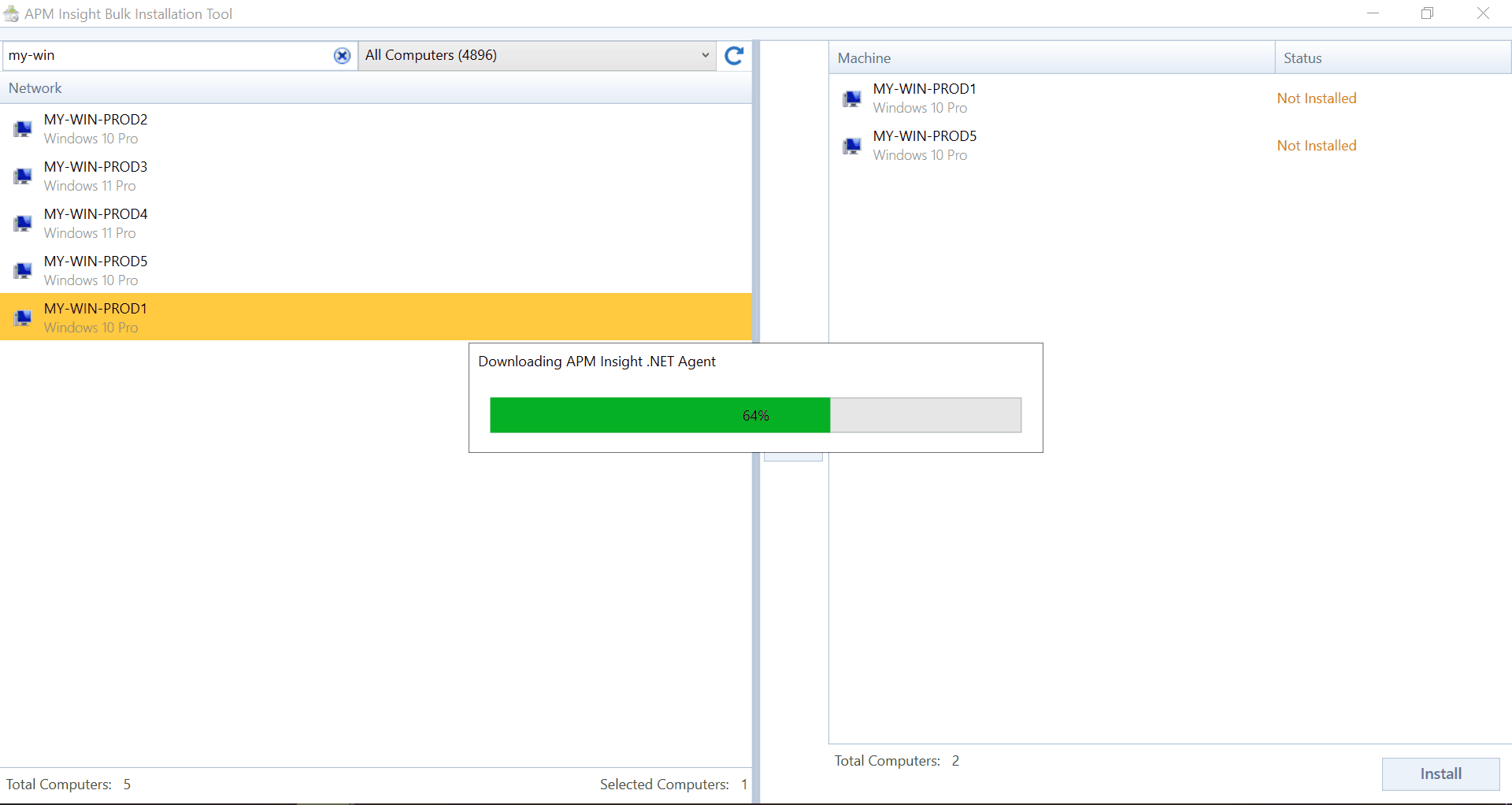
- Once the download is complete, the downloaded agent MSI will be copied to the selected servers and will proceed with the installation automatically.
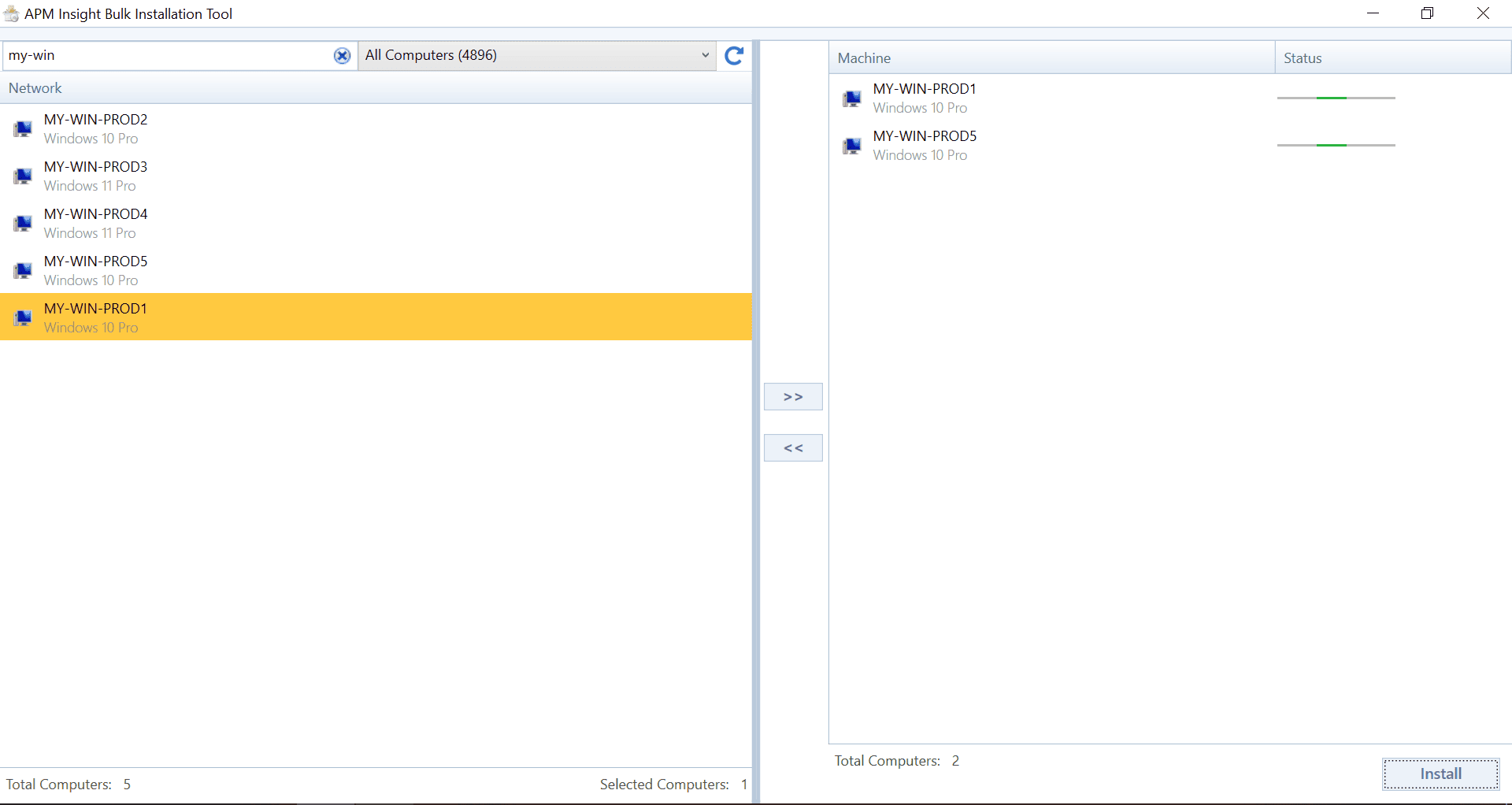
- Once the agent is installed on the selected servers, the status message in the tool will be updated to Installed automatically.