Export OpenTelemetry data to OpManager Nexus
Follow these steps to seamlessly export your OpenTelemetry data to OpManager Nexus APM Insight.
- Log in to your OpManager Nexus web client.
- Navigate to APM.
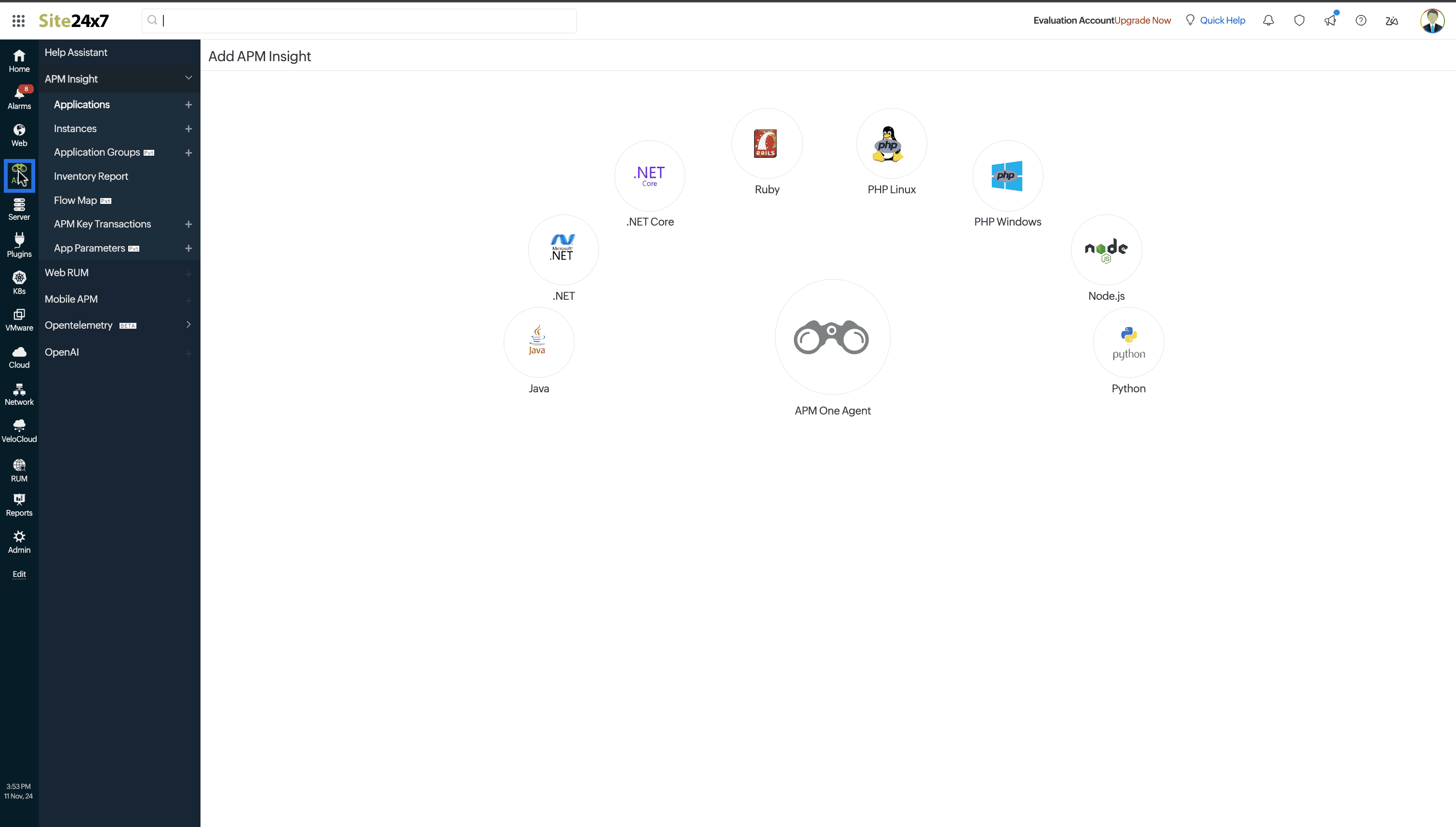
- Select OpenTelemetry.
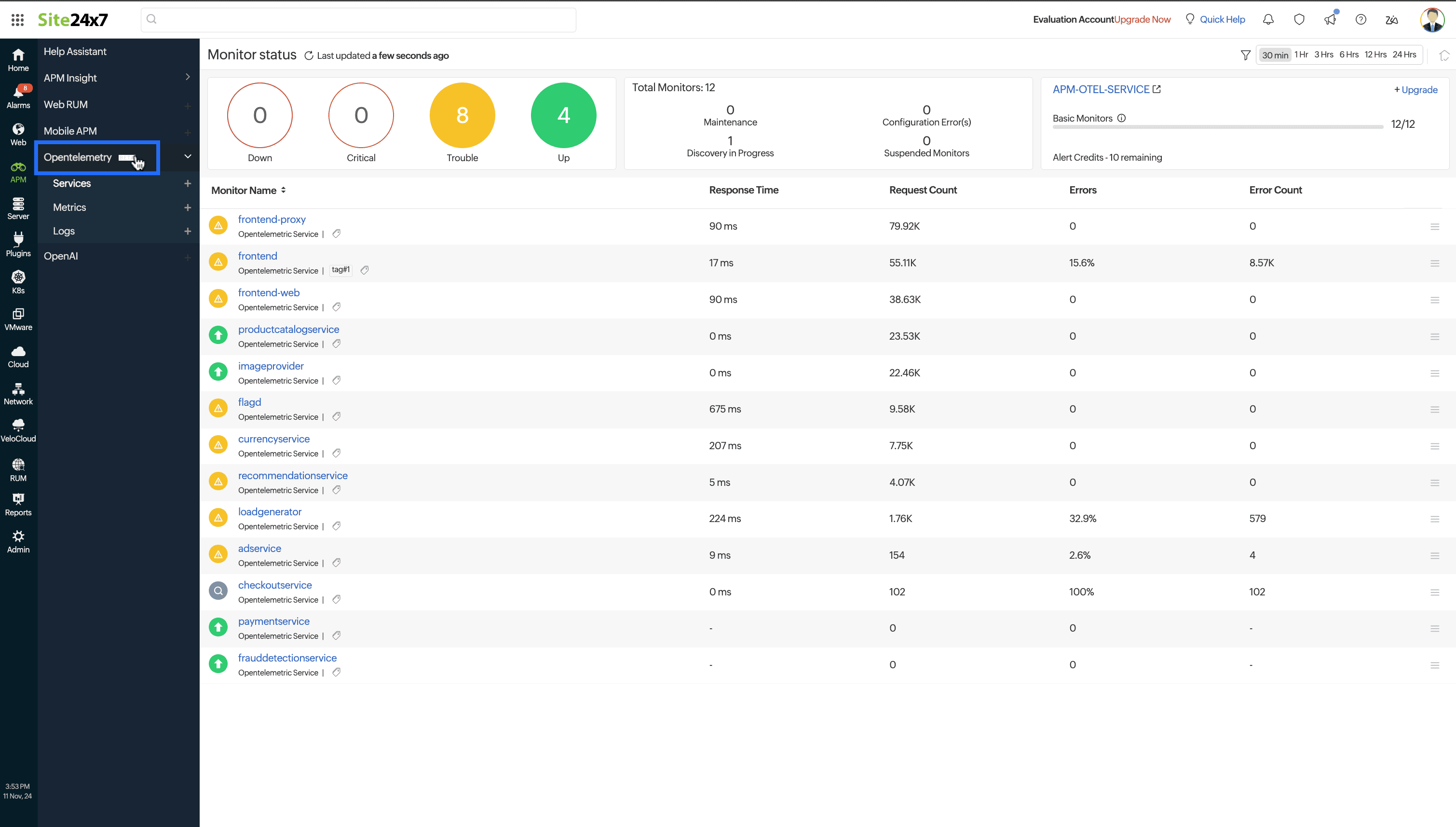
- Click + next to Services, Metrics, or Logs.
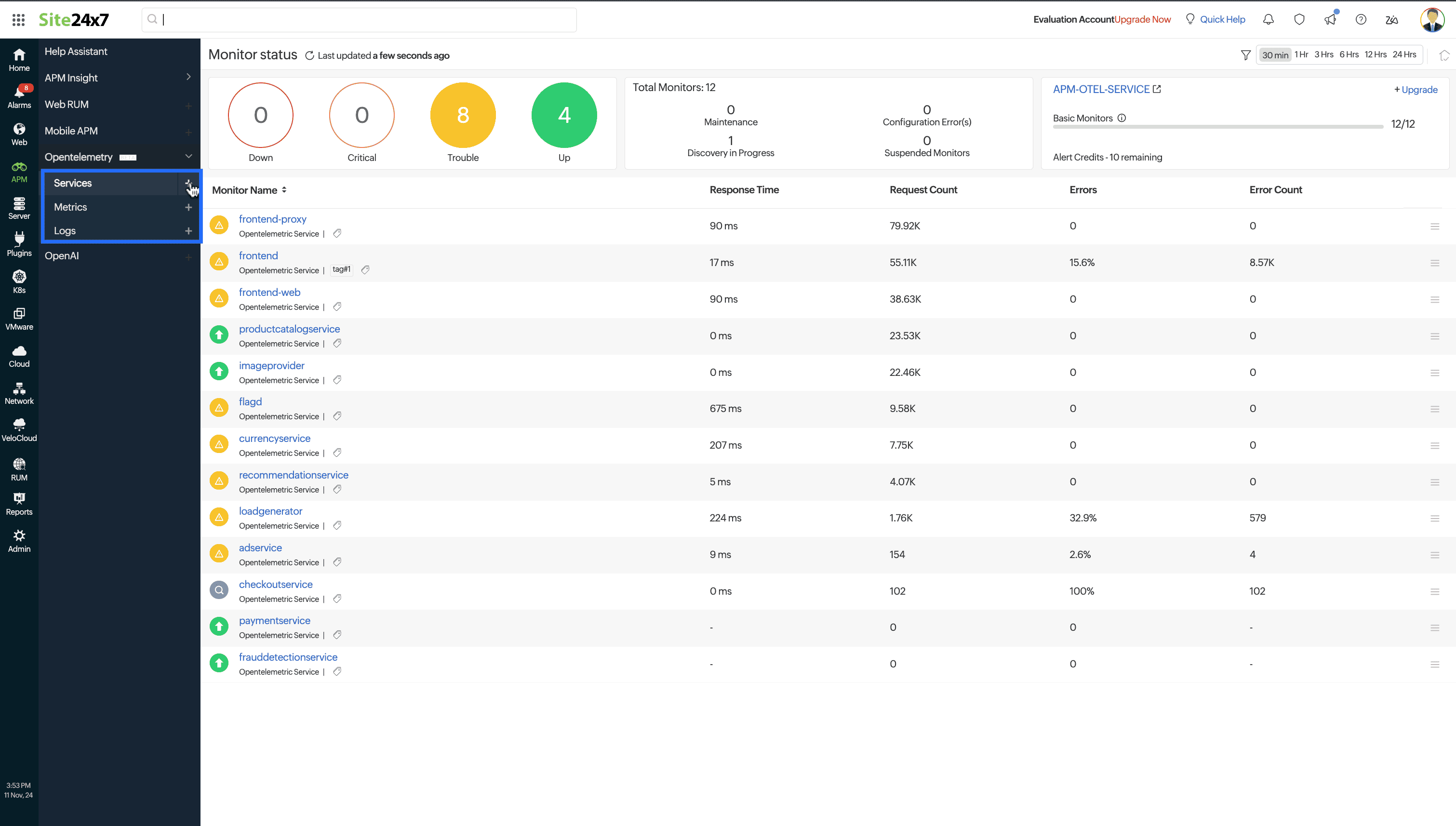
- Copy the OTLP Endpoint and API Key from this page and configure your OTLP Exporter to export data to this endpoint with the api-key header set.
Generally, the OTLP exporter endpoint and headers in OpenTelemetry SDKs can be set via the OTEL_EXPORTER_OTLP_ENDPOINT and OTEL_EXPORTER_OTLP_HEADERS environment variables, respectively.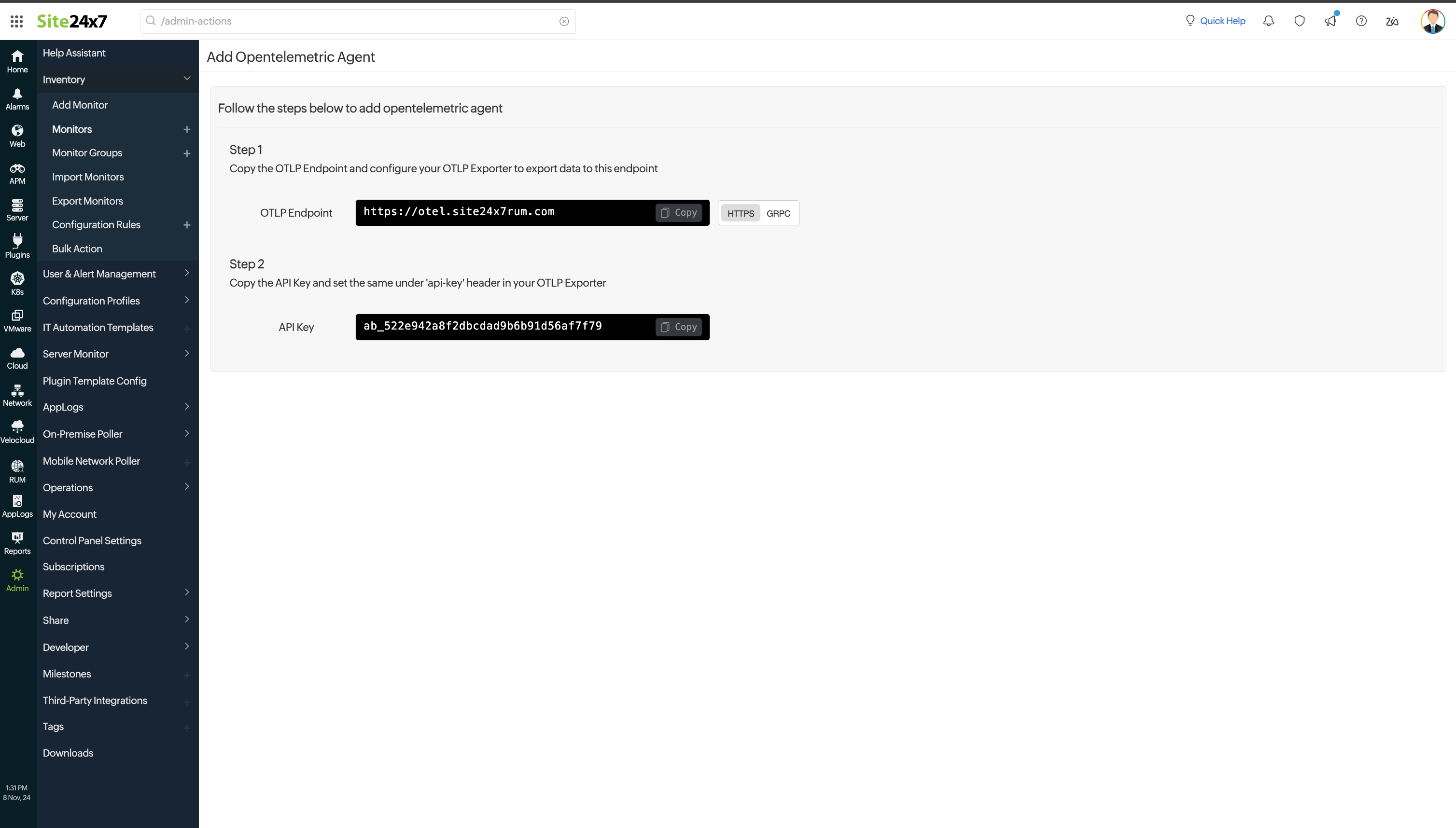
If you are using an OpenTelemetry collector, follow the below syntax:export OTEL_EXPORTER_OTLP_ENDPOINT="SITE24X7_OPENTELEMETRY_ENDPOINT"
export OTEL_EXPORTER_OTLP_HEADERS="api-key=SITE24X7_LICENSE_KEY"
exporters:
 otlphttp:
  endpoint: "SITE24X7_OPENTELEMETRY_ENDPOINT"
  headers:
   "api-key": "SITE24X7_LICENSE_KEY"
Note
Replace SITE24X7_OPENTELEMETRY_ENDPOINT and SITE24X7_LICENSE_KEY with your actual endpoint and license key.