Install APM Insight PHP Agent for Windows (PHP version below 7.0)
APM Insight provides you with unique visibility, ability to analyze user-satisfaction and faster troubleshooting of PHP Web Transactions. It is a comprehensive solution to monitor the performance of PHP applications installed on IIS from end user to database perspective.
To install the agent:
- Log in to your OpManager Nexus account > HOME
- Download the PHP agent msi from OpManager Nexus console
Note
Verify the integrity of the downloaded agent using checksum validation. Learn more.
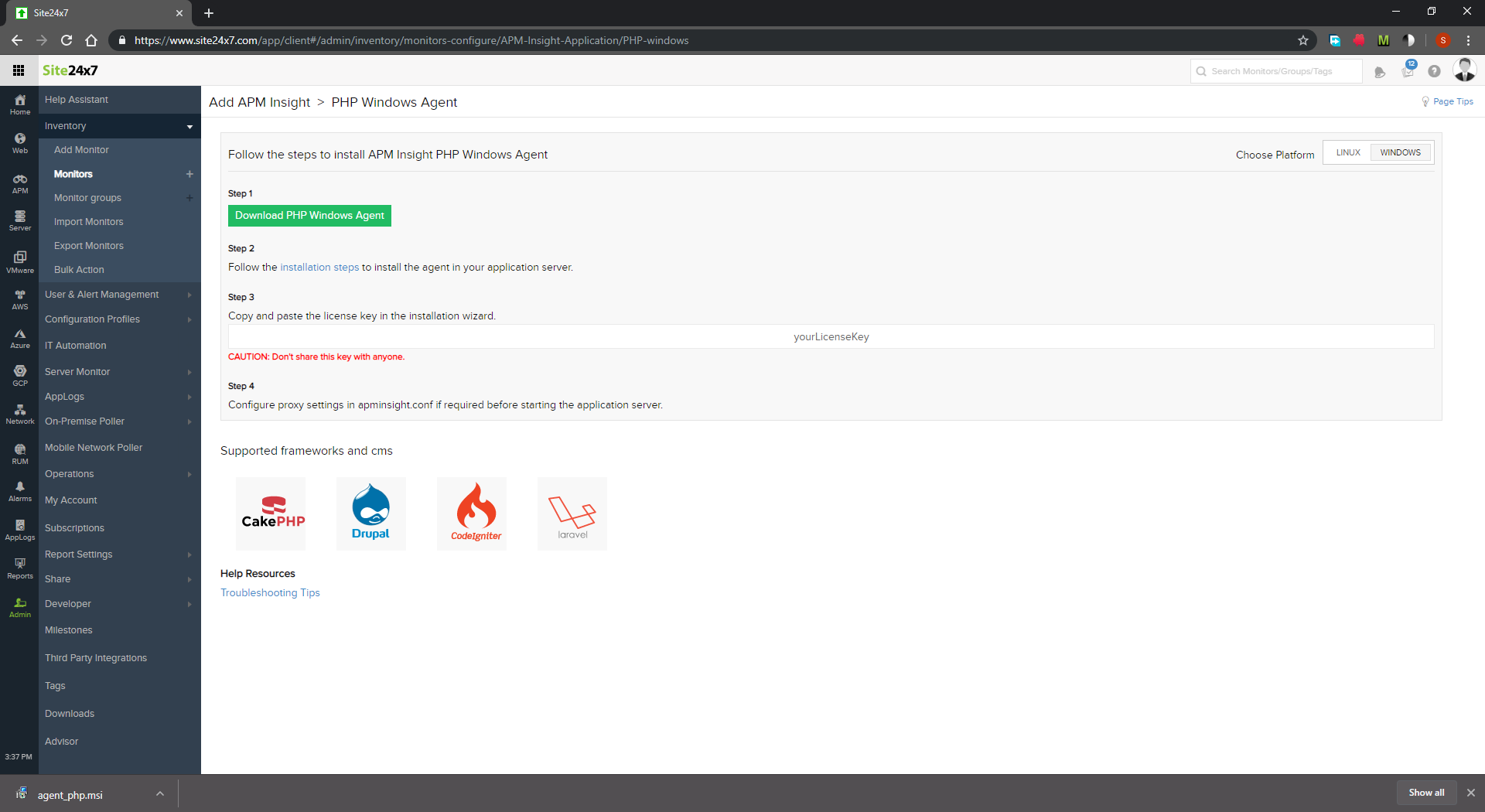
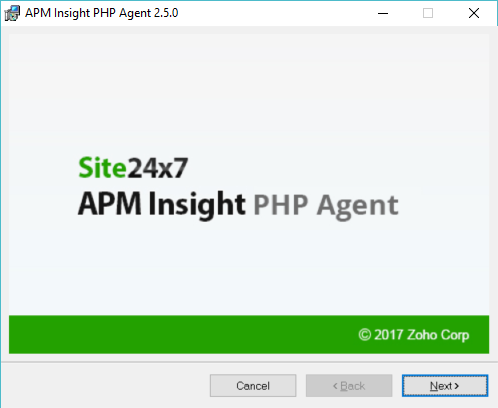
- Start the installer and follow the steps given in the installation wizard
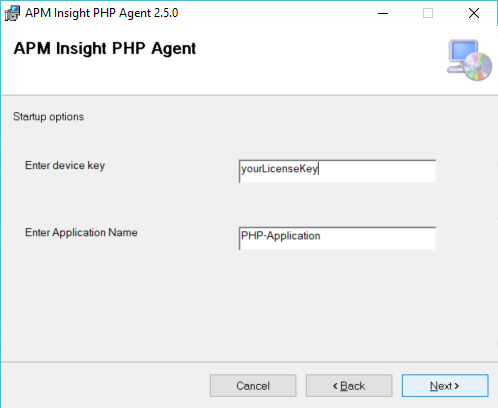
- Enter the OpManager Nexus device key when prompted
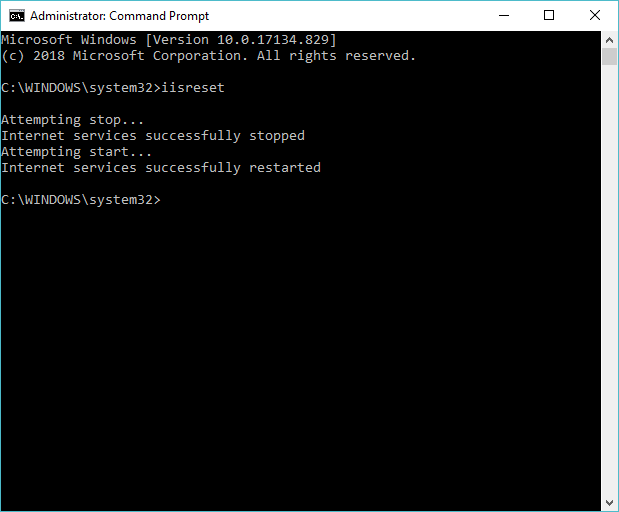
- Wait for the installation to complete. Perform an iisreset manually after installation is complete.
- Generate traffic on the server and check the data in OpManager Nexus console.
Related article
Troubleshooting steps if you don't see any data after installing the PHP agent
-
On this page
- Related article