Monitor websites built in WIX using OpManager Nexus RUM.
OpManager Nexus Real User Monitoring (RUM) can monitor the performance of your websites built on Wix.
Follow the steps given below to do so.
Prerequisite
You should have a OpManager Nexus account to monitor your websites.
Sign up for a free account and add a RUM application before proceeding with the following steps.
Add RUM script
- Log in to your Wix website > Dashboard > Site actions > Edit Site.
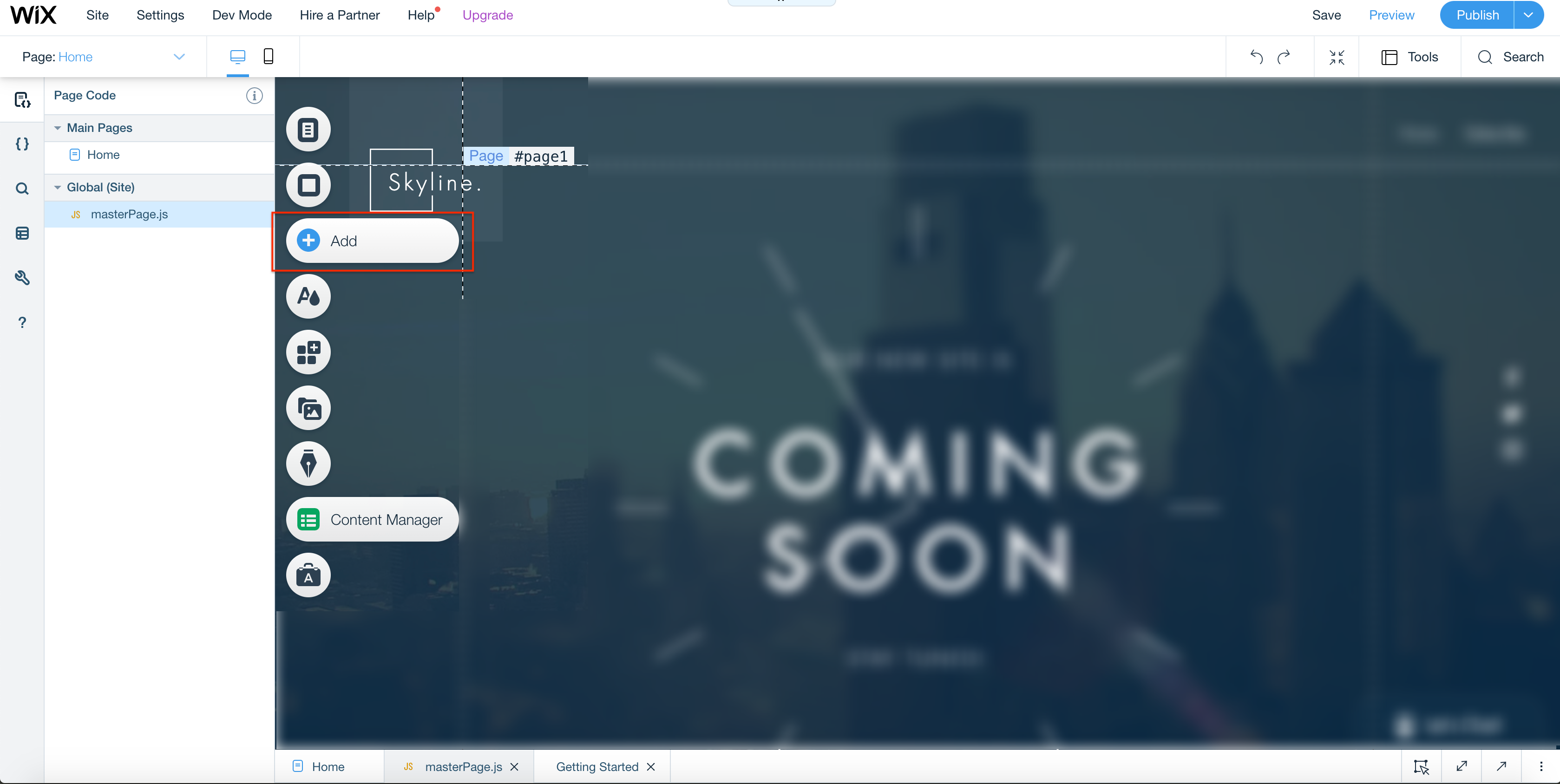
- In the Edit view, click the Add button in the menu on the left.
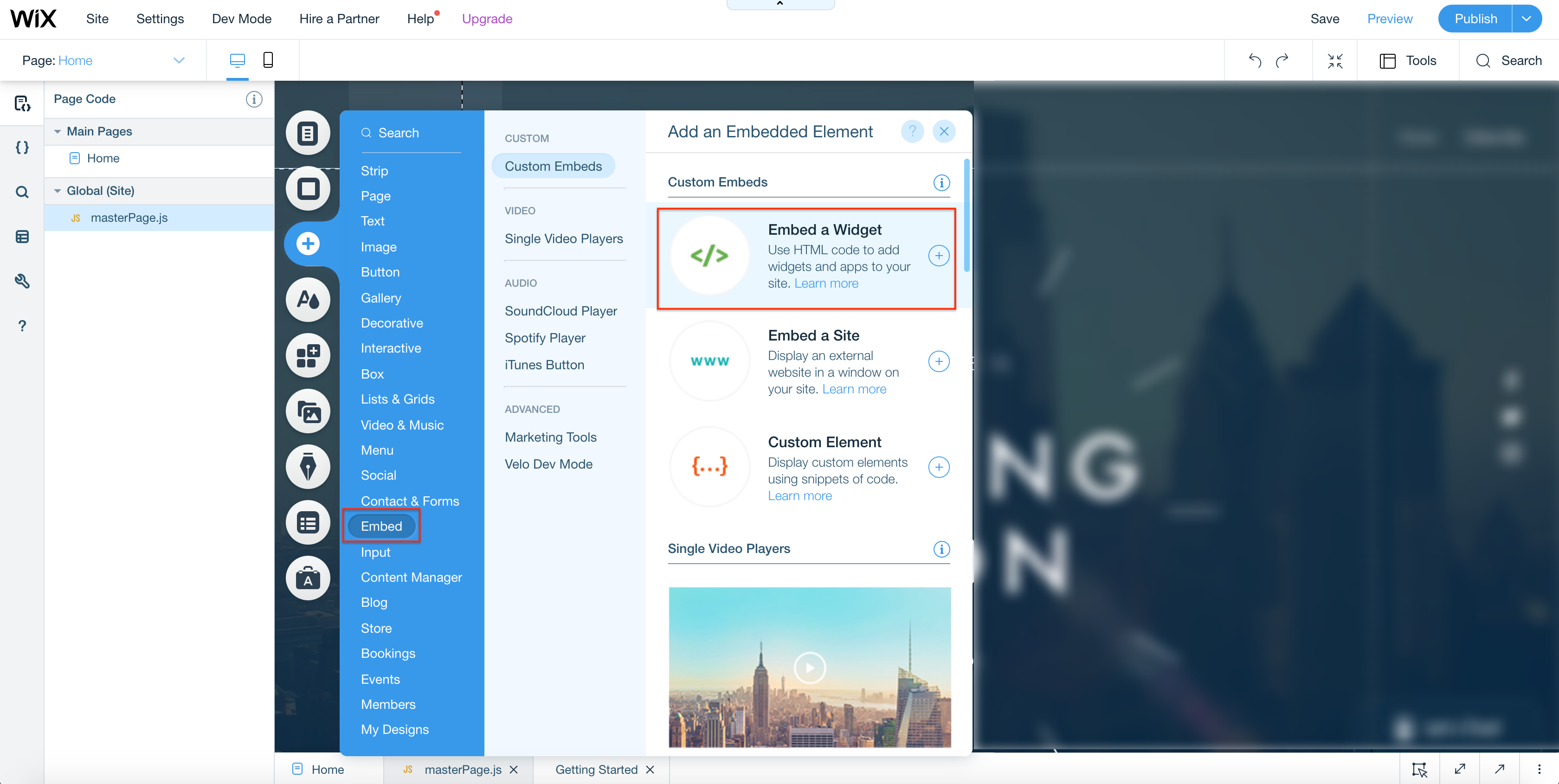
- Select Embed > Embed a Widget.
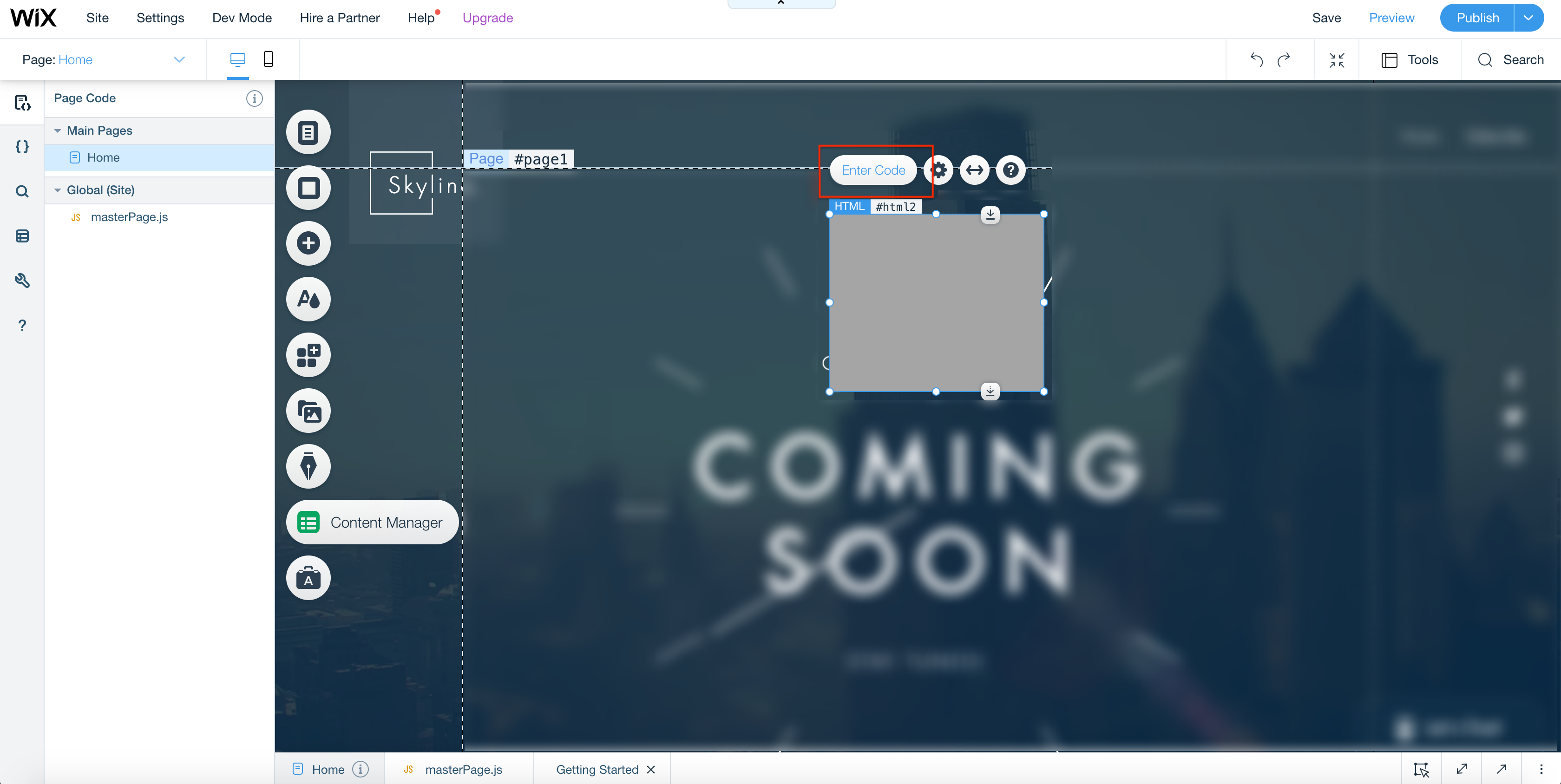
- Select Enter Code.
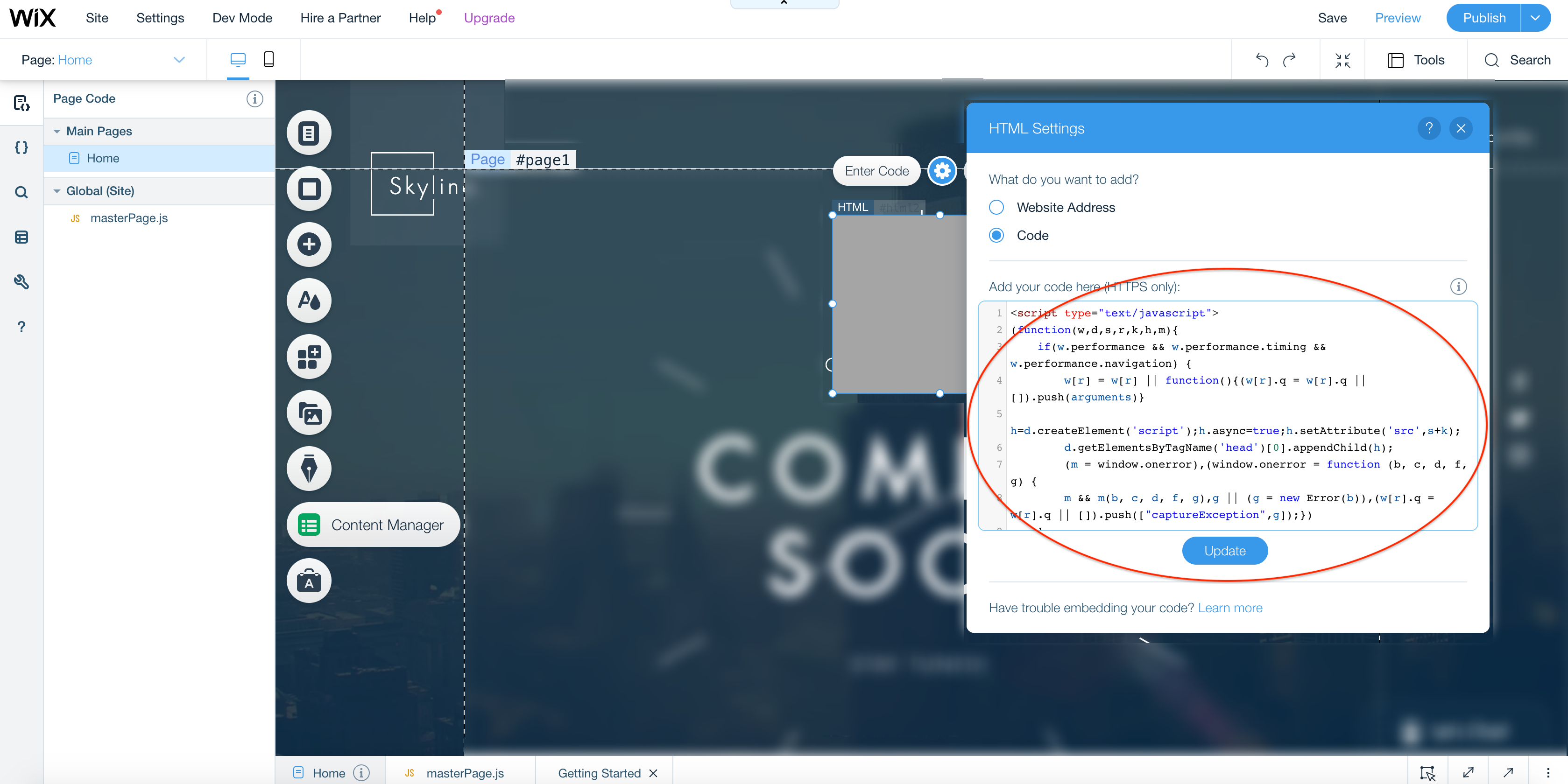
- Generate the OpManager Nexus RUM snippet from the OpManager Nexus console following the instructions here. Paste the snippet in the editor, then click Update.
- Perform some transactions to view data in OpManager Nexus console : OpManager Nexus > RUM > Your application.
-
On this page
- Prerequisite
- Add RUM script