Performance metrics of Veeam Enterprise Manager monitor
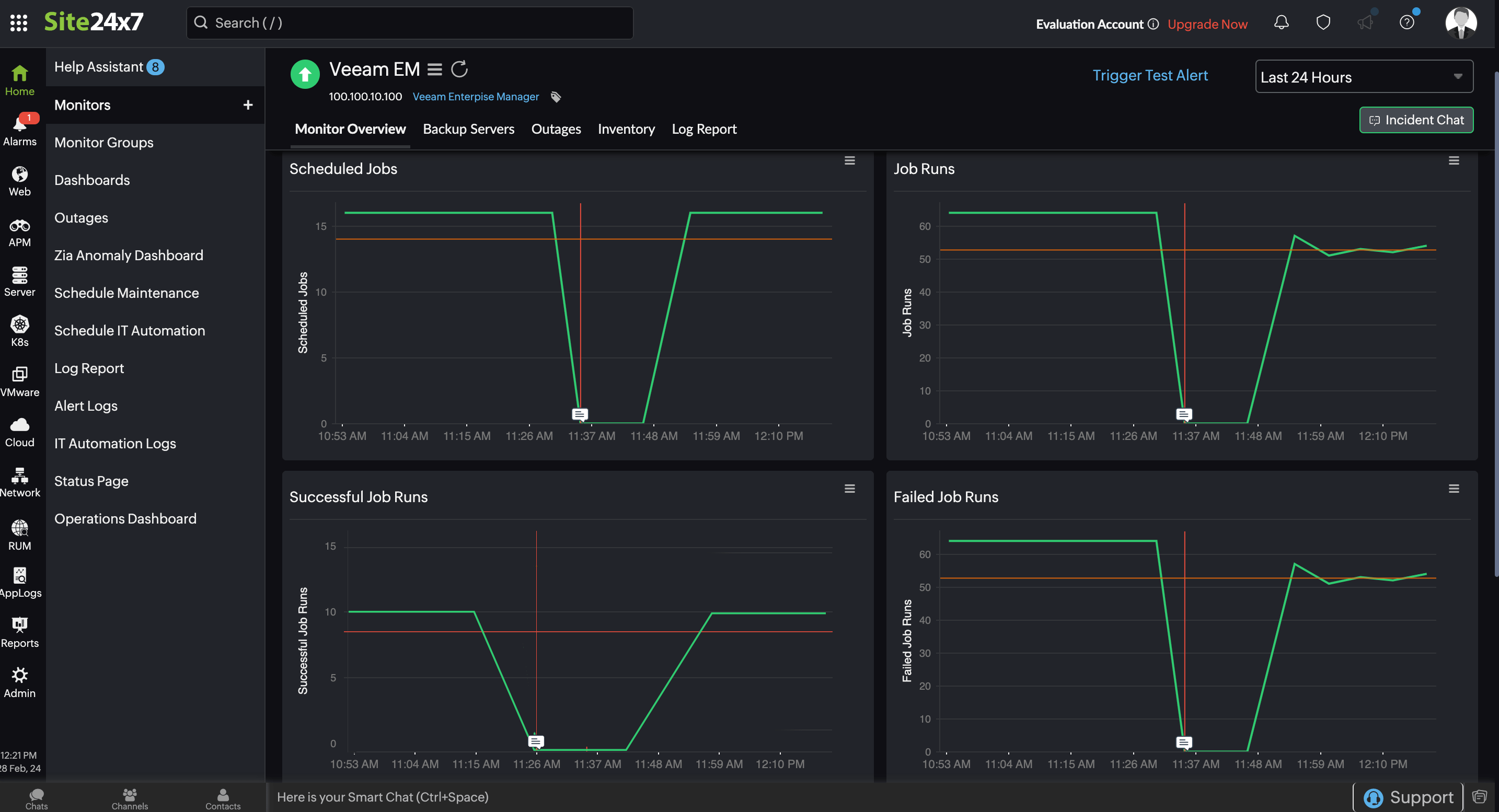
OpManager Nexus's Veeam Enterprise Manager monitors display the backup servers that are currently available and provide detailed information about jobs running on each server. It also keeps track of Scheduled Jobs, Job Runs, and Job Summaries, offering a comprehensive overview.
To access the configured Veeam Enterprise Manager monitor in OpManager Nexus,
1. Log in to OpManager Nexus and navigate to Server > Backup Monitoring.
2. Click Veeam Enterprise Manager and select the desired monitor to view the Monitor Overview and Backup Servers.
Monitor Overview
The Monitor Overview tab gives an overview of the Scheduled Jobs, Job Runs, Successful Job Runs, Failed Job Runs, Warning Job Runs, and Job Summary configured in your Veeam Backup Enterprise Manager.
Backup Servers
Here, you can find a list of all the backup servers accessible through the Veeam Backup Enterprise Manager. By selecting each server, you can access detailed information about the backup jobs currently running on that server.
Related articles
-
On this page
- Monitor Overview
- Backup Servers