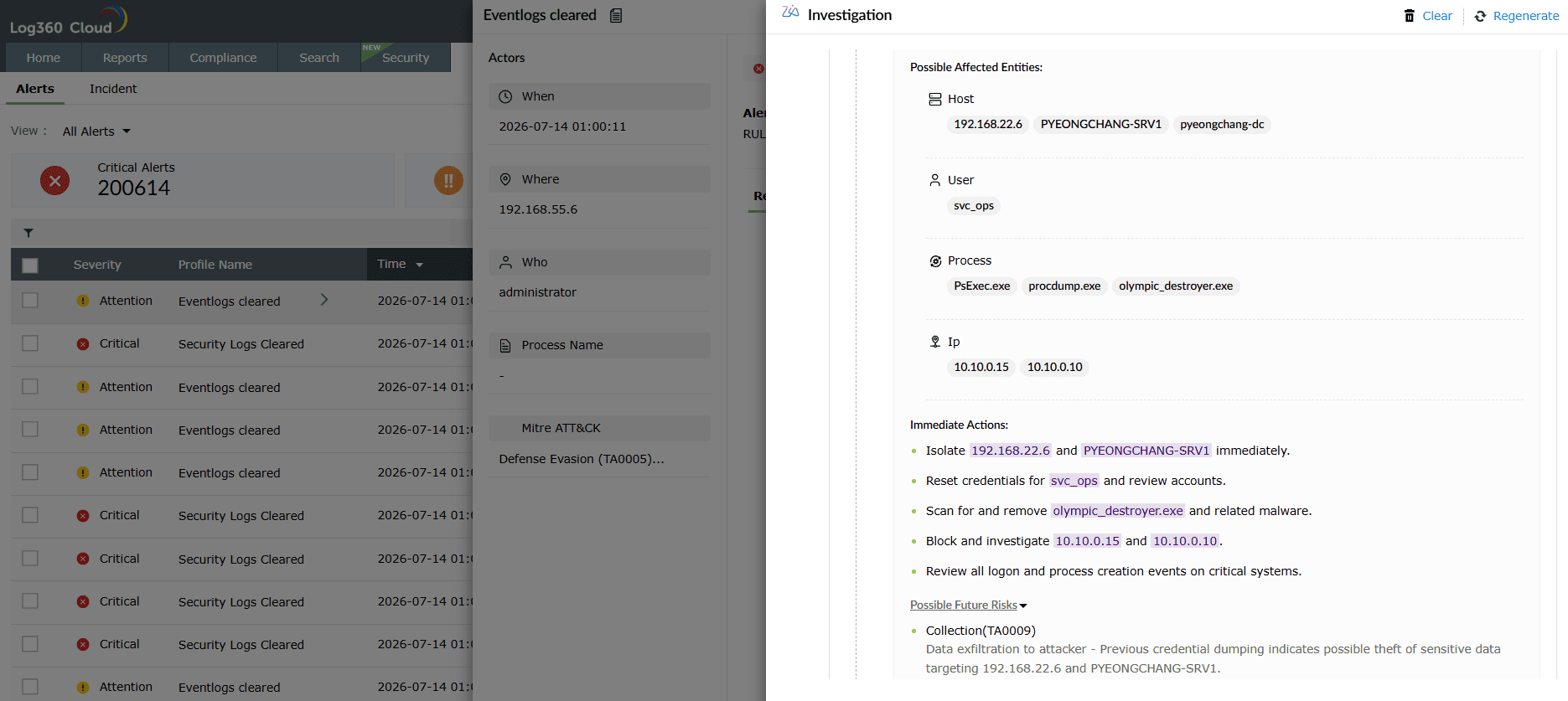
A security analyst opening an alert has to answer the same three questions manually every time: what is this event, is it actually bad, and what should I do about it? That means pivoting between the SIEM console, a threat-intel portal, an EDR, an asset inventory, and a runbook, then piecing the story back together in a ticket.
Log360's AI layer streamlines that workflow. Every log is classified and enriched with MITRE mapping in a single click, and any analyst can extend their investigation by typing a sentence instead of writing a query.
Zia Insights is the always-on analysis layer sitting behind every log and alert in Log360. Instead of an analyst opening an alert and staring at raw syntax, they open the alert and see what happened, why it is unusual, what is at stake, and what to do next with Zia.
Benefit: Classification and enrichment are the two steps analysts do manually most often. Doing them with an LLM reasoning over the log content and not just regex makes downstream detection, hunting, and reporting workflows actually scale.
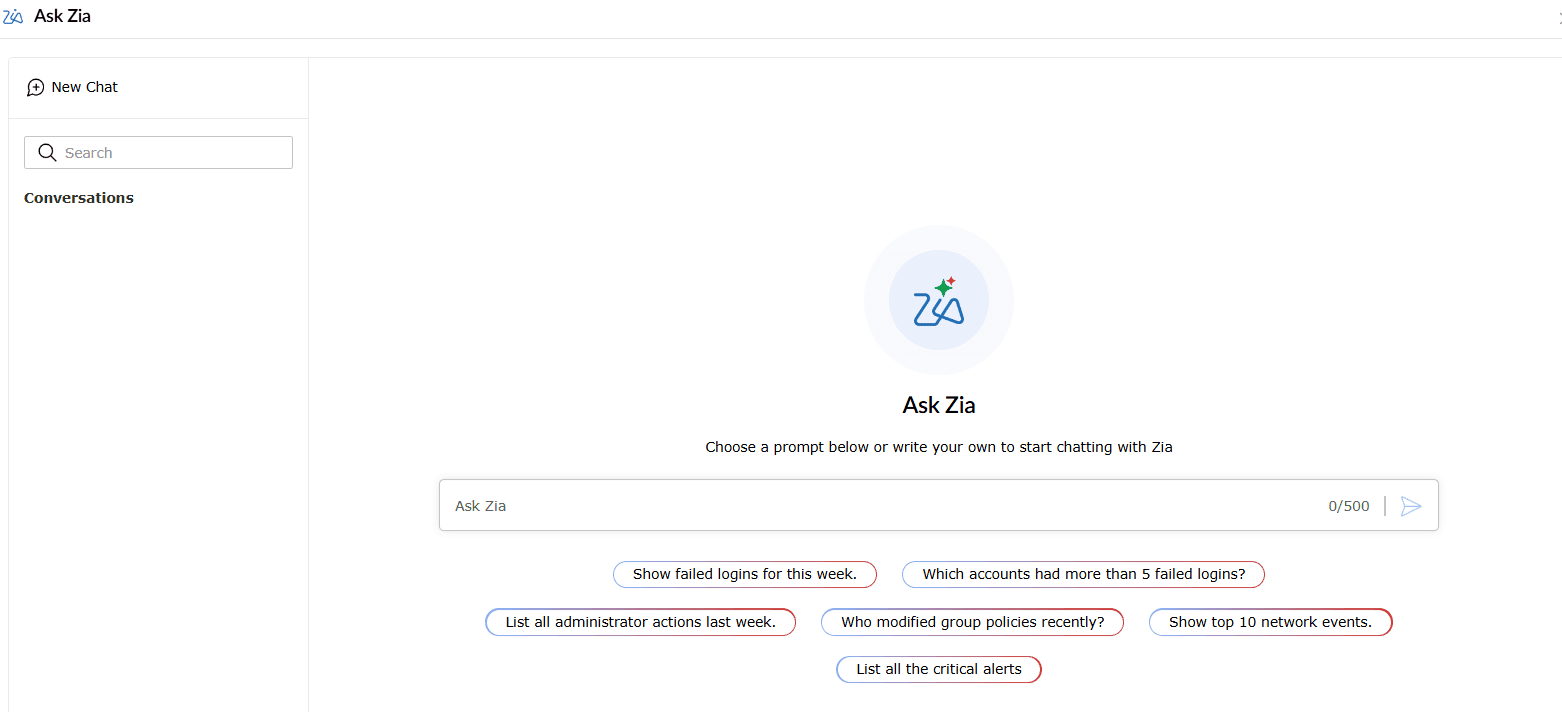
Traditional log analysis assumes the analyst can write a query. Ask Zia removes that assumption. It is a conversational AI assistant embedded in the Log360 console that turns natural-language questions into log searches, alert filters, and reports in real time. Instead of syntax and dashboard navigation, an analyst types the question and generates the answer.
Ask Zia distinguishes between plain conversational queries and agent invocations in the same chat. Type /AgentName and the underlying custom or prebuilt agent runs directly against your data. It unlocks fast, iterative log forensics workflows so analyst need not leave the workflow they are in to answer a follow-up question.
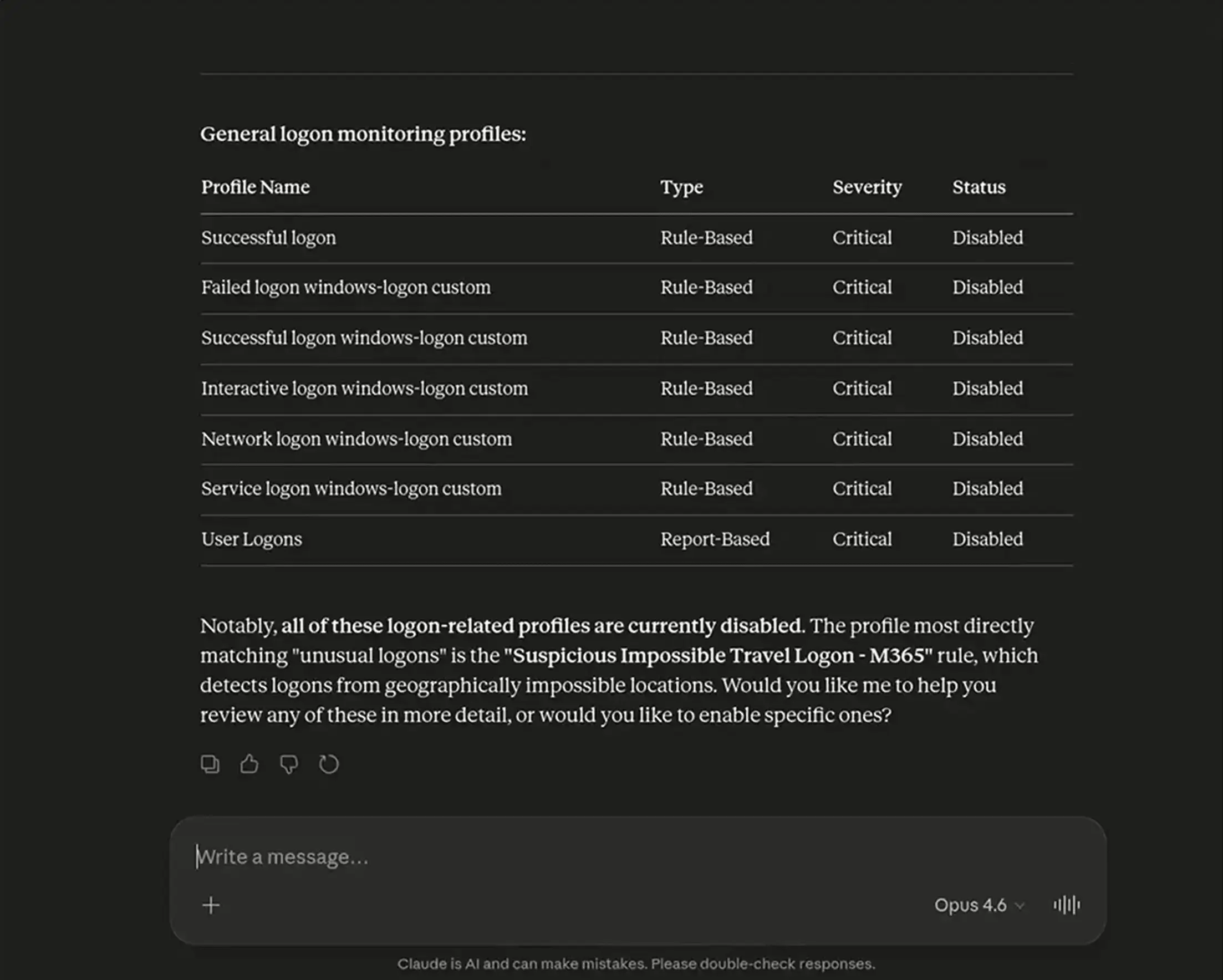
Log360 Cloud's log search, alert, and incident capabilities are exposed as Model Context Protocol (MCP) tools through the Zoho MCP Server. Any MCP-compatible AI client such as Claude, Copilot, Cursor can query Log360's logs and take action on them directly.
AI-driven log analysis in Log360 turns millions of daily events into classified, enriched, and searchable intelligence—no query language, no tab switching, no cold-start triage.
Zia Insights and Ask Zia run on a Bring Your Own Key (BYOK) model. You connect your own Azure OpenAI or OpenAI (GPT) tenant, and Log360 routes prompts through that endpoint using your key, your quota, and your data-handling policies. Custom agents built in Zia Agent Studio can run on Zoho-hosted models or BYOK with third-party LLMs, and different agents in the same tenant can run on different models. That means you can point agent running low priority analysis at a cheaper model and a sensitive compliance-reporting agent at a more capable one, without a switch.
Under BYOK, the log context needed to answer a specific prompt is sent to the LLM endpoint you connect—your Azure OpenAI or OpenAI tenant. You control the key, the endpoint region, the retention settings on the provider side, and the enterprise data-governance policies you attach to that tenant. If your Azure OpenAI resource is configured with zero data retention, the same applies to Zia's calls through it.
Zia Insights summaries are grounded in the actual log fields and the mapped MITRE technique. They are an aid to triage, not a replacement for analyst judgment. The product surfaces a disclaimer that AI-driven responses should be validated, and every AI output sits alongside the raw log so the analyst can verify. Teams typically use the summary to prioritize which alerts to open first, and the raw log to confirm before taking action.
Log360 Cloud exposes its APIs as MCP tools through the Zoho MCP Server—that's the server side, and no separate deployment is needed once you're on Log360 Cloud. On the client side, you point Claude, Copilot, Cursor, or any MCP-compatible client at the server and authenticate. Chaining Log360's MCP server with other MCP servers you already have (Azure MCP, Falcon MCP, and so on) is a configuration step in the AI client, not custom development.
Ask Zia queries the same index Log360's search UI queries. If a log source is ingested into Log360, Ask Zia can find events from it. The natural-language layer sits on top of the existing search engine—it translates "show top 5 users with failed logons" into the underlying query, runs it against your full log store, and returns results.
Yes. For Zia Agents, every session logs the queries made, the tools called, and the actions taken. This is part of the observability feature.