In any modern SOC, building a complete picture of what a user did over a given period is one of the repetitive, time-consuming tasks an analyst performs. Logon records sit in one report. File access lives in another. Failed authentications, system access, and triggered alerts are scattered across separate dashboards. Pulling them together into a single record can take hours of manual querying, filtering, and copy-pasting, even before the actual analysis begins.
The User Activity Review Agent helps reduce that overhead. It compiles a record of a user's authentication, access, and activity over a specified time window and presents it as a structured summary the analyst can review, initiate an incident from, or share with audit.
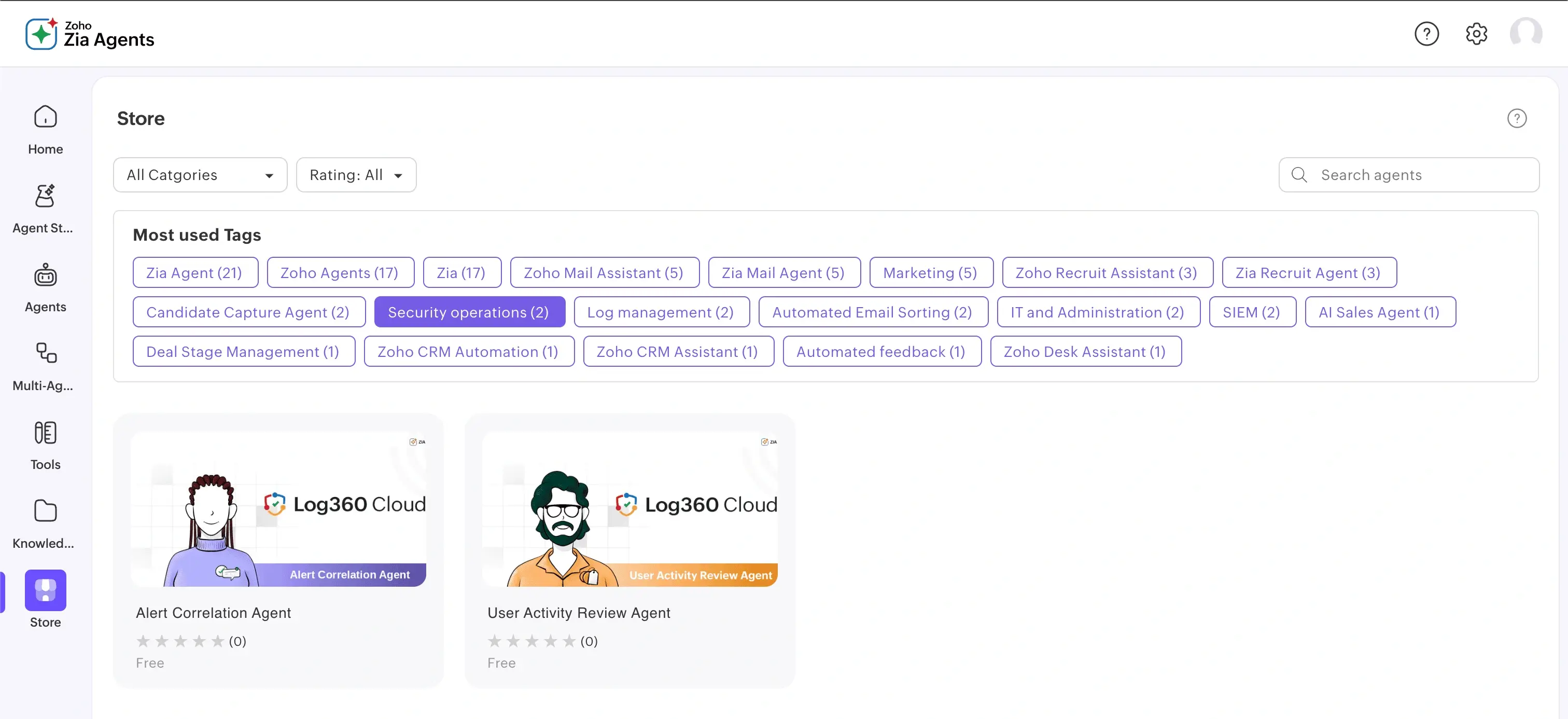
Given a username and a time range, the User Activity Review Agent gathers and consolidates:
Each event class is queried from its respective source and brought together into a single report, so the analyst can review the user's activity in one place.
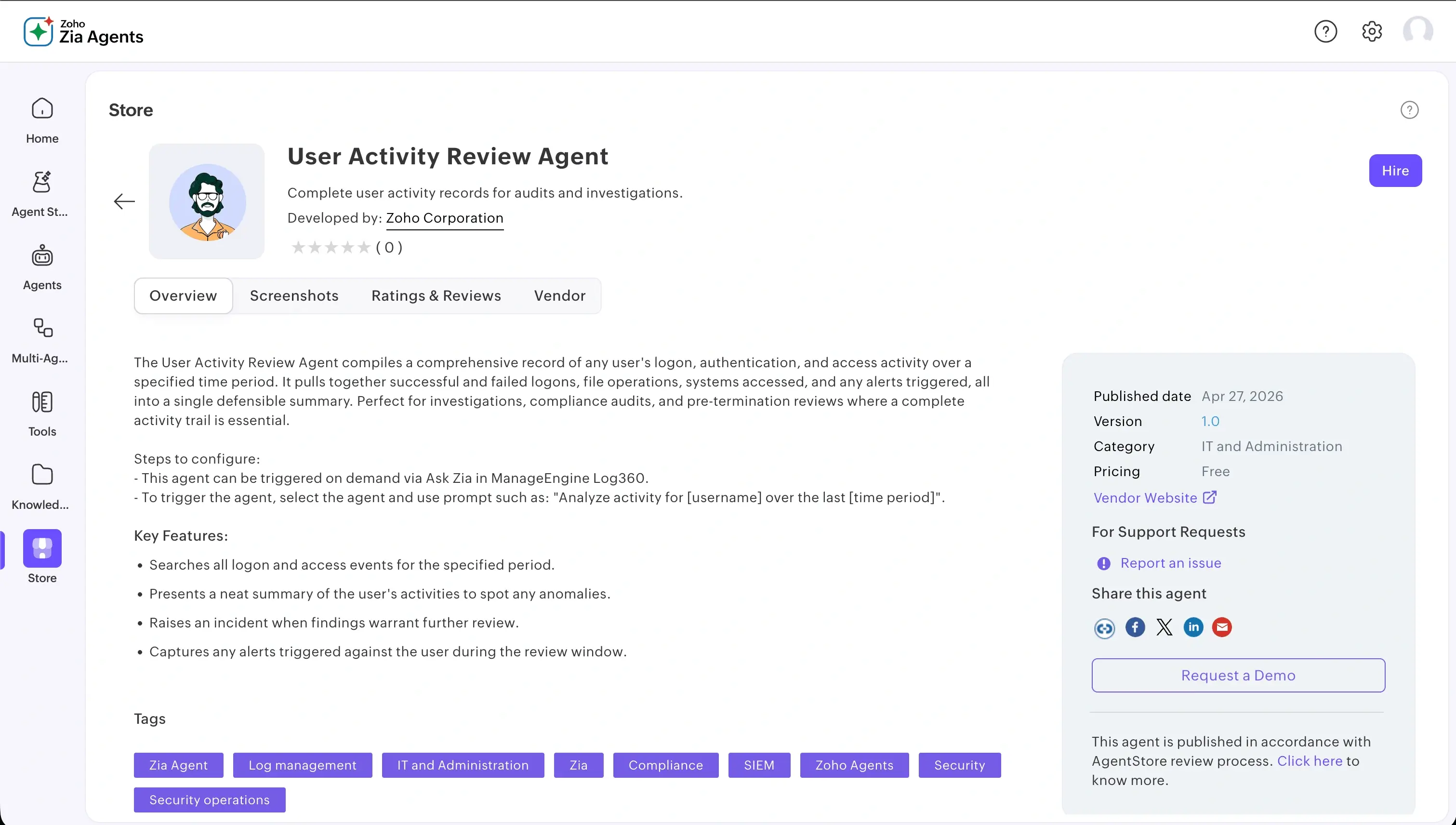
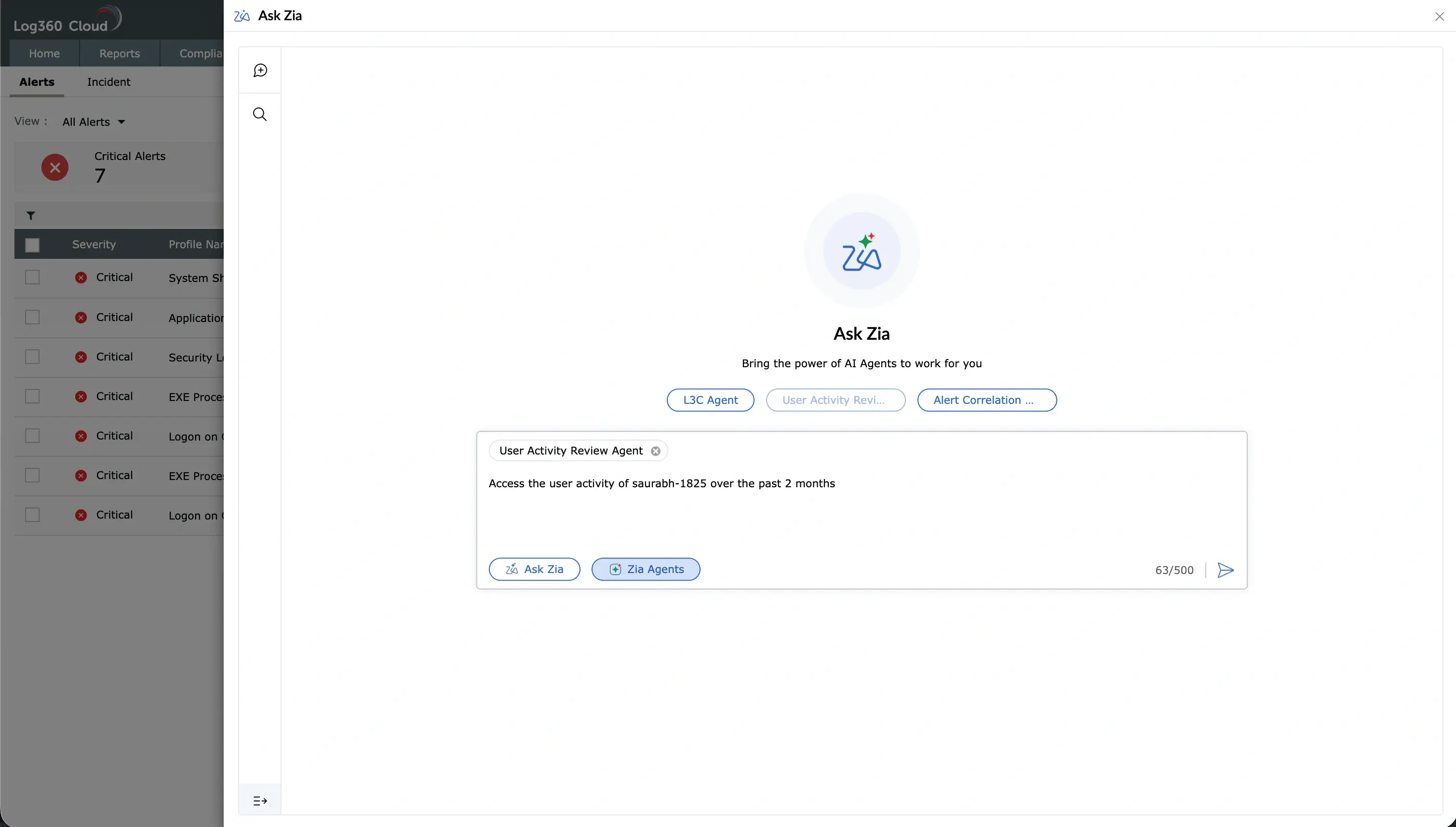
The agent runs on demand from Ask Zia. To trigger the agent, select it inside Ask Zia and prompt it in plain language:
"Analyze activity for [username] over the last [time period]."
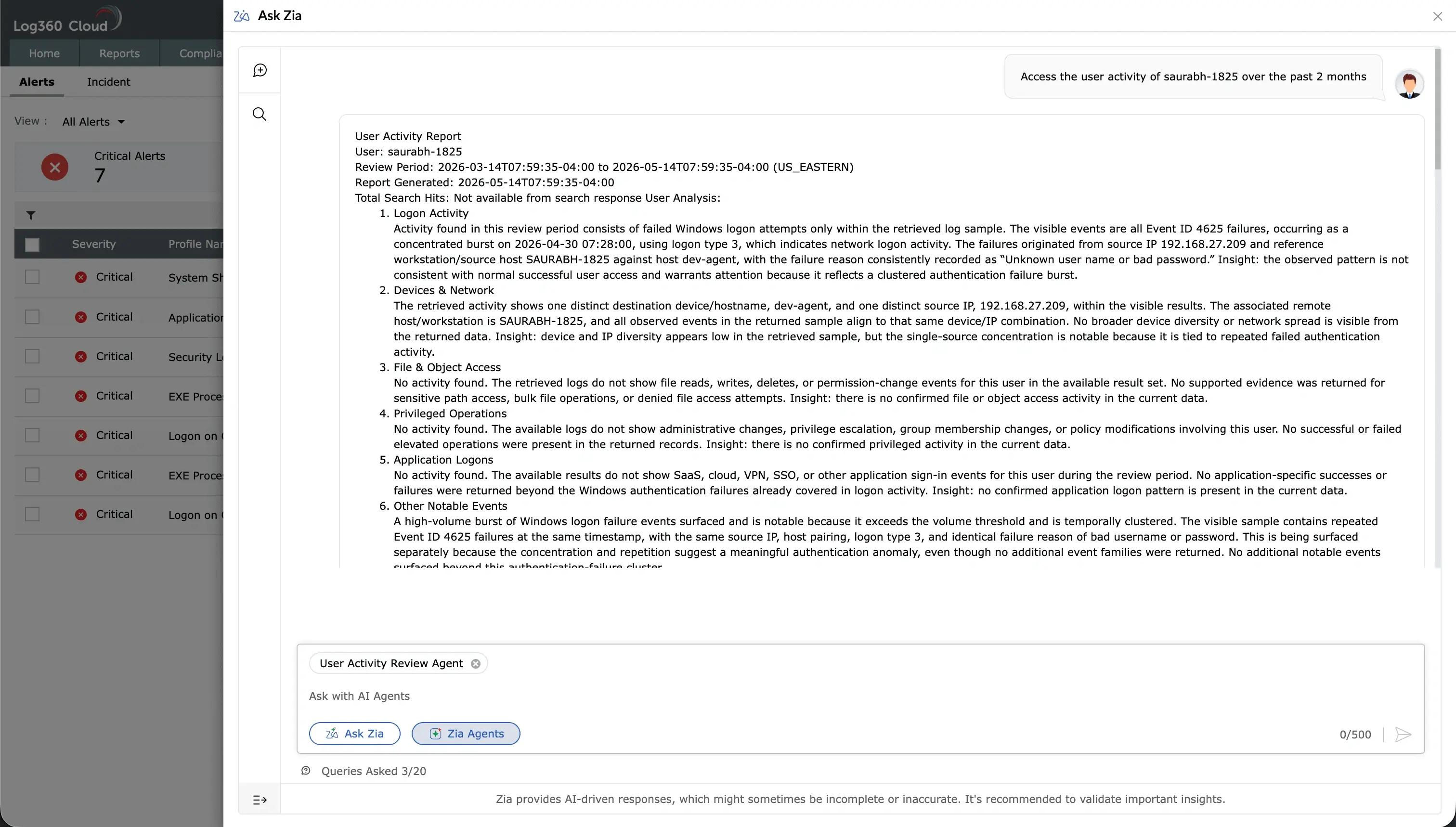
The agent runs the searches, builds the summary, and returns the result inline, ready for the analyst to review, ask probing questions, and investigate further if required.
The agent returns a two-part response:
1. Activity Report A structured breakdown of the user's activity across the review period, organized by category such as logon activity, devices and network, file and object access, privileged operations, application logons, other notable events, and alerts. Each section presents the observed evidence along with an inline insight that flags patterns the analyst may want to look at more closely.
2. Assessment A consolidated view that summarizes the report:
The report and the assessment together give the analyst a starting point for further review, an incident, or an audit response, without having to assemble the picture from scratch.