


What is non-standard port (T1571)?
Non-Standard Port (T1571) describes how adversaries use ports other than the expected port for a given protocol to conduct C2 communications. By running C2 on ports that firewalls allow but do not inspect with protocol-aware rules, attackers can bypass security controls designed around standard port assignments.
Common examples include:
- HTTPS on port 8443 or 4443 - Alternative HTTPS ports that some firewalls allow without deep inspection
- HTTP C2 on port 8080 or 8888 - Web proxy ports that may bypass perimeter controls
- Metasploit default on port 4444 - Meterpreter reverse shell commonly uses this port
- Cobalt Strike on port 50050 - Default team server port (often changed but still detectable)
- Raw TCP C2 on port 53 - Disguised as DNS traffic but not actually using the DNS protocol
- TLS C2 on port 21 - Encrypted C2 on the FTP port, bypassing content inspection
Why this is detectable: While non-standard port usage can bypass simple port-based firewalls, it creates a detectable signal: the protocol running on a port does not match what is expected for that port. Modern firewalls and SIEM solutions like Log360 perform protocol-aware analysis that compares actual traffic content to port assignments, revealing these mismatches.
Protocol-port mismatch detection
The strongest detection signal for T1571 is a protocol-port mismatch - where the actual protocol in use does not match the service expected on that port. Firewalls with application identification (App-ID) capabilities generate this data automatically.
| Observed protocol | Running on port | Expected service | C2 indicator |
|---|---|---|---|
| HTTP | 53 | DNS | High - HTTP has no legitimate use on port 53 |
| TLS/SSL | 21 | FTP | High - Encrypted C2 disguised as FTP |
| SSH | 80 | HTTP | High - Interactive shell on web port |
| Raw TCP | 443 | HTTPS | Medium - Non-TLS on HTTPS port |
| HTTP | 8443 | HTTPS (alt) | Medium - Unencrypted traffic on encrypted alt port |
| TLS/SSL | 8080 | HTTP proxy | Medium - Encrypted C2 on proxy port |
Common C2 default ports
While experienced attackers change default ports, many C2 frameworks have well-known default configurations that can be detected:
| C2 framework | Default port(s) | Detection notes |
|---|---|---|
| Metasploit Meterpreter | 4444 (reverse TCP), 4443 (reverse HTTPS) | Most commonly changed, but still observed in automated attacks |
| Cobalt Strike | 50050 (team server), 80/443 (beacon) | Team server port rarely internet-exposed; beacon on standard ports |
| Sliver | 31337, 8888 (implant), 443 (HTTPS) | Default generation often uses high ports |
| Havoc | 40056 (teamserver), 443 (agent) | Non-standard team server port |
| Empire/Starkiller | 1337, 5000 (REST API) | Internal API ports occasionally exposed |
| Covenant | 7443, 80, 443 | Alt HTTPS port is default for listeners |
| netcat/ncat | Any (commonly 4444, 1234, 9999) | Simple reverse shells on arbitrary ports |
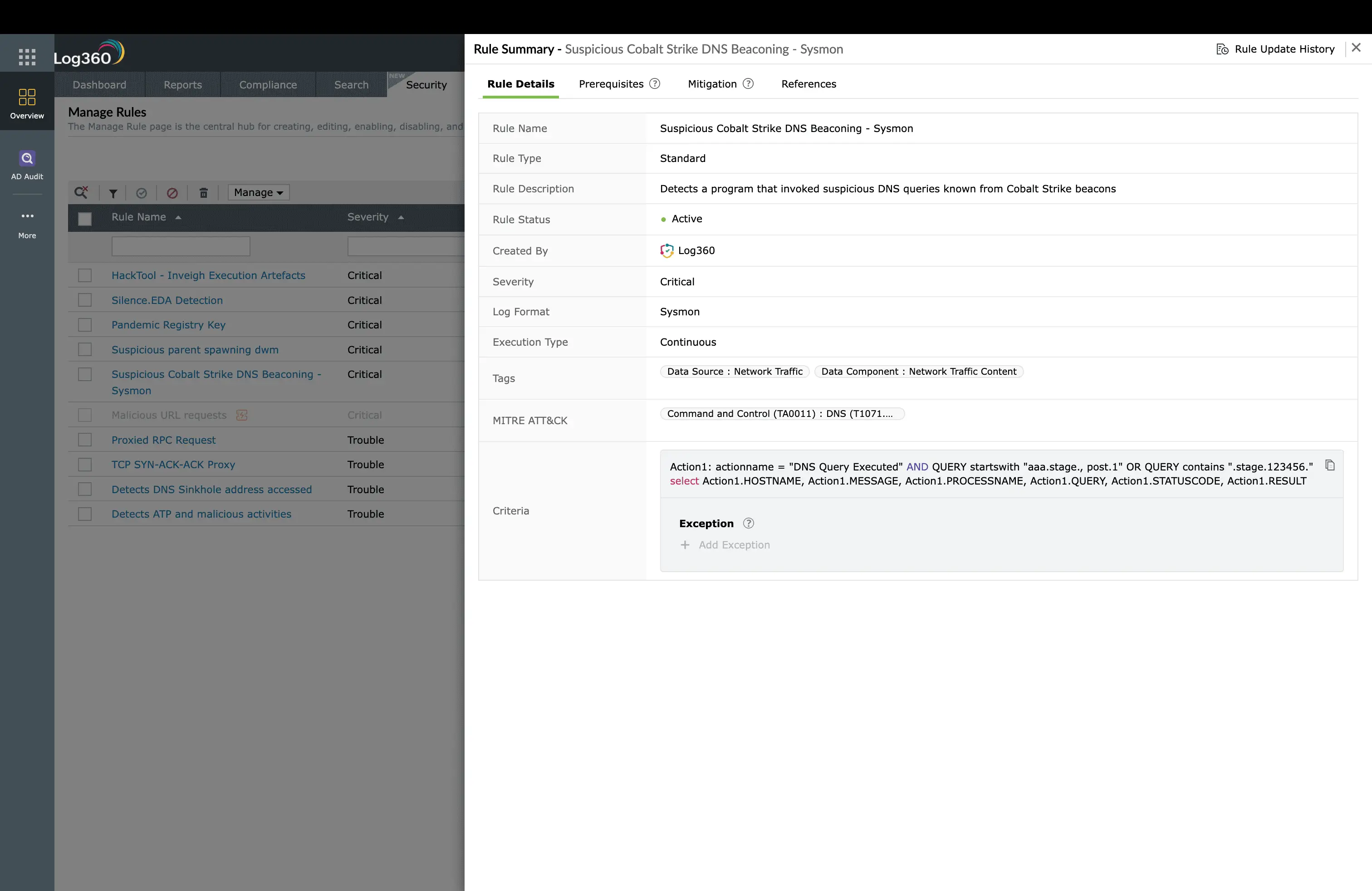
Log360's 9 prebuilt T1571 detection rules
| Rule name | Severity | What it detects |
|---|---|---|
| Protocol-port mismatch detected | High | Firewall App-ID identifies protocol that does not match the transport port |
| HTTP traffic on non-standard port | Medium | HTTP protocol detected on ports other than 80, 8080, or configured proxy ports |
| TLS on non-standard port | Medium | TLS handshake on ports other than 443, 8443, or known HTTPS services |
| Known C2 default port connection | High | Outbound connection to ports 4444, 4443, 50050, 31337, or other known C2 defaults |
| New outbound port (first seen) | Medium | Host connecting on a port not previously observed in 30-day baseline |
| High-port persistent connection | Medium | Long-duration connection on ephemeral ports (49152-65535) to external destination |
| SSH on non-22 port | Medium | SSH protocol identified on a port other than 22 (potential tunnel) |
| Raw TCP on well-known port | High | Unidentified/raw TCP traffic on ports 53, 80, 443 (no valid application protocol) |
| Multiple non-standard port connections | Critical | Single host making outbound connections on 3+ unusual ports within 1 hour |
Real-world examples
Meterpreter reverse TCP on port 4444
The most basic and still frequently observed pattern. After exploitation, a Meterpreter reverse TCP shell connects back to the attacker on port 4444. Firewall logs show raw TCP traffic to an external IP on this well-known post-exploitation port:
2026-05-05 09:14:22 ALLOW TCP 10.1.5.22:49821 -> 203.0.113.45:4444 bytes=1284
2026-05-05 09:14:23 ALLOW TCP 10.1.5.22:49821 -> 203.0.113.45:4444 bytes=856
2026-05-05 09:14:24 ALLOW TCP 10.1.5.22:49821 -> 203.0.113.45:4444 bytes=15432 ← stage download
# Detection: Outbound TCP to port 4444, persistent connection, no valid protocol identification
Cobalt Strike HTTPS on port 8443
Cobalt Strike operators sometimes configure listeners on port 8443 assuming it will be treated as legitimate alternate HTTPS. While the TLS protocol is correct for this port, the certificate and beaconing pattern reveal C2:
2026-05-05 09:20:01 ALLOW TLS 10.1.5.22:51002 -> 198.51.100.77:8443 app=ssl
2026-05-05 09:21:01 ALLOW TLS 10.1.5.22:51002 -> 198.51.100.77:8443 app=ssl
2026-05-05 09:22:02 ALLOW TLS 10.1.5.22:51002 -> 198.51.100.77:8443 app=ssl
# Detection: TLS on 8443 + regular 60s interval + destination not in baseline = C2
Investigation and response
- Identify the process - Correlate the firewall log source IP and port with endpoint process data. Determine which application is generating the non-standard port connection. Legitimate applications have documented port requirements.
- Check the protocol-port relationship - Use the firewall's App-ID data to confirm whether the actual protocol matches the port. A mismatch strongly indicates C2 or tunneling activity.
- Verify the destination - Query threat intelligence for the destination IP. Check if the port is associated with known C2 frameworks (4444=Metasploit, 50050=Cobalt Strike team server).
- Review connection timing - Examine whether the non-standard port connection shows beaconing patterns. Regular intervals combined with non-standard ports create a high-confidence C2 detection.
- Contain and remediate - Block the destination at the firewall, isolate the compromised host, identify and kill the malicious process, and check for persistence mechanisms.
Remediation and prevention
- Implement default-deny egress - Only allow outbound traffic on explicitly approved ports (80, 443, and specific business needs). This eliminates the majority of non-standard port C2.
- Enable protocol validation - Configure next-gen firewalls to validate that the protocol matches the port (App-ID). Block connections where protocol identification fails or mismatches.
- Monitor allowed non-standard ports - If business applications require non-standard ports (8443, 8080), monitor those ports closely for protocol anomalies and unexpected sources.
- Block known C2 ports - Explicitly deny outbound connections to well-known C2 ports (4444, 4443, 50050, 31337, 1234) at the perimeter firewall.
- Baseline normal port usage - Establish a baseline of normal outbound port patterns per host group. Alert on deviations, especially new ports used by servers or sensitive workstations.
Need to explore ManageEngine Log360? Schedule a personalized demo
FAQ
What is non-standard port (T1571)?
Non-standard port covers adversaries using unexpected ports for C2 - running protocols on ports other than their standard assignment to bypass port-based firewall rules and protocol inspection.
What is a protocol-port mismatch?
When traffic on a port does not use the expected protocol - such as HTTP on port 53 (DNS) or SSH on port 80 (HTTP). This indicates tunnel or C2 activity since legitimate applications use standard port assignments.
Why do attackers use non-standard ports?
To bypass simple port-based firewall rules, avoid protocol-specific inspection, and blend with high-port traffic that may be less monitored. Some firewalls only deeply inspect traffic on standard ports.
How does Log360 detect non-standard port C2?
9 rules analyze firewall logs for protocol-port mismatches, known C2 default ports, first-seen port usage, persistent high-port connections, and raw TCP on well-known ports. Rules leverage firewall App-ID data for protocol identification.
Should I block all non-standard ports?
A default-deny egress policy (allow only 80, 443, and specific business ports) is the strongest prevention. This blocks most non-standard port C2. Exceptions should be documented, monitored, and reviewed regularly.
Detect C2 on non-standard ports
Start your free 30-day trial of Log360 and activate 9 prebuilt Non-Standard Port detection rules for protocol-port mismatch analysis.
- What is non-standard port (T1571)?
- Protocol-port mismatch detection
- Common C2 default ports
- Log360's 9 prebuilt T1571 detection rules
- Real-world examples
- Investigation and response
- Remediation and prevention
- FAQ

