Direct Inward Dialing: +1 408 916 9890
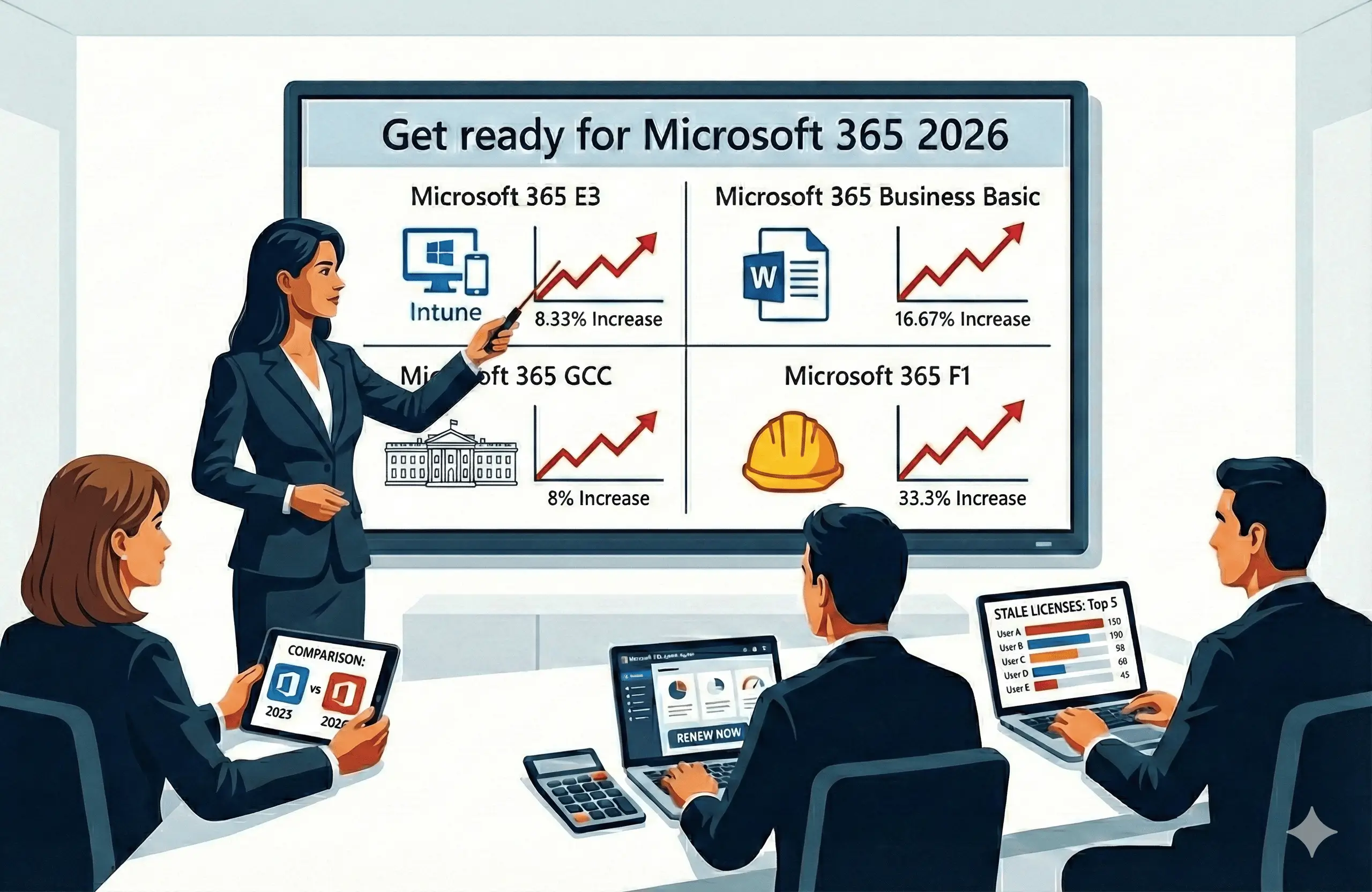
Microsoft 365 prices are about to increase in 2026, with updated commercial and government pricing taking effect beginning on July 1, 2026. With an average increase of around 13% across commercial suites, IT teams need to plan budgets early to avoid last-minute surprises or forced renewal decisions.
This blog focuses on informing you about the new Microsoft 365 license costs in 2026, what new features will be included with this price hike, and how you can get around this curve-ball to your IT budget with ManageEngine M365 Manager Plus' license optimization resources.
Microsoft attributes the 2026 price increase to the steady expansion of its Microsoft 365 platform. In 2025 alone, over 1,100 features were introduced across Microsoft 365 services and admin consoles, expanding the overall value provided by the platform.
Between 2024 and 2025, Microsoft also focused on extending the capabilities of Microsoft 365 Copilot, integrating it more deeply with existing services such as SharePoint Online, Microsoft Teams, Intune, Defender, and other Microsoft 365 workloads.
Microsoft intends to support these scope and value additions with an increase to their Microsoft 365 subscription prices.
The increase in price for Microsoft 365 services is not just for the features already provided by Microsoft in 2025. With the 2026 price hike, Microsoft 365 aims to offer even more AI, security, and device management features across their suites and admin centers.
Microsoft has increased the prices of its commercial Microsoft 365 suites and Microsoft 365 Government suites for its 2026 price update. The price hikes for 2026 range from 5% to 25%, depending on the Microsoft 365 plan. You can find the new increased price for your Microsoft 365 plans listed below.
| Microsoft 365 plans | 2025 list price | 2026 list price | Price hike | |
|---|---|---|---|---|
| Business | Business Basic | $6.00 | $7.00 | 16.67% |
| Business Standard | $12.50 | $14.00 | 12.00% | |
| Business Premium | $22.00 | $22.00 | 0.00% | |
| Office 365 | Office 365 E1 | $10.00 | $10.00 | 0.00% |
| Office 365 E3 | $23.00 | $26.00 | 13.04% | |
| Enterprise | Microsoft 365 E3 | $36.00 | $39.00 | 8.33% |
| Microsoft 365 E5 | $57.00 | $60.00 | 5.26% | |
| Frontline | Microsoft 365 F1 | $2.25 | $3.00 | 33.33% |
| Microsoft 365 F3 | $8.00 | $10.00 | 25.00% | |
Table 1: Price increase in Microsoft 365 plans from 2025 to 2026.
Note: In accordance with federal regulations, for suites with total increases exceeding 10%, the increase in Microsoft 365 Government plans will be phased over multiple years, with no more than 10% applied annually. The plans affected by this are marked with an asterisk (*).
| Microsoft 365 Government plans | 2026 price hike | 2027 price hike | Total increase in price | |
|---|---|---|---|---|
| Microsoft 365 G3 | Microsoft 365 G3 GCC | 8% | -- | 8% |
| Microsoft 365 G3 GCC High | 8% | -- | 8% | |
| Microsoft 365 G3 DoD | 8% | -- | 8% | |
| Microsoft 365 G5 | Microsoft 365 G5 GCC | 5% | -- | 5% |
| Microsoft 365 G5 GCC High | 5% | -- | 5% | |
| Microsoft 365 G5 DoD | 5% | -- | 5% | |
| Office 365 G1 | Office 365 G1 GCC | -- | -- | -- |
| Office 365 E1 GCC High | -- | -- | -- | |
| Office 365 E1 DoD | -- | -- | -- | |
| Office 365 G3 | Office 365 G3 GCC* | 10% | 3% | 13%* |
| Office 365 E3 GCC High* | 10% | 3% | 13%* | |
| Office 365 E3 DoD* | 10% | 3% | 13%* | |
Table 2: Price increase in Microsoft 365 Government plans from 2025 to 2026.
If you would like to keep your Microsoft 365 spending effective, you need to develop an efficient license workflow.
Whether you are looking for manual ways to cut costs or seeking to automate the process, here are a few practical strategies to keep your budget lean. We will also explore how ManageEngine M365 Manager Plus, a comprehensive administration and security platform for Microsoft 365, can turn these tips into organization-wide actions in just a few clicks.
Identify inactive users by tracking their service usage and last login dates. While Microsoft Graph API provides this data for services like Exchange and SharePoint Online, collecting and analyzing this data manually can be complex. Regularly identifying users with little to no service activity allows you to reclaim unused licenses and avoid renewing subscriptions that no longer add value.
You can find the details of the licenses used sparingly in your organization with M365 Manager Plus' Stale Microsoft 365 Licenses report, and remove them if your users are already using their required services.
With Microsoft Intune available for E3 and E5 users out of the box, you can identify your standalone Microsoft Intune licenses that have not been assigned to anyone and not renew them anymore for your E3 and E5 users.
Assigning the same Microsoft 365 license to every user is one of the fastest ways to waste budget. In most organizations, there are users who hold licenses for services they rarely use. This could be employees who no longer use desktop Office apps, mailboxes that see little activity, or accounts that only log in occasionally but still carry premium add-ons. When these licenses remain assigned by default, they quietly inflate renewal costs without delivering real value.
Using M365 Manager Plus license activity trackers, you can find users who do not log in frequently into services they have licenses for. Generate the report, then select your preferred inactivity period and you will get a list of users who have not used the services they have the licenses for .
You can use this insight to remove their inactive licenses and reassign them to users who need it the most using the same action. This will ensure you use the licenses you pay for, and that you do not renew licenses that go underused.
Th e 2026 Microsoft 365 price increase has brought in new features across license packs that make some of the standalone licenses unnecessary. For example, Microsoft Intune is now included in Enterprise plans and email storage is increased by 50GB in Business plans. While these changes are new, the problem of license overlaps is not.
M365 Manager Plus helps you retrieve the list of users with multiple licenses across your tenant. You can filter users based on your organization’s actual requirements and remove redundant licenses for multiple users in one operation. This eliminates manual, user-by-user updates and removes the need for complex Microsoft Graph PowerShell scripts.
If your Microsoft 365 licenses will be renewed before July 1, 2026, the upcoming price increase will not apply to your current term. The new pricing takes effect only for renewals after that date. Renew early to lock in existing rates and complete the steps above to stay prepared for 2027.
Reducing your licenses is the obvious step to adjust your IT spending to accommodate for increased licensing and operational costs. However, it is not the be-all and end-all of cost savings. Your savings can even extend to how you use your product, how efficiently you use it, and how productive you are when you do use it. This is where M365 Manager Plus takes the edge over the native admin centers with the following benefits.
Manage users, groups, mailboxes, teams, licenses, and sites in bulk without relying on PowerShell or multiple admin portals. Automating routine lifecycle tasks reduces manual effort, minimizes errors, and shortens execution time. This directly cuts down the operational hours spent on repetitive administration.

Access detailed insights across Entra ID, Exchange Online, SharePoint, and OneDrive from a single console. Saved reports and audits with reusable filters eliminate repetitive data collection across portals. This shortens audit cycles and reduces the time spent preparing compliance or review reports.

Delegate Microsoft 365 actions using granular, role-based access instead of full admin privileges. Routine operations can be handled without escalating to senior admins, improving team efficiency. This reduces dependency on high-cost resources while maintaining security boundaries.

Set up Microsoft 365 alerts for unusual behavior, policy violations, or off-hours actions. Early notifications help prevent small issues from escalating into security or compliance incidents. This reduces both response time and potential financial impact.

Continuously monitor Microsoft 365 service health and performance. Early identification of issues helps prepare your services for widespread disruptions and user impact. This lowers support load and productivity loss across teams.