Protect Applications Manager logins with CAPTCHA validation
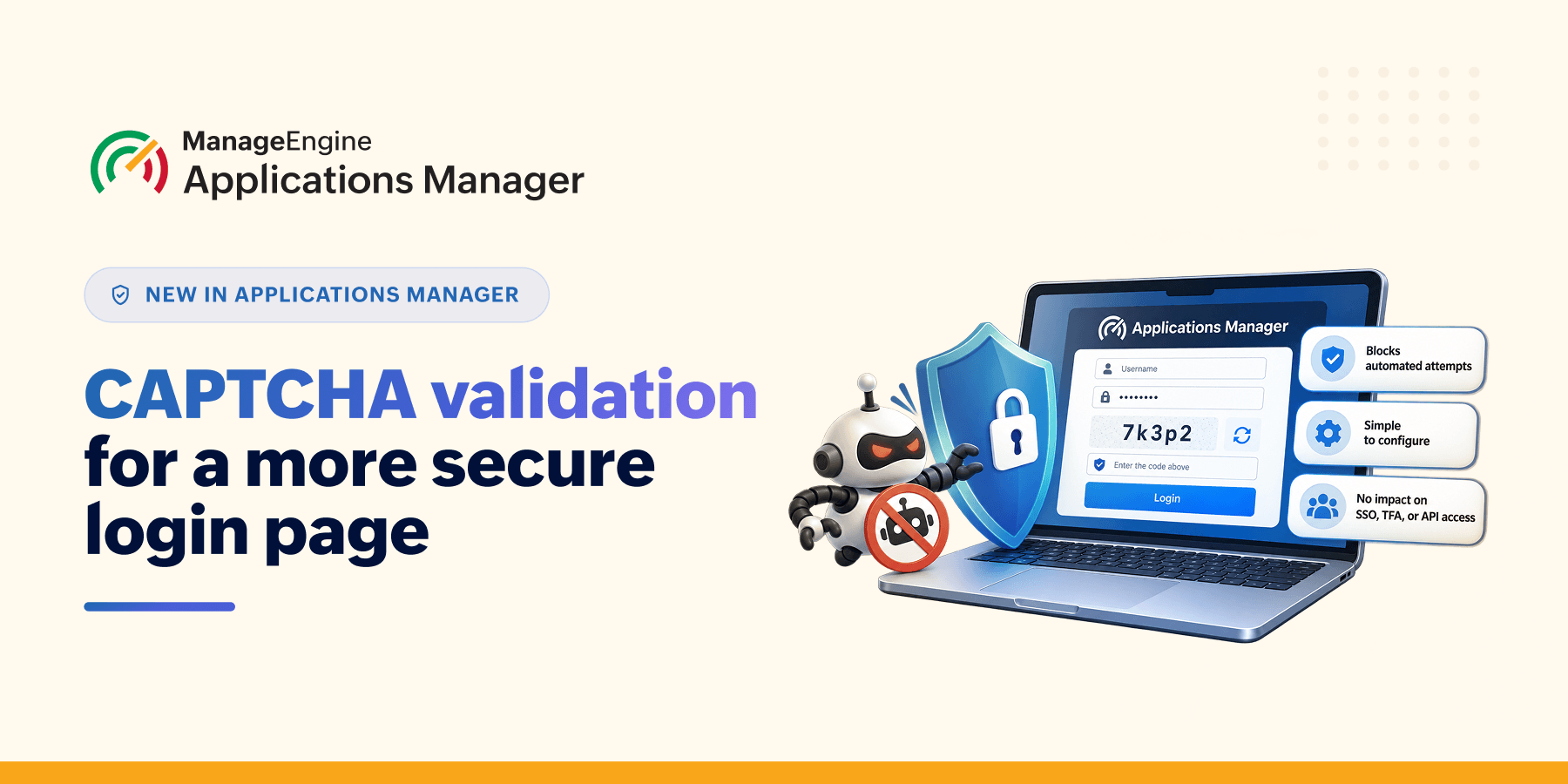
Login pages are one of the most attacked surfaces of any enterprise tool. They're often internet-facing, they're the front door to sensitive operational data, and unlike most vulnerabilities, they don't need to be discovered—they can simply be targeted with large volumes of automated attempts.
For monitoring platforms like Applications Manager, which frequently sit with visibility into critical infrastructure, that front door matters even more. Account lockout policies provide an important layer of protection, but organizations may also want additional controls to distinguish legitimate login attempts from automated activity.
CAPTCHA validation adds another layer of protection by introducing an additional challenge after repeated failed login attempts.
What is CAPTCHA validation?
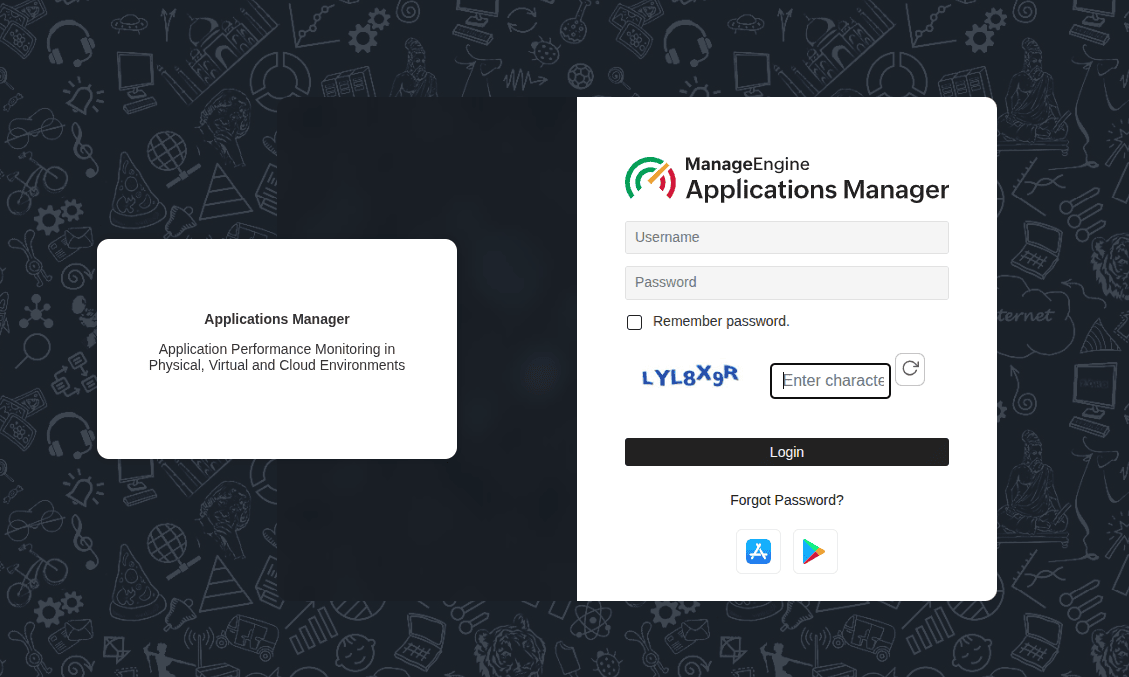
CAPTCHA validation is a security control that requires users to complete a challenge before their credentials are accepted when a suspicious pattern, such as repeated failed login attempts, is detected. It helps distinguish legitimate users from automated login attempts and adds friction to automated brute-force and credential-stuffing activity.
This protection is now available natively on the login page of Applications Manager, with no separate WAF or reverse-proxy setup required.
How this works in Applications Manager
CAPTCHA validation is simple to configure and requires just a few steps:
Turn it on in Settings → User Management → Account Policy.
Set the number of consecutive failed login attempts after which CAPTCHA should be triggered.
Applications Manager automatically displays a CAPTCHA challenge once the configured threshold is reached.
Until the threshold is reached, users can log in as usual. Once CAPTCHA is triggered, the user simply completes the text-image challenge to continue logging in. A reload option is available if the CAPTCHA is difficult to read, and each CAPTCHA remains valid for five minutes.
The feature is disabled by default, giving administrators the flexibility to enable it based on their security requirements. No additional setup is required.
In simple terms:
Set the threshold → CAPTCHA appears after repeated failed attempts → Complete the challenge → Continue logging in.
Built to not get in the way
CAPTCHA validation is designed to apply only where additional verification is needed, helping minimize disruption to legitimate authentication workflows. It's intelligently skipped for authentication paths that don't fit that pattern:
SAML / SSO logins
Plugin / OPM authentication
Two-factor authentication (TFA) flows: OTP submission, resend OTP, and re-sign-in
API token-based access
These authentication methods continue to work as usual, without requiring CAPTCHA validation. The login flow also provides clear feedback when CAPTCHA validation is incomplete or unsuccessful, with the challenge automatically refreshed after an incorrect response.
Why this matters more for some teams than others
When a monitoring solution needs to be accessed remotely—say, by IT teams working from home or across locations—it often ends up exposed to the internet. That makes the login page a target for automated attacks using stolen username-password combinations. Once repeated failed attempts trigger a CAPTCHA challenge, those scripted attempts hit a wall instead of getting through.
Regulated industries (BFSI, healthcare, government): Login-hardening controls like CAPTCHA increasingly show up as expectations in security audits and compliance frameworks such as the PCI DSS, HIPAA, and SOC 2. Recent RBI guidance, for instance, has placed growing emphasis on stronger login protections for enterprise tools used in banking environments. CAPTCHA is a straightforward way to align with that direction.
Teams running internet-exposed APM instances: Any login page reachable from the public internet is a target by default. CAPTCHA adds a layer that specifically slows down scripted attacks, without needing a separate WAF deployment.
Anyone dealing with credential stuffing: Reused and leaked credentials mean an attacker often doesn't need to guess, they just need to try. CAPTCHA adds an additional challenge that can make large-scale automated login attempts more difficult to execute.
Security-conscious IT teams building defense-in-depth: Because SSO, SAML, and API-based integrations are untouched, this is a layer that strengthens login security without adding friction anywhere it isn't needed.
A small addition, a meaningfully harder target
CAPTCHA validation isn't intended to be the only security control protecting Applications Manager, and it doesn't need to be. As part of a defense-in-depth strategy, it shields against automated login attempts while keeping other authentication paths unaffected.
By adding an extra verification step after repeated failed login attempts, Applications Manager makes automated login attempts more difficult while keeping legitimate login workflows unchanged.