Share:




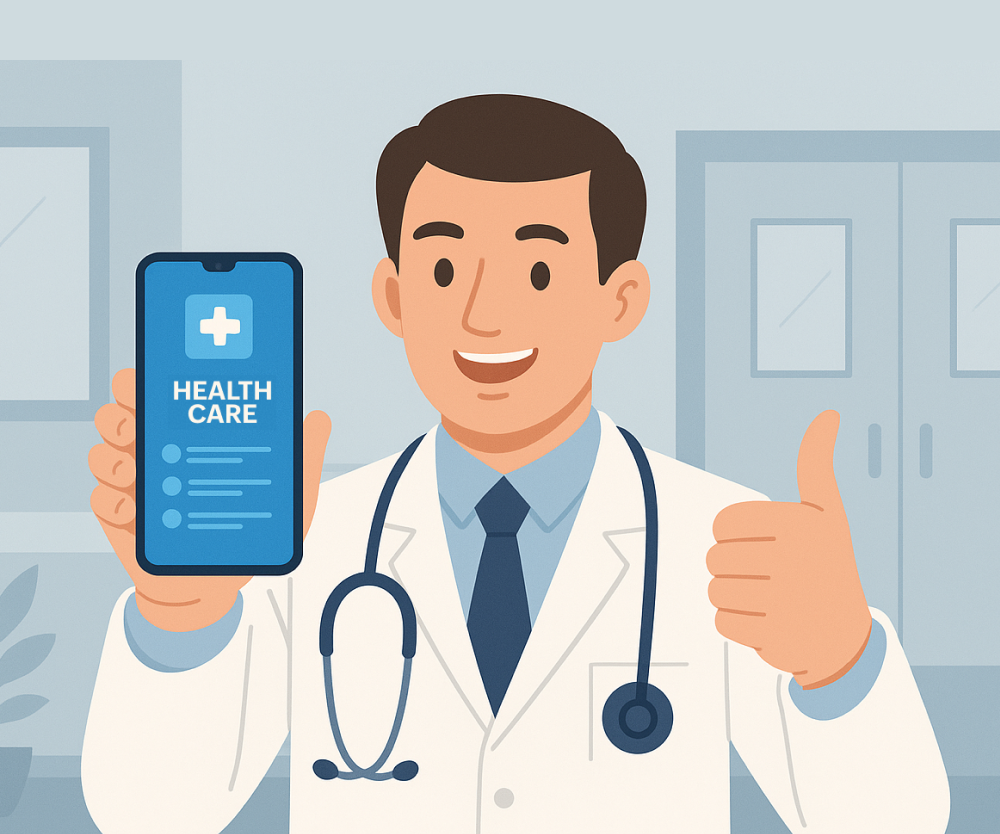
Healthcare largely depends on shift‑based workers like nurses, speech therapists, and pharmacists. They enter the hospital during their shift, pick up a device such as a tablet from a pile of common devices, and sign in to access their work apps.
Yet here’s the catch—each department has specific apps. A nurse might need Epic Rover for charting, while a pharmacist might need Epic Willow or a pharmacy dispensing and inventory system such as Omnicell or Pyxis for managing pharmacy stock. Additionally, once their shift ends, the device needs to be fresh for the next person.
So, how do these common devices become department‑specific workspaces based on who logs in? Plus, how do you return them to a clean baseline for the next users (without a full device wipe each time)?
These are exactly the kinds of problems that technology can solve to make the day‑to‑day operations of a healthcare worker better.
Let’s look at how all this can be achieved.
The deployment challenge: Setting up common devices that transform into department‑specific workspaces
There’s a natural question here: Why do we not provide each person with a separate device in healthcare if it largely thrives on shift‑based workers?
There are some business advantages when it comes to shared devices. According to Forbes, "facilities that have adopted shared‑use devices save an average of $1.1 million annually."
Also, healthcare is often mobility‑intensive; for example, nurses move between wards. From an operational standpoint as well, it makes more sense to have access to any common device rather than being tied to one single device.
So, the convenience offered by shared devices is quite significant, both from a business and operational standpoint.
The major challenge when setting up shared devices is that these need to be plain common devices initially. Based on who picks up the device (say a speech therapist, nurse, or pharmacist), the device must install or reveal the apps specific to their department. Once their shift is complete, the device needs to automatically sign out the user, clear the session data, and return to a baseline profile so that the next person gets a fresh device. For this to happen, the following steps need to be taken:
- Enroll mobile devices and automate provisioning for them.
- Sync user groups based on the departments.
- Create user profiles with the right sets of apps.
- Associate these user profiles with the department user groups.
- Set up these devices in shared mode.
- Automatically wipe each device once the uses signs out when their shift is done.
Transform shared devices into role- and department-specific workspaces for shift workers using Endpoint Central
You ideally need a solution with MDM capabilities that syncs with your identity services and enables the creation of user groups based on their departments. With this in place, it would be possible to have sets of apps associated with these user groups. Ideally, devices need to be in shared mode so that once the users log out, the devices can reset to a clean baseline and clear all the previous session data.
A solution like Endpoint Central can help with its built-in MDM capabilities:
- Integrate with IdP solutions and enable SSO to avoid the redundant typing of credentials for each application. Once a shift worker signs in to a device, they are signed in to apps automatically.
- Interlink shift workers’ attendance with device activity. Leverage our SDKs with HRMSs to mark attendance based on device sign-ins and sign-outs.
- For devices that are stolen or misplaced, lock them and enable Lost Mode to prevent unauthorized access. Automatically wipe them if they aren't recovered after an extended period of time.
- Associate these user profiles with the department user groups.
- Ensure controls are HIPAA-aligned with strong passcode policies, jailbreaking and rooting detection, and a per‑app VPN.
- Maintain audit logs for access, configuration changes, and remote actions to support compliance and investigations.
“I have a speech therapy iPad with only applications for speech therapy. I put Rover and other relevant apps on the home care workers’ iPads. For imaging and diagnostics, devices are restricted to MiPACS, NovaPACS, or NOVA RADS based on the job function. If an iPad is given to a director and not shared, it gets a different profile. Endpoint Central’s MDM features help us distribute apps and devices and lock these devices based on the user personas.”
—Help desk administrator at a community care organization in Port Townsend, Washington, United States
To learn more about how this healthcare organization based in Port Townsend used Endpoint Central to set up devices for its shift workers based on their job functions, read the case study here.
If you’re exploring how Endpoint Central can facilitate healthcare, feel free to check out these resources:
- Endpoint Central’s offerings for healthcare
- How Endpoint Central helps frontline workers
- Managing diverse healthcare devices using Endpoint Central
 Meet the author