Direct Inward Dialing: +1 408 916 9892
 Free Edition
In todays' regulatory compliance practice, it is becoming obligatory to audit the IT security settings. The focus is now on the Microsoft Windows Server workhorses in the Active Directory Environment. The need being to audit and report in real-time on the mission critical Group Policy Objects (GPO), which majorly defines the system functioning for a defined group of users. GPOs enable IT administrators / users to centrally manage resources and settings across the network. A single settings error can be catastrophic and have a landslide effect on the unauthorized access / usage and in the compromise of IT security. ADAudit Plus helps you avoid the GPOs monitoring complexities with real-time pre-configured reports and auditing of the changes along with alerts within a Domain & OU.
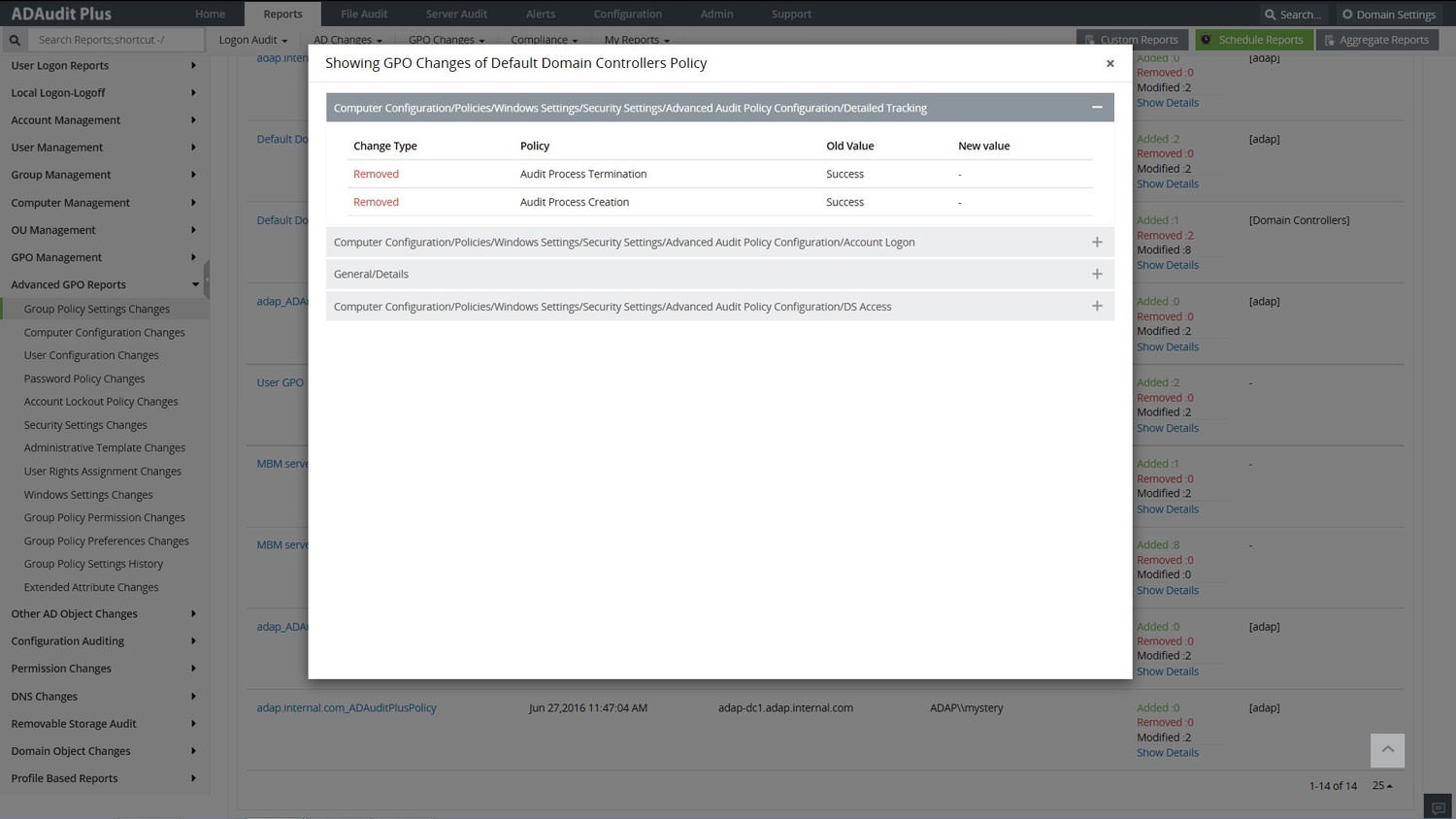
The advanced Group Policy settings real-time audit reports emphasize on the elusive change details and help to give a detailed report on the modifications along with the old and new values of the attributes. This not only helps to find the error but also in correcting it at the quickest to the previous exact setting. Now, know 'Who' did 'what' action, 'when' and from 'where' which assists in meeting compliance and computer forensics. The audit solution also allows the export of results to xls, html, pdf and csv formats and provides the option to print listed data which gives a complete satisfying view on the IT security and pin points errors and user / computer actions. Audit-It-All with simple, detailed pre-configured reports with instant e-mail alerts.
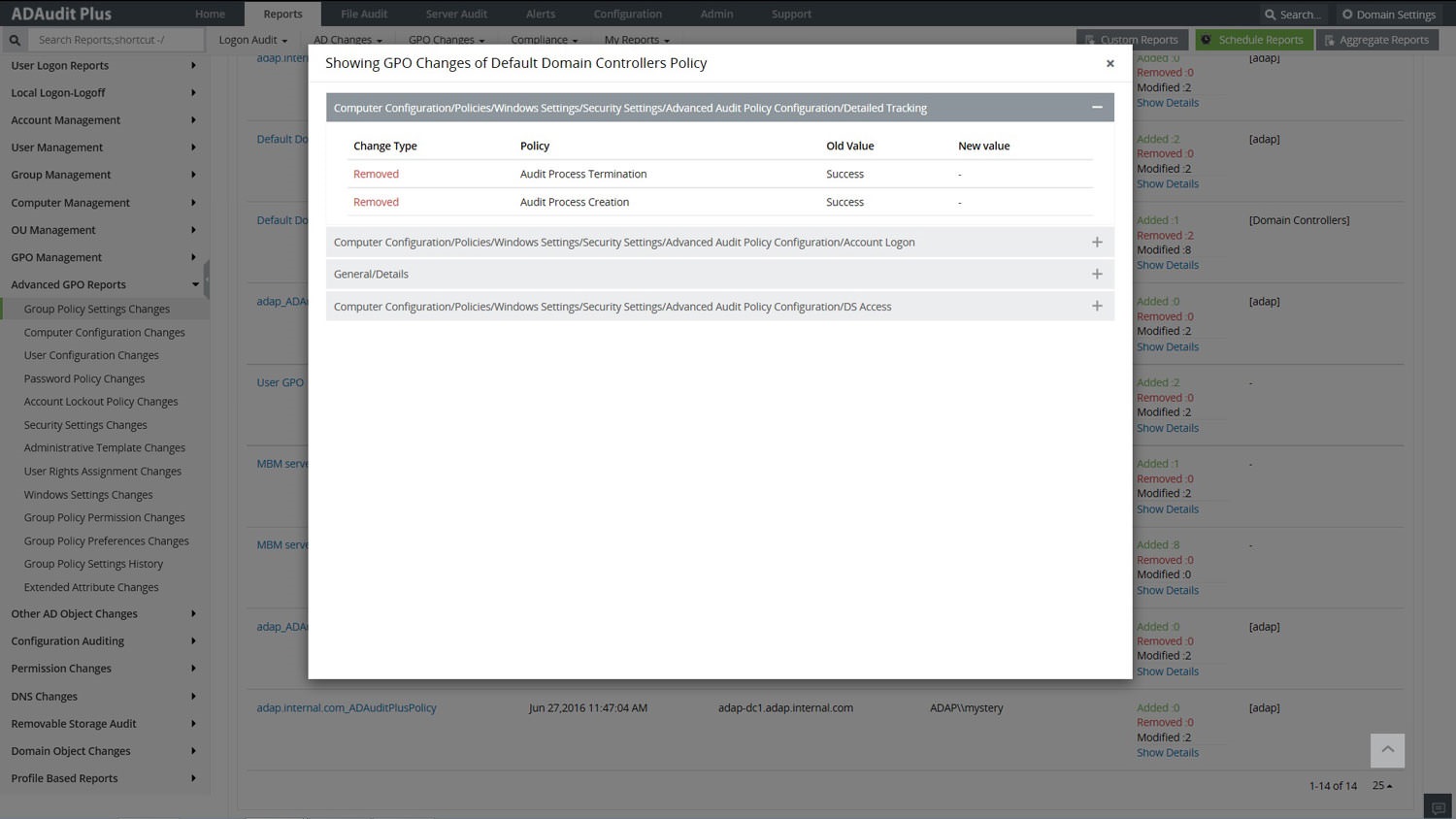
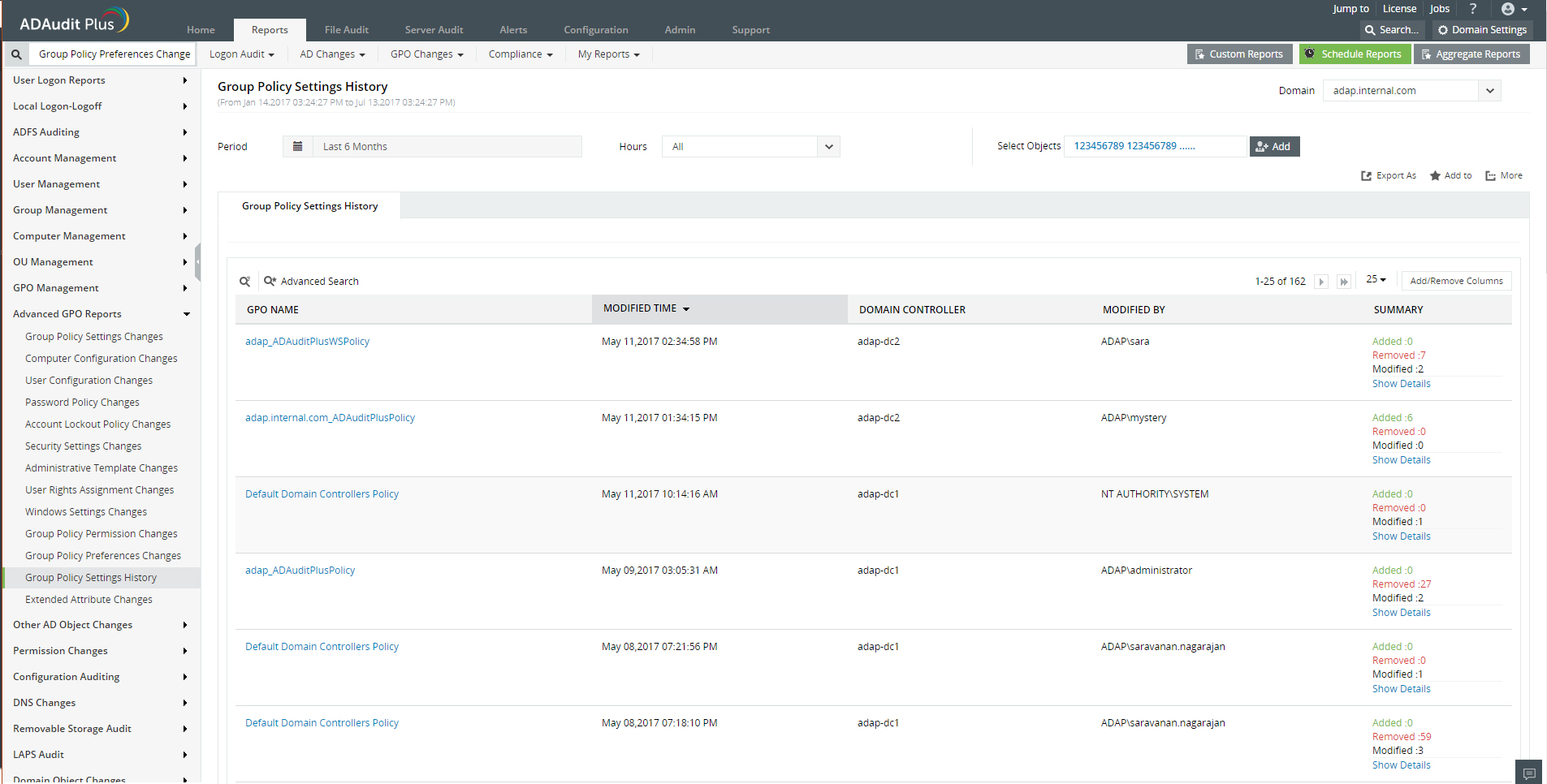
The Know-It-All report focuses on giving a bird's eye overview with a detailed summary of the new and old values of all GPO changes.
Get reports on the computer policies and preferences changes made from a host of software, user system settings and common administrative management options.
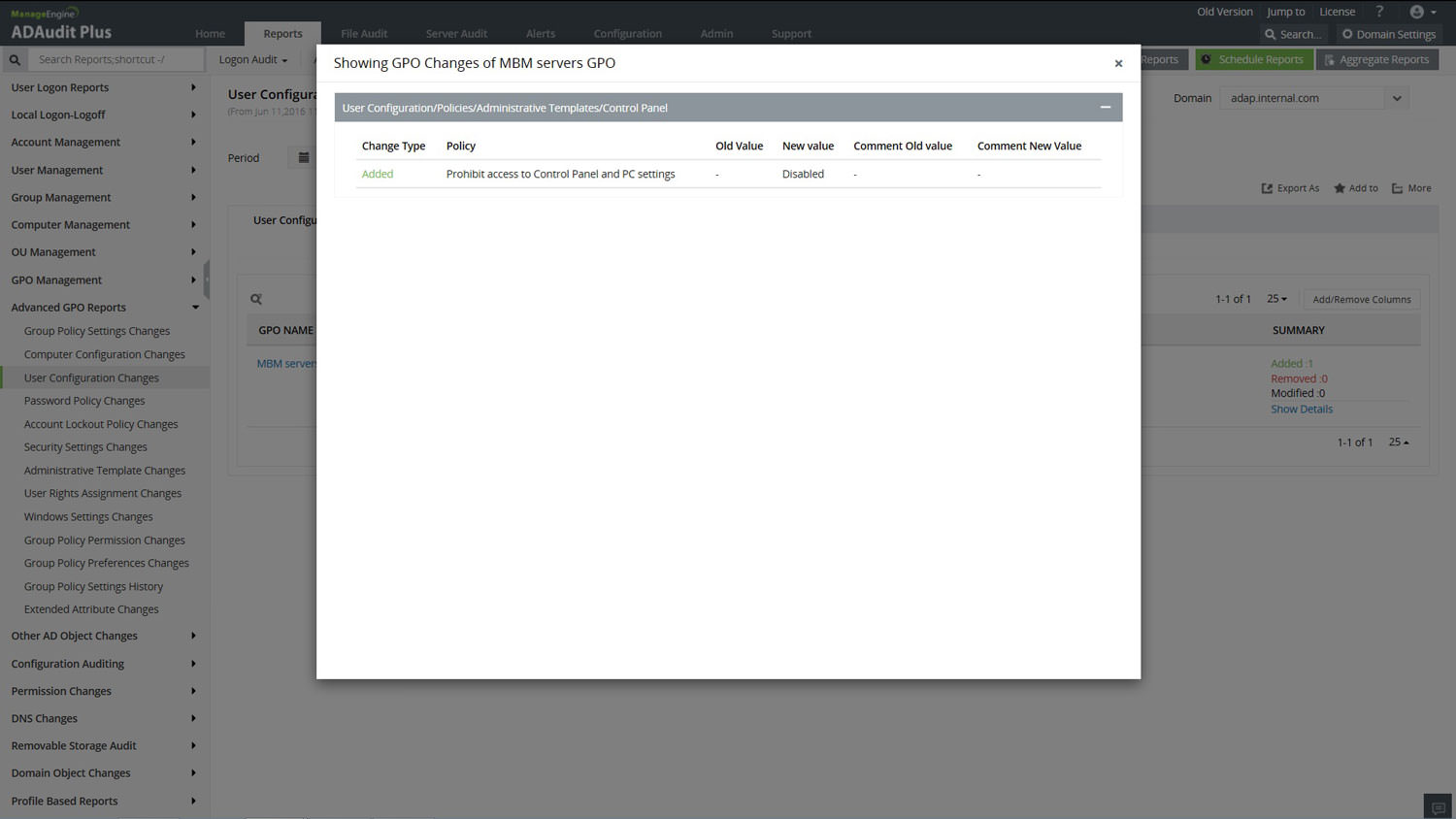
It's personal. Keep an eye on every administration permission and policies that will alter the user experience. Monitor the administrative policies and Windows settings for desktop, remote access and many more.
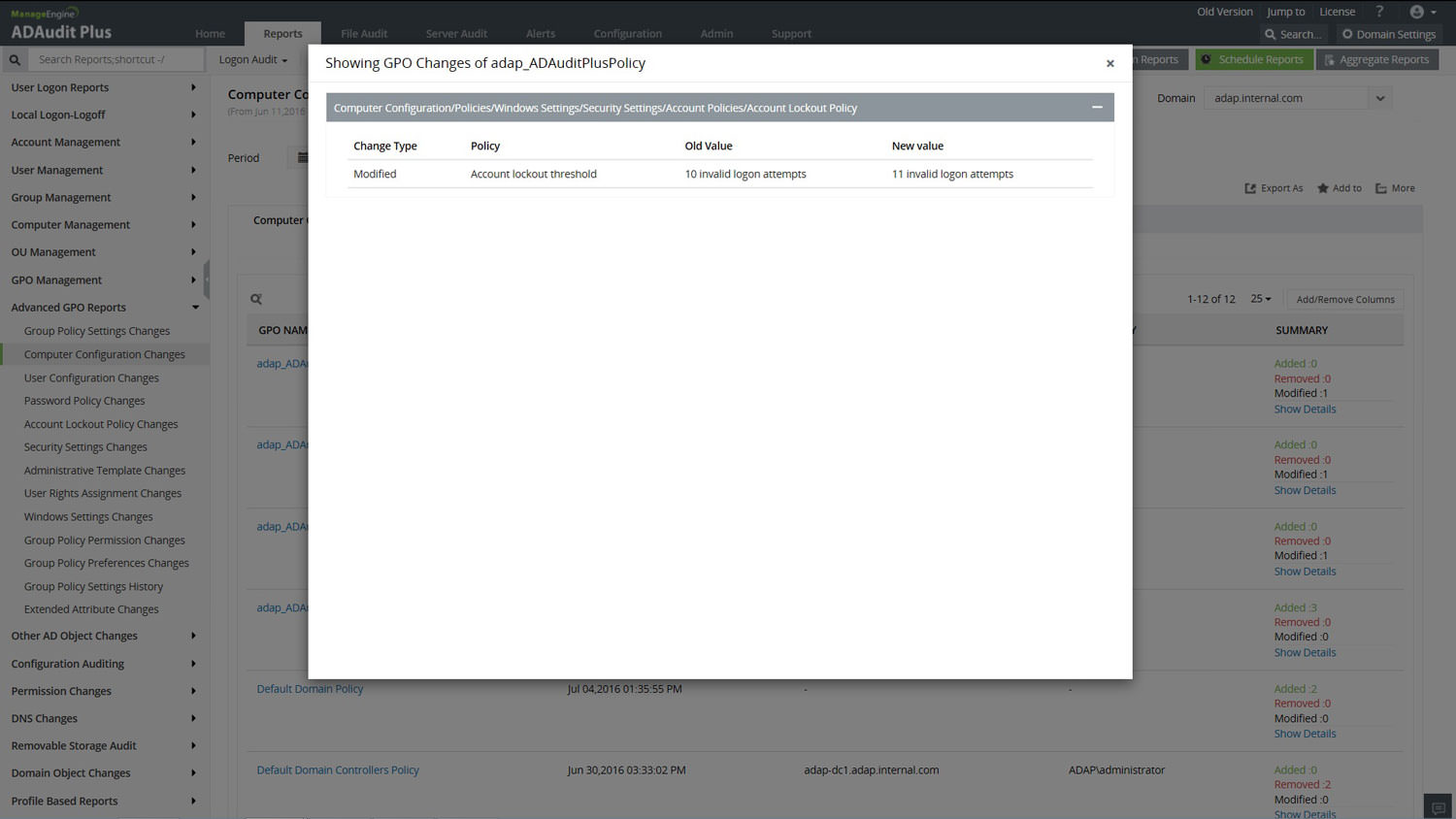
The critical password policies changes report details the changes to the very sensitive and complex password policies with the crucial previous policy value.
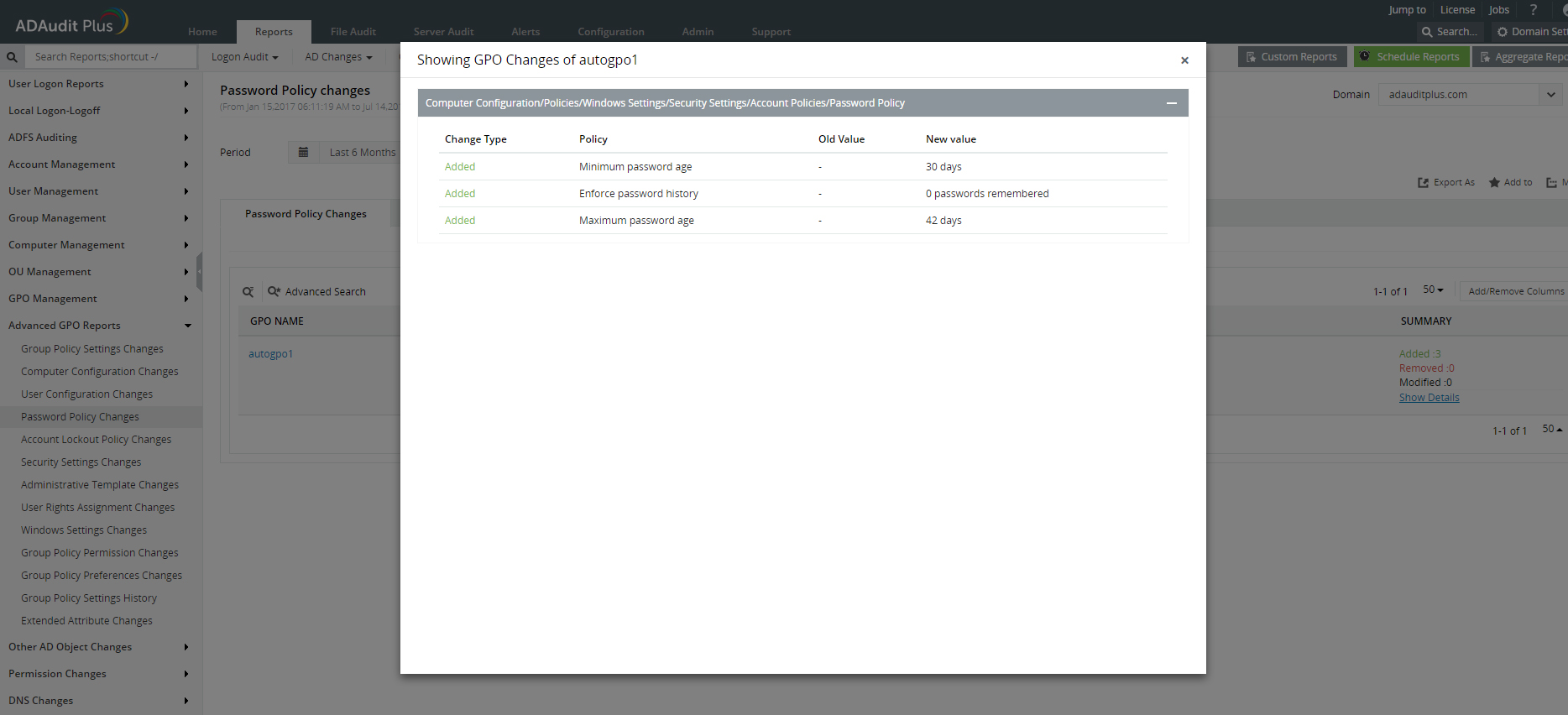
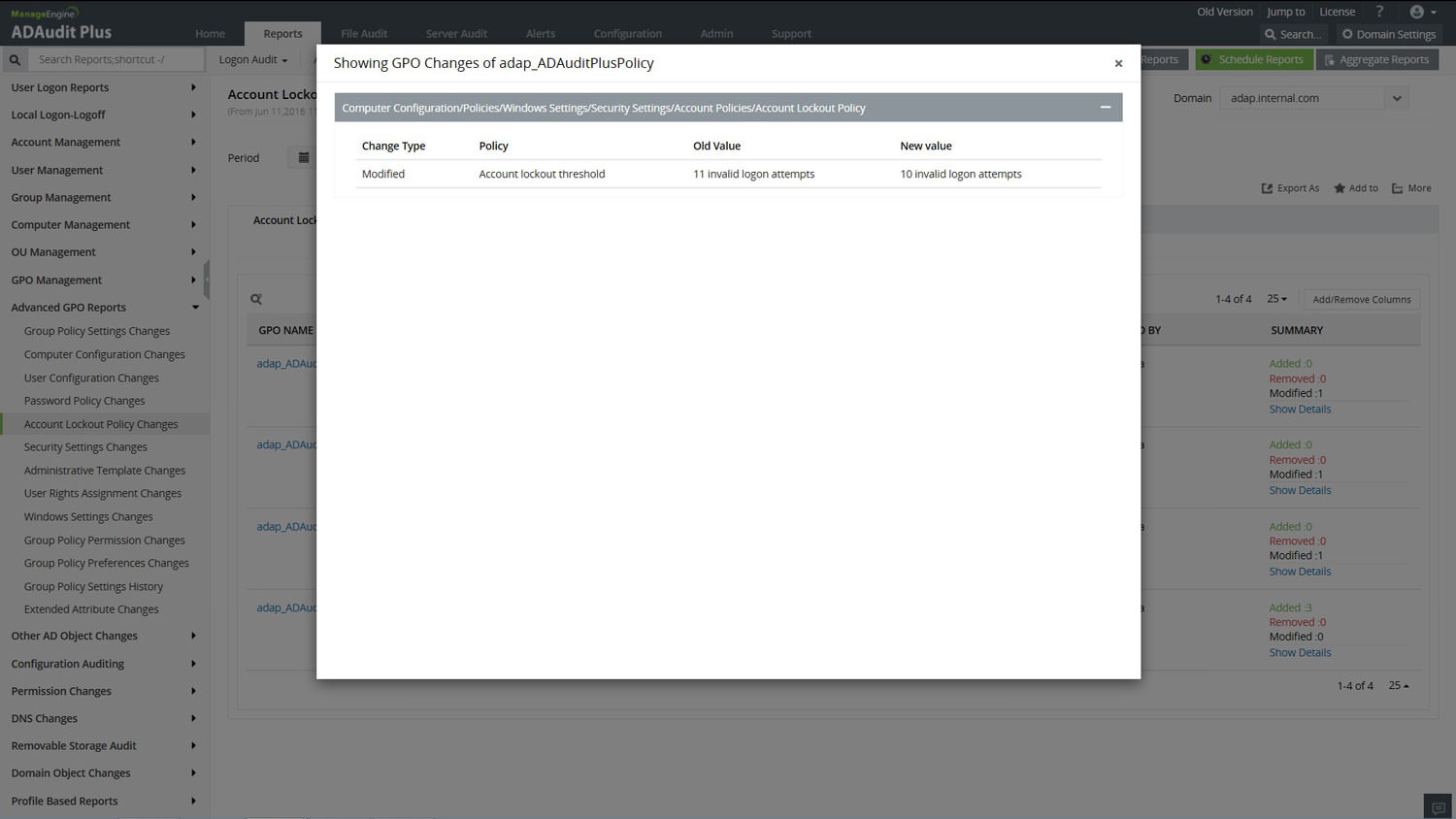
Caution! Unauthorized Access! Changes to this policy can be a gateway for unlimited account access attempts when tampered with. Audit NOW with the report!
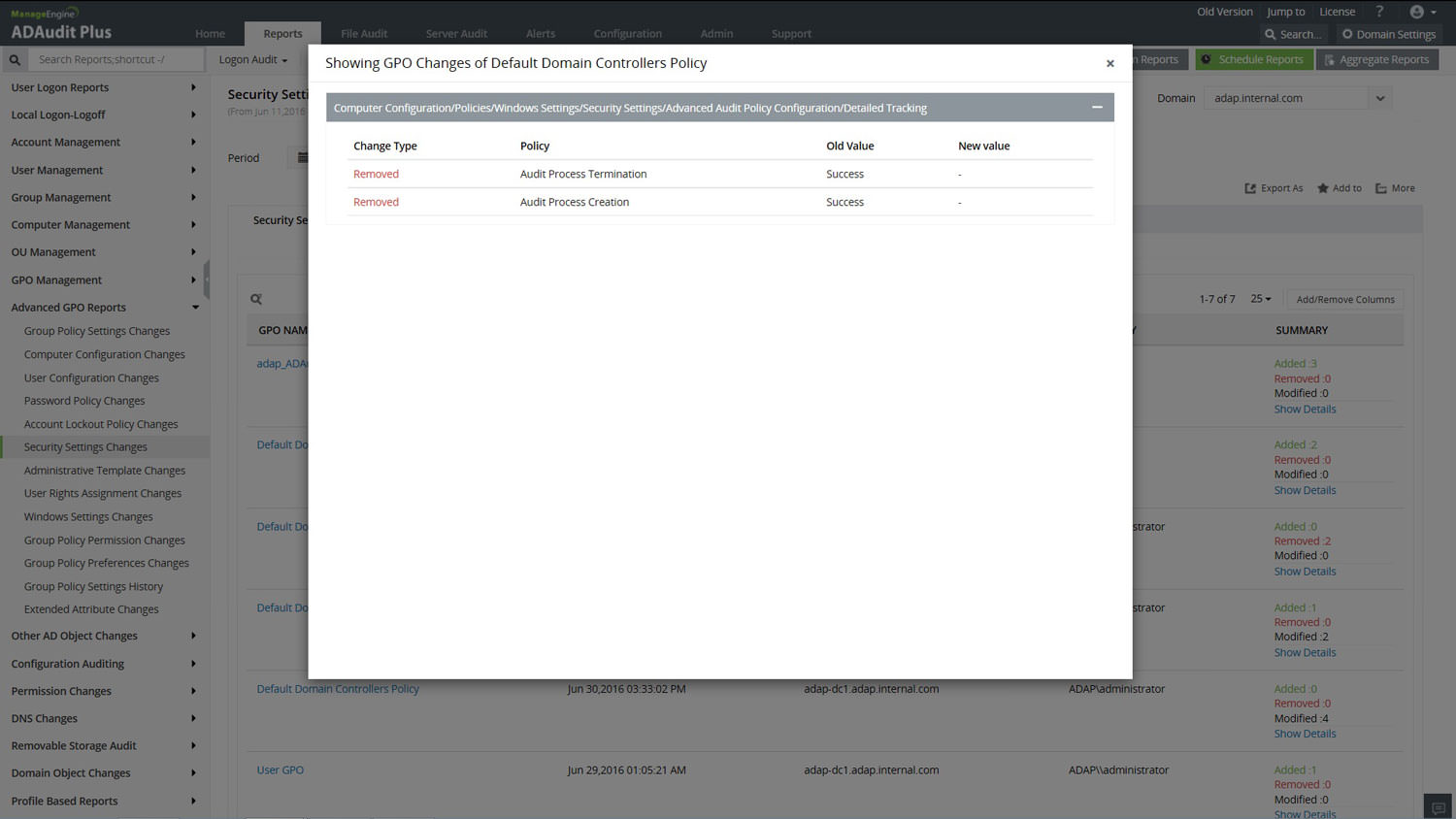
Monitor the users' account / password policies, audit the set local policies and check the event log settings amongst other varied security settings changes.
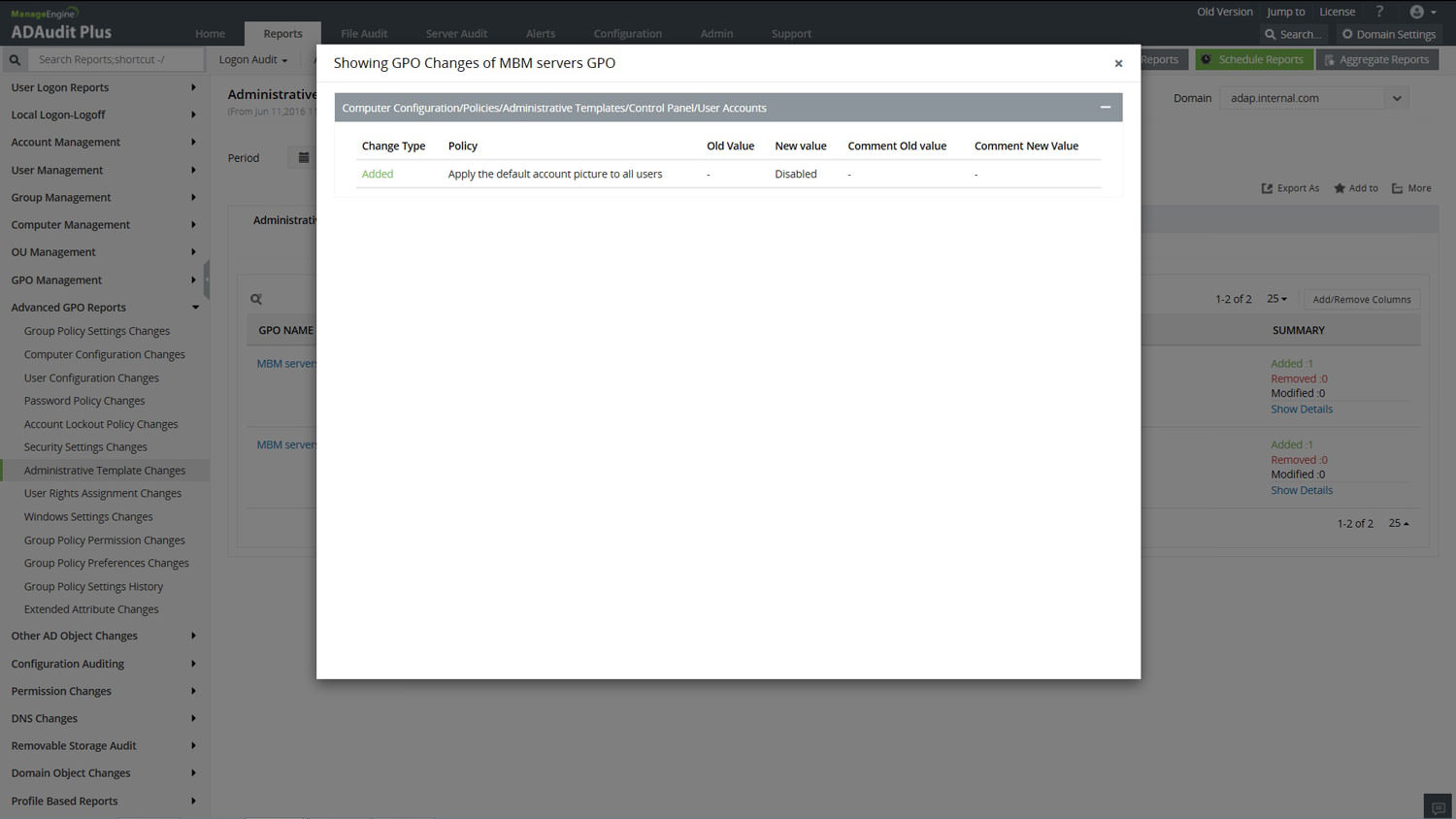
Audit the changes to the Administrative Templates, which facilitates the management of registry-based policy for the user / computer configuration which provides / denies common objects access permissions.
Be up-to-date on the primary assigned users / groups who can assign / deny roles as an administrator. Caution is the key and it is now simple to monitor these critical policy settings changes.
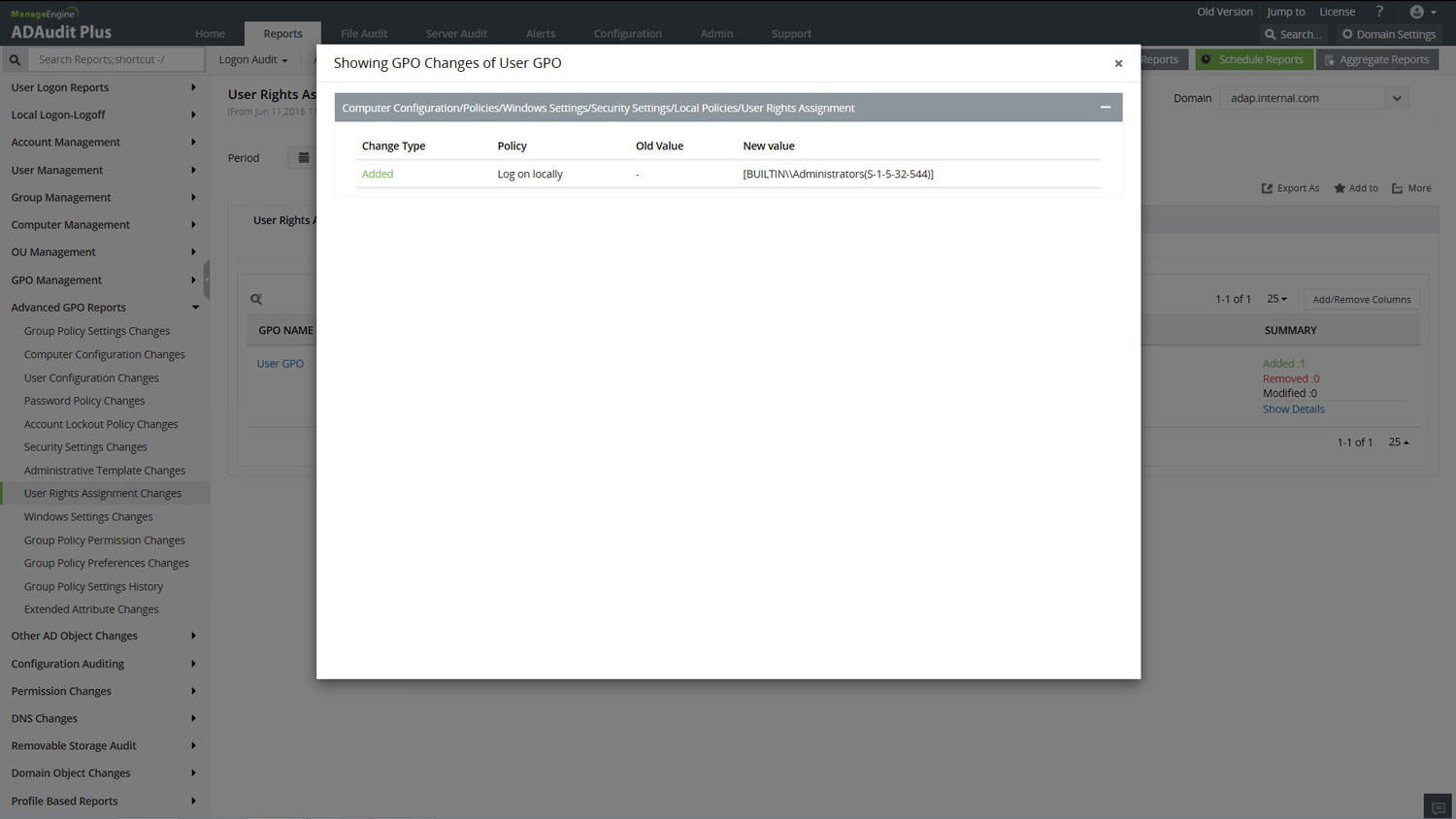
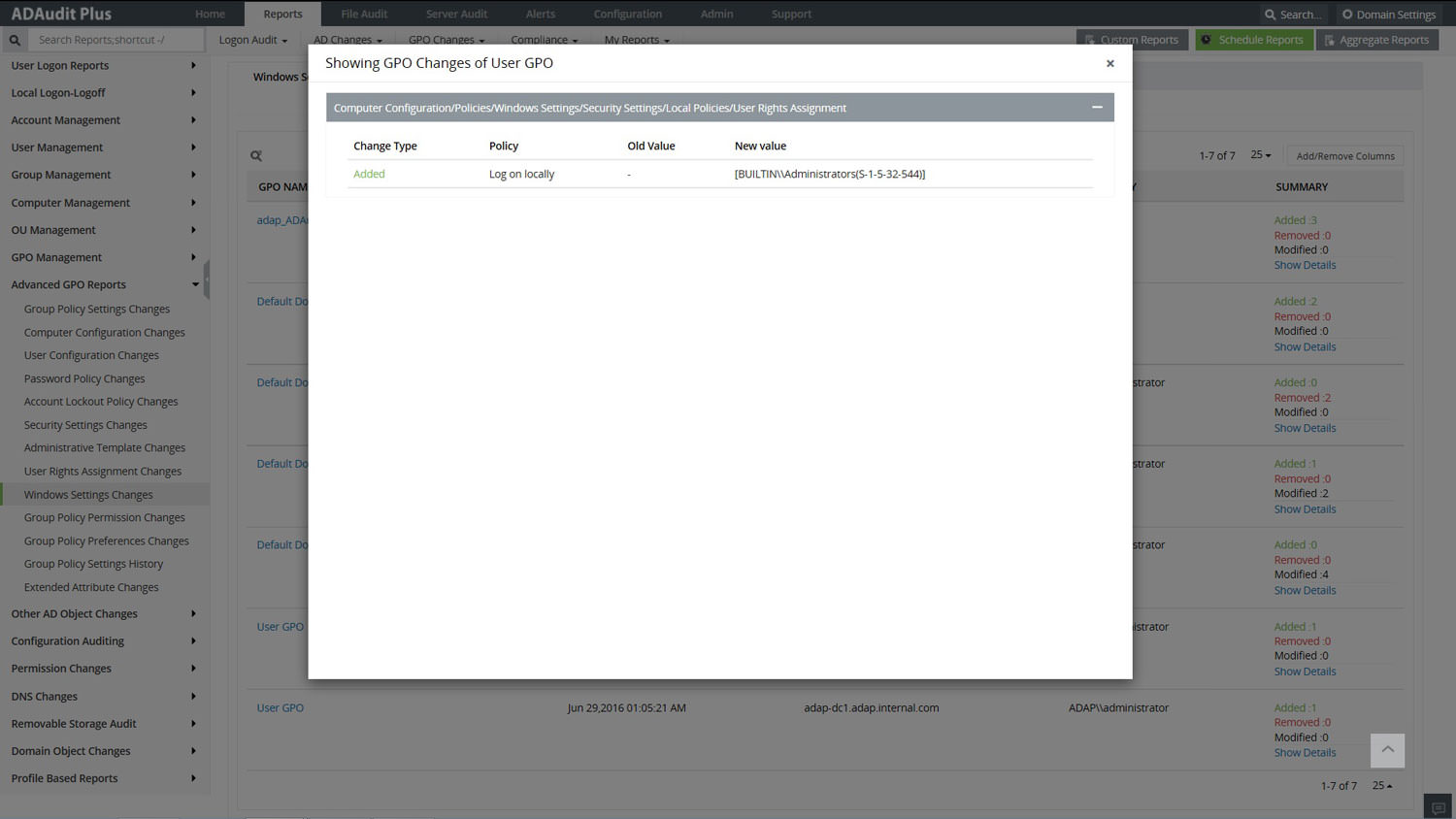
Monitor every change with this report on the privileges allowed to users and settings on computers right from the basic file creation to the registry settings.
Select to view from either each / multiple group policy changes every modification to the access control list (ACL) with the new and old values in real-time. This eases the track back of the changes and helps revert the effect.
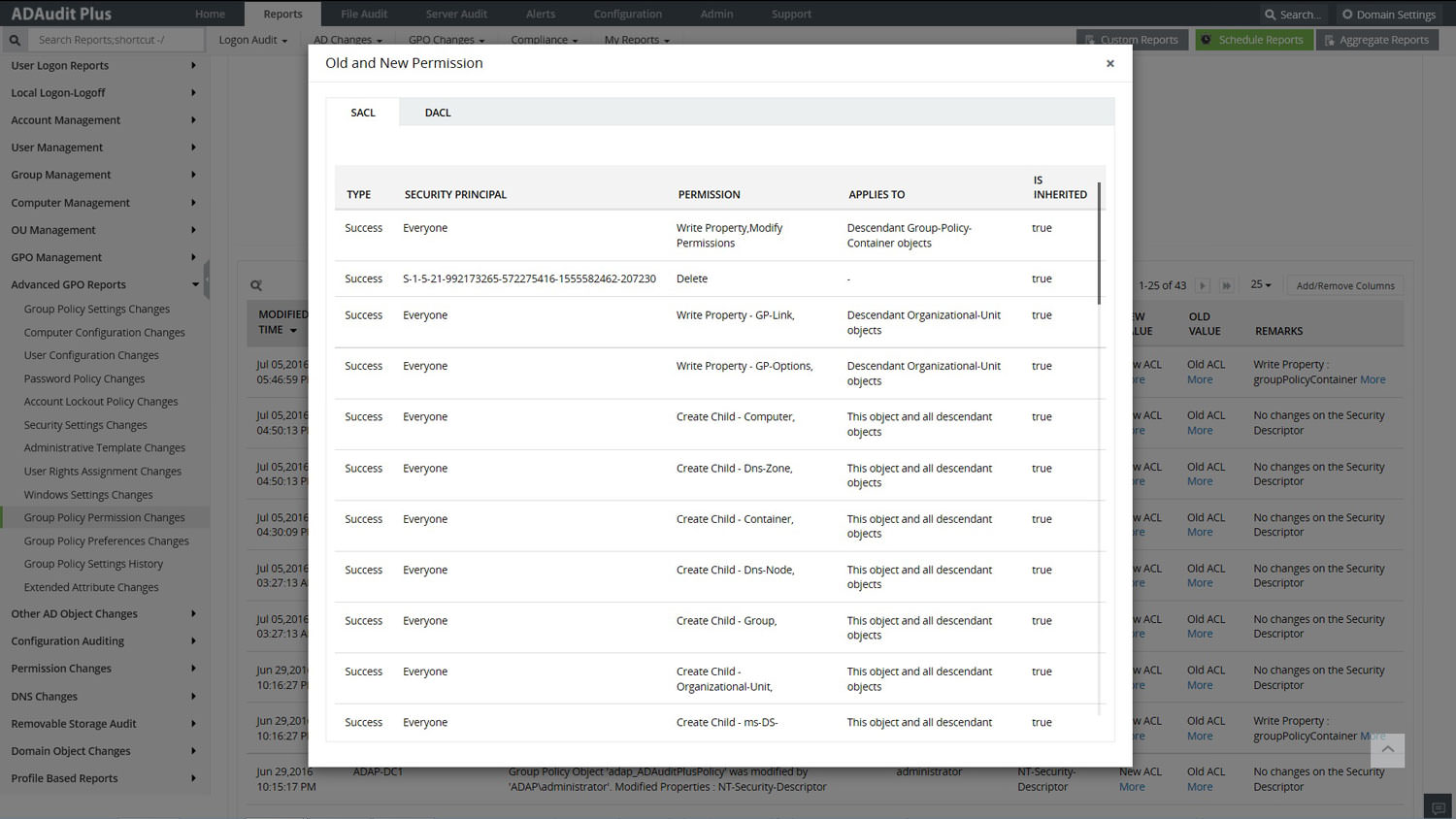
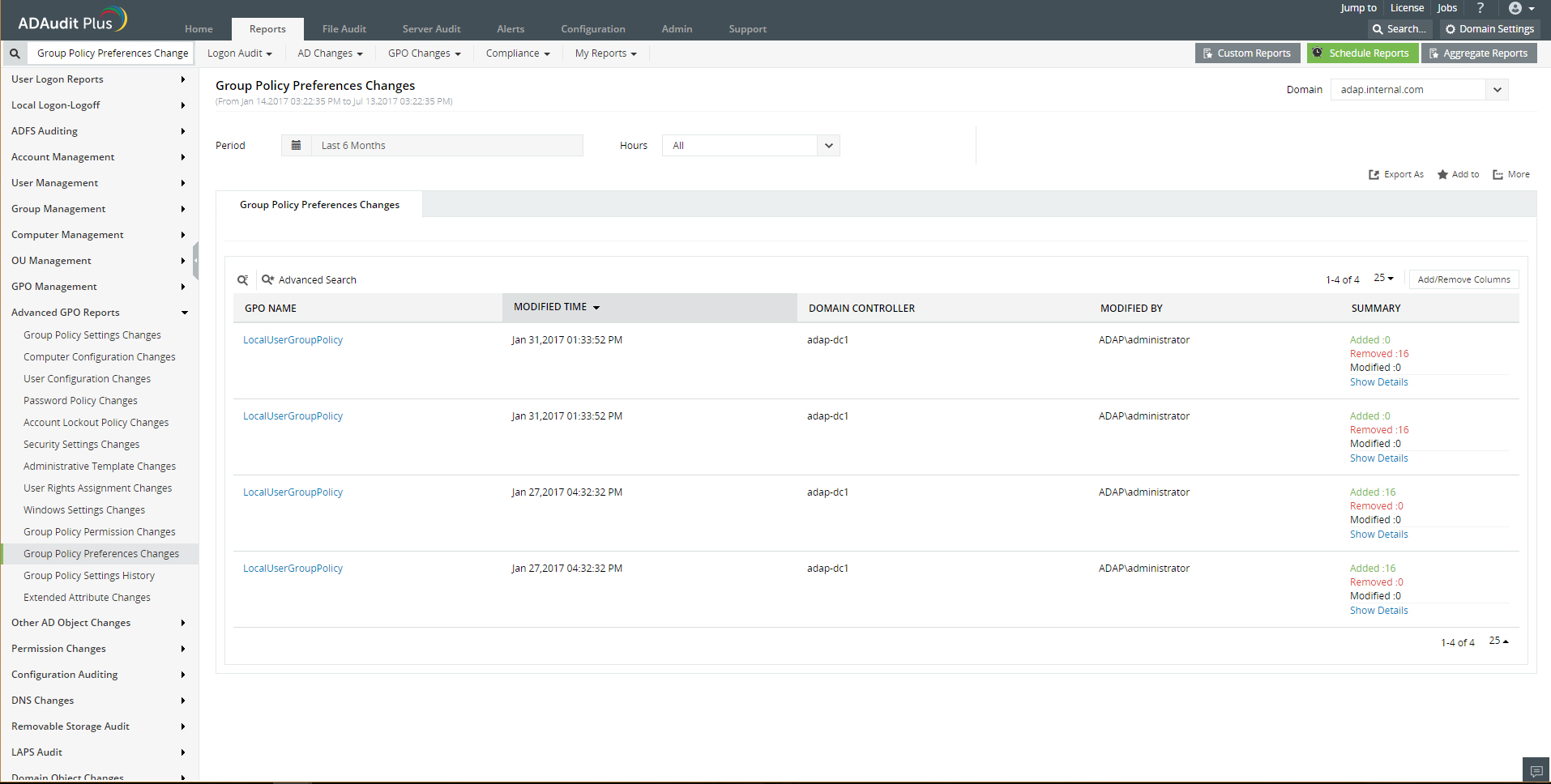
This administrative change setting reports on the modifications of the security settings for the computer / user settings. The common resources are mostly configured to ease the access of the made available resources.
View and monitor the various settings changes from each / across GPOs neatly tabled under various easy-to-recollect categories and with a detailed view of the modifications.
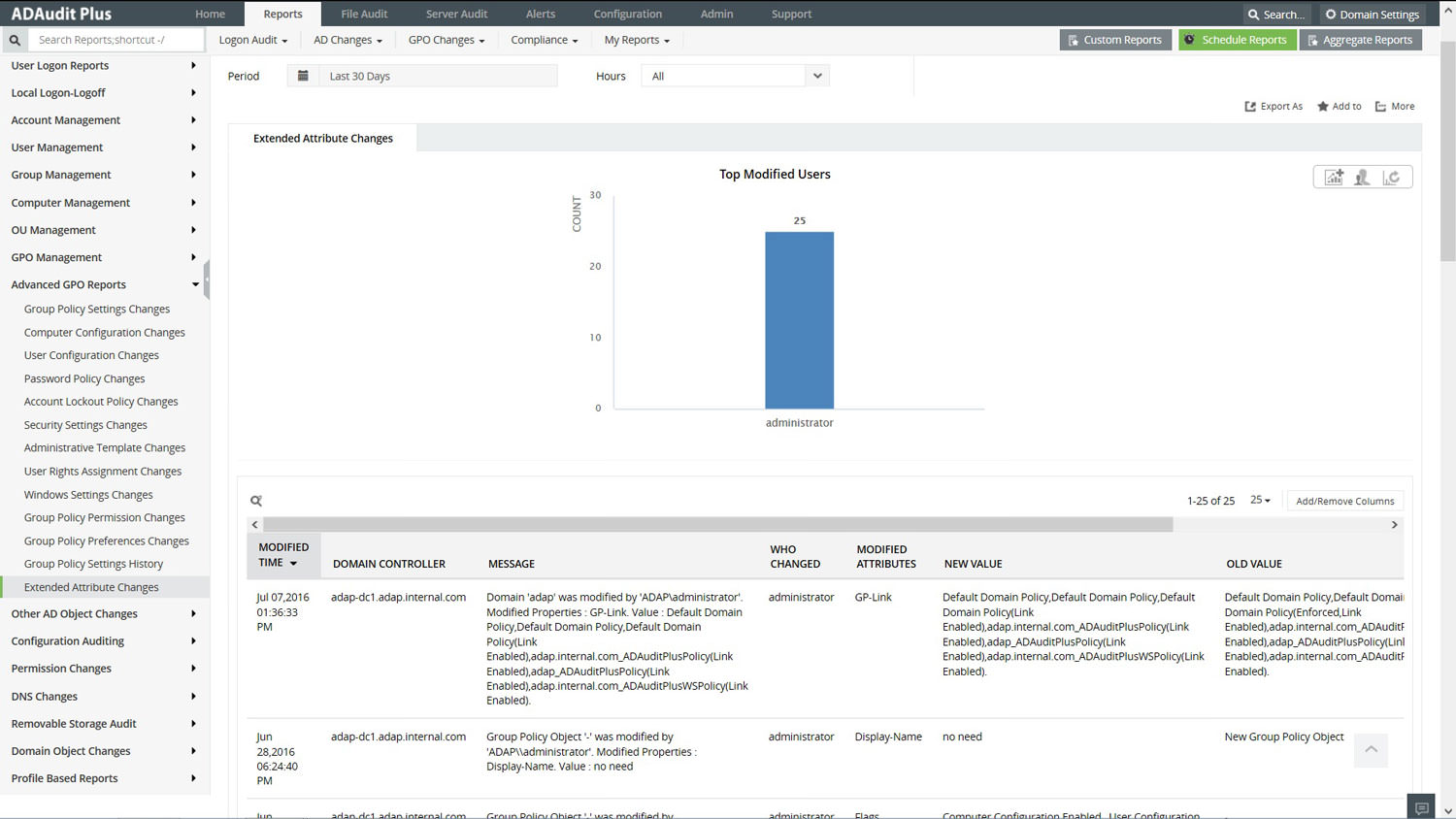
The report focuses on the exclusive security permissions made available to users and groups. View the complete Who made What Change from Where.











