Direct Inward Dialing: +1 408 916 9393
 Free Edition
'Organizational Units' (OU), are administrative-level containers on a computer network that allow network administrators to organize groups of users together, so that any changes or any other administrative tasks could be accomplished in an error-free and efficient way. Using an 'OU' administrators can group objects into logical units and also place users, groups, computers, and other organizational units in them.
ADManager Plus's OU Reports provide the administrator good visibility into OUs, empty OUs, changed/modified OUs. All these reports can be generated and even exported in just a single mouse-click.
In total contrast to conventional methods like native AD tools, PowerShell, etc. ADManager Plus provides pre-built Organizational unit reports. Get the free download of this tool's trial version to try out all Active Directory reports in this tool including GPO reports like:
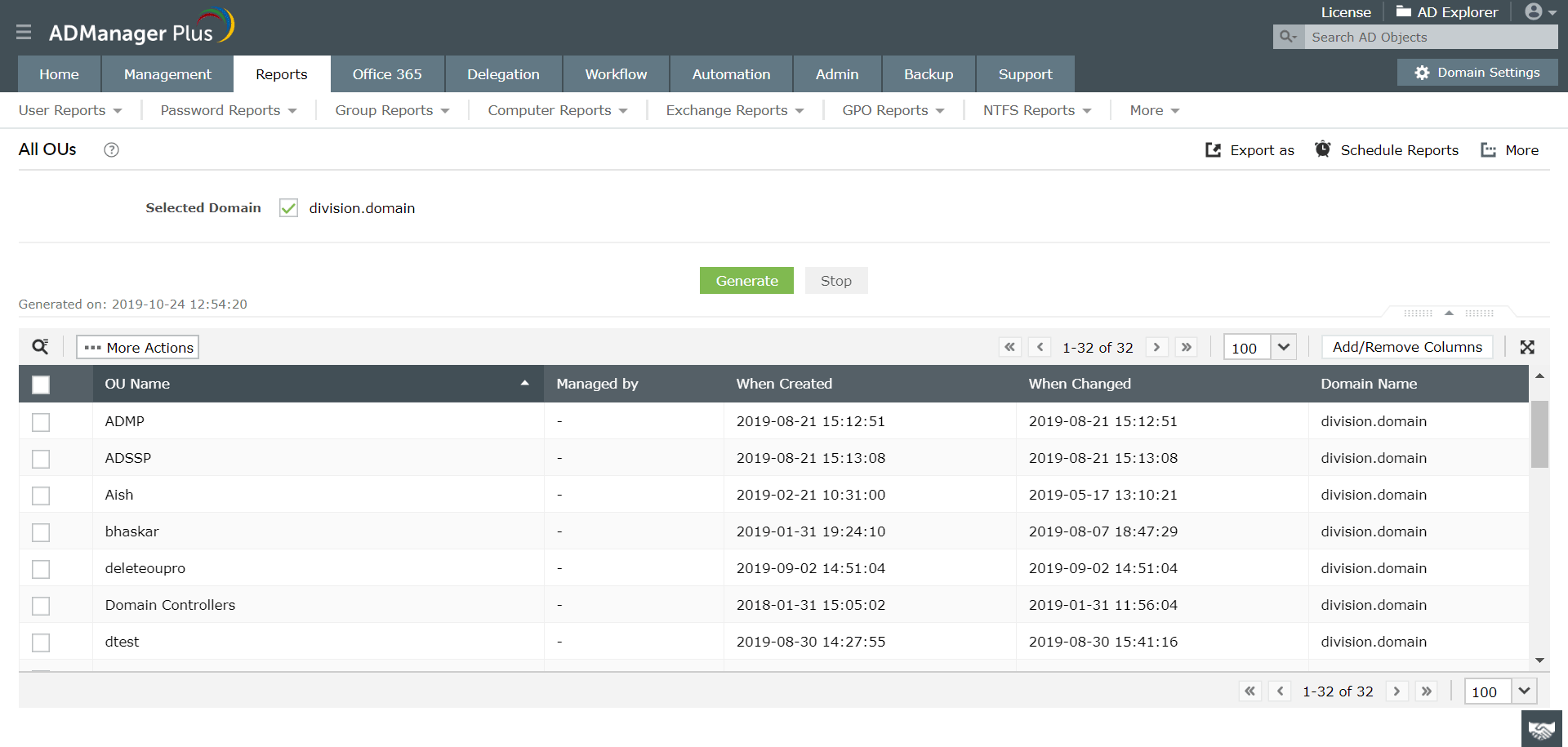
This report gives a detailed description of all the organizational units present in the domains.
Organizational units that don't have any objects are listed in "Empty OUs" report.
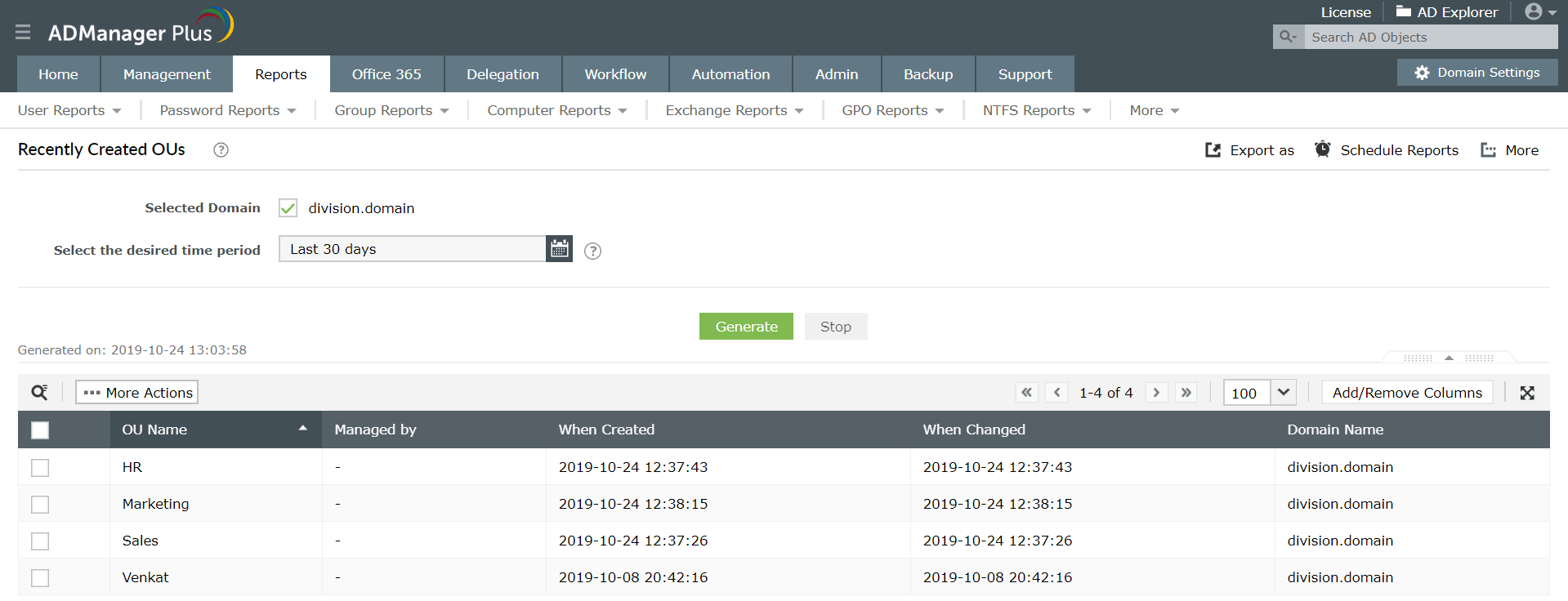
An administrator should always be aware of all the new organizational units that are being created. "Recently created OUs" report gives a detailed list of organizational units, which are created recently.
Some times there will be certain domains that are modified with or without administrators knowledge. Keeping track of this is essential for monitoring purposes. "Recently modified OUs" report gives a detailed list of organizational units, which are modified recently.
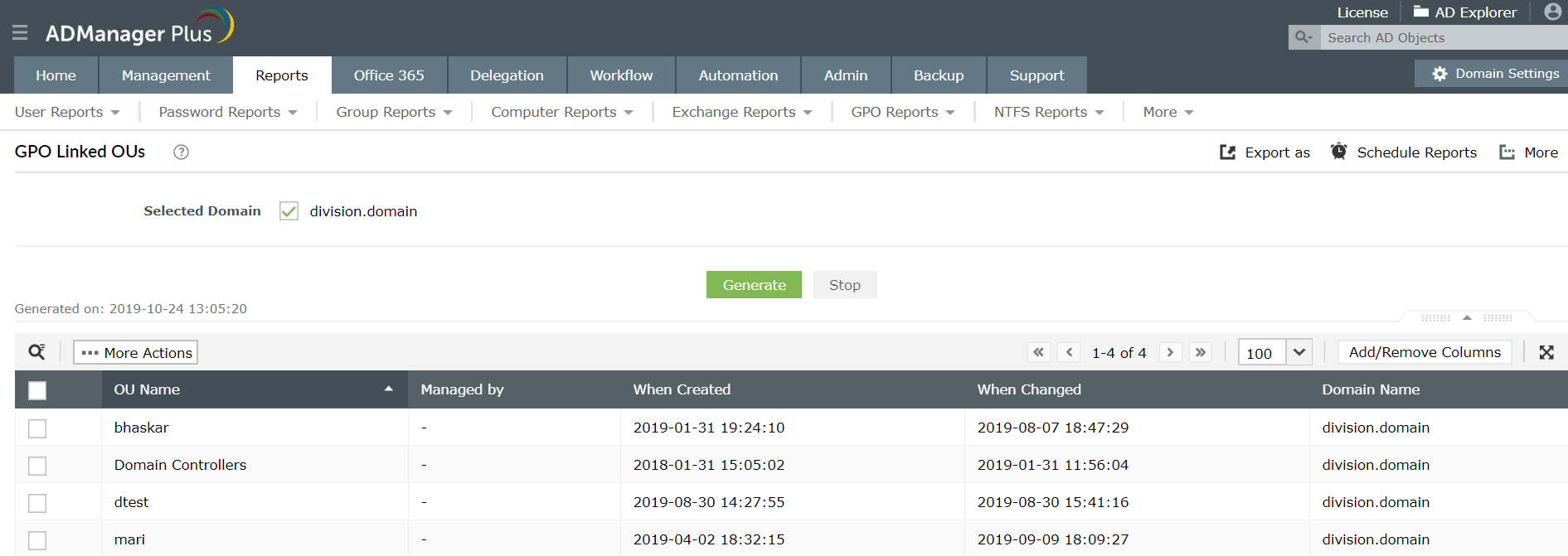
Organizational units which are linked to the group policy objects can be viewed in this "GPO Linked OUs" report.
View the OUs with Group Policy Objects that has been blocked from inheritance.
Featured reports
Your download is in progress and it will be completed in just a few seconds!
If you face any issues, download manually here
Make your everyday Active Directory management tasks easy and light with ADManager Plus's AD Management features. Create, modify and delete users in a few clicks!
Pre-defined O365 user-specific reports: all users & inactive users, license based reports: licensed / unlicensed users, license details, and group-based reports: distribution lists, security groups, etc.
Granular reporting on your AD Computer objects to the minutest detail. Monitor...and modify computer attributes right within the report. Reports on Inactive Computers and operating systems.
Create and manage Exchange mailboxes and configure mailbox rights using ADManager Plus's Exchange Management system. Now with support for Microsoft Exchange 2010!!
Get rid of the inactive, obsolete and unwanted objects in your Active Directory to make it more secure and efficient...assisted by ADManager Plus's AD Cleanup capabilities.
A complete automation of AD critical tasks such as user provisioning, inactive-user clean up etc. Also lets you sequence and execute follow-up tasks and blends with workflow to offer a brilliant controlled-automation.
Need Features? Tell Us
If you want to see additional features implemented in ADManager Plus, we would love to hear. Click here to continue














