Protect sensitive data from being leaked outside the organization through USB devices, enforce the use of only trusted devices, and restrict unwanted USB actions to prevent infiltration by harmful malware using DataSecurity Plus' USB write protector. Get started today with a fully functional, 30-day, free trial.

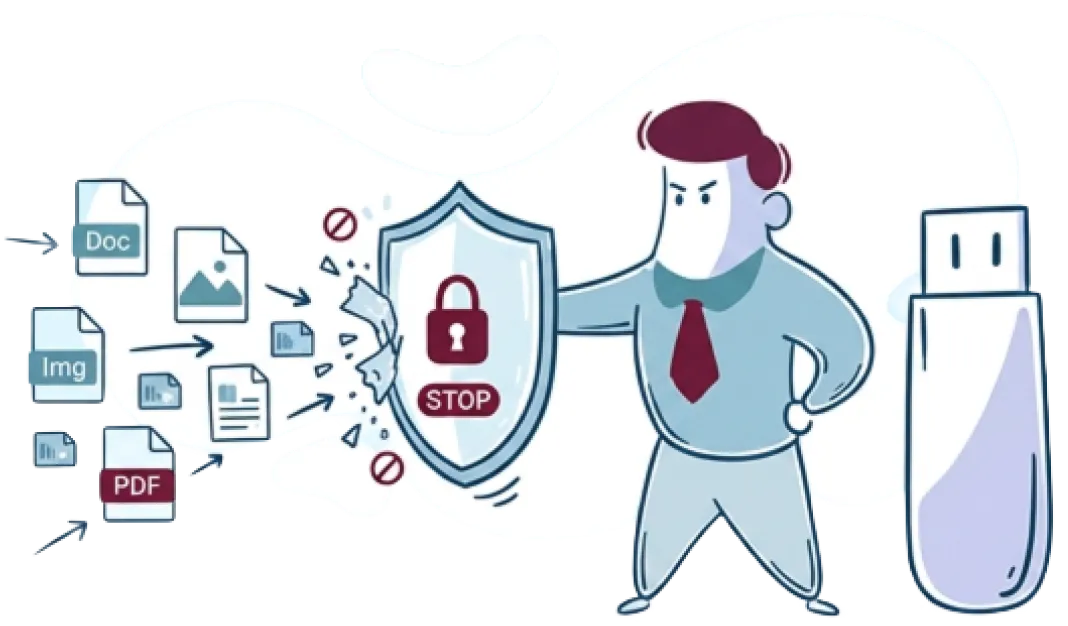
Write protect USB devices to prevent users from creating, modifying, or deleting files on USB drives, and obstruct data tampering.
Create custom policies that ensure the use of only safe write-protected USB thumb drives, and prevent the use of personal devices with the help of allow and block lists.
Audit all file copy activities across USB devices in real time, and receive in-depth reports, including information such as who copied what files, from where, and when.
Put an end to data leakage via peripheral devices, such as Wi-Fi and Bluetooth devices, by blocking their usage at endpoints.
Minimize the risk of data loss by monitoring and controlling the use of unauthorized and risky storage media within your workplace.
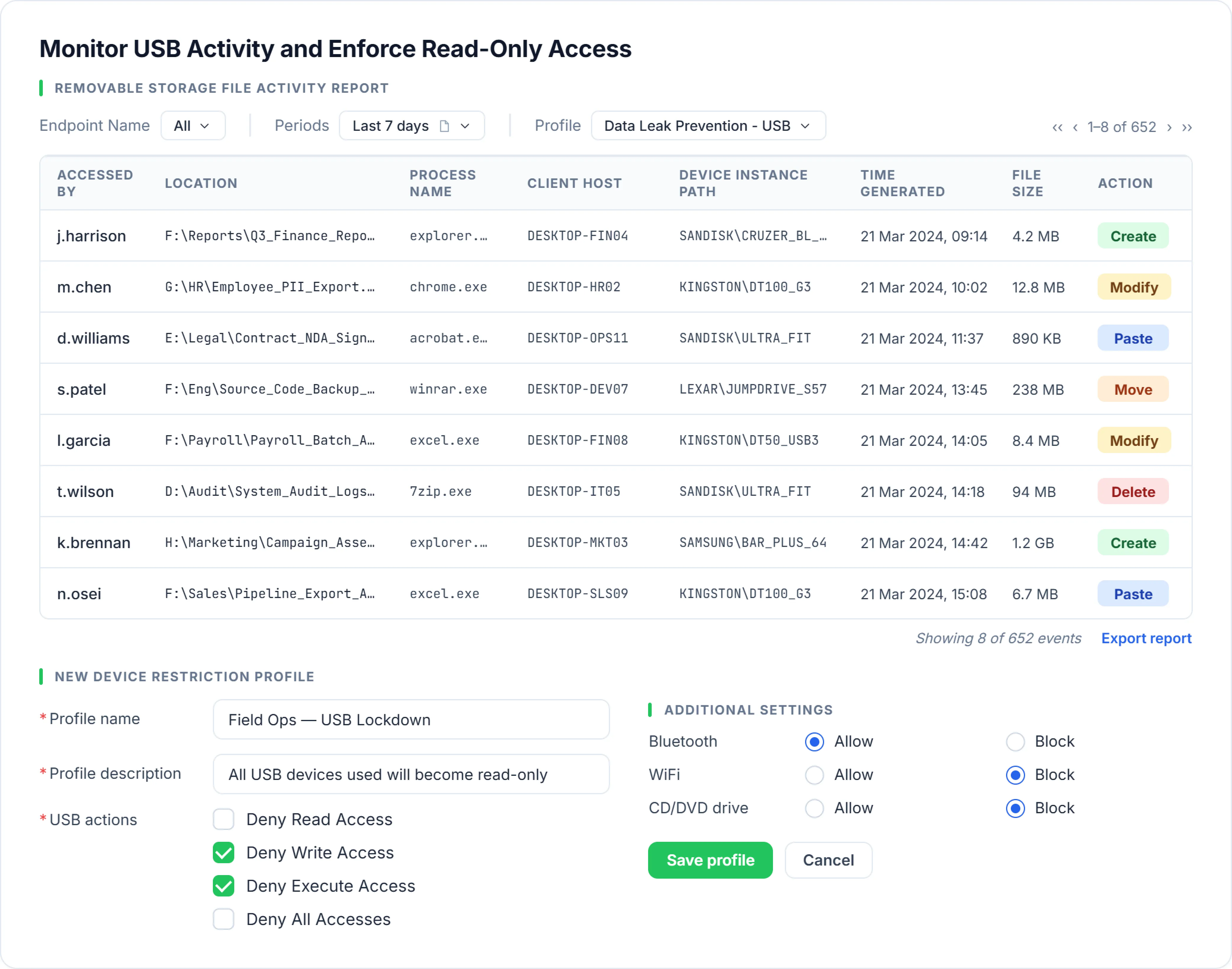
Deny write and execute access across USBs using device restriction profiles, enforced instantly without scripting or complex configuration.
Reduce unauthorized connections by selectively allowing or blocking Bluetooth, Wi-Fi, and CD or DVD drives across endpoints.
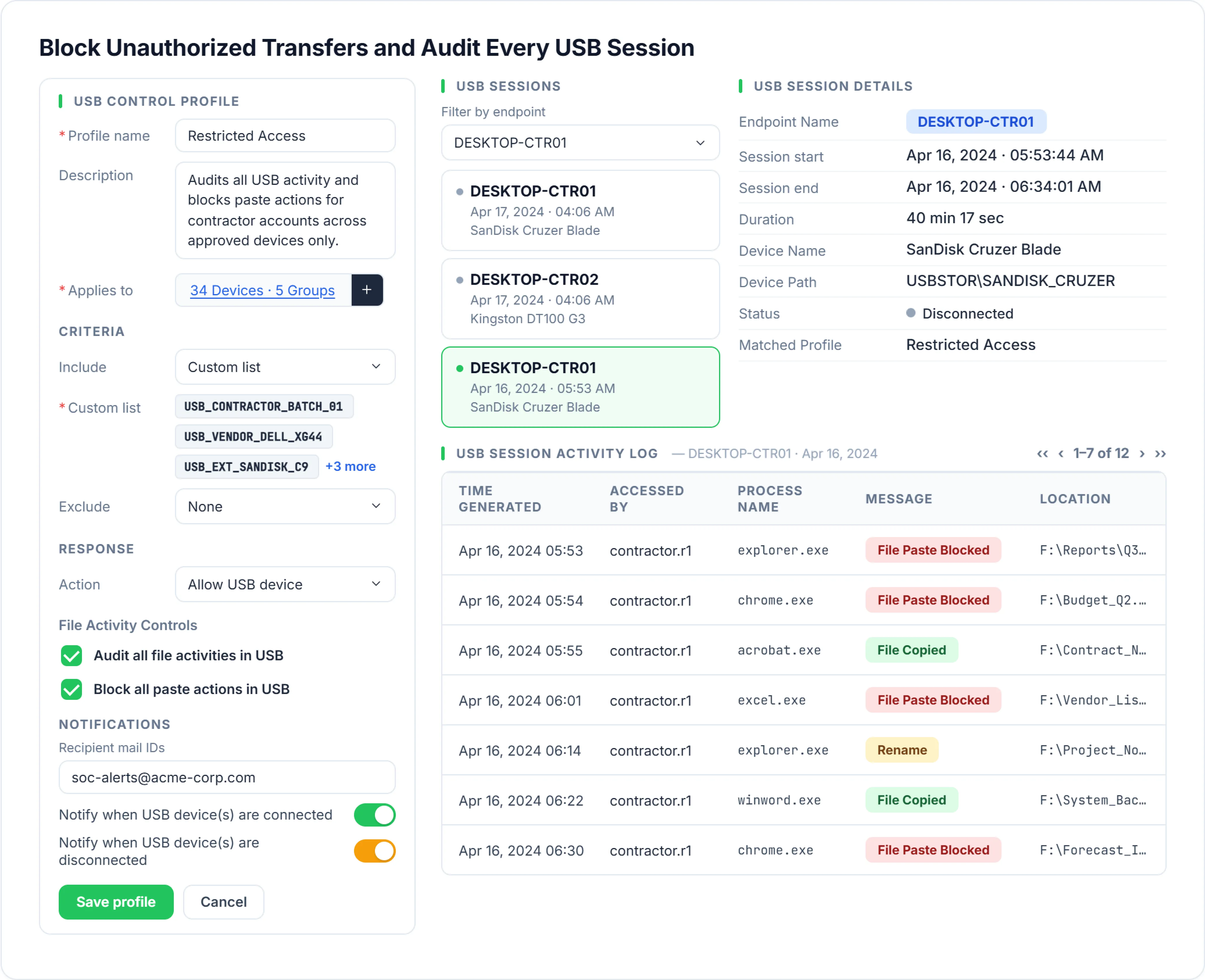
Automatically restrict paste operations on USB devices to prevent unwanted data transfers while maintaining a detailed session based audit trail.
Find endpoints with the most USB sessions and track specific details including who carried out what action, on which USB device, from where, and when.
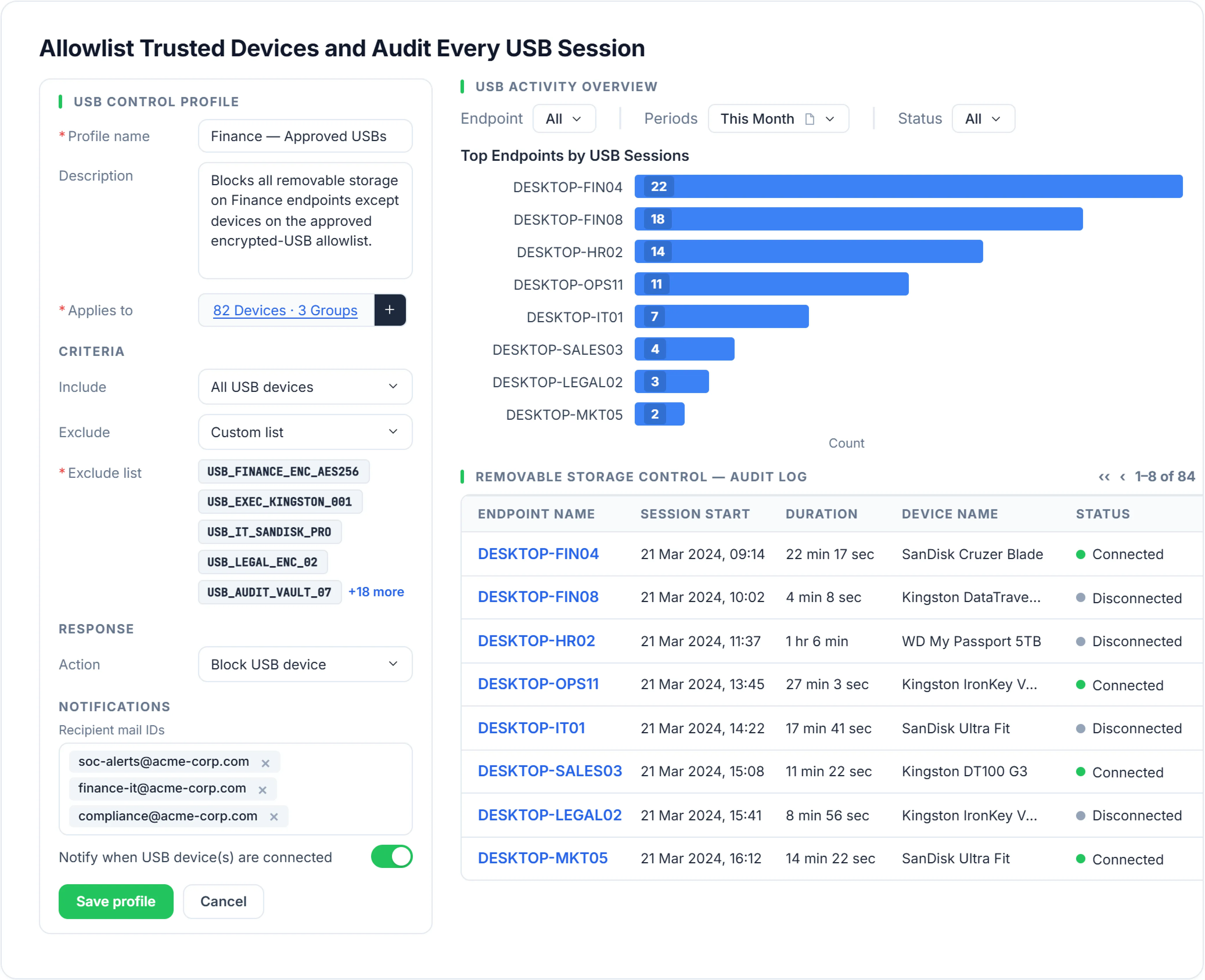
Create a custom trusted USB allowlist that automatically restricts all unrecognized or unauthorized devices from connecting with endpoints.
Spot top endpoints with the highest USB sessions, and find session details including when the USB was plugged in, to which device, and for how long.
Write protect USB devices to restrict users from creating, deleting, modifying, or moving files onto USB drives to prevent data tampering and leakage.
Create a targeted profile—choose endpoint groups, peripheral devices to restrict, and the enforcement action (Deny Write Access, Deny Execute Access, or Block all Blocklisted Devices). Add trusted exceptions and test in a controlled setup before enforcing.
Assign the created device control profile to the target scope using a predefined policy that covers the intended systems. For maximum protection, when multiple policies apply, the most restrictive one takes effect.
Track and review USB activity through centralized logging and reporting capabilities, capturing events such as device plug-in or plug-out, file access, and data transfers. Generate comprehensive, audit-ready reports to support investigation and compliance requirements. Tweak various criteria to reduce false positives and tighten scope as needed.
USB write protection is a security control that prevents data from being added, modified, or deleted on a USB drive, effectively making it read-only. It helps prevent accidental or unauthorized changes to data stored on removable media while ensuring that sensitive business information cannot be copied onto USB devices.
Not by itself. It prevents malware from writing itself onto USB devices, reducing the risk of spread by USB devices. However, it does not stop attacks like HID-based attacks (e.g., keystroke injection) or firmware-based attacks (e.g., BadUSB). That would require additional USB controls like USB allowlisting and endpoint security, which are available in DataSecurity Plus. For more details, refer to USB security software.
Yes, even with write protection enabled, users can still access the USB device to read files and copy data from the USB to an endpoint. This is crucial because it has minimal impact on business operations when implemented correctly along with other USB security controls.
USB write protection is essential but not sufficient on its own to secure device usage. It restricts data from being written to USBs but doesn’t address risks like unauthorized device use, suspicious activity, or broader data exfiltration channels.
ManageEngine DataSecurity Plus extends beyond basic write protection by providing a comprehensive device control and data security framework from a single console. In addition to enforcing read-only access, it enables organizations to:
It also delivers broader data visibility and protection across email, endpoints, and cloud platforms, helping organizations address multiple data leakage vectors in a unified manner.
Explore ManageEngine DataSecurity Plus

