Compare file names, sizes, and modification times to detect duplicate files and highlight redundant copies for cleanup.
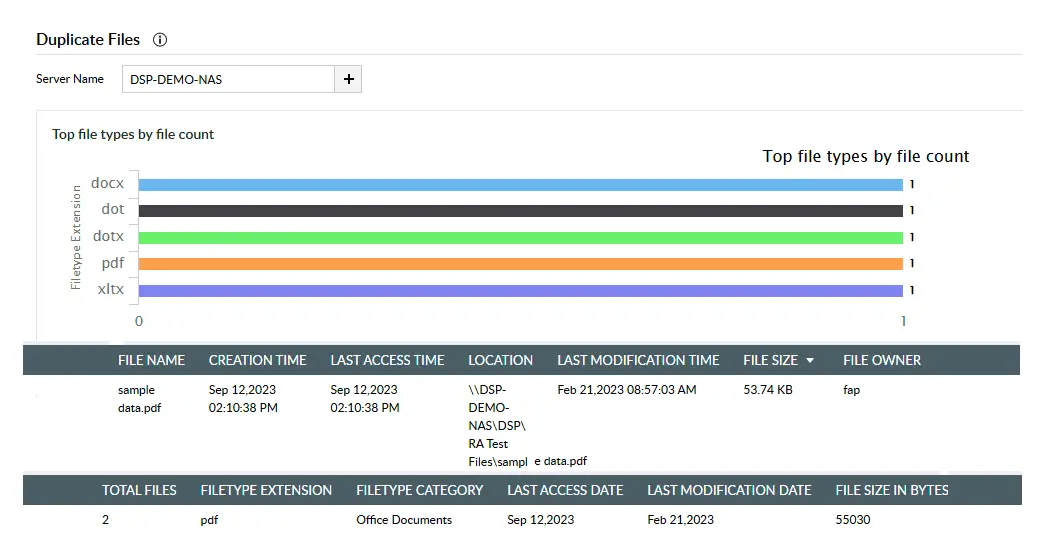
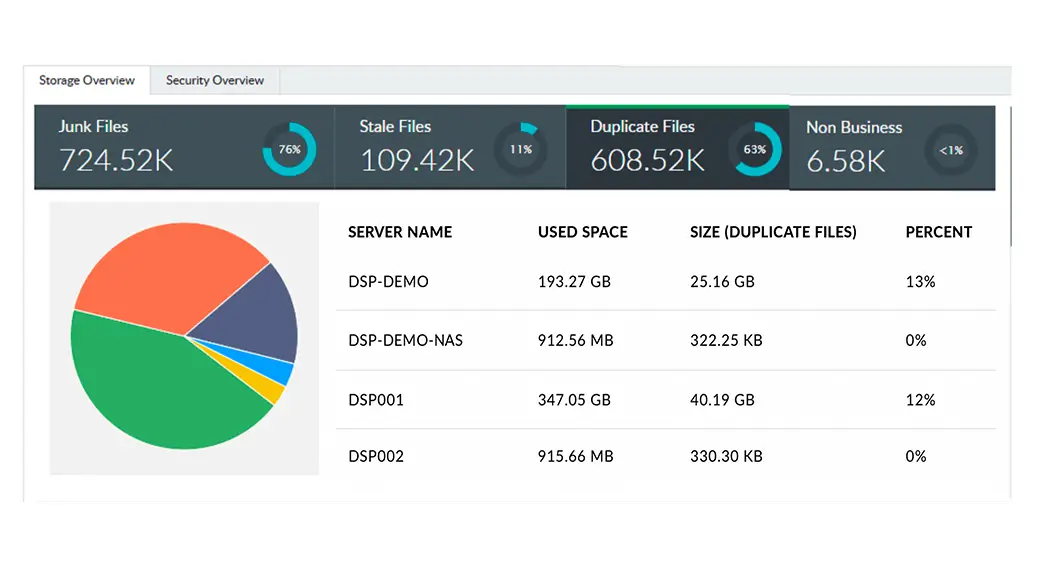
Get a list of every redundant file detected across multiple disks and servers, along with details on the number of copies found, their location, size, and more.
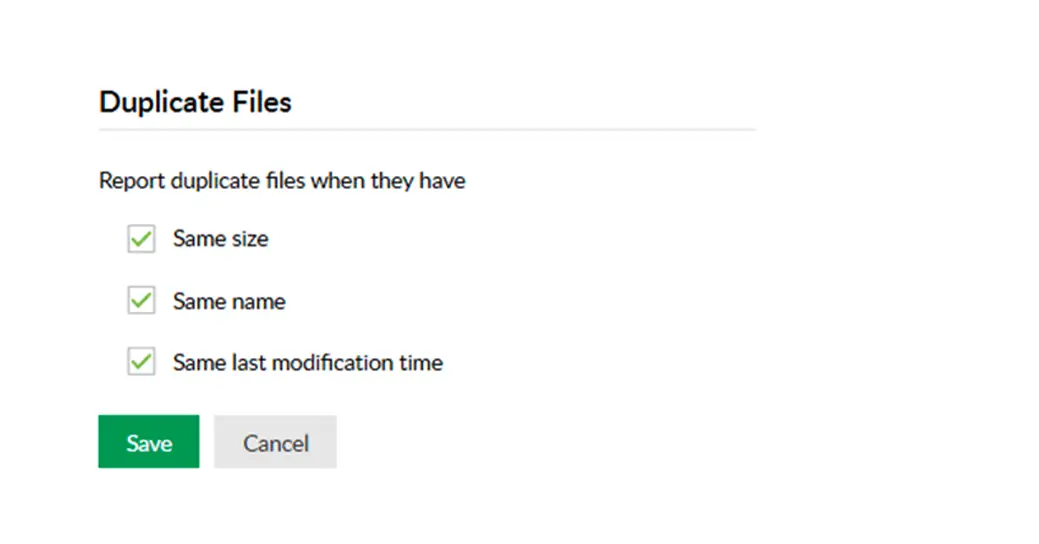
Keep your data clean by configuring parameters that locate duplicates. Configure reports to obtain meaningful insights based on your needs.
Configure reports to identify duplicate file copies to reduce storage overload and remove unnecessary data, enabling systems to operate more efficiently.
Clean up storage and simplify your repositories. Organized storage makes it easier and quicker for stakeholders to locate and manage files.
Gain granular insights through duplicate file detection and reduce backup infrastructure costs by eliminating redundant copies across storage repositories.
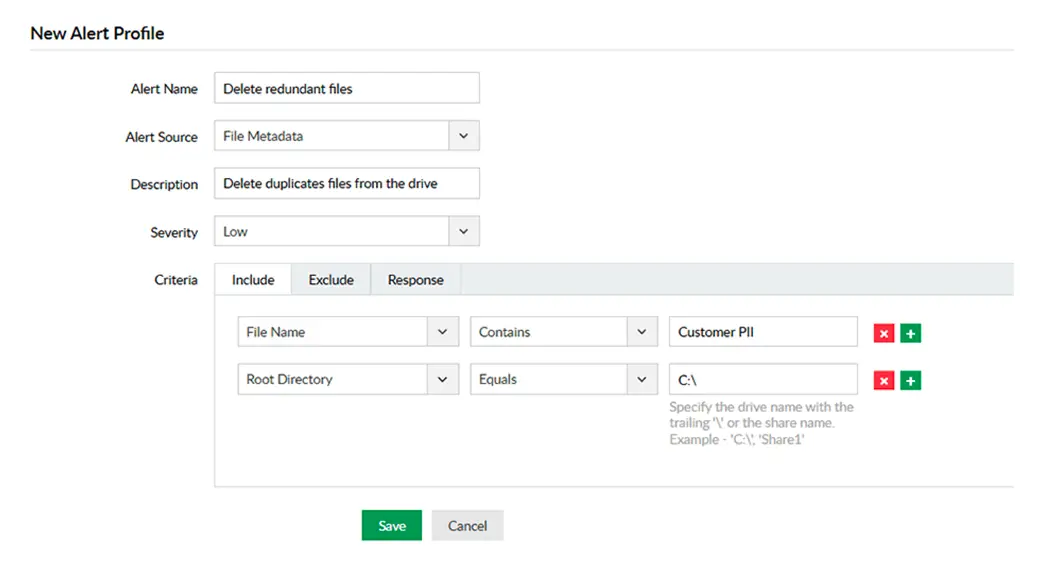
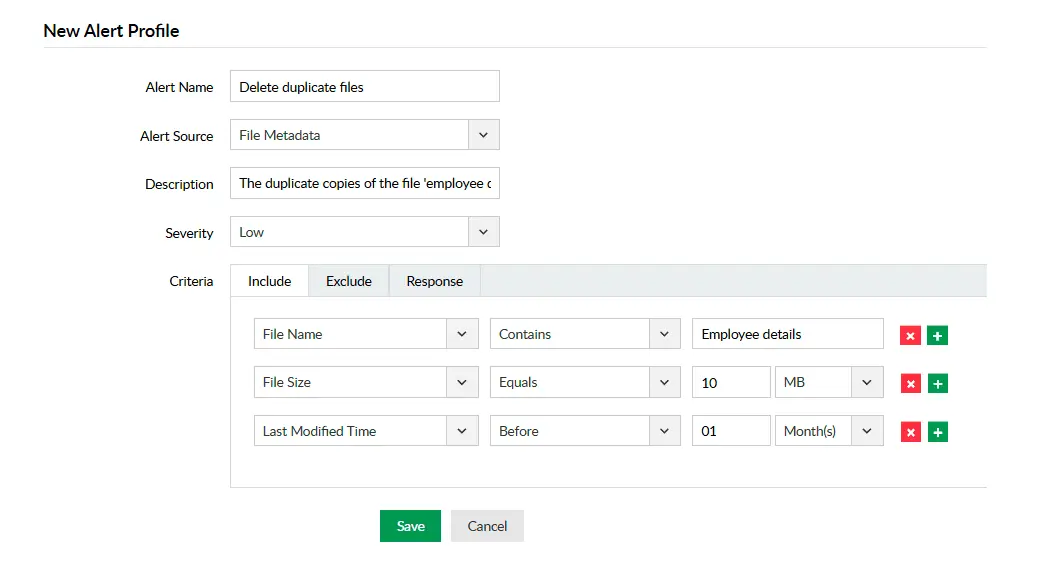
The more duplicate copies exist, the greater the compliance exposure and risk. Mitigate compliance risk by eliminating unnecessary data stored.
Sensitive files duplicated across unsecured locations expand the attack surface. Eliminate redundant copies to reduce exposure points for critical data.
Make response and containment easier and faster by ensuring storage infrastructure doesn't contain duplicated data.
Duplicate file detection is the process of detecting redundant copies stored across file systems such as Windows file server, Workgroup server, NAS devices, and other storage repositories. It helps organizations detect and discard unnecessary duplicate files to optimize storage disk space.
A duplicate file detector tool scans storage repositories for duplicate files using file attributes such as same size, name, or last modification time.
Duplicate file detection helps organizations reduce their storage consumption, simplify the file management process, mitigate compliance risks, reduce the attack surface, improve system performance, reduce the backup recovery time, and much more.
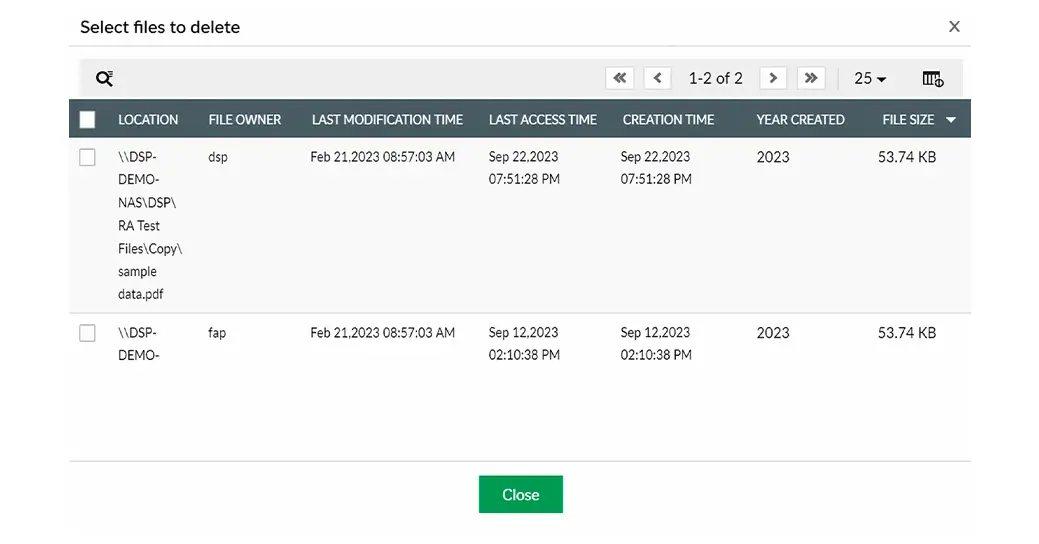
No, it simply identifies the duplicate instances of the original file and allows administrators to remove the redundant copies alone. The file and the data inside the original remains intact.
Duplicate file detection and removal helps your organization optimize its disk space usage. This reduces the overall storage infrastructure requirements, including backup and maintenance costs.
Leverage over 100 predefined rules powered by regular expressions, keyword matching, and contextual analysis to discover PII, PHI, and other regulated records across your storage environment.
Learn MoreEnable profile-driven automatic and manual classification to locate and categorize high-risk files containing sensitive information.
Learn MoreUnderstand what sensitive data your files contain and enforce content-aware DLP controls across USBs, removable media, cloud apps, and email channels.
Learn MoreScan repositories to identify redundant, obsolete, or trivial (ROT) data (like duplicates and non-business files) and take action to manage these outdated files.
Learn MoreAssess file- and folder-level security permissions to detect overexposure, broken inheritance, ownership anomalies, and more.
Learn MoreAnalyze file storage to understand usage patterns, track growth trends, and receive low-capacity alerts.
Learn More